 ENEnglish
 LTLietuviškai
 DEDeutsch
 FRFrançais
 RUРусский
 ESEspañol
 PLPolski
 ITItaliano
 UKУкраїнська
 CSČeština
 PTPortuguês
 JA日本語
 LVLatviešu valoda
 ETEesti
 HUMagyar
 IDBahasa Indonesia
 TRTürkçe
 HIहिन्दी
 ELΕλληνικά
 ARالعربية
 THไทย
 VITiếng Việt
 RORomână
 MSBahasa Melayu
 BNবাংলা
#Search console
Using Search Console as a working tool rather than a dashboard you glance at. We cover the handful of reports that change decisions, what queries and pages data can and cannot tell you, and how to spot a page that is one edit away from working. You will find how to read position and impression changes without over-reacting to a single week. We also cover the indexing reports and what the common statuses really mean. Nothing here needs a paid tool alongside it.
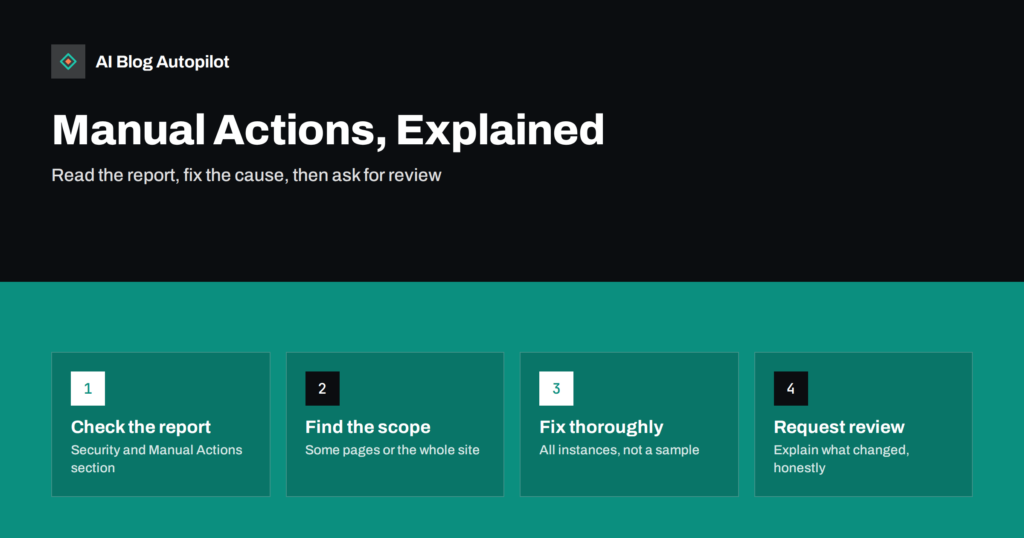 2026. gada 26. sept. · Lasīšanas laiks: 9 min
Manual Actions in Search Console: What They Mean for a Blog
A manual action means a Google reviewer found spam-policy violations on your site. How to read the report, fix the cause and write a…
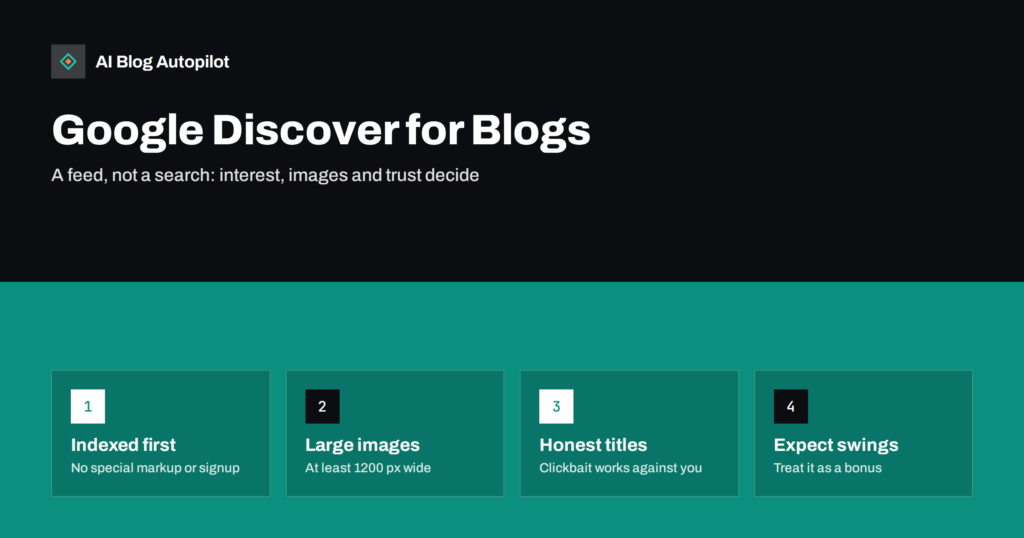 2026. gada 26. sept. · Lasīšanas laiks: 8 min
Google Discover for Blogs: What Gets Articles Shown
Google Discover can send bursts of mobile readers to a blog without a search. What decides which articles appear, the image rules and why…
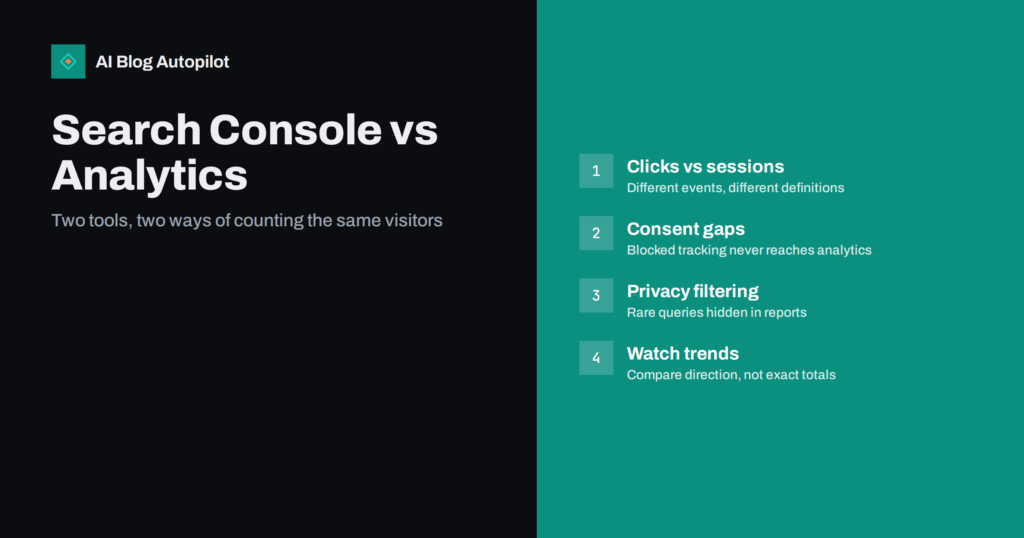 2026. gada 26. sept. · Lasīšanas laiks: 8 min
Search Console vs Analytics: Why the Numbers Never Match
Search Console clicks and analytics sessions rarely agree. Why the two tools count differently, which gaps are normal and when a mismatch signals a…
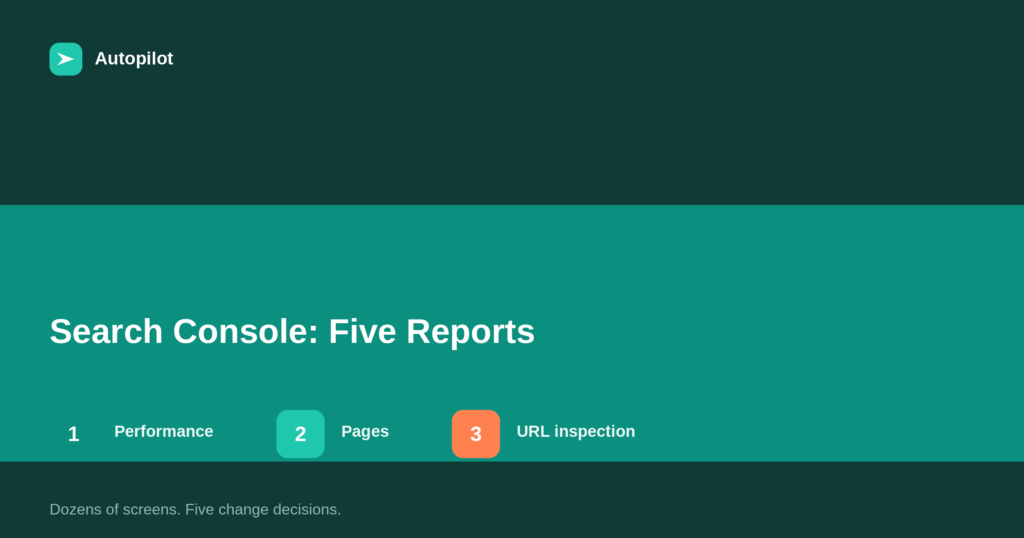 2026. gada 20. sept. · Lasīšanas laiks: 6 min
Google Search Console: The Five Reports That Matter
Search Console has dozens of screens. Five of them change decisions for a blog: performance, pages, URL inspection, sitemaps and manual actions. Here is…
 2026. gada 20. sept. · Lasīšanas laiks: 6 min
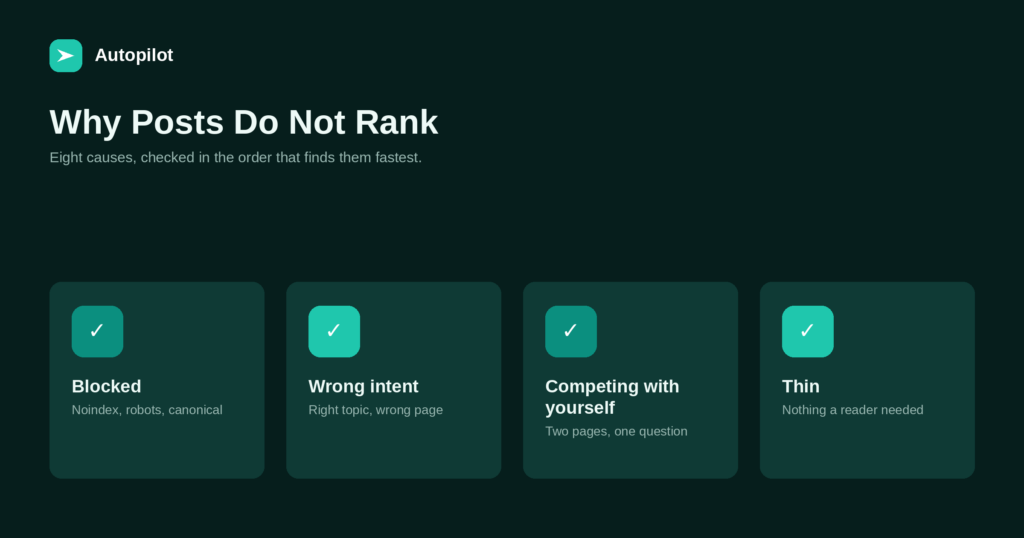
Why Your Blog Posts Aren’t Ranking: Eight Real Causes
Eight causes, checked in the order that finds problems fastest: technical blocks first, then intent mismatch, overlap, thin pages, and finally competition.
 2026. gada 18. aug. · Lasīšanas laiks: 6 min
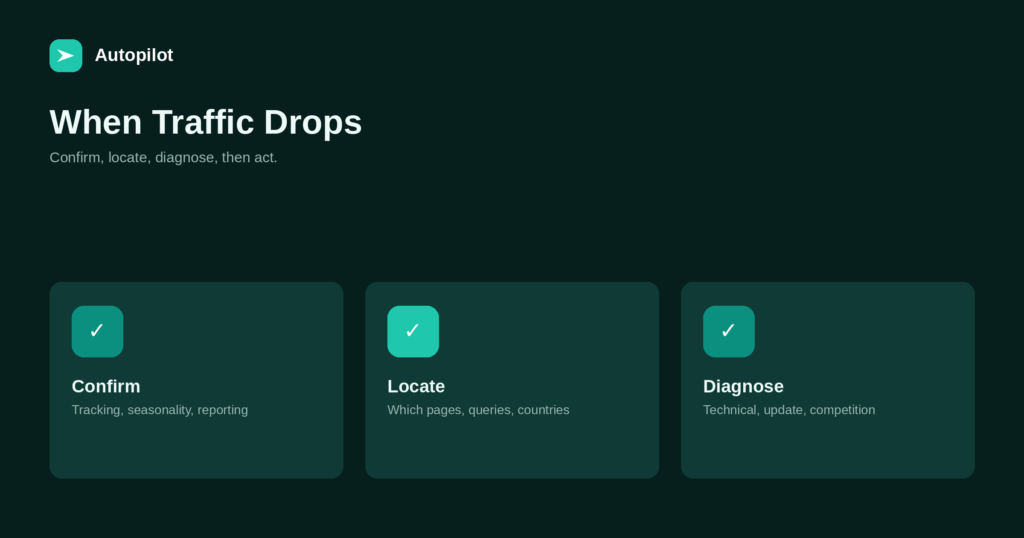
What to Do When Your Blog Traffic Drops
A sudden drop in traffic calls for calm diagnosis, not panicked changes. A step-by-step approach: confirm it is real, find what fell, identify the…