 ENEnglish
 LTLietuviškai
 DEDeutsch
 FRFrançais
 RUРусский
 ESEspañol
 PLPolski
 ITItaliano
 UKУкраїнська
 CSČeština
 PTPortuguês
 JA日本語
JA日本語 LVLatviešu valoda
 ETEesti
 HUMagyar
 IDBahasa Indonesia
 TRTürkçe
 HIहिन्दी
 ELΕλληνικά
 ARالعربية
 THไทย
THไทย VITiếng Việt
 RORomână
 MSBahasa Melayu
 BNবাংলা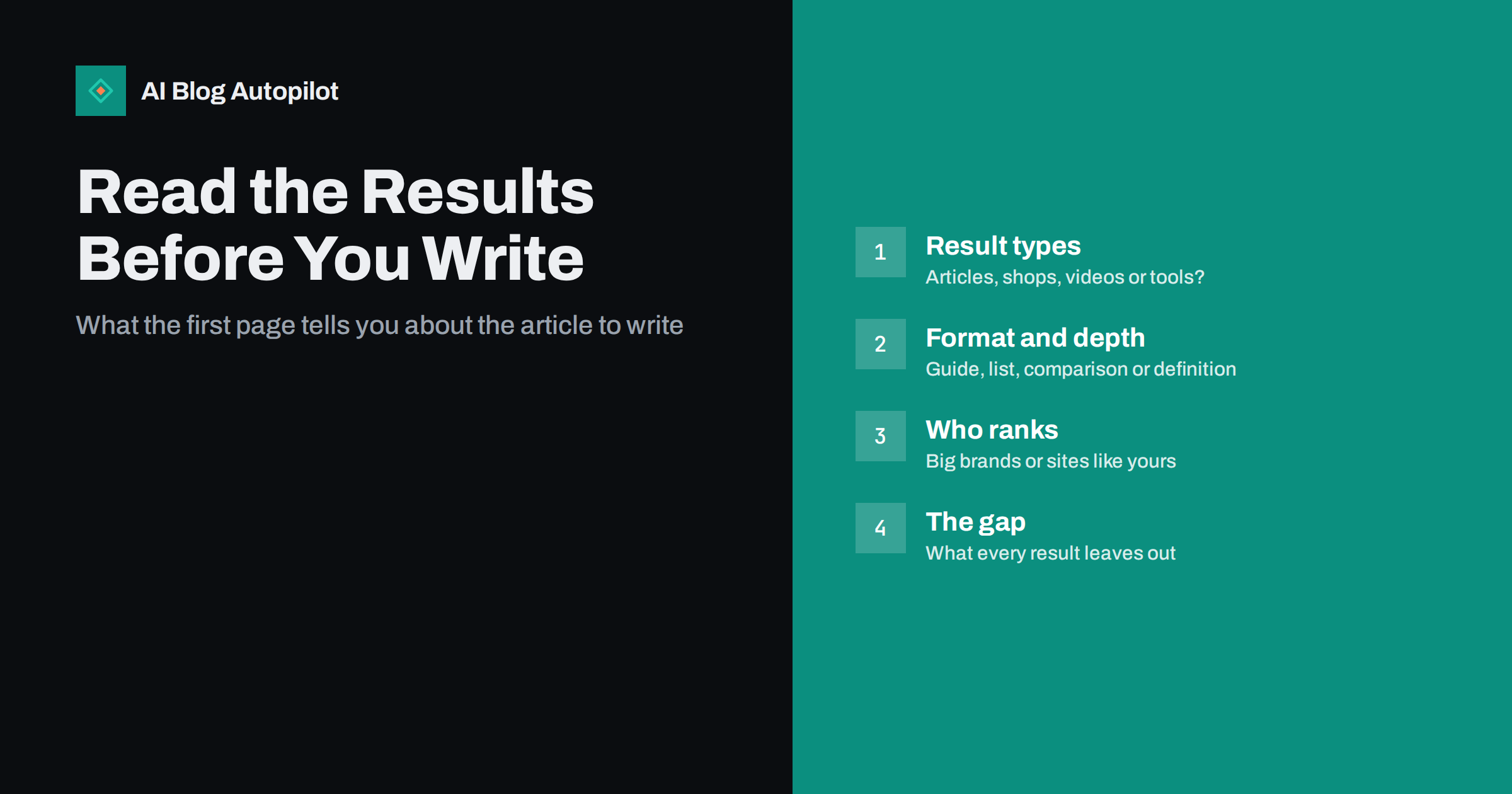
Short answer: before writing an article, search the main phrase and study the first page of results. Note what kind of pages rank (articles, shops, videos, tools), which format dominates (guides, lists, comparisons, definitions), how deep the top results go, and who publishes them. Then write the format the results reward, cover what they cover, and add what they all miss. Ten minutes of this prevents most articles that never rank.
Many articles fail before a single word is written. The topic was fine, but the article was the wrong kind of page for the search: a long essay where searchers wanted a quick definition, or a how-to guide where the results are all product pages.
Search engines show, on the first page, what they have learned people want for a query. Reading that page carefully is the cheapest research available, and it is free. This article sets out a repeatable way to do it.
Why the results page is the best brief you will get
Keyword tools tell you a phrase exists and roughly how popular it is. They do not tell you what a searcher expects to find. The results page does.
Search engines test and refine results constantly based on what satisfies people. If the top ten results for a phrase are all step-by-step guides, that is strong evidence searchers want steps. If they are all category pages from online shops, searchers want to buy, and a blog post will struggle regardless of its quality.
That makes the first page a practical specification. It answers questions you would otherwise guess at: how long, which format, which subtopics, what level of expertise. Search intent describes the theory; the results page shows it for your exact phrase.
Setting up a clean search
Personalisation and location can distort what you see, so start with a reasonably neutral view.
- Use a private or incognito browser window, so your own history has less influence.
- Search from, or set the region to, the country you are writing for. Results for the same phrase can differ considerably between countries.
- Search the exact phrase you are considering, then two or three close variants. If the results are nearly identical, one article can serve all of them.
- Take a screenshot or note the top ten URLs. Results change, and you will want to compare later.
Keep it quick. The goal is to read patterns, not to audit every page in depth.
It also helps to repeat the check for the same phrase on a phone. Mobile results sometimes show more answer boxes, videos and related questions above the first link, which tells you how much attention is left for ordinary results. If the organic links start far down the screen on mobile, clicks will be harder to earn, and a narrower phrase may be the smarter target.
Step one: what types of pages rank?
Scan the first page and classify each result. Typical types are blog articles or guides, product or category pages, service or landing pages, videos, forums and discussion threads, tools or calculators, official documentation, and news.
The mix tells you whether an article is a realistic contender.
- Mostly articles: good sign. An informational post fits.
- Mostly shops or service pages: the intent is commercial. A blog post probably will not rank; consider a landing page instead, as covered in landing page or blog post.
- Mixed: the intent is ambiguous. An article can rank, but it may need to satisfy more than one need, for example explaining an option and helping people choose.
- Mostly videos or tools: people want to watch or do something. An article can still work if it is highly practical, but it is an uphill task.
- Forums and discussion threads: searchers want first-hand experience. An article that offers genuine experience and specific detail can compete well here, because many existing articles are generic.
Step two: which format wins?
Among the articles that rank, look at the format. Titles often reveal it before you even click.
| Format signal in top results | What searchers likely want | What to write |
|---|---|---|
| “How to …” titles, numbered steps | To complete a task | A step-by-step guide with prerequisites |
| “What is …”, short definitions | To understand a concept | A clear definition early, then context |
| “Best …”, numbered lists | To see options | A curated list with criteria |
| “X vs Y” titles | To choose between two things | A fair comparison with a verdict by situation |
| Checklists, templates | Something to use now | A usable checklist, not an essay about one |
| Cost or price in titles | To budget or evaluate | Ranges, factors and honest caveats |
Matching the dominant format is not copying. It is respecting what readers have shown they want. Your angle and substance make the article different; the format makes it eligible.
Step three: how deep do the top results go?
Open the top three to five articles and skim their headings. You are looking for scope, not word count.
- Which subtopics appear in almost every result? These are expected. Leaving them out makes your article look incomplete.
- Which subtopics appear in only one or two? These are optional, and sometimes a good source of distinctive angles.
- How technical is the language? Results written for beginners suggest a beginner audience; dense professional language suggests specialists.
- Do they include examples, screenshots, tables or tools? If every result has a comparison table, readers probably expect one.
Length follows from scope. If the best results answer the question well in a short page, padding yours will not help. If they are thorough guides, a brief post will look thin. How long a post should be covers this in more detail.
Step four: who ranks, and can you compete?
Look at the domains. Are they large, well-known publishers and brands, or small specialist sites and blogs similar to yours?
A first page made entirely of major brands and national publications is hard for a new blog to break into, especially for a broad phrase. A page with several small sites, forum threads or thin, dated articles is a sign of opportunity. Look for:
- Results that are old and visibly out of date.
- Results that only partly answer the query, or answer a slightly different question.
- Forum threads ranking because no good article exists.
- Pages from sites clearly outside the topic, ranking on general authority rather than relevance.
Any of these suggests a well-written, specific article from a relevant site has a realistic chance. If none apply and every result is strong, consider a narrower variant of the phrase instead.
Step five: find the gap
The last step is the one that makes an article worth publishing. Having seen what everyone covers, ask what nobody does.
- Is there a common mistake no result mentions?
- Do they all stop at theory, without a worked example?
- Do they ignore a situation your customers are in, such as a particular industry, size of business or country?
- Are they all written by vendors pushing one answer, with no fair comparison?
- Is there first-hand experience you can add that they lack?
This is where your business knowledge matters. A gap you can fill with genuine expertise is the strongest reason for a search engine to show your page next to established ones. Finding content gaps extends the same idea across a whole blog.
Reading SERP features
Besides the ten links, results pages often include other elements, and each one tells you something.
- A featured snippet or AI-generated answer means the query has a short direct answer. Put a clear, quotable answer near the top of your article.
- People also ask boxes list related questions. They are ready-made FAQ candidates and subheadings.
- Video carousels suggest the topic is visual. A short embedded video or clear screenshots can help.
- Image packs suggest people want to see examples.
- Local map results mean the intent is local. A general article will compete poorly with nearby businesses.
Google’s guide to the visual elements of search results names and explains these features, which helps when describing them in a brief.
Turning your notes into a brief
Condense what you found into a few lines before writing. A useful template:
- Main phrase and variants that share the same results.
- Format: guide, list, comparison, definition or checklist.
- Must-cover subtopics that appear across the top results.
- The gap your article will fill.
- Questions from related-question boxes for the FAQ.
- Audience level, from the tone of the ranking pages.
Two common mistakes are worth avoiding at this stage. The first is ignoring what you saw because the topic was already chosen: if the results clearly reward a different format, change the plan rather than hoping the search engine changes its mind. The second is treating one result as the template. The pattern across several pages is the signal; any single page may rank for reasons that have nothing to do with its content.
The brief fits in a short paragraph and makes writing faster, whether a person or an AI tool writes the draft. Writing a content brief an AI can use shows how to phrase it.
How AI Blog Autopilot fits in
AI Blog Autopilot plans each article around a real search query from the topics, keywords, audience and tone you provide, and writes long-form articles with FAQ, tags and SEO meta. An automatic quality check reviews length, structure, keyword and meta before publishing. Reviewing the results page for your most important topics and adding what you find to your topic settings remains a good use of a few minutes. More on the AI Blog Autopilot home page.
Related reading
- Search Intent: The Four Types and What Each Needs
- Competitor Content Analysis Without Copying Anyone
- Using People Also Ask as a Content Source
The bottom line
The first page of results is a free specification for your article. Check which types of pages rank, which format dominates, how deep the best results go, who publishes them and what they all leave out. Write the expected format, cover the expected ground, then add the gap only you can fill. If an article cannot match the intent the results show, choose a different phrase instead of fighting it.
BUJ
What is SERP analysis?
SERP analysis means studying the search engine results page for a phrase before creating content for it. You look at which types of pages rank, their format and depth, who publishes them and which extra features appear, then use that to decide what to write.
How many results should I look at?
The first page, usually about ten results, is enough to see patterns. Open and skim the top three to five articles for scope and headings. Going deeper rarely changes the conclusion.
Should my article copy the structure of the top result?
Match the format and cover the subtopics that appear across most results, but do not copy any one page. Add what the results miss, such as examples, experience or a clearer answer, so there is a reason to rank your page too.
What if the results are all shops or product pages?
That usually means searchers want to buy, not read. A blog article is unlikely to rank for that phrase. Choose a related informational phrase for the article, or create a product or service page instead.
Do search results look the same for everyone?
Not exactly. Location, language and search history can change results. A private window and the correct target country give a reasonably neutral view for planning purposes.


