 ENEnglish
 LTLietuviškai
 DEDeutsch
 FRFrançais
 RUРусский
 ESEspañol
 PLPolski
 ITItaliano
 UKУкраїнська
 CSČeština
 PTPortuguês
 JA日本語
JA日本語 LVLatviešu valoda
 ETEesti
 HUMagyar
 IDBahasa Indonesia
 TRTürkçe
 HIहिन्दी
 ELΕλληνικά
 ARالعربية
 THไทย
THไทย VITiếng Việt
 RORomână
 MSBahasa Melayu
 BNবাংলা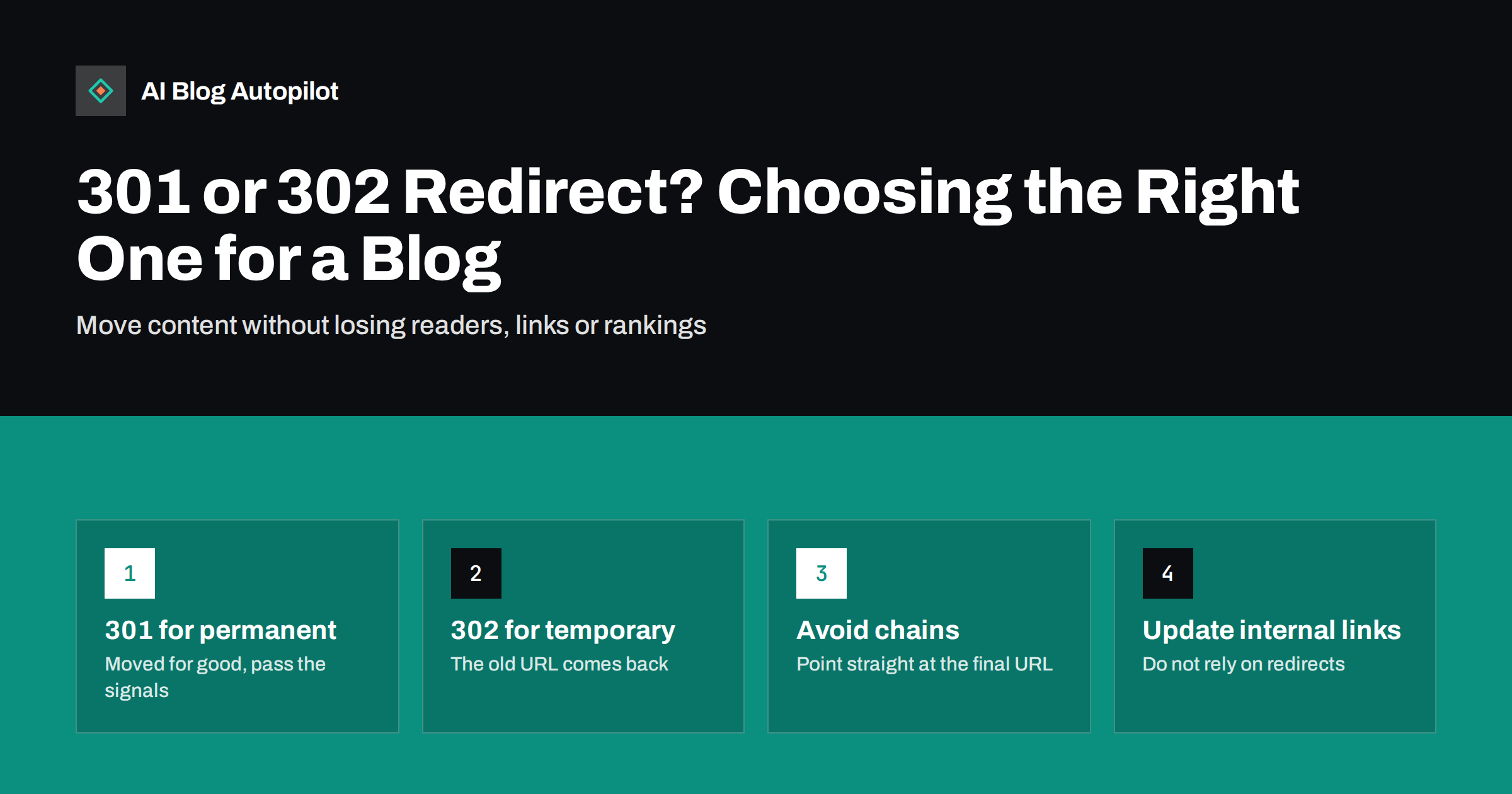
Short answer: use a 301 redirect when a blog post or page has moved permanently, such as after changing a slug, merging two articles or moving to a new domain. Use a 302 only when the move is genuinely temporary and the original URL will come back, such as during short maintenance or a limited promotion. A permanent redirect tells search engines to show the new URL and consolidate signals there; a temporary one tells them to keep the old URL. For almost every change on a blog, the right answer is 301.
Redirects are one of those topics where a small technical choice has outsized consequences. Pick the right type and a changed URL keeps its readers, its links and usually its rankings. Pick the wrong one, or build chains of them, and old pages can linger in search results or lose value slowly.
This guide covers what each redirect type means, which one a blog needs in common situations, and how to implement and check them without creating new problems.
What a redirect actually is
When a browser or crawler requests a URL, the server replies with a status code. A code in the 300 range means “this content is somewhere else”, and the reply includes a Location header with the new address. The browser follows it automatically; a reader usually never notices.
The specific code carries meaning. The main ones, described in detail on MDN’s redirections guide, are:
- 301 Moved Permanently: the resource has a new permanent home.
- 302 Found: the resource is temporarily somewhere else.
- 307 Temporary Redirect: temporary, and the request method must stay the same.
- 308 Permanent Redirect: permanent, and the request method must stay the same.
For blog posts, which are fetched with ordinary GET requests, 301 and 308 behave the same for search purposes, as do 302 and 307. The practical choice is between permanent and temporary.
How search engines treat permanent and temporary redirects
Search engines use the redirect type as a signal when deciding which URL to show in results.
A permanent redirect is a strong signal that the target URL should become the canonical version. Over time, the old URL drops out of results and the new one takes its place, along with the benefit of links pointing at the old address.
A temporary redirect is a weak signal. Search engines tend to keep showing the original URL, because you have told them it will return. If a “temporary” redirect stays in place for months, search engines may eventually treat it as permanent, but you have lost control over the timing.
Google’s documentation on redirects and Google Search sets out how it handles each type, including server-side, meta refresh and JavaScript redirects. Server-side redirects are the most reliable, and they are what a blog should use.
When a blog needs a 301
These are the common situations, and in each one the move is permanent:
- Changing a post’s slug. Most platforms, including WordPress, try to redirect the old slug automatically, but it is worth confirming.
- Merging two posts. The weaker post redirects to the one that now contains both.
- Deleting a post that has a close replacement. Redirect it to the most relevant surviving page, not to the homepage.
- Changing the permalink structure, such as removing dates from post URLs.
- Moving from http to https, or between the www and non-www versions of the domain.
- Moving the blog to a new domain or from a subdomain to a folder.
- Renaming or consolidating categories and tags whose archive pages had traffic or links.
When a 302 is the right choice
Genuinely temporary situations are rarer than people think. Reasonable cases include:
- Sending visitors to a maintenance page for a short outage, although a 503 status on the original page is often better for that.
- Pointing a URL at a seasonal page for a few weeks before restoring the original.
- Routing visitors by language or location to a version of a page while keeping one main URL for search engines, although this needs care with crawlers.
- Testing a new version of a page for a short period.
If you are not sure whether the old URL will ever return, it almost certainly will not. Use a 301.
The mistakes that waste redirects
Most redirect problems on blogs come from a handful of patterns:
- Redirect chains. Post A redirects to B, which later redirects to C. Each hop adds delay, and crawlers follow only a limited number of hops (Google’s documentation mentions up to ten). Update old redirects so each one points straight at the final URL.
- Redirect loops. A redirects to B and B back to A, usually after two plugins or rules conflict. The page becomes unreachable for everyone.
- Redirecting everything to the homepage. When many deleted posts point to the homepage, search engines often treat those redirects as soft 404s, because the homepage does not replace the content. Redirect to the closest relevant page, or let truly gone pages return 404 or 410.
- Using a 302 by default. Some plugins and hosting panels create 302 redirects unless you choose otherwise. Check the type after every setup.
- Removing redirects too early. Links from other sites keep pointing at old URLs for years. Google recommends keeping redirects in place for as long as possible, and generally at least a year.
- Leaving internal links on old URLs. Redirects are a safety net, not a substitute for correct links. Internal links should point directly at the final URL.
A step-by-step example: merging two posts
Merging is the most common reason a blog needs a new redirect, so it is worth walking through once. Suppose you have two overlapping posts about writing meta descriptions and you decide to keep the one with the cleaner URL and more external links.
- Move the useful content. Copy any section, example or FAQ from the weaker post that the surviving post lacks, and edit it so the combined article reads as one piece.
- Publish the updated survivor first. The destination should be complete before anything points at it.
- Add the 301. Redirect the weaker post’s URL to the survivor, then unpublish or trash the weaker post so it cannot be reached directly.
- Fix internal links. Search the site for the old URL and change every link to point at the survivor.
- Check existing redirects. If any older redirect pointed at the post you just retired, update it to point straight at the survivor so no chain forms.
- Record it. Add the change to your redirect list with the date.
The whole process usually takes less than half an hour, and it leaves one stronger page instead of two competing ones.
How to set up redirects on a blog
There are several places a redirect can live. Choose one and keep them all in the same place where possible, so you can see them together.
| Method | Good for | Watch out for |
|---|---|---|
| WordPress redirect plugin | Individual posts, merges, slug changes | Default redirect type, conflicts with other plugins |
| SEO plugin redirect feature | The same, managed next to your SEO settings | Duplicates if another plugin also redirects |
| Server configuration (Apache, Nginx) | Domain moves, https, permalink structure changes | Needs technical access; mistakes affect the whole site |
| CDN or hosting panel rules | Domain-level and protocol redirects | Easy to forget they exist when debugging |
For a typical blog, domain-level and https redirects belong in server or hosting configuration, and individual post redirects belong in one plugin. Avoid spreading post redirects across several tools.
How to check your redirects
Checking takes a few minutes and catches most problems:
- Test the status code. A browser hides it, so use a header checker or your browser’s developer tools (Network tab) to confirm the old URL returns 301 and the new URL returns 200.
- Look for chains. The same tools show every hop. More than one hop means an old redirect needs updating.
- Crawl the site. A crawler lists every internal link that leads to a redirect. Update those links to the final URL.
- Watch Search Console. The pages report shows “Page with redirect” for old URLs, which is expected, and flags redirect errors, which are not.
- Keep a redirect list. Record old URL, new URL, date and reason. It turns future debugging from guesswork into a lookup.
Redirects and a blog that publishes regularly
AI Blog Autopilot publishes new articles to your WordPress blog on a schedule and shares each one to your social networks. It creates new posts rather than moving old ones, so redirects remain part of your own site maintenance, especially when you later merge or prune older articles. Keeping one redirect plugin and a simple redirect list makes that routine work quick. You can see how the publishing side works on the AI Blog Autopilot home page.
Related reading
- Migrating a Blog Without Losing Its Traffic
- Changing a Blog’s Domain Name Safely
- Content Pruning: When to Delete, Merge or Redirect a Blog Post
- How to Write a URL Slug That Still Makes Sense in Two Years
The bottom line
A 301 says “moved for good” and a 302 says “back soon”. On a blog, nearly every URL change is permanent, so 301 is the default: after slug changes, merges, deletions with a replacement and domain moves. Point every redirect straight at the final URL, redirect to relevant pages rather than the homepage, keep redirects for at least a year, and update your internal links so readers and crawlers skip the detour entirely.
BUJ
What is the difference between a 301 and a 302 redirect?
A 301 tells browsers and search engines that a page has moved permanently, so the new URL should replace the old one in results. A 302 says the move is temporary, so search engines usually keep showing the original URL. For permanent changes on a blog, use a 301.
Do 301 redirects lose SEO value?
Google has said that server-side redirects do not in themselves cause a loss of ranking signals. Rankings can still change after a move if the new page differs from the old one, or if redirects are chained, looped or pointed at irrelevant pages.
Should I redirect deleted blog posts to the homepage?
Usually not. Search engines often treat mass redirects to the homepage as soft 404s, because the homepage does not replace the missing content. Redirect to the closest relevant post, or let a post with no replacement return 404 or 410.
How long should I keep a redirect in place?
As long as possible. Google recommends keeping redirects for at least a year, and links from other sites may point at old URLs for much longer. Keeping a redirect costs almost nothing, while removing it breaks every link that still uses the old address.
Does WordPress redirect old slugs automatically?
WordPress tries to redirect a post’s old slug to its new one when you change it, but this does not cover every situation, such as changes to the permalink structure or merged posts. Always test the old URL after a change and add a redirect manually if it does not work.


