 ENEnglish
 LTLietuviškai
 DEDeutsch
 FRFrançais
 RUРусский
 ESEspañol
 PLPolski
 ITItaliano
 UKУкраїнська
 CSČeština
 PTPortuguês
 JA日本語
JA日本語 LVLatviešu valoda
 ETEesti
 HUMagyar
 IDBahasa Indonesia
 TRTürkçe
 HIहिन्दी
 ELΕλληνικά
 ARالعربية
 THไทย
THไทย VITiếng Việt
 RORomână
 MSBahasa Melayu
 BNবাংলা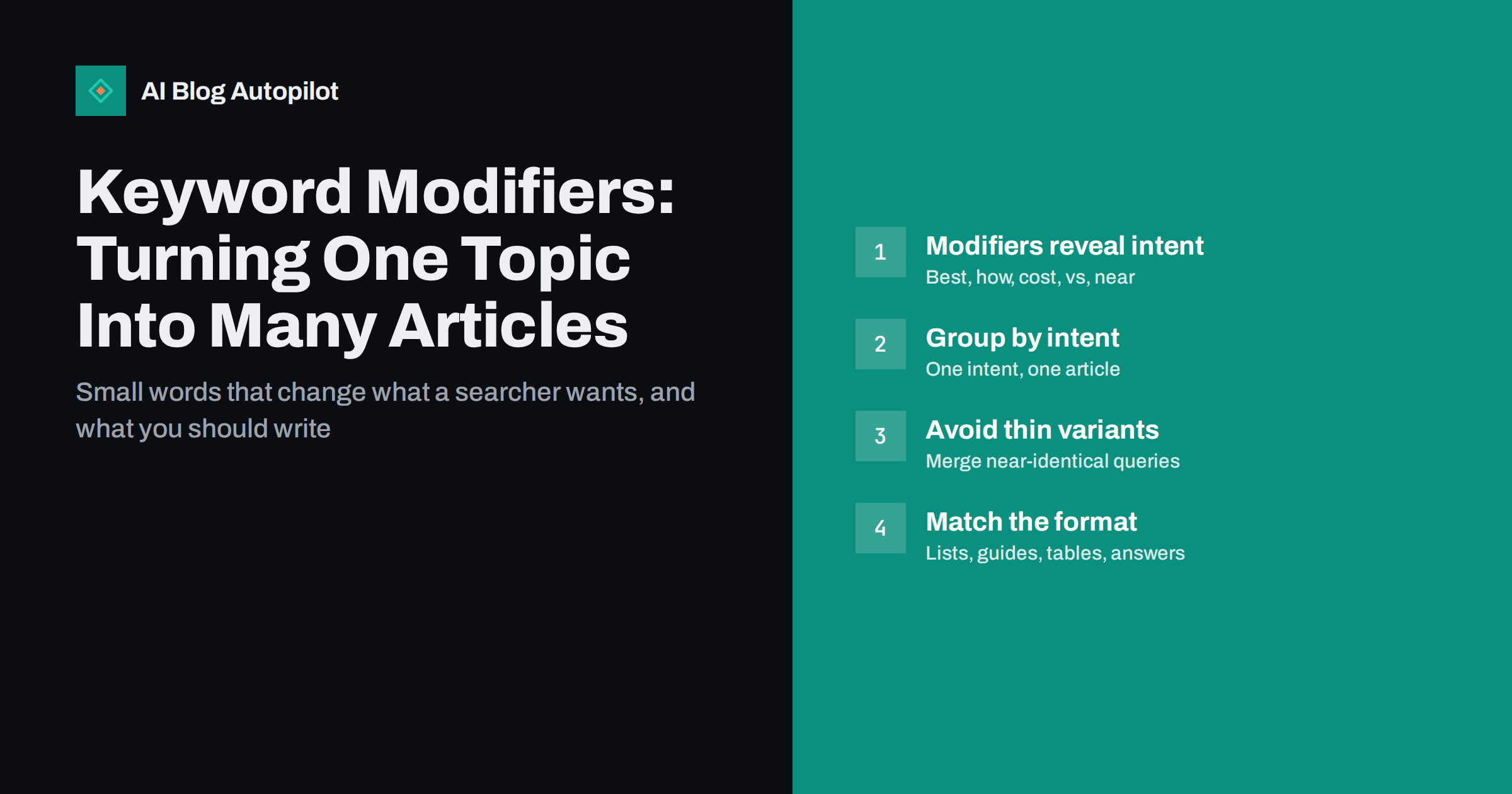
Short answer: a keyword modifier is a word added to a core topic, such as “best”, “how to”, “cost”, “vs”, “for beginners” or “template”, that changes what the searcher wants. Modifiers are the easiest way to turn one broad subject into a set of distinct articles, because each group of modifiers usually points to a different intent and a different page format. The rule that keeps this useful is simple: write a new article only when the modifier changes the intent, not just the wording.
Most small blogs start keyword research with a single broad topic, such as “email marketing” or “garden sheds”, and quickly discover that the broad term is dominated by huge sites. The opportunities sit one layer down, in the longer queries people actually type. Modifiers are how you find and organise that layer.
This guide explains the main modifier families, what each tells you about the searcher, and how to turn them into an article plan that grows a topic without producing near-duplicate posts.
What a keyword modifier is
A search query usually has two parts: a head term that names the subject and one or more modifiers that narrow it. In “best accounting software for freelancers”, the head term is “accounting software”, and “best” and “for freelancers” are modifiers.
The head term tells you the topic. The modifiers tell you the job the searcher is trying to get done. “Accounting software pricing”, “accounting software vs spreadsheet” and “how to set up accounting software” share the same head term, but the people typing them are at different stages and need different pages.
That is why modifiers are more useful than raw search volume when planning content. Volume tells you how many people ask. Modifiers tell you what they want to receive.
The main modifier families
Modifiers fall into a handful of families. Each tends to map to a recognisable type of search intent and a recognisable type of page.
| Modifier family | Examples | What the searcher wants | Page that usually fits |
|---|---|---|---|
| Instructional | how to, guide, steps, tutorial, set up | To do something themselves | Step-by-step guide |
| Definitional | what is, meaning, explained, examples | To understand a concept | Explainer with a clear definition |
| Evaluative | best, top, review, alternatives | To shortlist options | Curated list or review |
| Comparative | vs, or, difference between, compared | To choose between two things | Side-by-side comparison |
| Commercial | cost, price, cheap, free, worth it | To judge money and value | Cost breakdown or honest verdict |
| Audience | for beginners, for small business, for kids | Advice for their situation | Tailored guide |
| Problem | not working, error, fix, why is | To solve something broken | Troubleshooting article |
| Resource | template, checklist, example, tool | Something to use right away | Downloadable or copyable resource |
| Local and time | near me, in a city, 2026, this winter | Location- or date-specific answers | Local page or time-bound update |
The table is a starting point, not a law. Always check the actual search results for a query before deciding on the format, because searchers sometimes surprise you. A “best” query in one niche might show mostly buyer guides, while in another it shows forum threads.
How to collect modifiers for your topic
You do not need a paid tool to build a useful modifier list. Several free sources show what people add to a head term.
- Search suggestions. Type your head term into a search engine and note the autocomplete suggestions. Then add each letter of the alphabet after it, and add common modifiers such as “how”, “vs” and “best” before it.
- Related searches and questions. The “related searches” at the bottom of a results page and question boxes show modifiers people use alongside yours.
- Search Console queries. If your blog already has traffic, the performance report lists real queries that showed your pages. Filter by your head term and look at what words surround it.
- Customer language. Sales emails, support tickets and reviews use modifiers too: “is it worth it”, “for a small team”, “without a subscription”. These are often more specific than anything a keyword tool shows.
- Competitor titles. Scan the titles of articles that rank for your head term. The modifiers they use reveal the angles search engines already reward.
Put everything into one list: head term, full query, modifier, and a note on the intent you think it has. Duplicates and messy phrasing are fine at this stage.
Grouping modifiers into articles
This is the step that decides whether modifiers help or hurt. The goal is one article per distinct intent, not one article per phrase.
- Group by intent first. “Best budget standing desks” and “cheap standing desks worth buying” are different words for the same need. They belong in one article.
- Check the results overlap. Search two queries you suspect are the same intent. If most of the top results are the same pages, search engines treat them as one topic, and so should you.
- Split when the answer changes. “Standing desk for small spaces” and “standing desk for tall people” may deserve separate articles, because the recommendations and advice are genuinely different.
- Merge the tail into the body. Minor variations such as “for home office” or “under a certain budget” often work better as sections inside a broader article than as separate posts.
- Name the primary query. For each group, choose the clearest phrase as the target for the title and URL, and treat the rest as secondary phrases for headings and FAQs.
A useful sanity check is to imagine the finished articles side by side. If a reader could not tell two of them apart from the title and introduction, they should be one article.
Matching the format to the modifier
Once a group has a clear intent, the format follows. Getting the format wrong is one of the most common reasons a well-written article fails to rank.
- “How to” queries want numbered steps near the top, prerequisites stated clearly, and screenshots or examples where useful. A long history of the topic before the first step frustrates readers.
- “What is” queries want a one or two sentence definition first, then context, examples and common confusions.
- “Best” and “alternatives” queries want a short list with honest criteria, who each option suits, and trade-offs. They need genuine evaluation, not a copy of manufacturer descriptions.
- “Vs” queries want a direct verdict for different situations, followed by a comparison of the factors that actually differ. A table often helps here.
- “Cost” queries want ranges, what drives the price, and hidden costs. If you cannot give exact numbers, explain what changes them.
- Problem queries want the most likely cause and fix first, then less common causes in order of likelihood.
How modifiers build topical depth
A set of modifier-based articles around one head term naturally forms a cluster. A broad guide covers the subject as a whole, and focused articles cover each distinct intent: how to choose, how to set up, how much it costs, how it compares, and how to fix common problems.
Linking these articles to each other helps readers move between stages, and it helps search engines see that your blog covers the subject thoroughly rather than touching it once. It also gives you a structured way to plan months of content from a single subject without running out of ideas.
For a new blog, starting with the narrower, more specific modifiers is usually the realistic path. Queries such as “for beginners”, “for small business” or a specific problem phrase often have less competition than the head term, and they attract readers with a clear need.
Common mistakes with modifiers
- One article per synonym. Publishing “best cheap X”, “best budget X” and “best affordable X” as three posts splits your effort and can leave all three competing with each other.
- Stuffing modifiers into one post. Forcing every variation into headings makes an article awkward to read. Use the phrases where they fit naturally.
- Ignoring the results page. Assuming a format from the modifier alone, without checking what already ranks, leads to guides where lists were expected and vice versa.
- Adding years without reason. Putting a year in a title only makes sense when the content really changes from year to year and you plan to update it.
- Chasing “best” queries without evaluation. Evaluative queries reward first-hand assessment. A list assembled from other lists rarely satisfies readers or search engines.
- Forgetting audience modifiers. “For small business” or “for freelancers” often matches your actual readers better than the generic version and converts better too.
How AI Blog Autopilot fits in
AI Blog Autopilot plans articles from the topics, keywords, audience and tone you give it, then writes 2,000–3,000-word SEO articles with FAQ, tags and meta, and publishes them to your WordPress blog on schedule. Giving it topics with modifiers already grouped by intent, such as a “how to” angle, a comparison and a cost question, helps it plan distinct articles rather than variations of one. Each article is also shared to your social networks after it goes live. You can see how the planning works on the AI Blog Autopilot home page.
Related reading
- Search Intent: The Four Types and What Each Needs
- Long-Tail Keywords: Why a New Blog Should Start There
- How Many Keywords Should One Article Target?
- Content Clusters and Pillar Pages, Explained Simply
The bottom line
Modifiers turn one broad topic into a map of specific needs. Collect them from suggestions, related searches, your own query data and your customers, group them by intent rather than wording, and give each distinct intent one well-formatted article. Done this way, a single subject can fill months of useful content without a single near-duplicate.
BUJ
What is a keyword modifier?
A keyword modifier is a word or phrase added to a core term that narrows what the searcher wants, such as “best”, “how to”, “cost”, “vs” or “for beginners”. Modifiers usually reveal the searcher’s intent and the type of page they expect to find.
Should I write a separate article for every modifier?
No. Write a separate article only when the modifier changes the intent and the answer. Synonyms such as “cheap” and “budget” usually belong in one article, while “how to set up” and “cost” deserve separate pages.
Which modifiers are best for a new blog?
Specific audience and problem modifiers are often the most realistic starting point, such as “for small business”, “for beginners” or a named error. They tend to face less competition than broad head terms and attract readers with a clear need.
How do I know if two modified queries have the same intent?
Search both and compare the top results. If most of the same pages appear for both, search engines treat them as one topic, and a single article should target both queries.
Can modifiers cause keyword cannibalisation?
Yes, when near-identical modifiers get separate articles that answer the same question. Grouping modifiers by intent before writing, and merging overlapping posts afterwards, prevents your own articles from competing with each other.


