ENEnglish
 LTLietuviškai
 DEDeutsch
 FRFrançais
 RUРусский
 ESEspañol
 PLPolski
 ITItaliano
 UKУкраїнська
 CSČeština
 PTPortuguês
 JA日本語
 LVLatviešu valoda
 ETEesti
 HUMagyar
 IDBahasa Indonesia
 TRTürkçe
 HIहिन्दी
 ELΕλληνικά
 ARالعربية
 THไทย
 VITiếng Việt
 RORomână
 MSBahasa Melayu
 BNবাংলা
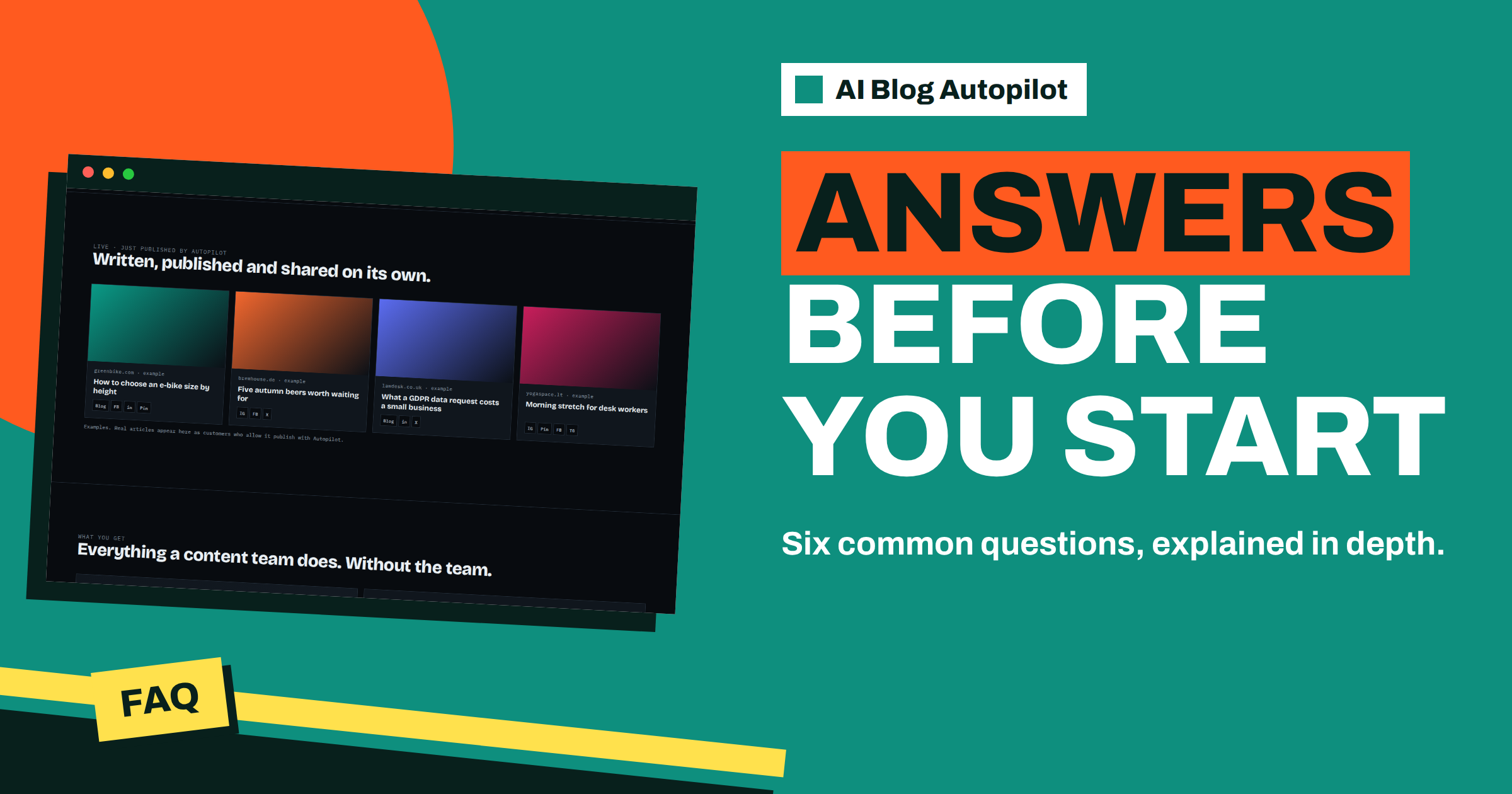
Short answer: The AI Blog Autopilot home page answers six questions: whether AI content is safe for Google, whether you must approve every article, whether you need a website, how to connect WordPress, whether credits carry over and which languages are supported. In short: it is built for helpful content, approval is optional, a website is optional, connecting is one click, credits do not carry over and there are 25 languages.
A short FAQ is a good start, but each answer hides a decision. Should you turn approval on? What happens if you have no website? Which language should you choose first? This guide takes the six questions from the home page one at a time and explains what each means in practice.
The product facts come from the home page and pricing page. Where a detail is not published there, this article says so, and suggests how to check it in your account. It is a companion to the other guides listed at the end, which go deeper into each topic.
Vai AI saturs ir drošs Google?
The home page answer says Autopilot writes long-form articles planned around real search intent, checks their quality automatically and keeps a steady pace for each site. It describes this as the opposite of mass-produced pages, and adds that Google ranks helpful content regardless of how it was written.
What this means for you is that the safety of an article depends less on the tool than on the result. A page that answers a real question, is accurate and is clear will serve readers. A page that is thin, repeated or wrong will not, whoever wrote it. So your job is to supply good topics and facts, and to check the output now and then.
Three habits help. Give the product specific topics and keywords from real customer questions. Supply facts that only you know, such as your prices, areas and policies. Review a sample of articles each month and correct anything that is vague or wrong. No tool can promise a ranking, so judge the results over several months. Look at the pages that were published, how long readers stay, which queries bring visits and whether enquiries mention an article. Keep a simple note of what you changed and when, so that you can link changes to results.
Vai man jāapstiprina katrs raksts?
No. The home page says AUTO is the default and the recommended mode, with no queue to approve and no daily log-ins. Approval is optional, for those who want to see each article before it goes live.
The choice depends on risk. A business in a regulated field, or one that makes claims about prices or health, may want approval for a while. A business writing about general topics may be comfortable with AUTO from the start. Many people use approval during the first weeks to learn the style, then switch.
If you do use approval, set a regular time to clear the queue, such as two mornings a week. A queue that nobody checks delays publishing and defeats the purpose of automation. The article on moving from approval to AUTO sets out a four-week plan.
Vai varu izmantot bez mājaslapas?
Yes. The home page says social-only mode creates native posts for each network, and that you can add a blog later. The Social plan lists 60 social posts a month, with 1 brand, 5 social networks and 1 language, and no website needed.
This suits a shop, a club or a creator who lives on social networks. The posts are written for each network, with its own text, length and time, not copied links. If you later add a website, the home page says the plan moves with you.
A blog still has benefits that social posts do not, such as being found in search and giving AI assistants something to cite. Many businesses start social-only and add a blog when they are ready. The article on social-only mode without a website explains the choice in detail.
Kā pievienot WordPress?
The home page says to click Connect, and WordPress asks you to approve the connection. You can also paste an application password manually. The product notes add that WordPress 5.6 or newer is needed for this, and that more platforms are planned. A webhook or API route is also listed for sites that do not use WordPress.
Before you connect, check that you can sign in to WordPress with an administrator account, that your site address is correct and that nothing blocks the connection, such as a security plugin that restricts application passwords. After connecting, publish a test article and check that it looks right on the live site.
If the one-click route does not work, the manual application password is the fallback. Create the password in your WordPress profile, paste it into the product and keep a note of where it came from, so that you can revoke it if needed. The article on connecting WordPress in one click covers the steps and common blocks.
A few simple rules of thumb come from the answers above. If you handle sensitive claims, start with approval. If you have no website, start with Social. If your audience speaks more than one language, check the plan’s language count first. If your budget is tight, start with the free articles and decide afterwards. None of these rules is a requirement, but they save time on the first day.
Vai neizmantotie kredīti tiek pārnesti?
No. The home page says credits are monthly and reset with each month, and the pricing page repeats that they do not roll over. If your plan lists 8 articles and you use 6, the other 2 are gone at the end of the month.
The effect is practical. Choose a plan that matches the articles you will publish, not the most you might want. Use the content map to see which articles are planned and published, and plan your topics so that the month’s articles are used. The article on planning your monthly credits explains how.
The first three articles are free, which gives you a trial without any commitment. After that, the pricing page says you can cancel any time.
One more point is worth noting. A calendar reminder before the month ends, with the number of articles you have left to publish, is the easiest way to avoid waste. Without it, credits are quietly lost, and you only notice when the next month starts and the number is back to its full value.
Which languages are supported?
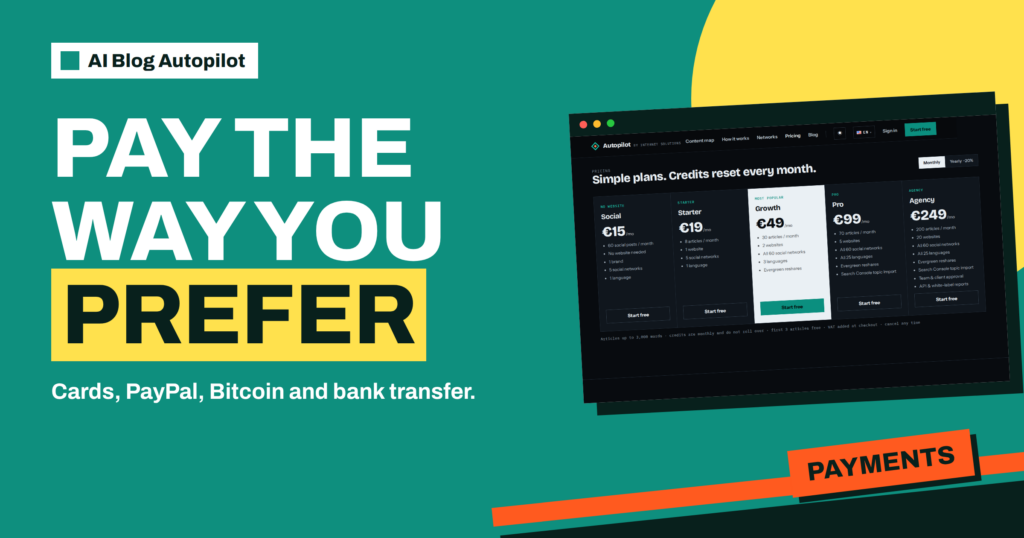
The home page says 25 languages, each written directly in its language and not machine-translated. The pricing page shows how many languages each plan lists: 1 on Social and Starter, 3 on Growth and all 25 on Pro and Agency.
Choose the language of your readers, not your own preference. If you serve customers in two countries, you may need two languages, and a plan that lists them. Ask a native reader to look at the first articles in each language, since a person who speaks it daily will spot odd phrases at once.
Be careful with languages that read right to left or use another script, and check how your website theme displays them before you publish many articles. The product handles the writing, but your theme controls the display.
What the FAQ does not cover
Six questions cannot cover everything. The home page does not list every detail of how each plan behaves, nor how long a first article takes to appear, nor which networks need extra steps to connect. For those, use the other pages. The networks page lists every network by type, the pricing page lists each plan’s limits and the blog guides go step by step.
It also helps to separate facts from advice. The facts, such as plan prices and limits, come from the site and can change, so check the pricing page on the day you decide. The advice, such as how to review articles or when to switch to AUTO, is general practice that you should adapt to your business.
If you find a gap between what you expected and what the product does, note it and ask. A short, specific question to the support address, with the plan, the website and the step where you were stuck, gets a better answer than a general one.
Questions to ask yourself next
After the six answers, a few questions are your own. Who will own the blog? What three topics matter most? Which networks do your customers use? Which plan matches the articles you can publish? What would success look like in three months?
Write the answers down in a short page. It will guide your topic setup, your plan choice and your review routine. The article on your first three free articles shows how to use the free trial to test the answers on your own subject.
Finally, remember that the FAQ is a summary. If a detail matters to your business, such as a legal rule in your field or a special setup for your website, ask the support address on the contact page before you commit.
How AI Blog Autopilot helps
The product plans the month from your topics, writes and checks the articles, publishes them and shares each one on your networks, in AUTO mode unless you prefer approval. Start with three free articles on AI Blog Autopilot, no card needed, and compare the plans on the pricing page.
Related reading
- Your First 3 Free Articles in AI Blog Autopilot: A Walkthrough
- Connecting WordPress to AI Blog Autopilot in One Click
- Choosing an AI Blog Autopilot Plan: Social to Agency
The bottom line
The FAQ says that quality is checked, approval is optional, a website is optional, WordPress connects in one click, credits are monthly and 25 languages are supported. Use the free articles to test each answer on your own business.
BUJ
Is AI Blog Autopilot content safe for Google?
The home page says articles are planned around real search intent and checked automatically, and that Google ranks helpful content however it was written. Review samples regularly.
Can I turn approval on?
Yes. AUTO is the default, but approval is optional for anyone who wants to see each article before it goes live.
Do I need a website to start?
No. Social-only mode creates native posts for each network, and you can add a blog later.
Do unused credits roll over?
No. Credits are monthly and reset with each month, so unused articles are lost.
How many languages are there?
25, each written directly in its language. The number your plan lists depends on the plan, from 1 on Social and Starter to all 25 on Pro and Agency.