ENEnglish
 LTLietuviškai
 DEDeutsch
 FRFrançais
 RUРусский
 ESEspañol
 PLPolski
 ITItaliano
 UKУкраїнська
 CSČeština
 PTPortuguês
 JA日本語
 LVLatviešu valoda
 ETEesti
 HUMagyar
 IDBahasa Indonesia
 TRTürkçe
 HIहिन्दी
 ELΕλληνικά
 ARالعربية
 THไทย
 VITiếng Việt
 RORomână
 MSBahasa Melayu
 BNবাংলা
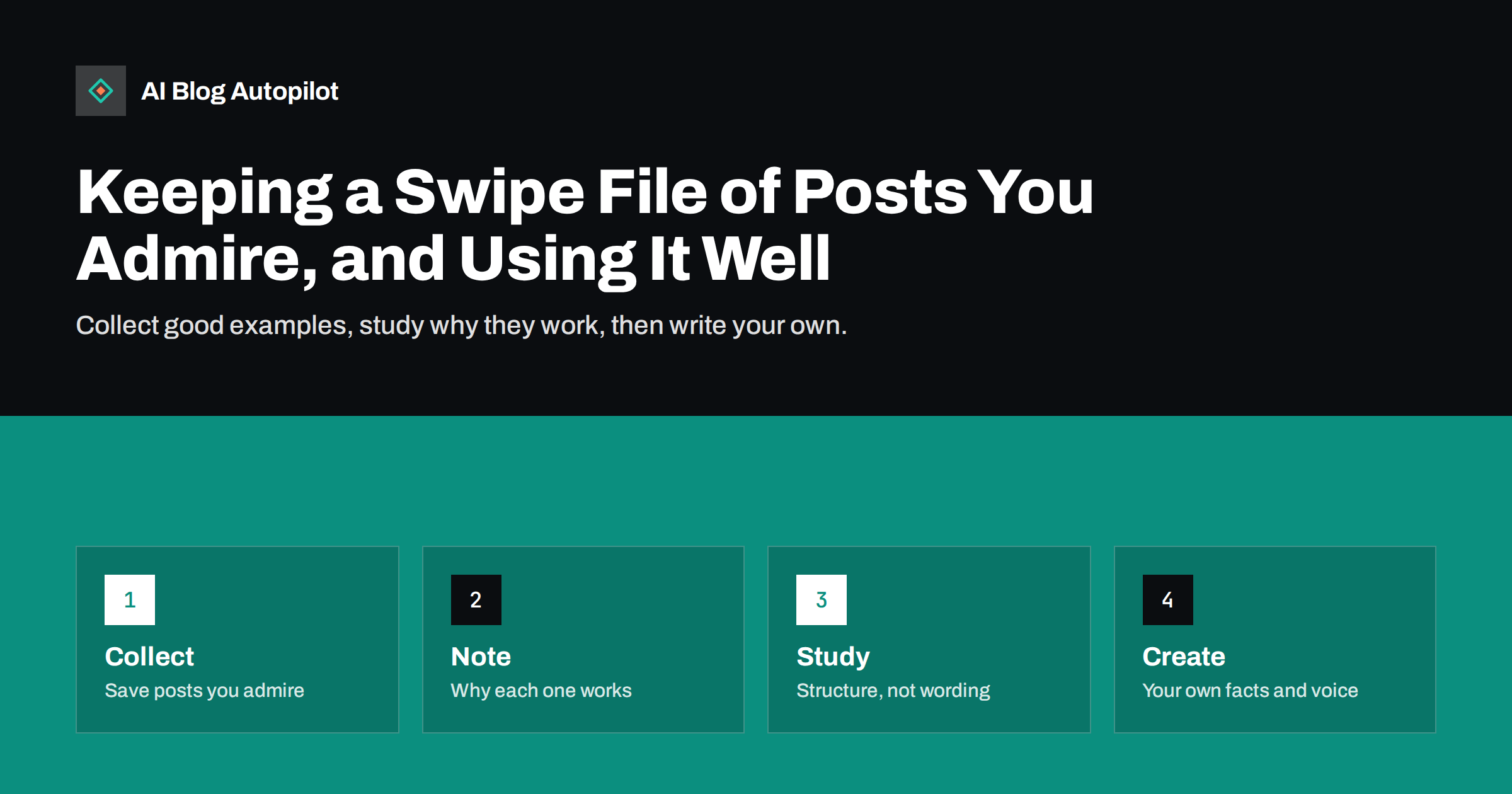
Short answer: a swipe file is a simple collection of articles, headlines, posts and pages that you think are well done, kept with a note on why each one works. Used well, it speeds up planning, helps you see patterns in structure and tone and gives a team shared examples to discuss. Used badly, it leads to copying. Study structure, pacing and ideas, and always write with your own facts, examples and voice.
Writers, designers and marketers have kept swipe files for generations. The idea is to save things that caught your eye, so that when you face a blank page you have a library of good examples to look at. On a business blog, this can be a shared folder with a few dozen entries, reviewed now and then.
This guide explains how to set one up, what to collect, how to annotate entries and how to use the collection in planning and editing. It also draws a clear line between learning from other work and copying it, which matters for ethics, for copyright and for search performance.
What a swipe file is for
A swipe file has three jobs. The first is inspiration. Seeing how others open an article, explain a difficult idea or end a post helps you find fresh ways to do the same. The second is calibration. By looking at the best pieces in your field, you see the standard that readers compare you with.
The third is communication. In a team, it is easier to say “write the introduction like this one” than to describe a style in the abstract. A shared set of examples lets a writer, an editor and a manager agree on what good means, which saves rounds of edits. The article on an editorial style guide in one page pairs well with a swipe file.
It is not a place to hide material you plan to reuse. The purpose is to understand why something works, so that you can apply the principle to your own subject.
Collect formats as well as content. A well-built checklist, a clear comparison table, a short glossary, a timeline and a step-by-step guide each have a structure that you can reuse for your own topics. Save a screenshot of the layout with a note on what makes it easy to scan. When you meet a similar topic, you will know which format fits, and you will not have to invent one from scratch.
Capture reader reactions when you can. If a post drew many comments, shares or questions, note what was said. Comments often show what readers valued or found missing, which is some of the best material for improving your own work.
What to collect
Collect more than articles. Save headlines that made you click, introductions that pulled you in, tables that made a topic clear, charts that told a story, calls to action that did not annoy you, email subject lines that you opened and social posts that you shared. Each is a small lesson.
Look beyond your own sector. A good explanation in a gardening blog can teach a software company how to explain a process. A clear page from a government site can show how to write instructions. Variety prevents you from copying the habits of your competitors and helps you stand out.
Also collect examples of what to avoid. A page that annoyed you with pop-ups, a headline that overpromised or a post that buried the answer is worth saving with a note. Bad examples are useful for training, especially for new writers. Keep them in a separate folder so that nobody mistakes them for models.
How to set it up
Keep the system simple, or you will not use it. A spreadsheet works for many teams: one row per example, with columns for the link or file, the date, the type, the source, the reason you saved it and tags. A shared folder with screenshots can sit next to it, for pieces that may change or disappear.
Make saving easy. A browser bookmark folder, a note on your phone or a shared chat channel where team members post links can feed the spreadsheet. Set a time each week or month to move new items into the main file, with a short note for each.
Save the link and a screenshot, because pages change and vanish. Note the date, since a post that was excellent three years ago may be outdated now. If the example is from a client, a competitor or a private source, make sure it stays within the team and is not shared publicly.
What to note about each entry
The note is the most valuable part. Write one or two sentences on why you saved the piece: what it does well and what you could apply. “Opens with the reader’s question and answers it in two lines” is more useful than “great intro”.
Use a few simple tags: type of content, topic, tone, length, format and strength. When you need an example of a how-to article, a comparison table or a friendly tone, you can filter the list in seconds. Add a rating if it helps, but do not spend too long on it.
Record the things you would do differently. Maybe the structure is excellent but the language is too complex for your readers, or the headline is strong but promises more than the article delivers. A balanced note keeps you from copying faults along with strengths.
Try a short exercise with your team once a month. Pick one piece from the file, read it together for five minutes and then list what it does in the first paragraph, in the headings and in the ending. Then ask how you could apply each point to a topic you are about to write. This habit trains the team to read as editors, and it makes the file part of the working routine and not a forgotten folder.
Learning from the examples
When you prepare an article, look at three or four relevant examples. Compare how each handles the opening, the structure of sections, the use of examples, the length and the ending. Ask what the reader gets in the first ten seconds and what makes them keep reading.
Look for patterns across the examples. Perhaps the best pieces all answer the question at the top, use short paragraphs, include a table and end with a clear next step. Those patterns become part of your own guidelines. The guide on reading the search results before you write an article shows a similar method for pages that rank.
Take notes on structure and technique, not on sentences. Write down “problem, example, rule, exception” and not the words that were used. When you write your own piece, work from your notes and your own knowledge, and do not keep the original open next to you.
Where learning ends and copying begins
Copying words, or following the structure and examples of one article so closely that the result is a rewrite, is poor ethics and poor practice. It can breach copyright and risks being seen as duplicate or derivative content. It also leaves you with a page that offers no reason to exist, since the original already does the job.
A useful test is whether your piece contains something that the example does not: your own facts, data, experience, examples, opinions or tools. If the answer is no, you are not ready to publish. The article on originality and plagiarism on a business blog explains how to check for this.
Credit ideas when it is natural to do so. If an article inspired a method, say so and link to it. This is good manners, it builds goodwill with other publishers and it shows readers that you have done your research. It also protects you in the rare case that someone thinks you borrowed too much.
Keep the file useful for new team members. A new writer can read ten entries and quickly learn what the team values, which is far faster than reading a long manual. Add a short introduction at the top that explains how to use the file, what the tags mean and who to ask when something is unclear. Include a handful of entries that show the voice you want, and a few that show the pitfalls.
Do not forget accessibility and inclusion when you choose examples. A page can be clever and still hard to read for someone using a screen reader or a small phone. Include entries that show clear headings, descriptive links and readable layouts, so that the standard you set includes every reader.
Using the file in planning and review
Use the swipe file at three moments. In planning, browse it for ideas on formats and angles for the next month. In briefing, attach one or two examples to a writer’s brief, with a note on what to take from them. In review, compare a draft with an example and ask what the draft could borrow in terms of clarity or pace.
Review the collection every quarter. Remove entries that are outdated or no longer relevant, merge duplicates and add new ones from the latest work you admire. A file that grows without pruning becomes a dumping ground and stops being used.
Share highlights with the team. A short note once a month on “three pieces worth reading and why” builds shared taste and gives everyone a chance to suggest examples. It also keeps the file alive. See content calendar on autopilot for ways to fit such reviews into a regular plan.
How AI Blog Autopilot helps
AI Blog Autopilot writes articles from your topics, audience and tone settings, with FAQ sections, tags and SEO meta. Your swipe file helps you to describe the style you want in those settings, and to judge each draft against examples you admire. See the pricing page for plans and monthly credits.
Related reading
- Reading the Search Results Before You Write an Article
- Competitor Content Analysis Without Copying Anyone
- Originality and Plagiarism on a Business Blog
The bottom line
Collect examples, record why they work, learn their structure and write with your own facts and voice. A small, pruned file beats a large, unused one.
DUK
What is a swipe file?
A collection of articles, headlines and posts you admire, kept with notes on why each one works.
Is using a swipe file the same as copying?
No. You study structure and technique, then write from your own knowledge. Copying wording or following one article too closely is not acceptable.
What tool should I use?
A spreadsheet and a shared folder are enough. The best tool is the one your team will actually use.
How big should the file be?
A few dozen well-annotated entries beat hundreds of unsorted links. Prune it every quarter.
Can the team share a swipe file?
Yes. Shared examples help writers and editors agree on quality, but keep private or client material inside the team.