ENEnglish
 LTLietuviškai
 DEDeutsch
 FRFrançais
 RUРусский
 ESEspañol
 PLPolski
 ITItaliano
 UKУкраїнська
 CSČeština
 PTPortuguês
 JA日本語
JA日本語 LVLatviešu valoda
 ETEesti
 HUMagyar
 IDBahasa Indonesia
 TRTürkçe
 HIहिन्दी
 ELΕλληνικά
 ARالعربية
 THไทย
THไทย VITiếng Việt
 RORomână
 MSBahasa Melayu
 BNবাংলা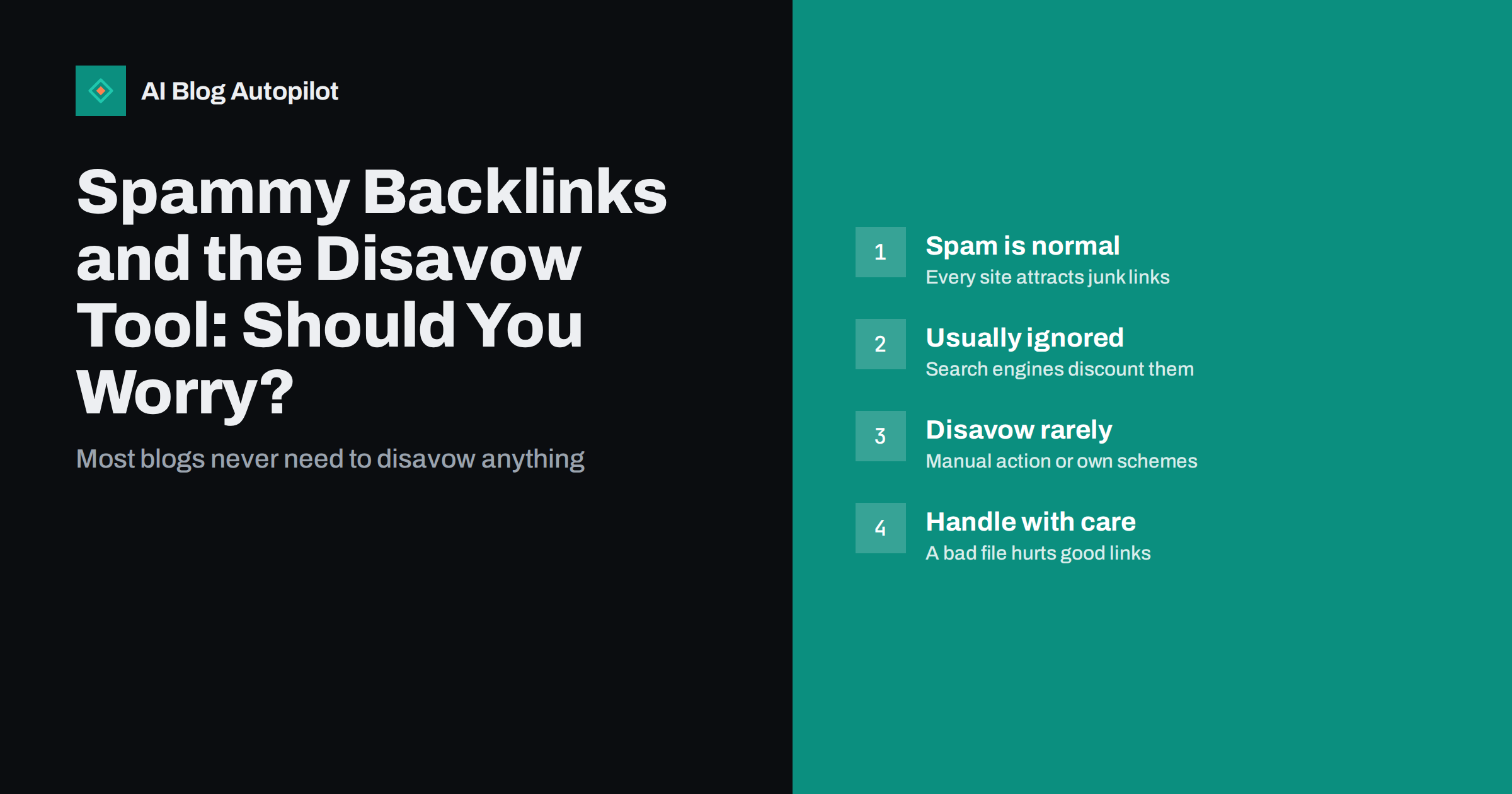
Short answer: almost every website collects spammy backlinks from scraper sites, link directories and automated pages, and search engines are generally good at ignoring them. Google’s guidance is that most sites do not need to use the disavow tool. It is meant for a narrower situation: when you have a manual action for unnatural links, or when you know that you or a previous agency built manipulative links that you cannot get removed. For a normal blog, the right response to strange links is usually to do nothing.
Opening a backlink report for the first time can be unsettling. Among the links you expected, there are hundreds from sites with odd domain names, pages in languages you do not speak and directories nobody visits. Many tools label them as “toxic” and suggest disavowing them. This article explains where those links come from, what search engines do with them and when the disavow tool is the right answer.
Where spammy links come from
Most junk links are not aimed at you at all. They are side effects of automated activity on the web:
- Scraper sites copy content from many blogs, including yours, and republish it with the original links intact.
- Auto-generated statistics pages list domains with made-up “value” or “worth” figures and link to each of them.
- Low-quality directories list websites automatically in the hope of selling upgrades.
- Spam comments and forum profiles sometimes include links to legitimate sites to look less suspicious.
- Expired domains that once linked to you may have been bought and filled with unrelated content, keeping old links.
The more visible and older your blog, the more of these links it collects. It is a normal part of being on the web, not a sign that someone is attacking you.
Different tools will also show different numbers of these links, because each crawls the web separately. Search Console’s Links report shows a sample of the links Google knows about, and it rarely matches third-party tools exactly. None of these lists is complete, and none of them tells you which links are actually counted.
What search engines do with them
Search engines have dealt with link spam for a very long time. Google has said repeatedly that its systems are designed to identify and ignore spammy links, so that they neither help nor harm the site they point to. Its spam policies focus on sites that take part in link schemes, not on sites that happen to receive unwanted links.
In practice this means that, for a typical blog, the junk in your backlink report is simply not counted. It is noise. Google has also described link spam updates in which its automated spam detection systems neutralise the effect of unnatural links, rather than punishing the sites they point to. The practical effect for a site owner is that links gained through spam simply stop counting.
That is why the disavow tool is described as an advanced feature for specific cases, not a routine maintenance task.
What “toxic score” features actually tell you
Many SEO tools label links as toxic based on patterns such as unusual domain names, low authority scores, foreign-language pages or spammy anchor text. These labels are the tool’s opinion, not a search engine’s verdict.
- They are useful for spotting unusual patterns, such as a sudden flood of links with commercial anchor text.
- They are not evidence that search engines are penalising you.
- They often flag harmless links, including legitimate small sites and foreign-language pages that link to you in good faith.
Some tools suggest disavowing everything above a certain score. Following that advice blindly can remove links that were helping you. Treat the score as a reason to look, not a reason to act. The same caution applies to the authority scores explained in our guide to DA and DR.
When the disavow tool is the right tool
Google’s help page on disavowing links describes the intended use: you have a considerable number of spammy, artificial or low-quality links pointing to your site, and those links have caused a manual action, or are likely to because of your own actions. In plain terms, consider disavowing when:
- You have a manual action for unnatural links shown in the Manual actions report in Search Console. This is the clearest case.
- You know links were bought or built manipulatively, for example by a previous agency using private blog networks or paid guest posts, and you cannot get them removed.
- You see a large, clearly deliberate pattern that matches a link scheme and coincides with a real loss of search visibility, after other causes have been ruled out.
If none of these apply, disavowing is unlikely to change anything and carries some risk. This is also why a monthly “disavow clean-up” offered as part of an SEO package deserves a question: what problem is it solving, and how would anyone know if it worked? Without a manual action or a known link scheme, there is usually no good answer.
When disavowing can do harm
A disavow file tells search engines to ignore the listed links when assessing your site. That includes good links if you list them by mistake. Common ways people hurt themselves:
- Disavowing whole domains because one page looked odd, including respected sites that link to you.
- Uploading a tool-generated list without reviewing it.
- Replacing an old disavow file with a new one and accidentally dropping or adding thousands of entries. Each upload replaces the previous file for that property.
- Spending hours on disavow work while the real reason for a traffic drop, such as content quality, technical problems or an algorithm update, goes unaddressed.
How to handle spammy links calmly
If you see suspicious links, a short, proportionate process is enough:
- Check Search Console for manual actions. If there are none, you are not being penalised for links by a human reviewer.
- Look at your search performance. If impressions and clicks are stable, spammy links are not affecting you.
- Review the pattern, not the count. Hundreds of scraper links are normal. Hundreds of new links with the same commercial anchor text from similar sites in a short period deserve a closer look.
- Ask whether anyone built links for you. Check with previous agencies or freelancers. Paid link packages are the most common source of real problems.
- Only then consider disavowing, and only the specific links or domains you are confident are manipulative.
Keep a short log of what you checked, what you found and when. If the question comes up again in six months, or a new colleague sees the same scary report, the log saves repeating the whole investigation.
How to build a disavow file if you need one
The file is a plain text file, UTF-8 encoded, with one entry per line:
- A full URL to disavow a single linking page.
domain:example.comto disavow all links from a domain.- Lines beginning with
#are comments, useful for noting why entries were added.
Upload it through the disavow links tool in Search Console for the property concerned. Keep a copy with dates and reasons, because the next upload replaces the file. Processing takes time: search engines apply it as they recrawl the linking pages, which can take weeks or months. If you have a manual action, submit a reconsideration request after cleaning up, explaining what you removed and what you disavowed.
Before uploading, try to get the worst links removed at the source by contacting the site owners, especially for links you paid for. Removal is cleaner than disavowal, and it is the first thing a reviewer looks for when you ask for a manual action to be lifted.
What about negative SEO attacks?
Negative SEO means someone deliberately pointing spammy links at a competitor to harm them. It is often blamed for traffic drops, but it is rarely the cause. Search engines are built to ignore such links precisely so that sites cannot be harmed by links they did not create. If you genuinely see a large, targeted attack and a matching drop in visibility, the disavow tool exists as a safeguard, but look first for more ordinary explanations. The guide to what to do when traffic drops lists the usual suspects.
How AI Blog Autopilot fits in
AI Blog Autopilot does not build, buy or manage backlinks, and it does not touch disavow files. It focuses on the part that earns links naturally: planning articles around real search queries, writing long-form posts with FAQs and SEO meta, checking them automatically before publishing, and sharing each one to your social networks. Useful content that people see is the durable alternative to link schemes. See how Autopilot works.
Related reading
- Earning Backlinks Honestly: What Works for a Small Site
- Google Search Console: The Five Reports That Matter
- Algorithm Updates: What They Mean for Your Content
The bottom line
Spammy backlinks are a normal side effect of being online, and search engines mostly ignore them. Use the disavow tool only for a manual action or for manipulative links you know were built for you, review every entry by hand, and keep a record. For everything else, your time is better spent on content that earns real links.
DUK
Do spammy backlinks hurt my blog’s rankings?
Usually not. Search engines are designed to identify and ignore spammy links that a site did not create. Problems typically arise only when a site has taken part in link schemes, such as buying links.
Should I disavow links that my SEO tool marks as toxic?
Not automatically. Toxicity scores are the tool’s estimate, and they often flag harmless links. Disavow only links you are confident are manipulative, ideally when there is a manual action or a known history of link building.
How long does a disavow file take to work?
It is applied gradually as search engines recrawl the linking pages, which can take weeks or months. There is no instant effect, and uploading a new file replaces the old one.
Can a competitor harm my site with bad links?
It is possible in theory but rare in practice, because search engines work to ignore links a site did not create. Before blaming negative SEO for a drop, check for technical issues, content problems and algorithm updates.
Is it better to remove links or disavow them?
Removal at the source is cleaner, especially for links you paid for, and it is what a reviewer expects to see when you ask for a manual action to be lifted. Disavow the links you cannot get removed.
Do I need a disavow file if I have no manual action?
In most cases, no. Without a manual action or a history of manipulative link building, a disavow file is unlikely to make any difference and risks discounting good links by mistake.