ENEnglish
 LTLietuviškai
 DEDeutsch
 FRFrançais
 RUРусский
 ESEspañol
 PLPolski
 ITItaliano
 UKУкраїнська
 CSČeština
 PTPortuguês
 JA日本語
JA日本語 LVLatviešu valoda
 ETEesti
 HUMagyar
 IDBahasa Indonesia
 TRTürkçe
 HIहिन्दी
 ELΕλληνικά
 ARالعربية
 THไทย
THไทย VITiếng Việt
 RORomână
 MSBahasa Melayu
 BNবাংলা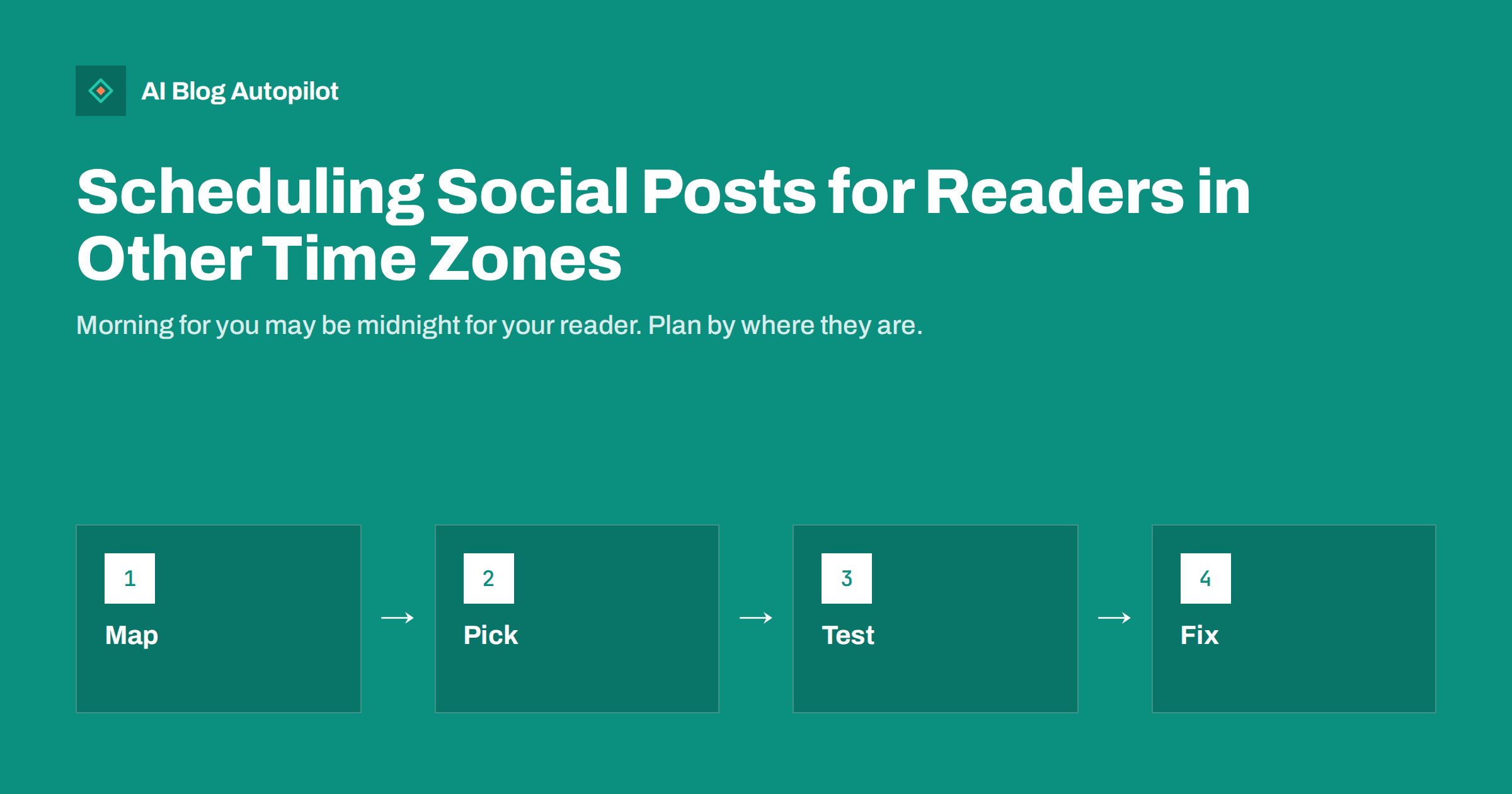
Short answer: choose posting times by where most of your readers are, not by your own clock. Look at the countries in your analytics, pick one or two main time windows, test them for several weeks and adjust. If your audience is spread across continents, post at two or three set times a day or repeat important posts at different hours. Always check the time zone setting in your scheduling tool, since this simple error causes many missed windows.
A business that sells online or writes in English often reaches people far from its office. A morning post at nine can arrive in the middle of the night for a reader on the other side of the world, and by the time they wake up, it is buried. This article explains how to find out where your readers are, how to choose times and how to avoid mistakes that come from clocks and daylight saving.
There is no single best time for everyone. The aim is to be present at moments when enough of the right people are likely to look, and to keep the schedule easy enough to maintain.
Find out where your readers are
Begin with your own data. In your website analytics, look at the countries and cities of your visitors and compare them with the countries of your social followers, which most networks show in their insights. These two lists often differ, and the one that matters is the group you most want to reach.
Group the countries by time zone, not by country, since some countries span several zones and some zones span many countries. A simple table with the main zones, the share of readers in each and the local time in each is enough. Two or three rows usually cover most of an audience.
Check, too, whether language matters. A post in Spanish reaches a different set of people than the same post in English, and their time zones may be quite different. The article on social media in several languages discusses how to organise accounts when you serve several language groups.
Mind the days as well as the hours. Some audiences read more on weekdays, others at weekends, and the pattern can differ by network. A professional network often has more activity on working days, while leisure topics may do better on weekends. Look at the days in your insights and set the plan for each day type, not only for each hour.
Pick your main windows
Once you know the zones, find the hours when people usually use each network. Many readers look at social feeds in the early morning, at lunch and in the evening, but this varies by network and audience. The piece on the best time to share blog posts shows how to read your own insights rather than rely on general claims.
If most of your readers live in one zone, the choice is simple: use that zone’s habits. If they live in two zones that are a few hours apart, a time that falls in the morning in one and midday in the other may serve both. When zones are too far apart, such as Europe and the Pacific, a single time cannot work, and you need two windows.
Do not chase perfection. A good time that you can keep every week is better than an ideal time that you cannot manage. Choose a small number of windows that you can follow and record them in a plan.
A short example makes it concrete. A software firm in Berlin has readers mainly in Europe and North America. A post at 08:00 Berlin time reaches Europe in the morning, and a second post at 15:00 Berlin time reaches the US East Coast in the early morning. Two windows, six or seven hours apart, cover both. The same article is shared twice, with a different opening line each time.
Reaching two or more regions
For a worldwide audience, post at two or three times that cover the main regions, and use a different version of the post or a different angle each time, so that your followers in one region do not see the same text twice. This is easier on networks where the feed is not strictly chronological, since posts are shown over a longer period.
Think about which posts need to be timed. An announcement, a live event or a limited offer should go out when the target audience is awake. An evergreen article can be shared several times, at different hours, because it is useful at any time. The guide to resharing old blog posts explains how to repeat posts without spamming.
If you use separate accounts for different regions or languages, each account can follow its local rhythm. This keeps the plan simple, since each account only needs one time zone. It does mean more accounts to look after, so be honest about what your team can handle.
Write down the time zone of every tool you use in one place. A note such as “website: Berlin, scheduler: UTC, networks: local to the account” saves many arguments later. If a colleague or helper joins the team, the note tells them what to check first when a post goes out at an odd time.
Getting the clock right
The most common mistake is a wrong time zone setting. Your computer, your scheduling tool, your website and each social network may all have their own setting. If they disagree, a post set for nine in the morning may go out at eight or at ten, or in the middle of the night. After setting up a schedule, schedule one test post and see when it really appears.
Daylight saving time causes more confusion. When clocks change in one region and not in another, the gap between your time and your readers’ time changes by an hour twice a year. Some tools store times in a fixed offset, so after the change, posts may drift. Mark the dates of the change in your calendar and check the schedule that week. The article on scheduling posts in WordPress shows similar problems on the website side.
Be careful with wording that depends on the clock. A line such as “today” or “tonight” can be wrong for a reader in another zone. Use dates, or phrases such as “this week”, when you cannot be sure of the reader’s day.
Be careful with small numbers. If you have only a few hundred followers, the difference between two windows may be noise. In that case, widen the test: run each window for more weeks, or combine several posts before comparing. It is better to admit that the data is not yet enough than to change the plan every week on a hunch.
Also ask the people who follow you. A short question in a post or a message to a few regular readers, such as when they usually look at their feed, can give clues that numbers hide. Their answers will not be exact, but combined with the insights they give a good first guess to test.
Reading the results
Run any new schedule for at least four weeks before you judge it. Compare the reach, the clicks and the replies for each window, and note which days differ. A single post can be an accident, but a pattern over several weeks is real. Keep other things the same where you can, such as the type of post and the length.
Look at what you want from each post. If the aim is clicks to the blog, compare the visits that come from social in your analytics, using tagged links as described in the guide to UTM tags for social shares. If the aim is conversation, compare the replies and shares.
Adjust one thing at a time. Move one window by an hour, or add one new window, then wait and compare. If a new time does not help, go back to the old one. Keep a short log of changes, so that you remember what you tried.
If you serve several countries, consider the local holidays too. A post that goes out on a public holiday in one country may be seen less, or it may be seen more, depending on the topic. You do not need to track every date, but check the main ones for your largest markets when you plan a quarter, so that important posts do not land on the quietest day.
Keeping the plan simple
A schedule that is too complex will be dropped. Write the plan on a single page: the main audience zones, the posting windows for each network and who checks the clock settings. Review it every quarter, or whenever the audience changes, such as after you launch in a new country.
Think about the people who reply, too. If you post at a time when nobody on your team is awake, comments will wait for hours. That may be fine, but if you promise quick answers, plan for them. Some businesses post at their own working hours so that they can reply while the post is fresh.
Finally, remember that frequency matters as much as timing. A few well-timed posts will not help if you post rarely. The article on how often to post on each network will help you balance the two.
How AI Blog Autopilot helps
AI Blog Autopilot publishes the blog article at the hour you choose and then shares it to each network with its own text and timing, for example LinkedIn 30 minutes later, Facebook after two hours and Pinterest the next day, so that each audience sees it when it is online. Articles can be written in 25 languages. See the pricing page for plans.
Related reading
- Best Time to Share a Blog Post on Social Media
- Social Media in Several Languages: One Account or Several?
- How Often to Post on Each Social Network Without Overdoing It
The bottom line
Plan by where your readers live, choose one or two main windows, test for several weeks and check every clock setting. Keep the plan simple enough to follow all year.
DUK
What is the best time to post on social media?
It depends on where your readers live and which network they use. Check your own insights and test a few windows for several weeks.
Should I post at different times for different countries?
If your audience is spread across distant time zones, yes. Use two or three windows and vary the wording so followers do not see repeats.
Why did my scheduled post go out at the wrong hour?
Often the time zone setting differs between your tool, your site or the network. Schedule a test post to find the mismatch.
How does daylight saving time affect scheduling?
The gap between your time and your readers’ time can change by an hour, and some tools drift. Check the schedule in the week the clocks change.
How long should I test a new posting time?
At least four weeks, so that a pattern shows rather than a single lucky or unlucky post.