ENEnglish
 LTLietuviškai
 DEDeutsch
 FRFrançais
 RUРусский
 ESEspañol
 PLPolski
 ITItaliano
 UKУкраїнська
 CSČeština
 PTPortuguês
 JA日本語
JA日本語 LVLatviešu valoda
 ETEesti
 HUMagyar
 IDBahasa Indonesia
 TRTürkçe
 HIहिन्दी
 ELΕλληνικά
 ARالعربية
 THไทย
THไทย VITiếng Việt
 RORomână
 MSBahasa Melayu
 BNবাংলা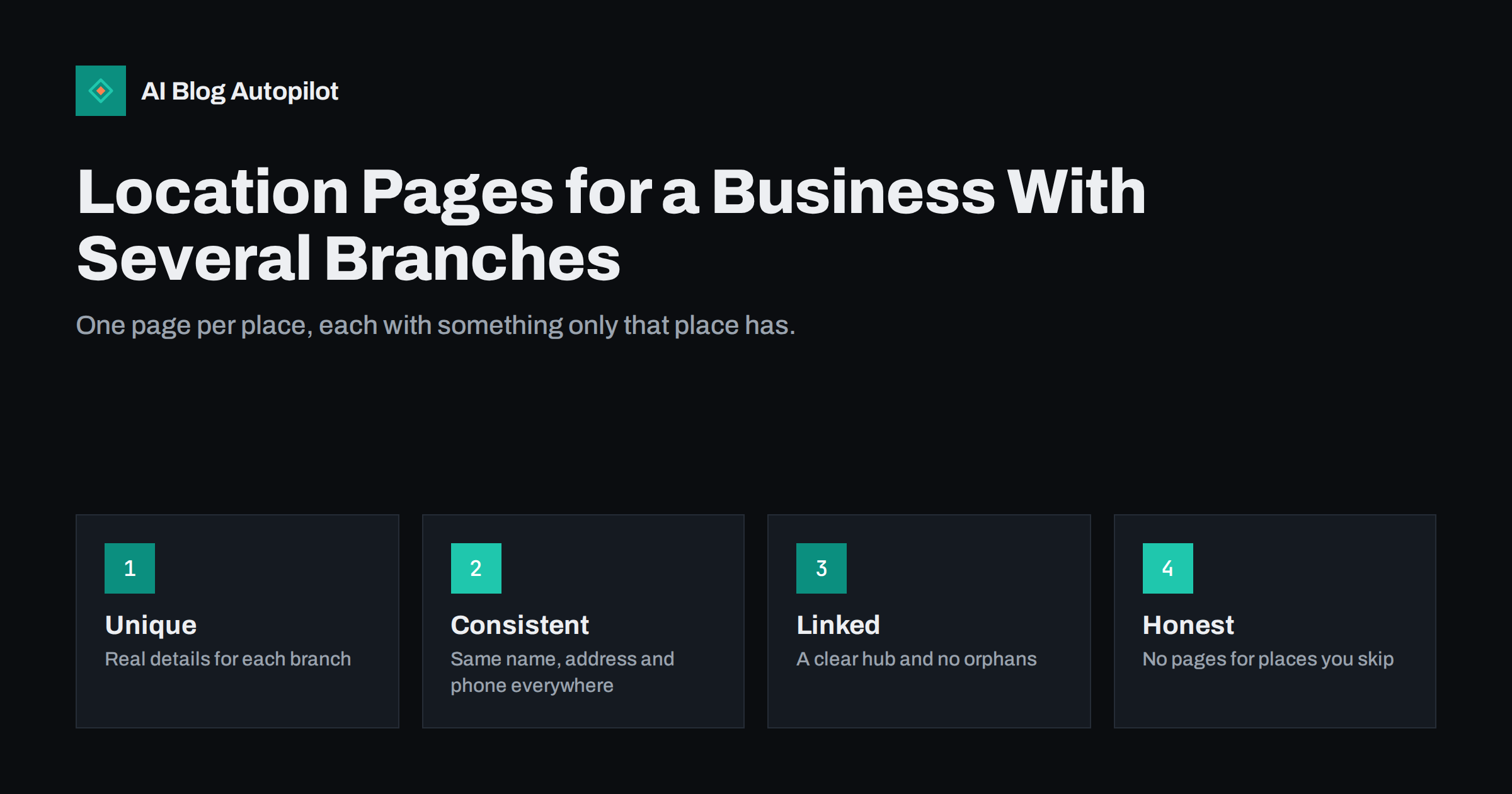
Short answer: give every real branch its own page with details that only that branch has: address, opening hours, parking and transport, local staff, services offered there, photos and customer questions. Keep the business name, address and phone number consistent across the site and its listings, link the pages from a hub and from each other, and do not create near-identical pages for towns where you have no presence. Useful, genuine pages beat copied templates.
A business with several shops, clinics, offices or depots has a particular problem. People search for a service in their own town, and the site has to show that this branch exists, is open and can help. The temptation is to copy one page and swap the town name. Search engines learn to ignore such pages, and visitors find them hollow. A smaller number of genuinely distinct pages is better.
What belongs on a branch page
Start with the information a customer needs to act: full address, a map link, phone number, opening hours including holidays, parking, public transport, accessibility, how to book and what to bring. Then add what makes the branch particular: the services offered there, the people who work there, the story of the building, nearby landmarks and answers to questions that local customers ask. A reader should learn something from the page that they would not learn from any other branch page on the site.
Write the text in the voice of the people who work there. Ask the branch manager to describe the neighbourhood, the typical customers and what the team likes about the place. Add photographs of the actual entrance, the interior and the team, with permission. Photographs of the front door are more helpful than any paragraph, because they remove the doubt of arriving at the wrong place.
Keep name, address and phone data consistent
Decide the exact form of each branch’s name, address and phone number, and use it everywhere: on the page, in the footer, in structured data and in every business listing. Small differences such as abbreviations, old numbers or a different suite format create doubt for search engines and for customers. Keep a single sheet that holds the master record for each branch and update it first whenever something changes, then the website and the listings.
Mark up each page with local business structured data that matches the visible text. Include the address, phone number, opening hours and the department or branch name. Do not add information that cannot be seen on the page. If hours change on a holiday, change both the page and the markup. Our guide to structured data for a blog explains the principles of keeping markup honest.
Think about what a visitor from search actually wants. Someone typing the name of a town and a service wants to know three things within seconds: is there a branch near me, is it open now and how do I get there. Put those answers at the top of the page, before any story or sales text. A clear heading with the branch name and town, a line with today’s hours and a prominent phone button or directions link make the page useful on a phone, which is where most local searches happen.
Build a hub and a clear structure
Create one page that lists all branches, with a short description, a map and links to each page. Link each branch page back to the hub and, where it makes sense, to nearby branches. This helps visitors who are not sure which branch is closest, and it gives search engines a clear map of the section. Use readable addresses, such as /locations/town-name/, and keep them stable. Changing them later requires redirects and loses time.
Add the locations hub to the main navigation or the footer, so that every page on the site is one click from it. Make sure that no branch page is an orphan that nothing links to, which is a common problem when pages are added by different people. Our article on finding pages nothing links to shows a simple way to check.
Avoid doorway pages
A doorway page is built only to rank for a place name and then send visitors to the same place. If your business has no branch in a town but delivers there, a single page that explains the service area, delivery times and costs is honest and useful. Creating fifty near-identical pages, one for each town in the region, is the kind of pattern that search engines treat as low-value, and it can harm the rest of the site. The wider principles are explained in our article on programmatic SEO and template pages.
Ask a simple test of each page: if the town name were removed, would the page still help someone? Would a customer in that town learn anything new? If not, merge it into a service-area page. If you do serve many places, list them on one page with real information such as travel times and any extra charges, and keep branch pages for the places where you have a real presence.
Give branch managers a short template to fill in, so that the details are complete and the voice is still their own: opening story, team, services, how to find the entrance, parking, nearby transport, common questions and a recent photo. Review each submission for accuracy and tone, but do not smooth away the personality. Visitors can tell the difference between a page written by someone who works there and one assembled at head office, and the former is more persuasive and more likely to be shared locally.
Give each branch its own content
Local content makes pages distinct without tricks. Publish news from the branch, events, seasonal opening hours, staff introductions and customer questions. A branch in a coastal town and one in a university city will have different busy periods, products and concerns, and the pages should reflect that. Ask each branch to send two or three questions a month, and answer them in a short article or in a section of the branch page.
Use customer stories and reviews that are specific to the branch, quoted accurately and with permission. If you embed reviews from a listing, check that they are from the right branch. Add a short section of frequently asked questions that really are asked at that branch, with a structured data block that matches the visible text. This follows the same practice as in our guide to FAQ pages and sections.
Connect pages with your business listings
Each branch should have its own business profile, with its own verified address and phone number, and each profile should link to its branch page, not to the home page. Keep categories, hours and descriptions in step with the website. Reply to reviews on each profile in the voice of that branch, and never post identical replies across branches. If a branch closes or moves, update the listing first, mark the page clearly and redirect it to the nearest branch or the hub, with an explanation.
The routine described in our guide to reusing blog posts in a local profile works well for branches: choose one article a month that is relevant to each branch and share it there, with a short local note.
Measure what each page does
Look at each branch page separately in your analytics and search reports. Which queries bring people to it? How many click the phone number, the map or the booking link? Which branch pages are visited but never lead to action? Set up simple events for calls, directions and form submissions. Compare branches fairly, taking into account their size and the local market, and learn from the ones that perform well.
If a page is weak, improve it with real information rather than extra keywords. Add the missing photographs, update the hours, answer a question that customers ask, and link to it from relevant articles. Review the whole section every quarter and after any change in a branch, such as new staff, a changed address or a new service.
Pay attention to seasonal changes as well. Holiday hours, summer opening times, winter closures and temporary works outside the building should be on the page for as long as they apply, and removed promptly afterwards. A page that still says “closed for Christmas” in February wastes customer goodwill. Assign one person to review all the pages before each holiday period, using the master sheet, and record the date of every check.
Plan for change
Branches open, close, merge and move. Decide in advance what you will do in each case. For an opening, publish the page before the day, and add it to the hub and the listings. For a move, keep the old page, explain the change at the top, add the new address and redirect once the old location has closed. For a closure, state the date, point to the nearest alternative and keep the page live for a while with clear information, because customers will still search for it.
Finally, agree who owns the section. A multi-branch site often suffers because everyone assumes someone else is responsible for it. Name one person at head office who keeps the master data and the hub, and one contact at each branch who supplies updates and checks the page. Write down the review schedule, the approval route and the way to request a change, and keep the document simple. Clear ownership prevents most of the problems that make branch pages out of date within a year.
How AI Blog Autopilot helps
AI Blog Autopilot writes full SEO articles for your WordPress blog from the topics, keywords, audience and tone you set, with FAQ sections, tags and SEO meta included, and it shares each one to your social networks. For a multi-branch business, it can keep the main blog active with guides that all branches can link to, while each branch page keeps its own local details, written by the people who know the place. Approval mode lets you read each article before it goes live. See the pricing page for plans.
Related reading
- Blog Strategy for a Local Business
- Google Business Profile Updates: Reusing Blog Posts Locally
- Orphan Pages: Finding Blog Posts Nothing Links To
- Programmatic SEO: When Template Pages Help or Hurt
The bottom line
A branch page earns its place when it holds information that only that branch has. Keep name, address and phone data consistent, link branches from a hub, connect each page to its own listing and avoid copied pages for towns where you have no presence. Fewer, richer pages serve customers and search engines better than many thin ones.
DUK
Should every branch have its own page?
Yes, if the branch is a real place customers can visit or contact. Each page should carry details only that branch has, such as hours, staff, photos and local questions.
Can I create a page for every town I serve?
Avoid near-identical pages. Use one service-area page with real information about travel times, costs and coverage, and keep individual pages for real branches.
What is NAP consistency?
It means keeping the name, address and phone number identical on the site and in all listings. Differences in format or old numbers create doubt for search engines and customers.
Which web address format works best for branch pages?
A stable, readable pattern such as /locations/town-name/ works well. Avoid changing it later, because every change needs redirects.
What happens when a branch closes?
Keep the page live for a while with the closing date and the nearest alternative, then redirect it to that branch or to the locations hub.