ENEnglish
 LTLietuviškai
 DEDeutsch
 FRFrançais
 RUРусский
 ESEspañol
 PLPolski
 ITItaliano
 UKУкраїнська
 CSČeština
 PTPortuguês
 JA日本語
JA日本語 LVLatviešu valoda
 ETEesti
 HUMagyar
 IDBahasa Indonesia
 TRTürkçe
 HIहिन्दी
 ELΕλληνικά
 ARالعربية
 THไทย
THไทย VITiếng Việt
 RORomână
 MSBahasa Melayu
 BNবাংলা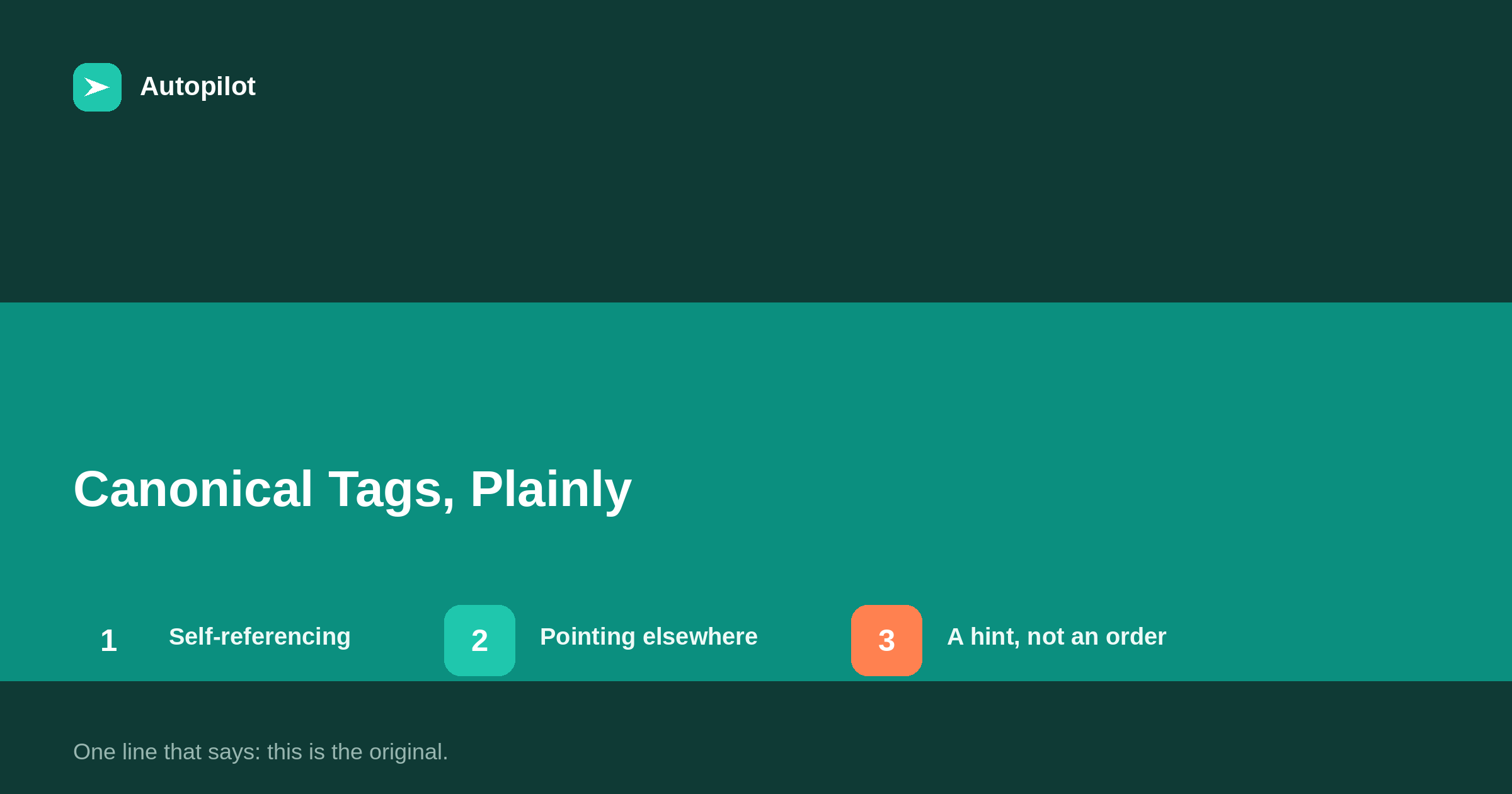
Short answer: a canonical tag is a single line in a page’s HTML head that names the preferred URL for that content. Every page should normally carry one pointing to itself, which SEO plugins add by default. Point it at a different URL only when the page genuinely is a copy of that URL, such as a parameter version or a syndicated republication. Search engines treat it as a strong hint rather than an order. The most damaging mistake is a canonical pointing at the wrong page, which quietly tells search engines to ignore the one you wanted shown.
Canonical tags sound technical and are, in principle, very simple: one line that says, of all the addresses showing this content, this is the one to use.
They matter because they are invisible. A wrong canonical does not break anything a visitor can see. It just quietly tells search engines to show a different page — or none.
What the tag looks like and where it goes
It is a link element in the head section of the page’s HTML, with rel set to canonical and href set to the preferred URL. Readers never see it. Search engines read it as part of deciding which version of content to index.
On WordPress you rarely write it by hand. The core software and SEO plugins generate it automatically, and the plugin usually lets you override it for an individual post if needed.
To check a page, view its source and search for canonical. Or use the URL inspection tool in Search Console, which shows both the canonical you declared and the one Google chose.
Self-referencing canonicals
The normal case is a page whose canonical points to itself. That sounds redundant, but it is useful: when the same page is reached through a variant — with a tracking parameter, a different capitalisation, a session ID — the canonical tells search engines the clean address is the real one.
Every indexable page should have one, and most setups add it by default. Confirming it is present and correct on a few representative pages takes a minute.
When to point elsewhere
A canonical pointing at a different URL is a statement that this page is a copy. Use it only when that is true.
| Situation | Canonical should point to |
|---|---|
| Normal article | Itself |
| URL with tracking parameters | The clean URL |
| Your article republished on a partner site | Your original |
| Print version of a page | The normal version |
| Two articles on the same subject | Neither: merge them and redirect |
| Translated version | Itself, with hreflang for the others |
Note the fifth row. A canonical is not the tool for two different articles that overlap; they are not copies, and search engines may ignore the hint. Merging and redirecting is the fix, as duplicate content explains.
Canonical or redirect?
They solve related problems in different ways.
A redirect sends visitors and search engines from one URL to another; the old address stops showing content. Use it when a page has moved or been merged and the old version should no longer exist.
A canonical leaves both URLs working and tells search engines which one to index. Use it when both versions must remain reachable — a tracking URL that must still load, or a copy on another site you do not control.
When in doubt on your own site, a redirect is the clearer signal.
The mistakes that hide pages
Canonical errors are dangerous because nothing looks wrong.
- Every page pointing to the homepage, from a misconfigured template. This tells search engines that every page is a copy of the homepage.
- Canonical to the http version on an https site, or to a staging domain left over from development.
- Canonical to a page that redirects or returns 404.
- Two conflicting canonicals, usually from two SEO plugins both adding one.
- Canonical combined with noindex, which sends contradictory signals.
Each of these can suppress pages from results entirely, and each is on the checklist in why posts do not rank.
A hint, not a command
Search engines treat a canonical as a strong signal, but they weigh it against others: internal links, redirects, sitemaps and the content itself. If those disagree, they may choose a different canonical from the one you declared.
Search Console reports this as the Google-selected canonical differing from the user-declared one. When it happens, the fix is usually to make the other signals agree: link internally to the preferred URL, list only the preferred URL in the sitemap, and redirect variants where possible.
Consistency across all of those is what makes a canonical reliable. the Search Console reports that matter shows where to see the result.
A quick audit
Five minutes covers most blogs.
- View source on the homepage, one post, one category and one tag archive. Confirm each canonical points to itself with the correct protocol and host.
- Confirm there is only one canonical per page.
- Inspect two important posts in Search Console and compare declared and selected canonicals.
- Check the pages report for duplicate, Google chose different canonical than user.
If all four pass, canonicals are not your problem, and you can stop thinking about them until something on the site changes — a new theme, a new SEO plugin or a domain move.
Related reading
If this was useful, these cover the questions that usually come next.
- Duplicate content — the problem canonicals help solve
- Why posts do not rank — where a wrong canonical often turns up
- The Search Console reports that matter — checking which canonical was chosen
The bottom line
Every page should carry a canonical pointing to itself. Point it elsewhere only when the page truly is a copy. Use redirects rather than canonicals for pages that have moved or been merged. Check for canonicals pointing at the homepage, the wrong protocol or a dead page, and keep internal links and sitemaps consistent with what you declare.
DUK
What is a canonical tag?
A line in a page’s HTML head that names the preferred URL for its content, helping search engines choose which version to index when several URLs show the same thing.
Does every page need a canonical tag?
Every indexable page should have one, normally pointing to itself. WordPress and SEO plugins add this by default.
Should I use a canonical or a redirect?
A redirect when the old URL should stop showing content, such as after a move or merge. A canonical when both URLs must remain accessible but only one should be indexed.
Can I use canonicals for two similar articles?
Not reliably. They are different pages, not copies, and search engines may ignore the hint. Merge them into one and redirect the other.
Why did Google choose a different canonical?
Because other signals — internal links, sitemaps, redirects — pointed elsewhere. Make them consistent with the canonical you declared.
What is the most harmful canonical mistake?
Canonicals pointing to the wrong page, most commonly every page pointing to the homepage because of a template error. It can remove most of a site from results without any visible sign.