 ENEnglish
 LTLietuviškai
 DEDeutsch
 FRFrançais
 RUРусский
 ESEspañol
 PLPolski
 ITItaliano
 UKУкраїнська
 CSČeština
 PTPortuguês
 JA日本語
JA日本語 LVLatviešu valoda
 ETEesti
 HUMagyar
 IDBahasa Indonesia
 TRTürkçe
 HIहिन्दी
 ELΕλληνικά
 ARالعربية
 THไทย
THไทย VITiếng Việt
 RORomână
 MSBahasa Melayu
 BNবাংলা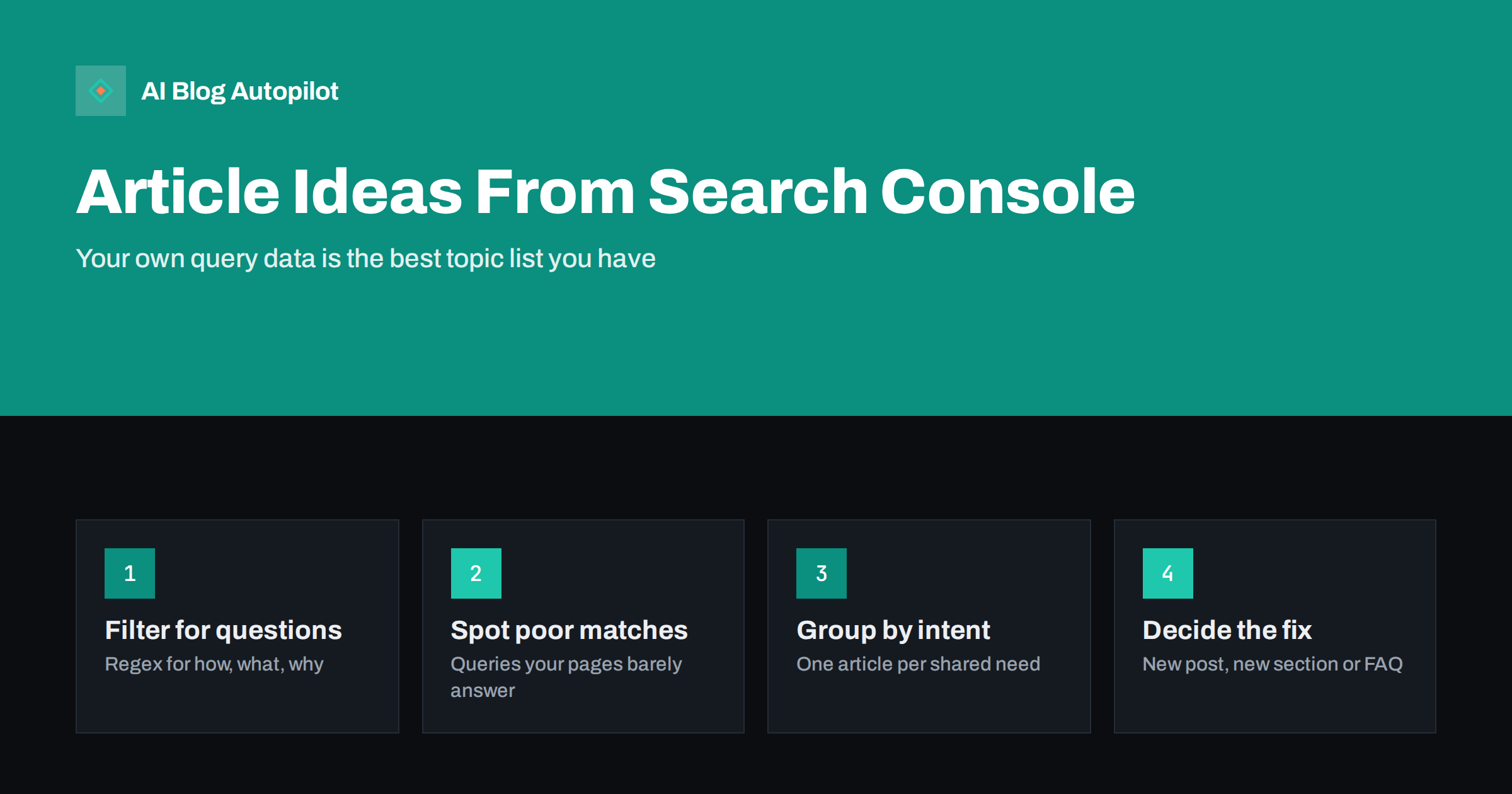
Short answer: Search Console’s performance report lists the real queries your site appears for, including many that no page on your site answers well. To turn that into article ideas, filter queries for questions and specific phrases, look for queries where the ranking page only touches on the topic, group related queries by intent, and decide for each group whether it needs a new article, a new section in an existing one, or an FAQ entry. Because the data comes from actual searches that already show your site, the ideas are relevant by definition.
Most bloggers open Search Console to check traffic and close it again. The more valuable use is hidden one tab away: the list of queries. It shows what people searched when your site appeared, often for topics you never deliberately wrote about.
That list is effectively a free, site-specific keyword tool, and it improves as the blog grows. This article shows how to read it for new article ideas, step by step.
Why your own query data beats generic keyword lists
Keyword tools suggest phrases based on broad databases and estimated volumes. Search Console shows something different and, for planning, often more useful: searches where a search engine already considered your site relevant enough to show.
- It is real. Impressions are recorded from actual searches, not modelled.
- It is specific to you. The queries reflect your topic, your audience and your existing authority.
- It reveals the long tail. Many queries are too rare for keyword tools to list, yet together they represent a large share of searches.
- It shows gaps you are close to. If you appear for a question without a page that answers it, you are one good article away from serving that searcher properly.
The limitation is that it only shows queries where you already appear. It will not suggest entirely new areas. For those, combine it with the methods in keyword research without paid tools.
Setting up the report
- Open Performance, then Search results.
- Set the date range to the last three to six months. Longer ranges surface more rare queries; Search Console keeps up to sixteen months.
- Turn on Impressions, Clicks, CTR and Average position.
- Open the Queries tab and sort by impressions.
Note that the interface shows up to 1,000 rows, and some very rare queries are withheld for privacy. For a small or medium blog, this is still plenty to work with. Exporting to a spreadsheet makes filtering and grouping easier.
Two optional filters are worth knowing. A country filter helps if you serve one market and want to ignore searches from elsewhere, or if you publish in several languages and want to plan each separately. A device filter occasionally reveals that mobile searchers phrase things differently, often shorter and more conversational, which can influence how you word titles and headings.
Technique one: filter for questions
Questions are the clearest article ideas, because they state exactly what the searcher wants to know. Search Console supports regular-expression filters on queries, which lets you pull out questions in one step.
Add a query filter, choose Custom (regex), and use a pattern that matches queries starting with question words, for example: ^(how|what|why|when|where|which|who|can|should|is|are|does|do)\b.
Then read the list with three questions in mind:
- Does one of my pages answer this directly, in a clearly headed section?
- Does it answer it only in passing?
- Does no page answer it at all?
Questions in the second and third groups are your candidates. People Also Ask as a content source complements this with questions from the results page.
Technique two: find queries your pages barely answer
Click a query, then switch to the Pages tab to see which URL appears for it. Open that page and search it for the query’s main terms.
You will often find mismatches:
- A general guide appearing for a very specific question it mentions in one sentence.
- A post about one product appearing for comparisons with another.
- An article about a process appearing for queries about its cost, which it does not discuss.
- An old post appearing for a newer version of the topic.
Pay attention to average position here. A page sitting at position 40 for a query it barely mentions is a weak signal. A page at position 12 for a query it answers in one sentence is a strong one: search engines already see a connection, and a proper answer has a realistic chance of ranking.
Each mismatch is an opportunity. The search engine has connected your site to the topic; the page just does not serve the searcher well. A dedicated article, or a proper section, fixes that.
Technique three: look at the pages, then the queries
Reversing the view reveals different ideas. In the Pages tab, click one of your most visible articles, then switch to Queries to see everything it appears for.
A strong article typically appears for dozens or hundreds of queries. Scan the list for clusters that point in a direction the article does not really cover. If a post about starting a newsletter keeps appearing for queries about newsletter frequency, that subtopic may deserve its own article, linked from the original.
This technique also shows when an article is trying to serve two different intents at once, which may be holding it back. Splitting it into two focused pages can help both rank.
Technique four: filter by modifiers
Specific words in queries often signal distinct intents that deserve distinct content. Filter queries containing:
- vs, or, alternative, compared: comparison articles.
- cost, price, cheap, free: articles about costs and budget choices.
- example, template, checklist: practical resources.
- for followed by a type of business or person: audience-specific articles.
- error, not working, problem, fix: troubleshooting articles.
- best, top, tools: roundups, if you can write them fairly.
Each modifier group tends to map to a content format, which makes planning easier. Writing a fair comparison article and writing honest cost articles cover two of the most common.
Grouping queries into article ideas
A raw list of queries is not a plan. Group them before deciding anything.
- Copy candidate queries into a spreadsheet with impressions and the page that currently ranks.
- Group queries that ask essentially the same thing in different words. Search a couple of them: if the results are nearly identical, they belong together.
- Give each group a working title in the searcher’s language.
- Add up impressions per group as a rough indicator of demand.
- Note the intent: learn, compare, fix, choose, buy.
One group equals one piece of content. Writing separate articles for close variants creates pages that compete with each other, as how many keywords per article explains.
New article, new section or FAQ entry?
Not every idea needs a new article. Choose the smallest change that serves the searcher properly.
| Situation | Best response |
|---|---|
| Distinct topic or intent, enough to say | New article, linked from related posts |
| Subtopic of an existing article | New H2 section in that article |
| Short factual question with a brief answer | FAQ entry in the most relevant article |
| Query matches a page that has become outdated | Refresh the page |
| Query outside your business focus | Ignore it |
The last row matters. Search Console will show odd, irrelevant queries. Appearing for something does not mean you should write about it; only pursue ideas that fit your audience and what you sell.
Making it a monthly habit
Query data changes as the site grows and as people’s interests shift. A short monthly review keeps the idea list fresh:
- Compare the last 28 days with the previous period and look for new queries with rising impressions.
- Rerun the question filter and note new questions.
- Check the top five pages’ query lists for new clusters.
- Add the best three to five ideas to your content plan.
Also watch for queries with plenty of impressions and almost no clicks at a good position. They may be questions answered directly on the results page, where fewer people need to click. Those are rarely worth a dedicated article, but they can still be worth a clear FAQ entry, because a concise answer from your site may be the one that is shown.
Half an hour a month is enough. Over time, this becomes the most reliable source of topics a blog has, because each idea comes with evidence that searchers already associate your site with it.
How AI Blog Autopilot uses Search Console
AI Blog Autopilot plans articles from the topics, keywords, audience and tone you set, each around a real search query and published with FAQ, tags and SEO meta. On the Pro and Agency plans, it can import topics from Search Console, bringing your own query data into planning directly. On other plans, you can add ideas from this process to your topic list by hand. See the AI Blog Autopilot home page for details.
Related reading
- Google Search Console: The Five Reports That Matter
- How to Find the Content Gaps Your Blog Has
- Striking-Distance Keywords: Moving Page-Two Posts Up
The bottom line
Search Console’s query data shows the real searches your site already appears for, including many your pages do not answer well. Filter for questions and modifiers, compare queries with the pages that rank for them, group close variants by intent, and choose the smallest effective response: a new article, a new section or an FAQ entry. Review monthly and pursue only ideas that fit your business.
FAQ
How do I find content ideas in Google Search Console?
Open the performance report, look at the Queries tab, and filter for questions and specific modifiers. Check which page ranks for each query; where the page does not answer it properly, you have a candidate for a new article or section.
How do I filter questions in Search Console?
Add a query filter, choose Custom (regex), and use a pattern that matches queries beginning with question words such as how, what, why, when, can and should. The result is a list of questions people asked when your site appeared.
Why does my site appear for queries I never wrote about?
Search engines match pages to many related searches, not just the phrase you targeted. A page that mentions a topic briefly can appear for questions about it, which is exactly why those queries are useful article ideas.
Should I write a new article for every query?
No. Group queries that share an intent into one piece of content, and prefer adding a section or FAQ entry to an existing article when the topic is a subtopic. Separate articles for close variants tend to compete with each other.
How often should I review Search Console for ideas?
Monthly is a good rhythm for most blogs. Compare the latest period with the previous one to spot new and rising queries, and add the best few ideas to your plan.


