ENEnglish
 LTLietuviškai
 DEDeutsch
 FRFrançais
 RUРусский
 ESEspañol
 PLPolski
 ITItaliano
 UKУкраїнська
 CSČeština
 PTPortuguês
 JA日本語
JA日本語 LVLatviešu valoda
 ETEesti
 HUMagyar
 IDBahasa Indonesia
 TRTürkçe
 HIहिन्दी
 ELΕλληνικά
 ARالعربية
 THไทย
THไทย VITiếng Việt
 RORomână
 MSBahasa Melayu
 BNবাংলা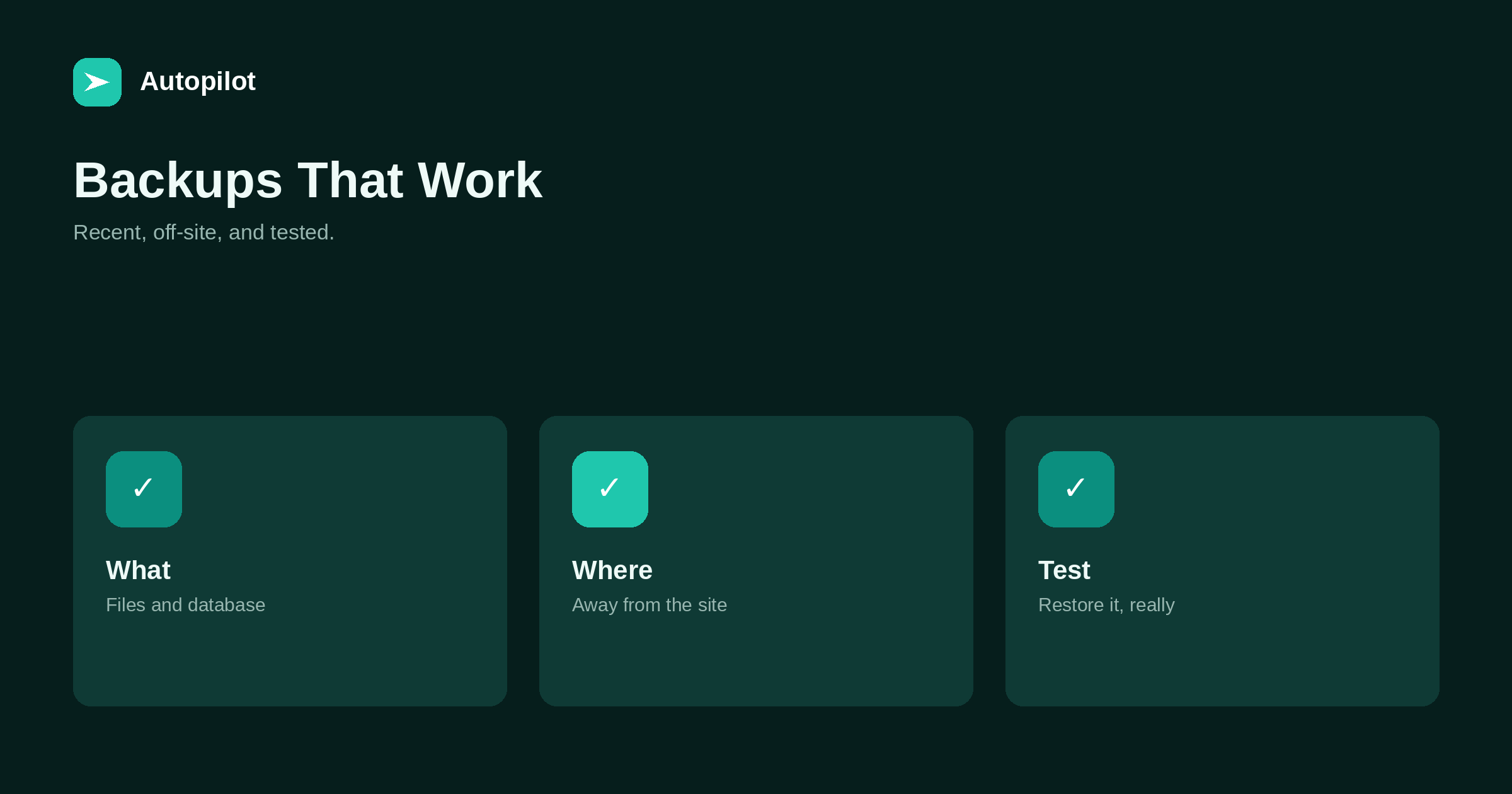
Short answer: back up both the site’s files and its database, automatically, at least daily for a blog that publishes often, and keep several versions going back weeks. Store backups away from the site itself — with a separate provider or storage service — so a server problem or compromise does not take them too. Test restoring a backup to a staging site a few times a year; an untested backup is a hope, not a plan. Take a manual backup before any significant change.
Nobody thinks about backups until they need one. Then the only questions are whether there is a recent one, whether it can be found, and whether it actually works.
Answering those questions in advance takes an hour of setup and a few minutes a quarter.
What to back up
A blog has two parts that both need backing up.
| Part | Contains |
|---|---|
| Database | Articles, pages, settings, users, comments |
| Files | Uploaded images and media, themes, plugins, configuration |
A backup of only one is incomplete. Articles without their images, or images without the database, cannot restore the site.
How often
Back up as often as you can afford to lose work. For a blog publishing daily, a daily backup means at most a day of loss. For a blog publishing weekly, daily is still cheap insurance.
Keep several versions — daily for a couple of weeks, weekly for a few months — so a problem noticed late can still be undone.
Where to keep them
Backups stored only on the same server as the site are lost when the server is. Keep copies with a separate provider or storage service, ideally in a different location.
Protect access to the backup storage as carefully as the site itself.
Automatic, not manual
Manual backups get forgotten. Use your host’s automatic backups, a backup plugin, or both, scheduled and running without anyone remembering.
Check occasionally that they are still running; a backup system that silently stopped months ago is a common discovery at the worst moment.
Test restores
A few times a year, restore a backup to a staging site and check that it works: articles, images, settings, logins. This is the only way to know recovery will work when needed.
Write down the restore steps while testing, so anyone can follow them in an emergency.
Before big changes
Take a manual backup before updates, theme changes, plugin changes, migrations and bulk edits. If something breaks, you can return to the state just before — migrating a blog.
Your content elsewhere
Beyond full backups, a regular export of articles in a portable format gives an extra layer of protection and makes moving platforms easier. Keep the content inventory too; it records what exists even if the site is unavailable — a content inventory.
A simple backup plan
A practical plan for most business blogs: automatic daily backups of database and files by the host or a plugin; a copy sent automatically to separate storage; daily versions kept for two weeks and weekly versions for three months; a manual backup before any significant change; a restore test every quarter; and a one-page written procedure for restoring.
Write down where backups are stored, how to access them, and who has access. In an emergency, that page matters more than the backups themselves if nobody else knows where they are.
Common backup failures
The same failures appear repeatedly: backups stored only on the same server; backups that stopped running after a plugin update; database-only backups missing the media; backups that exceed storage limits and silently fail; and backups nobody has the credentials to access. Each is prevented by the plan above and discovered by a restore test.
How long to keep backups
Keep enough history to recover from problems noticed late: a compromise discovered weeks after it began, or content accidentally deleted and noticed only when a reader asks. A few months of weekly versions usually covers this. Balance retention with storage costs and with any privacy obligations for personal data in the backups.
Recovery time
Know how long a restore takes. For a small blog it may be minutes; for a large one with many images, hours. That estimate helps plan: a restore during business hours with the site down is different from one done on staging and switched over.
Practising restores quarterly means the process is familiar when it is needed under pressure.
Backups for several sites
For businesses running several blogs, keep a list of every site with its backup method, storage location, retention and last successful restore test. A single overview makes it obvious when one site’s backups have been missed.
Database size
Databases grow with revisions, spam comments and old plugin data. Periodic cleanup — limiting stored revisions, removing spam and unused tables — keeps backups smaller and faster to restore. Take a backup before any cleanup, since it involves deleting data.
Backups and staging
A staging copy of the site, refreshed from backups, is useful beyond restore tests: it is where theme changes, plugin updates and migrations can be tried safely before touching the live site. If you already test restores quarterly, the staging site gets refreshed as a side effect.
Make sure the staging copy is not indexable by search engines and that any tools connected to it do not publish to live channels by mistake.
When you need a backup
The situations are predictable: an update breaks the site, content is deleted by mistake, a compromise needs rolling back, a host has an outage or loses data, or a migration goes wrong. In each, a recent, tested, off-site backup turns a potential disaster into a few hours of work.
Who is responsible
Name one person responsible for backups: checking they run, testing restores and keeping the written procedure current. Backups that are everyone’s job tend to be nobody’s, and the gap is discovered only when a restore is needed.
Backups and security
After a compromise, a clean backup from before the problem is often the fastest route to recovery. That requires knowing when the problem started and having backups old enough — one more reason to keep several versions. security basics covers the wider picture.
Related reading
If this was useful, these cover the questions that usually come next.
- Security basics — backups as part of security
- Migrating a blog — backups before big changes
- Choosing a blog platform — who handles backups
The bottom line
Back up both database and files automatically, at least daily for an active blog, keeping several versions over weeks. Store copies away from the site, check that backups keep running, test restoring a few times a year, write down the steps, and take a manual backup before any significant change.
FAQ
What should a blog backup include?
Both the database (articles, settings, users) and the files (media, themes, plugins, configuration).
How often should I back up my blog?
At least daily for an active blog, keeping several versions over weeks.
Where should backups be stored?
Away from the site, with a separate provider or storage service.
How do I know my backups work?
Restore one to a staging site a few times a year and check everything.
Should I back up before updates?
Yes, before any significant change such as updates, theme changes or migrations.
Are host backups enough?
They help, but an additional copy stored elsewhere adds protection if the host has a problem.