ENEnglish
 LTLietuviškai
 DEDeutsch
 FRFrançais
 RUРусский
 ESEspañol
 PLPolski
 ITItaliano
 UKУкраїнська
 CSČeština
 PTPortuguês
 JA日本語
JA日本語 LVLatviešu valoda
 ETEesti
 HUMagyar
 IDBahasa Indonesia
 TRTürkçe
 HIहिन्दी
 ELΕλληνικά
 ARالعربية
 THไทย
THไทย VITiếng Việt
 RORomână
 MSBahasa Melayu
 BNবাংলা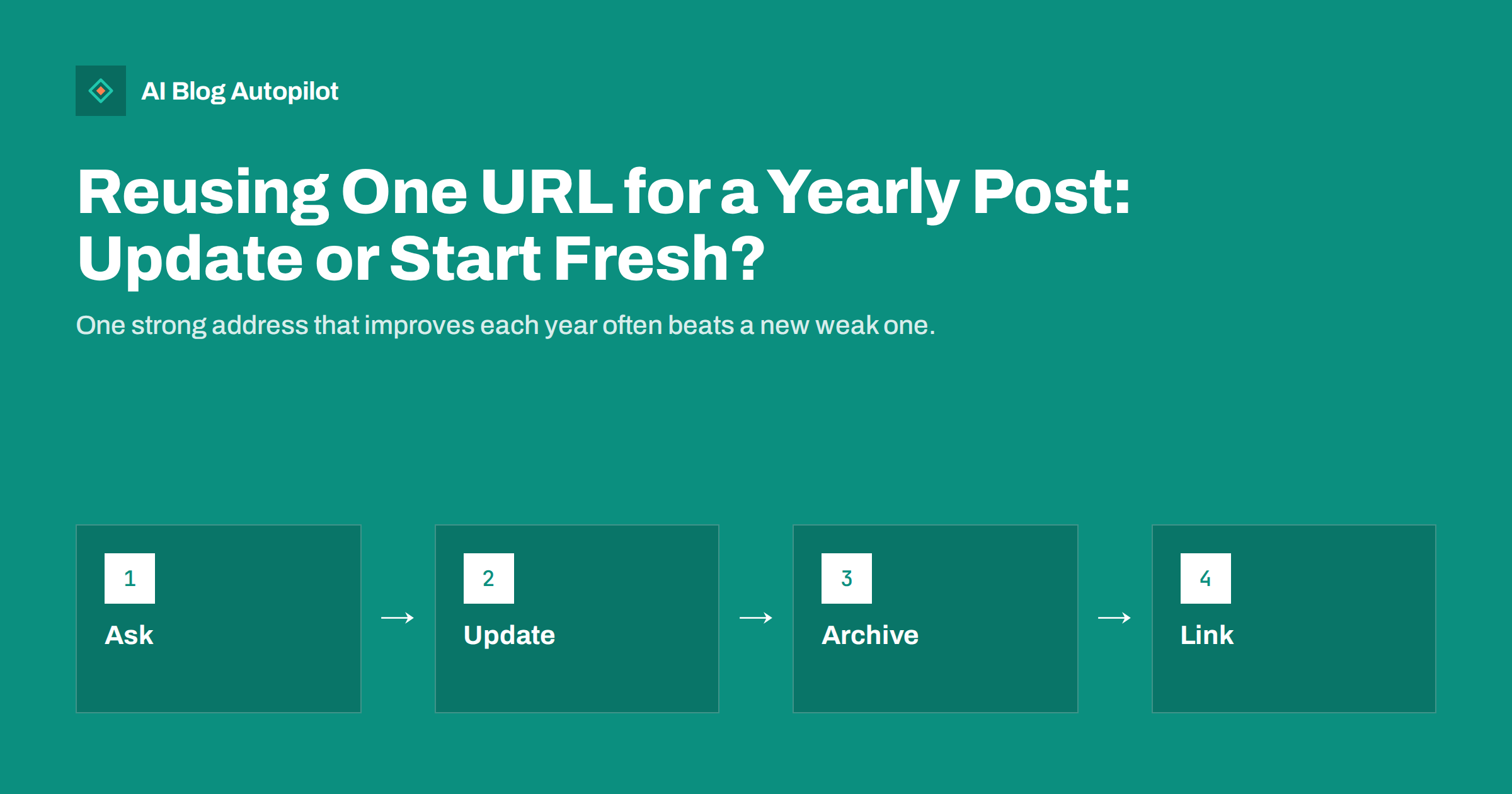
Short answer: if the topic is the same each year and readers always want the latest version, keep one address and update the page. If each year is a distinct record that people will look for by its date, such as results or a report, give each edition its own address and link them together. Either way, make the newest version easy to find and the old ones clearly labelled.
Many blogs publish posts that come round each year: a guide to the holiday season, a list of the best tools, an event page, a tax or deadline reminder, a trends article. Each year the question comes up again: should we write a new post or refresh the old one? The choice affects links, rankings and readers, and the wrong one creates clutter or lost traffic. This article helps you choose and gives a method for both paths.
A good way to start is to look at your own data. Check the pages that already come back every year and see how their traffic behaved: did last year’s new post start from zero, or did a refreshed page keep its place? Your own history is the best guide to what works for your audience.
Why the choice matters
A page that has been online for years collects links, mentions and a history in search results. A new page starts with none of this. If you publish a fresh post each year on the same topic, you split your strength across many addresses and make search engines choose between them. Readers may land on an old version and not realise that a newer one exists.
On the other hand, replacing an old page with a new one under the same address removes the old edition. If readers or other sites want to see what you wrote in an earlier year, it is gone. For some topics that is fine, and for others it is a loss.
So the question is not which method is better in general. It is which one serves the people who search for this topic. Think about what a visitor wants when they type the topic into a search box: usually the current answer, sometimes a specific past one.
When one URL works best
Keep one address when readers always want the latest information and an old edition has little use. Examples are a guide to tools that changes as the market moves, a checklist for a yearly task, a list of the best products of the moment or a page about a recurring event that mostly stays the same. In these cases, the value of the page grows as links and history accumulate.
The page should be a living document. Update the content in full, not only the year in the title. Change examples, remove what is outdated, add what is new and check that every claim is still true. The process is the same one we describe in how to refresh old blog posts.
Be careful with the title and the address. If the address contains a year, such as the year in the final part of the path, you will have a stale address when the year changes. Use a timeless address such as the topic alone and put the year in the title or the heading, where it is easy to change. Our guide to URL slugs that work explains how to choose one.
When each edition needs its own URL
Give each year its own address when the editions are records. Annual reports, survey results, award lists, conference programmes and year-in-review posts all describe something that happened at a given time. A reader who wants the results of one particular year does not want to see this year’s. Replacing the page would destroy useful history.
It also fits when the content differs a lot each year, so that a refresh would amount to rewriting the page, and when other sites link to a specific edition. In those cases the old edition is a source in its own right.
If you go this way, create a hub page that always shows the latest edition and links to the earlier ones. The hub can keep the same address from year to year and gather the strength, while the individual editions keep their records. See annual round-ups and years in blog titles for related advice.
How to update a page that keeps its address
Start with a review of the current page. Look at its performance in Search Console, its links and its position for the key searches. Decide what must change and what should stay, because the parts that rank well and satisfy readers are worth protecting.
Next, rewrite what is out of date. Update names, numbers, screenshots and links. Add new sections where something important has changed, and remove sections that no longer help. If you change the main point of the article, make sure that the title, the opening and the headings agree with each other.
Then change the dates honestly. Show the date of the update on the page and in your records, and do not pretend that the page is new. The rules are in publish and updated dates. If you have a note for readers such as “updated for this year”, keep it short and accurate.
Handling old editions
If you replace the page under the same address, you may still want to keep the previous edition somewhere. One way is to save it on a new address with a clear label, such as “2025 edition”, and link to it from the current page in a short archive section. Mark the old page so that it does not compete with the current one, for example with a visible note and a link to the new version, and consider a canonical tag or a noindex rule if the two are very similar. The details are in canonical tags explained.
Do not leave several nearly identical pages ranking for the same search. That creates the problem described in keyword cannibalisation, and the visitor may see the wrong year in the results. Decide which page should rank and make the others support it.
If an old edition has no value, redirect it to the current page with a permanent redirect, so that links still work. Use 301 redirects and avoid long chains.
Titles, headings and dates in text
Years in titles help people see that content is current, and they often attract clicks. But they age quickly. If you keep one address, update the year in the title when you refresh the page, and make sure that the heading, the meta description and any year in the text agree with it. A page that says one year in the title and another in the first paragraph looks careless.
Avoid phrases that become false with time, such as “this year” or “last month” in places where a fixed date would be clearer. Use the full date or the year, so readers who find the page later are not misled. The same applies to ages of products, prices and deadlines.
Also check structured data and social previews. If your page has markup that includes a date, update it with the content. If the social image shows the year, refresh the image and the preview, as covered in link previews that do not update.
Plan the yearly cycle
Put the refresh in your calendar. Choose the time of year when the topic is most searched, and start the update early enough for search engines to see it before the peak. For a holiday guide, that may be weeks ahead, and for a tax reminder it may be the start of the season.
Keep a short checklist for each recurring page: what to review, who does it, which links to update and where to announce it. After the update, share the page again on your channels and in your newsletter, as you would a new post. Our guide to seasonal content planning shows how to line up the cycles.
Track the results year on year. Compare traffic and rankings at the same point in the season. If the page keeps improving, your method works. If it falls, look for changes in the search results and in what readers expect.
Do not forget the sitemap and your feeds. When a page is refreshed and its date changes, make sure that the sitemap shows the new update date and that your feed carries the right information, so that subscribers and search engines see that something changed.
Common mistakes
The first mistake is changing only the year. Search engines and readers can tell when a page is the same as before. A refresh without real changes gains little and may lose trust. The second is deleting the old page and writing a new one with no redirect, which throws away its links. The third is leaving many old editions online with nothing to say which one is current.
Another is forgetting internal links. Links from other posts may point to an old edition by its address. Update them so that they lead to the current page, and use the hub when that is better.
Finally, avoid making the choice differently each year. Pick one approach per type of content, write it down and keep to it. A consistent rule makes the work easier and the site tidier.
How AI Blog Autopilot helps
AI Blog Autopilot writes full SEO articles for your WordPress blog from the topics, keywords, audience and tone you set, with FAQ sections, tags and SEO meta included, and it shares each one to your social networks. Add your recurring topics to your topic list, and use approval mode to read each article before it goes live and compare it with earlier editions of the same subject. See the pricing page for plans.
Related reading
- Annual Round-Ups: When They Are Worth Writing
- How to Refresh Old Blog Posts
- Publish and Updated Dates
The bottom line
Keep one address for a yearly topic that readers want fresh, and give each edition its own address when the editions are records. Update honestly, label old versions and redirect what has no value.
GYIK
Should a yearly post keep the same URL?
Usually yes, if readers want the latest version and old editions have little value. Use separate URLs for editions that are records.
Should I put the year in the URL?
For a page you plan to refresh, no. Put the year in the title instead, so the address does not go stale.
What happens to the old edition?
Keep it on a labelled address if it has value, or redirect it to the current page if it does not.
Is changing only the year enough?
No. Update the facts, examples and links. A page with only a new year gains little and can lose trust.
When should I start the yearly update?
Early enough for search engines to see it before the peak season for the topic, often several weeks ahead.