 ENEnglish
 LTLietuviškai
 DEDeutsch
 FRFrançais
 RUРусский
 ESEspañol
 PLPolski
 ITItaliano
 UKУкраїнська
 CSČeština
 PTPortuguês
 JA日本語
JA日本語 LVLatviešu valoda
 ETEesti
 HUMagyar
 IDBahasa Indonesia
 TRTürkçe
 HIहिन्दी
 ELΕλληνικά
 ARالعربية
 THไทย
THไทย VITiếng Việt
 RORomână
 MSBahasa Melayu
 BNবাংলা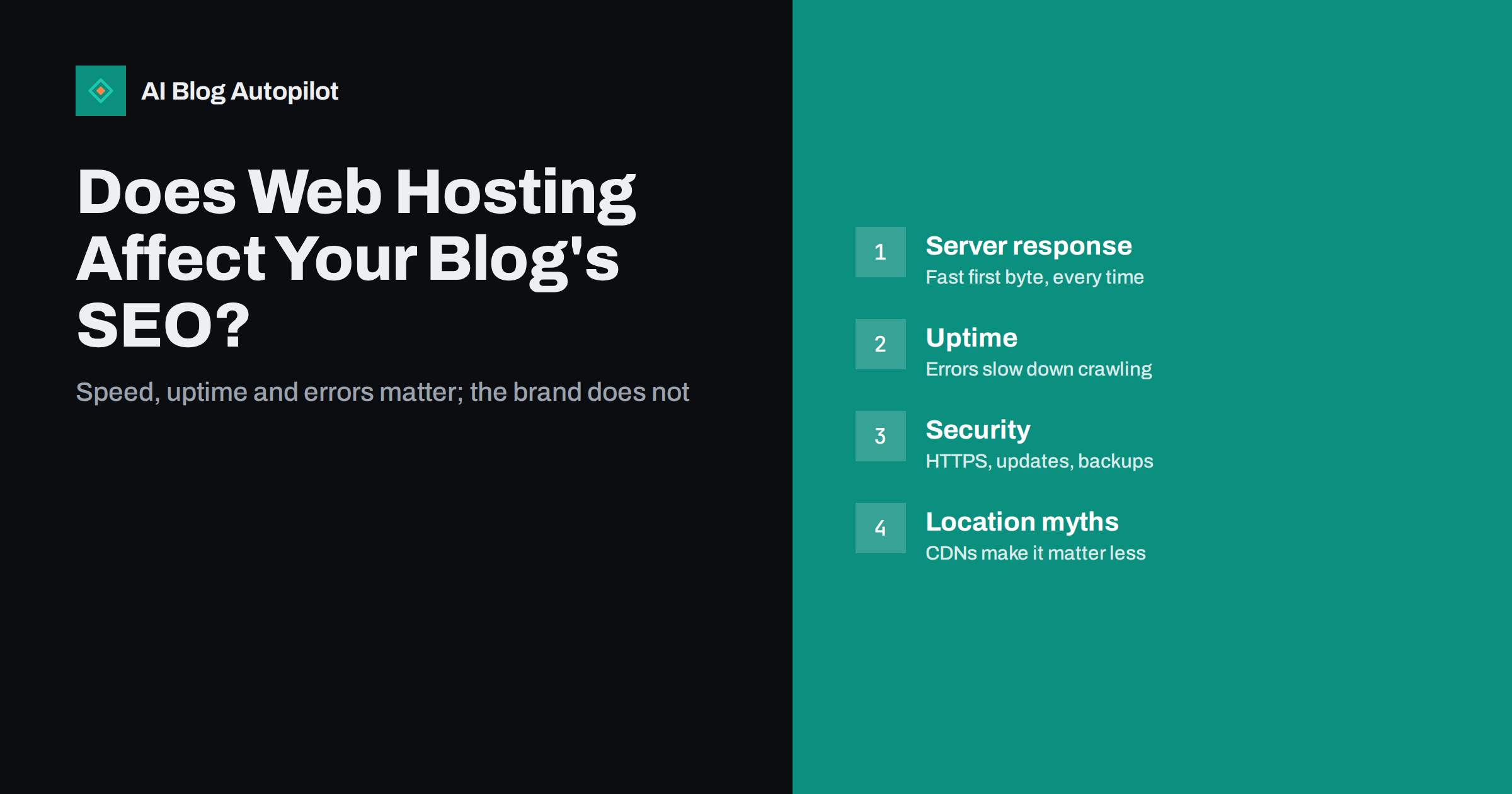
Short answer: web hosting affects SEO indirectly, through how fast and reliably your server responds, how often the site is down or returns errors, and how secure it is. Search engines do not rank sites by host name, and server location matters far less than it once did, especially with a CDN. A blog on hosting that responds quickly, stays up and is kept patched gives your content a fair chance; slow, overloaded or frequently failing hosting can hold it back and make crawlers visit less.
When a blog is not performing in search, hosting is a common suspect. Forums are full of advice to switch to a particular host, and hosting companies advertise “SEO hosting” as if it were a special product. Meanwhile, other people insist hosting makes no difference at all.
The truth sits in between. Hosting is not a ranking factor in itself, but it underpins several things that matter: page speed, availability, crawling and security. This guide explains how each one connects to search, what to look for in hosting for a blog and how to tell when your current host is genuinely the problem.
How hosting connects to search performance
Search engines evaluate pages, not hosts. But the host decides how those pages are delivered, and delivery affects both visitors and crawlers. The main links are:
- Server response time. How long the server takes to start sending a page affects every other speed metric and how efficiently crawlers can fetch pages.
- Uptime and errors. A site that is down or returns server errors cannot be crawled or read. Repeated errors make crawlers slow down.
- Capacity under load. Shared resources that run out at busy times cause slowdowns or failures exactly when traffic peaks.
- Security. Compromised sites can be flagged in search results or have spam injected into their pages, which damages both rankings and trust.
- Technical features. HTTPS, modern protocol support, caching, compression and correct status handling all depend partly on the host.
Server response time and page speed
The first thing a visitor’s browser waits for is the server’s response, often measured as time to first byte (TTFB). web.dev explains the metric in its guide to time to first byte. A slow TTFB delays everything else: the page cannot start rendering until the HTML begins to arrive.
For a WordPress blog, TTFB depends on the server’s processing power, how busy it is, whether pages are cached and how efficient the theme and plugins are. Good hosting with page caching can serve most blog pages very quickly. Overloaded shared hosting without caching can take a second or more before sending anything.
Page experience, including Core Web Vitals, is one of many signals search engines consider, and relevance and content quality matter far more. But speed affects readers directly: slow pages lose visitors before they read a word. A fast server removes one of the most basic obstacles.
Before blaming the host for slow pages, separate server time from everything else. Test a page with a speed tool and look at two numbers: the server response time and the total load time. If the server responds quickly but the page still loads slowly, the cause is usually large images, heavy scripts or a bloated theme, and moving hosts will not fix it. If the server response itself is slow, test again with caching enabled and with a default theme on a staging copy. Only when a lean, cached page is still slow to start is the hosting itself the likely bottleneck.
Uptime, errors and crawling
If a crawler requests a page and gets a server error (a 5xx status code) or a timeout, it cannot see the content. Occasional errors are normal and harmless. Frequent or prolonged ones have consequences:
- Crawlers reduce their crawl rate to avoid overloading a struggling server, so new posts are discovered more slowly.
- If important pages keep returning errors over an extended period, search engines may eventually drop them from the index until they recover.
- Visitors who hit errors leave and may not come back.
A short planned maintenance window is not a problem, particularly if the server returns a 503 status code during it, which tells crawlers the outage is temporary. The concern is chronic instability: a host that goes down several times a month or returns errors at every traffic spike.
Use an uptime monitoring service to check your site every few minutes and alert you when it fails. Search Console’s Crawl stats report also shows server errors and response times from Google’s point of view.
Server location and CDNs
A common belief is that your server must be in the same country as your audience to rank there. Physical distance does add some delay to every request, so a server on the other side of the world will be a little slower for local visitors. But search engines determine the target country of a site mainly from other signals, such as language, content, links and, where applicable, the country-code domain. Server location is at most a minor consideration.
A content delivery network (CDN) largely removes the distance problem. It stores copies of your static files, and often whole cached pages, on servers around the world and serves visitors from the nearest one. Many hosts include a CDN, and standalone CDN services are widely used with WordPress. For a blog with international readers, a CDN is usually a better investment than agonising over server location.
Shared IP addresses and “bad neighbourhoods”
On shared hosting, many websites share one server and often one IP address. People sometimes worry that if a spammy site shares their IP, their own site will suffer. Search engines have said for years that sharing an IP with other sites is normal and not a problem in itself; much of the web runs on shared infrastructure and CDNs.
The practical risks of cheap shared hosting are different: other sites using up server resources and slowing yours down, weaker isolation between accounts, and, occasionally, email deliverability issues if the shared IP is used for spam. Those are good reasons to choose a reputable host, but not because of a direct SEO penalty for neighbours.
Security as an SEO factor
Hacked websites are a real SEO risk. Attackers commonly inject hidden spam links, create thousands of spam pages or redirect visitors to malicious sites. Search engines may warn users about the site or remove affected pages, and cleaning up can take weeks.
Hosting contributes to security through:
- Free, automatically renewed HTTPS certificates. HTTPS is expected for every site today and is a lightweight ranking signal.
- Up-to-date server software and isolation between customer accounts.
- Malware scanning and firewalls that block common attacks.
- Automatic backups stored separately, with easy restoration.
Much of WordPress security is still your responsibility: keeping WordPress, themes and plugins updated, using strong passwords and limiting admin accounts. But a host that handles the server side well makes the rest much easier.
What to look for in blog hosting
For a typical business blog on WordPress, these features matter more than marketing labels:
- Consistently fast server response, ideally with built-in page caching for WordPress.
- A current PHP version and regular server updates.
- Free HTTPS with automatic renewal.
- Reliable uptime with a clear status page and support that responds when something breaks.
- Daily backups kept for a reasonable period and easy to restore.
- A CDN option for international audiences.
- Access to logs and basic server settings when you need to troubleshoot.
- A staging environment to test updates before applying them to the live site.
- Room to grow without an immediate migration if traffic increases.
“SEO hosting” packages that promise ranking benefits through multiple IP addresses or special locations are generally aimed at link schemes and offer nothing useful to a normal business blog.
Signs it is time to change hosts
Switching hosts has a cost and some risk, so base the decision on evidence. Consider moving when:
- Server response times stay slow even after enabling caching and removing heavy plugins.
- Uptime monitoring shows repeated outages that the host cannot explain or fix.
- Search Console’s Crawl stats show frequent server errors or rising response times.
- The host cannot provide a current PHP version, HTTPS or backups.
- The site has been compromised more than once and the host offers little help.
- Support is consistently slow or unhelpful when something breaks.
When you move, keep the same domain and URLs, test the site on the new server before switching DNS, lower DNS TTL values in advance to speed up the switch, and watch errors and crawling closely for a couple of weeks afterwards. A host move that keeps URLs identical is far less risky than a domain or structure change.
How AI Blog Autopilot fits in
AI Blog Autopilot connects to your WordPress blog and publishes articles to it, wherever it is hosted. It does not host your website, so the choices above remain yours. What it does is keep the content side steady: long-form articles published at your chosen hour and shared to your social networks. A fast, reliable host makes sure those articles load well for readers and crawlers alike. See how AI Blog Autopilot works.
Related reading
- Page Speed on a Content Site: What Actually Helps
- Security Basics for a Business Blog
- Backups for a Blog: The Boring Thing That Saves You
- Crawl Budget: Does It Matter for a Small Blog?
The bottom line
Hosting does not rank your blog, but it can stop it from performing. What matters is fast server response, reliable uptime, few server errors, solid security and backups. Server location and shared IPs matter much less than commonly claimed, especially with a CDN. Measure before you blame your host, and if the evidence points to it, move carefully while keeping every URL the same.
GYIK
Does cheap hosting hurt SEO?
Not by itself. It becomes a problem when it causes slow responses, frequent downtime or server errors. Some inexpensive hosts perform well for small blogs; others are overloaded. Measure speed and uptime rather than judging by price.
Does server location affect rankings?
Only slightly, through the extra delay of long distances. Search engines determine a site’s target audience mainly from language, content and other signals. A CDN reduces distance effects for visitors worldwide.
Can downtime cause my blog to lose rankings?
Short outages rarely cause lasting harm. Frequent or prolonged downtime can reduce crawling and, in extreme cases, lead to pages being dropped until the site is stable again. Monitor uptime and fix recurring problems quickly.
Is a shared IP address bad for SEO?
No. Sharing an IP address with other websites is normal and is not treated as a negative signal. The practical risks of poor shared hosting are slower performance and weaker security, not an IP-based penalty.
Will moving hosts affect my rankings?
A host move that keeps the same domain and URLs usually causes little or no lasting change. Test the site on the new server before switching, and watch for errors and crawling issues in the weeks after the move.


