ENEnglish
 LTLietuviškai
 DEDeutsch
 FRFrançais
 RUРусский
 ESEspañol
 PLPolski
 ITItaliano
 UKУкраїнська
 CSČeština
 PTPortuguês
 JA日本語
JA日本語 LVLatviešu valoda
 ETEesti
 HUMagyar
 IDBahasa Indonesia
 TRTürkçe
 HIहिन्दी
 ELΕλληνικά
 ARالعربية
 THไทย
THไทย VITiếng Việt
 RORomână
 MSBahasa Melayu
 BNবাংলা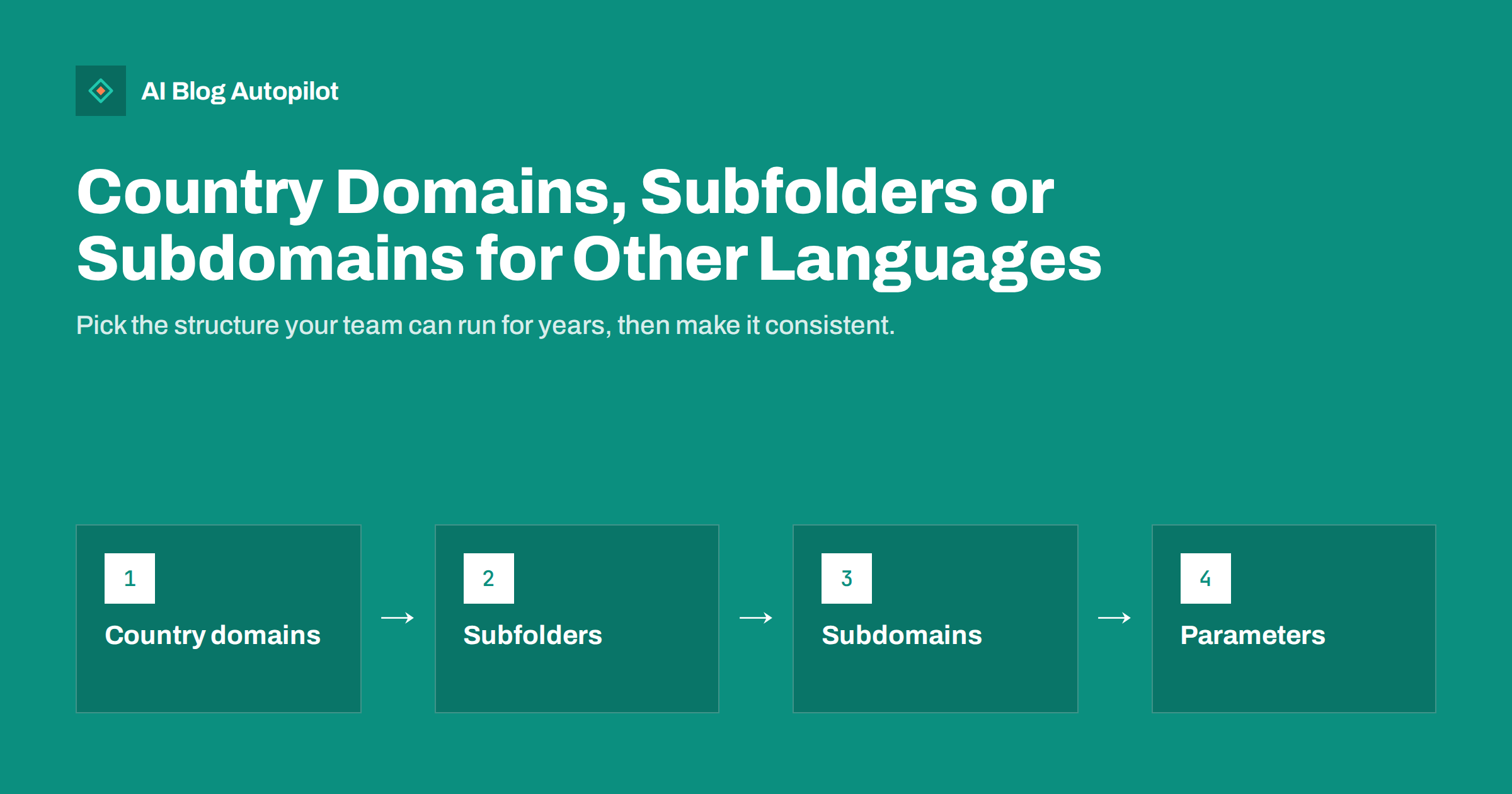
Short answer: for most small and medium sites, subfolders on one domain, such as example.com/de/ and example.com/fr/, are the simplest and most effective way to add languages or countries: every version shares the domain’s reputation and is easy to manage. Country domains, such as example.de, send the strongest local signal but cost more to run and must each build authority separately. Subdomains, such as de.example.com, sit in between and are mainly useful when versions run on separate systems. Avoid language versions that differ only by URL parameters, and connect whichever structure you choose with hreflang.
Adding a second language or targeting another country raises an early, long-lasting decision: where will those pages live? Changing the structure later means migrating URLs, redirects and links, so it pays to choose well at the start. Google describes the options in its guide to managing multi-regional and multilingual sites. This article explains the trade-offs in practical terms for a business blog or website.
Language targeting vs country targeting
Before choosing a structure, be clear about what you are targeting:
- Language targeting serves speakers of a language wherever they live. A Spanish version for Spanish speakers in Spain, Mexico and the United States is language targeting.
- Country targeting serves people in a specific country, often with local prices, currency, shipping, legal information or offers. A version for Germany and another for Austria, both in German, is country targeting.
Most blogs and many service businesses need language targeting: the content is the same, just in another language. Online shops, regulated services and businesses with local offices more often need country targeting. The difference affects which structure fits best and how you set up hreflang.
It is also worth deciding which language is the default and whether it gets its own folder. Some sites keep English at the root, example.com/, and put other languages in folders. Others give every language a folder, including /en/. Both work. The root approach keeps existing URLs unchanged when you add languages; the all-folders approach is more symmetrical. Pick one and do not mix them.
The options at a glance
| Structure | Example | Main strengths | Main drawbacks |
|---|---|---|---|
| Country domain (ccTLD) | example.de | Clear country signal, local trust | Cost, separate authority, more admin |
| Subfolder | example.com/de/ | Shared authority, simple to run | Weaker country signal on its own |
| Subdomain | de.example.com | Separate hosting possible | Often treated more separately, extra setup |
| Separate generic domains | example-germany.com | Full separation | All drawbacks of separate sites |
| URL parameters | example.com/?lang=de | Easy to add technically | Not recommended for languages |
Country domains: the strongest local signal
A country code top-level domain, such as .de, .fr or .lt, tells search engines and people that the site is meant for that country. Local visitors often trust a familiar country domain, especially for shopping and services.
The drawbacks are practical:
- Each domain starts from zero. Links and reputation earned by one domain do not automatically help the others, so each needs its own authority.
- More cost and administration. Several registrations, renewals, DNS settings and certificates, and some country domains have registration requirements such as a local address.
- More sites to maintain. Separate installations, analytics properties and search engine properties, unless you run them carefully from one system.
- Country only. A country domain is about a country, not a language. Using .de for all German speakers, including those in Austria and Switzerland, sends a mixed message.
Country domains make sense for larger businesses with a real presence in each country, local teams and the budget to build each site properly.
Subfolders: the practical default
Subfolders keep all versions on one domain: example.com/ for the default language, example.com/de/ for German, example.com/es/ for Spanish, and so on. For country targeting, a folder can combine language and country, such as /de-at/ for German in Austria.
Why subfolders suit most sites:
- Shared authority. Links to any version strengthen the whole domain, which helps new language versions get started.
- One site to run. One installation, one certificate, one analytics property, one set of plugins.
- Simple to add languages. A new folder is easier than a new domain.
- Clear structure. Readers and search engines can see the language from the URL.
The country signal from a subfolder alone is weaker than from a country domain, but hreflang, local content, local contact details and links from local sites provide that signal well. For language targeting, there is little downside.
Search engines used to offer a country targeting setting for generic domains and subfolders, but Google retired its international targeting report in Search Console. Country relevance now comes from signals such as hreflang, local content, currency, addresses and local links, which is one more reason why the content of each version matters more than the URL pattern.
Subdomains: when they make sense
Subdomains such as de.example.com or es.example.com put each version on its own host under the same domain. Search engines can treat subdomains more like separate sites than subfolders, although they are still clearly related.
Subdomains are useful when:
- Language versions run on different systems or servers, for example a separate shop platform in one country.
- Different teams or partners manage each version independently.
- Technical limits make subfolders hard on your platform.
Without such a reason, subfolders are usually simpler. Subdomains need separate certificates or a wildcard certificate, extra DNS records and, often, separate search engine properties.
Hosting location matters far less than it once did. With content delivery networks serving pages from servers around the world, a site hosted in one country can load quickly everywhere, and search engines do not need the server to be in the target country. Choose hosting for speed and reliability rather than for country signals.
Why not URL parameters or automatic switching
Some systems show different languages on the same URL using a parameter such as ?lang=de, a cookie or the visitor’s browser settings. These approaches cause problems:
- Parameters are not recommended for language versions. They are easy to miss, easy to duplicate and hard for people to recognise or share.
- Cookie or browser-based switching on the same URL means crawlers may only ever see one language, because they usually crawl without cookies and from a limited set of locations.
- Automatic redirects by location or language can stop visitors and crawlers from reaching the version they want.
Give each language version its own URL. If you want to suggest a version to visitors based on their browser language, use a dismissible banner rather than a forced redirect.
Hreflang connects the versions
Whatever structure you choose, hreflang annotations tell search engines which pages are equivalents in other languages or for other countries, so the right version appears in each search. Google’s documentation on localized versions of pages describes the three ways to add them: HTML link elements, HTTP headers or the XML sitemap.
Key rules:
- Every version must list all versions, including itself.
- Annotations must be reciprocal: if page A points to page B, page B must point back to A.
- Use correct language codes, optionally with country codes, such as de or de-AT.
- Add an x-default version for visitors whose language you do not serve.
- Point only to canonical, indexable URLs.
Multilingual plugins for WordPress usually generate hreflang automatically when the translations are linked correctly. Check a few pages to confirm.
Canonical tags need care on multilingual sites. Each language version should usually have a self-referencing canonical, not a canonical pointing to the English page. Pointing all versions to one language tells search engines that the others are duplicates, which can stop them appearing in local results.
Practical points for a growing site
A structure only works if it is applied consistently. A few practical habits help:
- Decide the URL pattern once, including whether the default language has its own folder, and document it.
- Translate slugs where it helps readers, but keep them stable once published.
- Localise more than the words: dates, currencies, examples, contact details and legal pages.
- Do not publish thin versions. A language folder with five translated pages and a hundred untranslated ones confuses readers and search engines.
- Use a clear language switcher that links to the equivalent page, not just the home page of each version.
- Monitor each version separately in analytics and search tools, so you can see which languages grow and which need attention.
Changing structure later
If you already use one structure and want another, for example moving from country domains to subfolders, treat it as a site migration: map every old URL to its new equivalent, use permanent redirects, update hreflang and internal links, and monitor traffic and indexing closely for several months. It can be done well, but it is a project, not a setting. That is why choosing carefully at the start is worth an extra hour of thought.
How AI Blog Autopilot helps
AI Blog Autopilot writes articles in 25 languages, each written natively rather than machine-translated, and publishes them to your WordPress blog with FAQ, tags and SEO meta. The number of languages depends on the plan, from one to all 25, as shown on the pricing page. Your site’s chosen language structure and multilingual setup stay under your control.
Related reading
- Hreflang for a Multilingual Blog, Without the Headaches
- Choosing Which Languages to Publish In
- Subdomain or Subfolder: Where Should Your Blog Live?
- Migrating a Blog Without Losing Its Traffic
The bottom line
For most sites adding languages, subfolders on one domain are the simplest and strongest choice: shared authority, one system and clear URLs. Country domains suit businesses with real local operations and the budget to build each site; subdomains suit versions that run on separate systems. Avoid parameter, cookie or redirect-based language switching, give every version its own URL, connect them with correct hreflang, and apply the structure consistently from the start.
GYIK
Are subfolders or country domains better for international SEO?
Subfolders are usually best for small and medium sites because all versions share one domain’s authority and are easy to run. Country domains send a stronger country signal but need more budget and must each build their own authority.
Do subdomains hurt international SEO?
Not necessarily, but they are often treated more separately than subfolders and need more setup. They make sense mainly when language versions run on different systems or are managed independently.
Can I use URL parameters like ?lang=de for languages?
It is not recommended. Give each language version its own clear URL, such as a subfolder. Parameters, cookies and automatic redirects can stop search engines and visitors from reaching the right version.
Do I need hreflang if I use subfolders?
Yes. Hreflang tells search engines which pages are equivalent versions in other languages or countries, whatever URL structure you use. Make sure annotations are reciprocal and include an x-default.
Should I redirect visitors to their language automatically?
It is better not to force it. Automatic redirects can block crawlers and frustrate visitors who want another version. Show a dismissible suggestion and a clear language switcher instead.