 ENEnglish
 LTLietuviškai
 DEDeutsch
 FRFrançais
 RUРусский
 ESEspañol
 PLPolski
 ITItaliano
 UKУкраїнська
 CSČeština
 PTPortuguês
 JA日本語
JA日本語 LVLatviešu valoda
 ETEesti
 HUMagyar
 IDBahasa Indonesia
 TRTürkçe
 HIहिन्दी
 ELΕλληνικά
 ARالعربية
 THไทย
THไทย VITiếng Việt
 RORomână
 MSBahasa Melayu
 BNবাংলা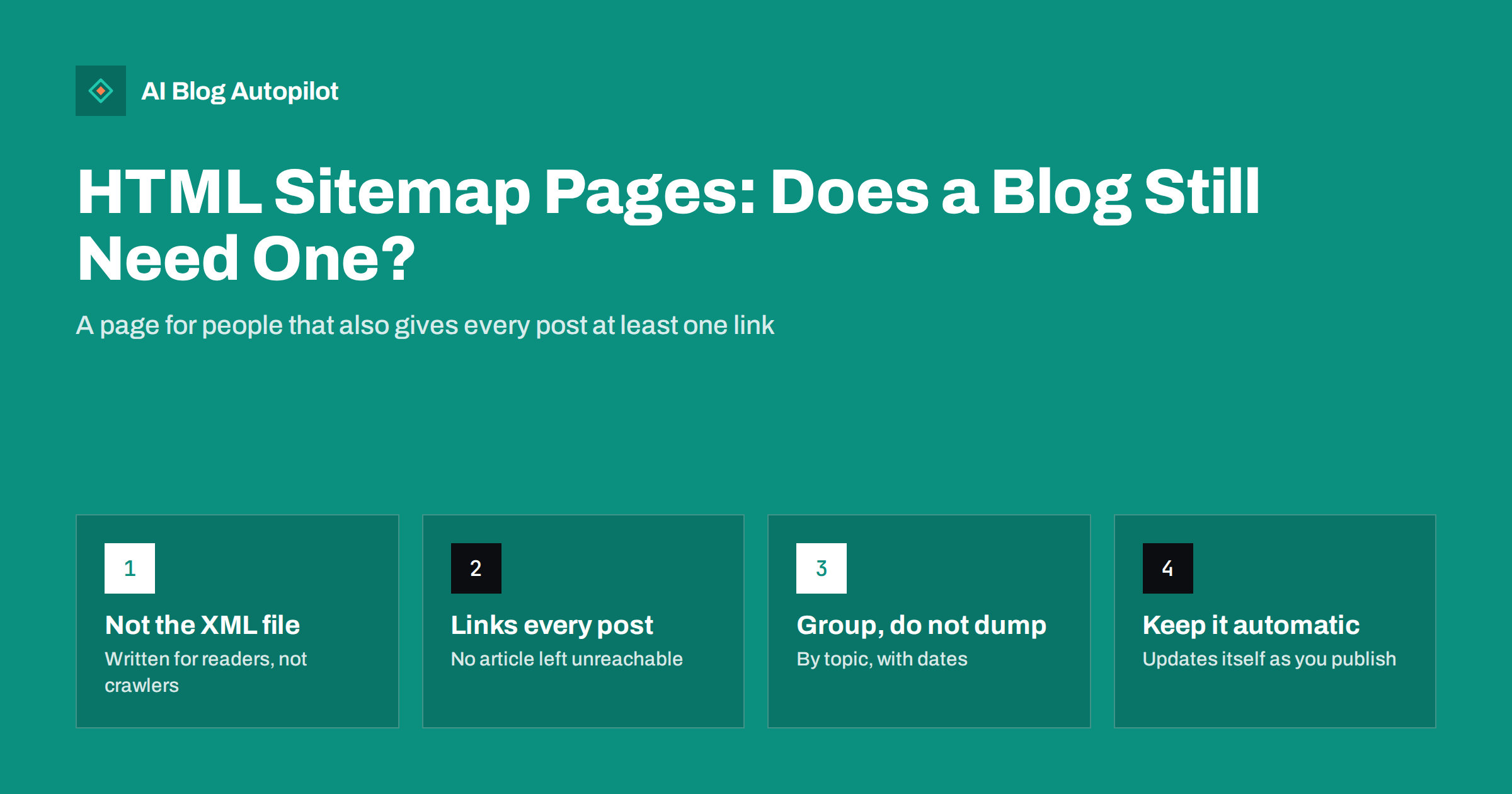
Short answer: an HTML sitemap is an ordinary web page that lists links to a site’s content for people to browse. A blog does not strictly need one, because search engines rely mainly on internal links and the XML sitemap, but a well-organised HTML sitemap is a cheap way to make sure every post is reachable within a couple of clicks and to give readers an overview of the whole archive. It is most useful on blogs with hundreds of posts, weak category pages or deep pagination.
The term “sitemap” covers two quite different things. The XML sitemap is a machine-readable file you submit to search engines. The HTML sitemap is a page on your site that a person can open and read. They share a name and a purpose, which is helping content get found, but they work in different ways and for different audiences.
This guide explains what an HTML sitemap is good for today, when it is worth adding to a blog, and how to build one that does not turn into an unreadable wall of links.
HTML sitemap vs XML sitemap
The two are often confused, so it helps to compare them directly.
| XML sitemap | HTML sitemap | |
|---|---|---|
| Audience | Search engine crawlers | Human visitors, and crawlers following links |
| Format | Structured XML file | Normal web page with links |
| Where it lives | Usually /sitemap.xml or a sitemap index | A page such as /sitemap/, linked from the footer |
| What it signals | Which URLs exist and when they changed | How content is organised, through real links |
| Passes link signals | No, it is a list, not links | Yes, like any internal link |
| Submitted to search engines | Yes, through webmaster tools or robots.txt | No, found by crawling |
The key difference is the last-but-one row. An XML sitemap tells search engines a URL exists. An HTML sitemap actually links to it from a crawlable page on your site. Search engines discover and understand pages largely through links, so an HTML sitemap contributes to the internal link structure in a way that an XML file cannot.
Why HTML sitemaps fell out of fashion
In the early days of the web, many sites had poor navigation and search engines were less capable, so an HTML sitemap linked from every page was a standard recommendation. Several changes made it less essential:
- XML sitemaps became the standard way to tell search engines about URLs.
- Blog platforms generate navigation automatically. Categories, tags, archives and related posts all create links to posts without any manual work.
- Site search improved, giving readers a quicker way to find specific content.
So for a small blog with good categories and a working XML sitemap, an HTML sitemap adds little. But blogs grow, navigation decays, and the reasons for an HTML sitemap quietly return.
When a blog benefits from one
An HTML sitemap earns its place in several common situations.
- Large archives. Once a blog has hundreds of posts, older articles often sit many pages deep in paginated archives. A sitemap page puts them within two clicks of any page that links to it.
- Weak or messy categories. If categories overlap or some posts are uncategorised, the sitemap provides a second, dependable path to everything.
- Orphaned or near-orphaned posts. Posts with no internal links pointing to them are hard for crawlers and readers to find. A complete sitemap guarantees at least one link to each.
- Readers who want the overview. Some visitors, particularly researchers and returning readers, like to see everything a blog has covered and pick what to read.
- Sites with heavy scripts in navigation. If menus depend on scripts to render links, a plain HTML list of links is a simple fallback that any crawler can follow.
There is also a reader-experience argument that is easy to overlook. Visitors who land on a single post from search often have no idea how much else the blog covers. A clearly organised sitemap page, linked from the footer, shows the breadth of the archive at a glance. For a business blog, that overview can be persuasive in its own right: it demonstrates sustained expertise in a subject in a way no single article can.
It is not a fix for poor internal linking inside articles. Contextual links from relevant posts carry more meaning than a line on a long list. Think of the sitemap as a safety net under your main structure, not a replacement for it.
What a good HTML sitemap looks like
The worst HTML sitemaps are an alphabetical dump of every URL. The best ones read like a table of contents for the whole site.
- Start with the main pages. Home, about, contact, pricing or services, and any key guides. Keep this section short.
- Group posts by category or topic. Use a heading for each topic, with the posts listed below. This shows readers how your content is organised and gives each link useful context.
- Use the post titles as link text. Descriptive anchor text helps readers and search engines understand what each post is about.
- Add dates where useful. A publish or update date next to each post helps readers judge freshness.
- Order sensibly. Newest first within each topic works for most blogs. Alphabetical order can suit glossaries and reference content.
- Link to each category page. The heading for each group can link to the category archive, so readers can go deeper.
How big can it get?
A single page with a few hundred links is fine. Readers can scroll and use their browser’s find function, and search engines handle pages with many links without trouble. There is no fixed limit on links per page in modern search guidance, but usability sets a practical one.
Once a list reaches well over a thousand posts, consider splitting it. Common approaches are:
- One sitemap page per category, linked from a short top-level sitemap page.
- One page per year for archives where time matters.
- Collapsible sections that are present in the HTML but expand on click, so the page loads with everything but stays readable.
Whatever the approach, make sure every link is present in the page’s HTML when it loads. Content that only appears after a script runs may not be followed reliably.
Keeping it up to date automatically
A manually maintained sitemap page goes stale within weeks. Posts get added and nobody updates the list; posts get deleted and the list links to errors. The only sustainable approach is a page that builds itself.
- Use your platform’s features. Many WordPress SEO plugins and themes can generate an HTML sitemap from a shortcode or block. Page builders sometimes include a “posts list” element that can be configured by category.
- Exclude what should not be there. Drafts, private posts, thank-you pages and anything set to noindex should not appear on a public sitemap page.
- Check it after changes. After a migration, theme change or category reorganisation, open the sitemap page and click a few links from different sections.
- Link it from the footer. A footer link from every page makes the sitemap easy to find for readers and crawlers alike.
Mistakes to avoid
- Listing URLs instead of titles. Raw addresses are hard to read and make weak anchor text.
- Including redirected or deleted posts. Every link should lead to a live page. A sitemap full of redirects wastes crawl effort and annoys readers.
- Setting the sitemap page to noindex and nofollow. A noindex tag on the page itself is a reasonable choice if you do not want it in results, but nofollow defeats its purpose as a path to your posts.
- Treating it as the main navigation. Readers should be able to find content through menus, categories and contextual links. The sitemap is a backup, not the front door.
- Forgetting multilingual versions. If your blog publishes in several languages, each language version should have its own sitemap page listing content in that language.
How to judge whether it is working
There is no special report for HTML sitemaps, but a few simple checks tell you whether yours helps.
- Use a crawler or your SEO plugin to check that every published post has at least one internal link. The sitemap should bring the count of posts with no incoming links to zero.
- Look at your analytics for visits to the sitemap page and clicks from it. A modest but steady number shows readers use it.
- In Search Console, compare the number of indexed posts with the number published. A sitemap page will not fix quality issues, but it removes “we could not find it” as a cause.
How AI Blog Autopilot fits in
AI Blog Autopilot writes SEO articles and publishes them to your WordPress blog on a schedule, then shares each one to your social networks. Blogs that publish steadily reach the size where an HTML sitemap becomes useful sooner than blogs that publish occasionally. Because new posts are created inside WordPress with their categories and tags, a sitemap page generated by your theme or SEO plugin picks them up automatically, with no manual list to maintain. You can see how publishing works on the AI Blog Autopilot home page.
Related reading
- XML Sitemaps Explained for People Who Publish
- Breadcrumbs and Navigation for a Growing Blog
- Internal Linking on Autopilot: Building Link Structure as You Publish
- Categories or Tags: How to Organise a Blog
The bottom line
A blog can rank without an HTML sitemap, but a good one is a cheap safety net. It gives every post a crawlable link, gives readers an overview of the archive, and compensates for categories and pagination that bury older content. Keep it grouped by topic, generated automatically and free of dead links, and treat it as support for your navigation rather than a substitute for it.
FAQ
What is the difference between an HTML sitemap and an XML sitemap?
An XML sitemap is a file for search engines that lists URLs and change dates. An HTML sitemap is a normal page for people that links to your content. The HTML version also acts as internal links, which the XML file does not.
Does an HTML sitemap help SEO?
It can help indirectly by giving every post at least one crawlable internal link and shortening the click depth to older articles. It does not boost rankings on its own, and it is less valuable than contextual links within articles.
Do small blogs need an HTML sitemap?
Usually not. A small blog with clear categories, a working XML sitemap and good internal links is easy to crawl already. The value grows as the archive reaches hundreds of posts.
Should the HTML sitemap page be indexed?
Either choice is fine. Some sites leave it indexable, others add noindex because it rarely answers a search. Do not add nofollow, because the page’s purpose is to let crawlers follow links to your posts.
How many links can an HTML sitemap page contain?
There is no strict limit, and a few hundred links on one page is fine. For very large blogs, splitting the sitemap by category or year keeps each page readable for visitors.


