ENEnglish
 LTLietuviškai
 DEDeutsch
 FRFrançais
 RUРусский
 ESEspañol
 PLPolski
 ITItaliano
 UKУкраїнська
 CSČeština
 PTPortuguês
 JA日本語
JA日本語 LVLatviešu valoda
 ETEesti
 HUMagyar
 IDBahasa Indonesia
 TRTürkçe
 HIहिन्दी
 ELΕλληνικά
 ARالعربية
 THไทย
THไทย VITiếng Việt
 RORomână
 MSBahasa Melayu
 BNবাংলা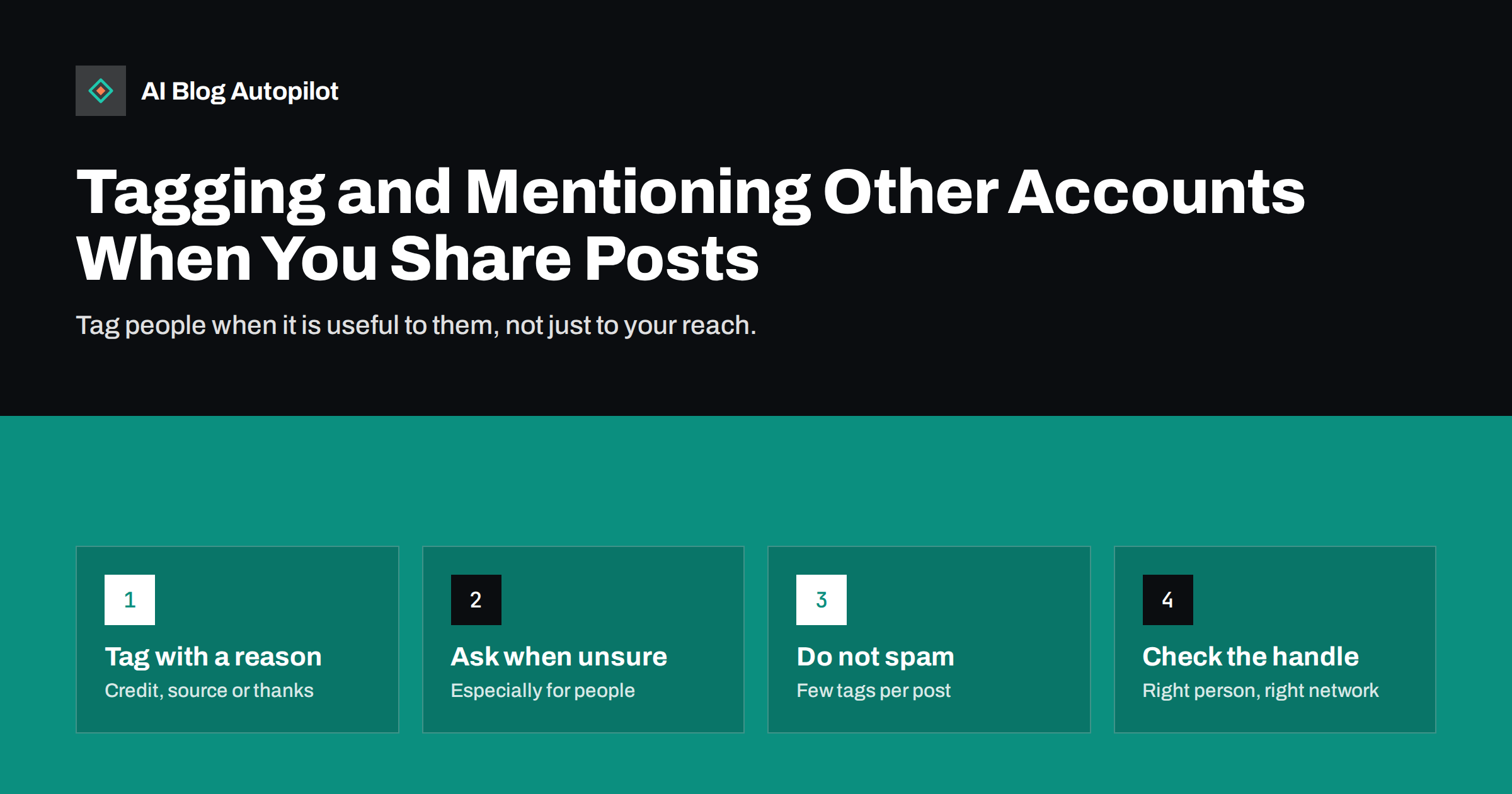
Short answer: tag or mention another account in a social post when there is a clear reason: you are crediting a source, thanking a contributor, sharing a partner’s work or quoting someone who would want to know. Keep to the accounts that are directly relevant, check that the handle is correct on that network, ask first when the person is not a business partner and avoid tagging large accounts only to borrow their reach. A few thoughtful tags build relationships; a long list of tags looks like spam and may be penalised or ignored.
Tags and mentions are one of the few ways a social post reaches beyond your own followers, which makes them tempting. They also notify other people, who did not ask to be part of your message. Done well, a tag is polite and useful: the person sees that you have used their work, may share your post and your audiences overlap. Done badly, it annoys the people you most want to impress. This article covers when to tag, who to tag and how to keep the habit professional.
Good reasons to tag
A tag should serve the person tagged as well as you. Typical good reasons are:
- Credit. You used a photo, quote, statistic or idea from someone, and you want to give them credit publicly.
- Thanks. A guest author, interviewee, designer or customer helped with the content.
- Collaboration. You worked with a partner, event or organisation, and the post is about the joint work.
- Relevance. The article discusses a company, tool or person in depth, and that account would reasonably want to see it.
- Answering. You are replying to a question or comment from that account.
If you cannot say in a sentence why the person would want to be tagged, do not tag them.
Bad reasons to tag
Some habits do harm over time:
- Tagging large accounts for reach. A famous account that has nothing to do with your post will ignore it, and some people will find it irritating.
- Tagging many accounts at once. A row of handles looks like spam, and networks may limit the reach of posts that do this.
- Tagging people in unrelated promotions. Using someone’s name to attract attention to a sale breaks trust.
- Tagging critics to provoke them. It escalates disagreements and tends to reflect badly on the business.
- Repeating tags on every post. If the same accounts are tagged every time, they stop paying attention.
Businesses, people and private individuals
Different accounts call for different care.
Businesses and organisations
Tagging a company that is relevant to your content is normal. Make sure that the post is accurate and fair, since the company will probably read it.
Public figures and experts
Tag them when you quote or cite them and the context is respectful. Avoid putting words in their mouths or implying an endorsement they did not give.
Private individuals
Be more careful with customers, employees and other private people. Ask for permission before tagging them, particularly in images, and respect a refusal. Some people prefer to stay out of a business’s feed, and in some regions privacy rules apply to photos and personal information.
Minors
Do not tag or identify children without clear consent from a parent or guardian, and think twice about whether the post needs to name them at all.
Tagging in image posts
Some networks let you tag people or accounts inside an image, which creates a different notification from a mention in the text. Use this when someone appears in a photo, or when a product or work is theirs. Do not tag people who are not in the image, as it can mislead and irritate. Remember that a tag in a photo may appear on the person’s own profile, so be sure they are comfortable with that.
Get the details right
A tag fails if it points to the wrong person. Before posting:
- Check the handle on that network. The same person or company often has different handles on different networks, and similar names are easy to confuse.
- Look for the official account, often confirmed by a link from their website, not a fan page or an imitation.
- Spell the name correctly in the text, even if the handle is also used.
- Test that the tag works, by checking that it becomes a link when the post is previewed.
- Keep a list of correct handles for partners, regular contributors and tools you mention often, so your team uses the right ones.
On networks where mentions are written with a symbol and a handle, a small typo changes the target or produces plain text, and people will not be notified.
How different networks handle mentions
Rules and habits differ, and they change, so check each network’s current behaviour instead of assuming.
- Some networks notify the person at once and show the post in their notifications. Others notify only if they follow you or if the account allows mentions from everyone.
- Some limit the number of accounts you can tag in a post or in an image.
- Some let users restrict who can tag them or require approval before a tag appears on their profile.
- Professional networks tend to expect tags only where there is a real connection, while casual networks are more relaxed.
If a tag does not seem to work, the cause may be the person’s settings, not your post.
Building relationships through tags
Tags are most useful as part of a relationship. Share and comment on other people’s work before you ask for anything. When you publish an article that cites or features someone, tell them with a short, friendly note, and thank them if they share it. Over time, a group of people who know your blog and trust it will do more for you than any list of tags.
Avoid asking for shares directly in the post. Let the content and the courtesy speak for themselves. If a contributor chooses to reshare, thank them in public, and if they do not, accept it without comment.
Handling tags from others
People will also tag you. Respond politely and promptly, thank those who share your content and correct inaccurate statements calmly. If you are tagged in something unwanted, most networks let you remove the tag or limit who can tag you. Decide in advance who in your team monitors mentions and replies, so nothing sits unanswered.
A short policy for your team
- Tag only when there is a clear reason that benefits the person tagged.
- Limit tags to a few relevant accounts per post.
- Ask permission before tagging private individuals or showing them in images.
- Check handles on each network before posting.
- Never tag minors without consent from a parent or guardian.
- Respond to tags and mentions within a stated time.
Put this in the same document as your style note so everyone who posts follows it.
Example: crediting a source in a post
Say your blog published a guide that uses a survey from an industry association. A good post names the association, says in a few words what the data showed and tags the association’s account once. That is useful to the association, which can see how its work is used, and useful to your readers, who can follow the source. It also shows that you did not invent the numbers.
A weaker version tags the association, three of its executives, two well-known writers in the field and a hashtag, with no mention of what the survey found. The extra tags add noise, and anyone tagged for no reason has little incentive to respond. If you want to bring a particular person’s attention to the guide, send a short personal message instead of using a public tag.
When a tag goes wrong
Mistakes happen: a wrong handle, a tag on an account that did not want it, or a mention that looks different from what you intended. Act quickly and calmly. Edit the post if the network allows it, or delete and repost with the correction. If you tagged someone who did not want it, apologise briefly and remove the tag. Keep a note of what happened and add a check to the policy, so the same error is less likely to recur.
Finally, remember that tags are public. Anyone can see whom you mention and how, so write every mention as if the person were reading it, because they probably will.
If you manage the account for a client or employer, agree in advance who may be tagged and who must be asked first. Some organisations have rules about mentioning partners, regulators or competitors, and a quick check with the right person avoids awkward corrections later. Written approval for sensitive mentions, kept with your style note, protects both you and the business.
How AI Blog Autopilot helps
AI Blog Autopilot shares your articles to your connected social networks, giving each network its own text, length and timing. Its content map shows every post per network, so you can open each live post and see how it looks. Decisions about whom to credit or mention remain yours, and you can add them wherever your setup allows. See the pricing page for plans.
Related reading
- Unlinked Brand Mentions: Turning Them Into Real Links
- Digital PR on a Small Budget
- Getting Your Team to Share Blog Posts on Their Profiles
- Handling Negative Comments on Your Blog’s Social Posts
The bottom line
Tag accounts when you have a clear reason that helps them as well as you: credit, thanks, collaboration or direct relevance. Keep tags few, check each handle on each network, ask before tagging private people and never use another account only for its reach. Build relationships by sharing and thanking before asking, handle tags from others politely and write a short policy for your team. A few well-chosen mentions will do more than a long list.
FAQ
How many accounts should I tag in a social post?
Only a few that are directly relevant. Long lists of tags look like spam, and some networks limit or ignore them.
Do I need permission to tag someone?
For businesses and public figures you are crediting, usually not. For private individuals, customers and employees, ask first, especially for images, and never tag minors without parental consent.
Why did my tag not notify the person?
The handle may be wrong, or the person’s settings may restrict who can tag or mention them. Check the handle on that network and look at how the tag appears in the preview.
Is it a good idea to tag large accounts to get more reach?
Not unless they are relevant. Unrelated tags are usually ignored and can annoy people, which harms your reputation.
Should I thank people who share my posts?
Yes. A public thanks builds goodwill, and it shows that you notice and value the people who help spread your work.