ENEnglish
 LTLietuviškai
 DEDeutsch
 FRFrançais
 RUРусский
 ESEspañol
 PLPolski
 ITItaliano
 UKУкраїнська
 CSČeština
 PTPortuguês
 JA日本語
JA日本語 LVLatviešu valoda
 ETEesti
 HUMagyar
 IDBahasa Indonesia
 TRTürkçe
 HIहिन्दी
 ELΕλληνικά
 ARالعربية
 THไทย
THไทย VITiếng Việt
 RORomână
 MSBahasa Melayu
 BNবাংলা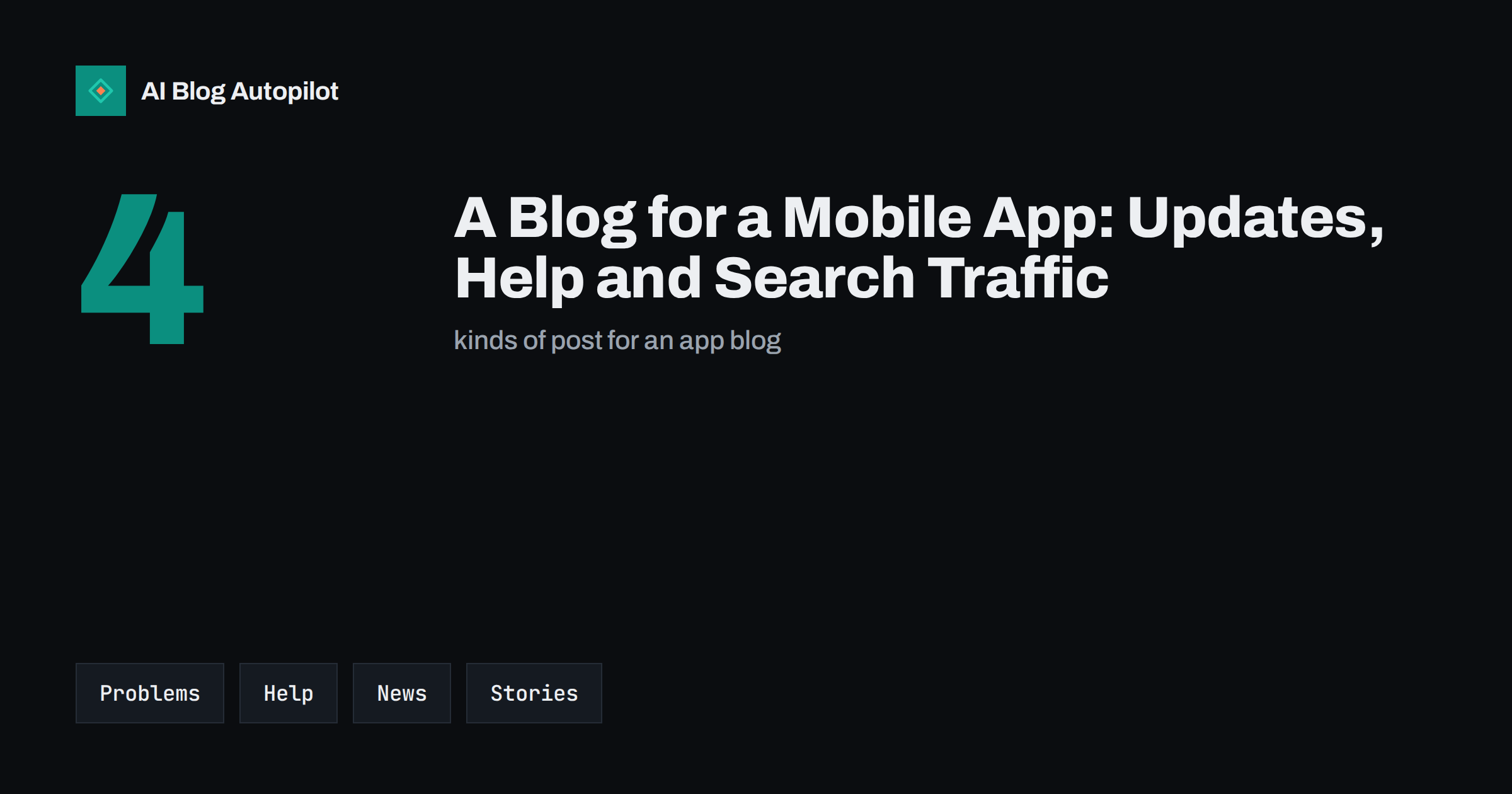
Short answer: a mobile app blog should start with the problems your app solves, because that is what people search for before they know your name. Publish guides and how-to articles for those problems, plain-language release notes, honest comparisons and stories of real use. Link each post to a page that lets readers learn more and install the app on the right store.
App stores are crowded, and store search is only one door. Many people find tools through a web search, an AI assistant or a friend’s link. A blog gives your product a voice outside the store listing and a place to answer questions at length. This article suggests topics, a simple structure and some cautions for teams who are new to content.
Keep a running list of questions from users, the support inbox, reviews and social comments. Each question is a possible post. Group the questions by theme and look for the ones that come up again and again, since those have the clearest demand and the clearest answer.
Also decide which country and language each post targets. App markets differ, and a guide that mentions local banks, shops or rules suits one market better than another. If you serve several, plan separate posts or clear sections instead of one text that tries to fit everyone.
Write for the problem, not the product
Few people type the name of an unknown app into a search box. They type a question: how to split a bill, how to track a habit, how to scan a document or how to translate a menu. Posts that answer such questions reach people who have the problem and may not have heard of you.
List the top ten problems your app helps with, in the words of your users. Check your support messages, store reviews and onboarding feedback for the phrases they use. Each problem can become several posts: an explainer, a step-by-step guide and a post about common mistakes. This approach follows the idea of search intent described in search intent explained.
The post should be useful even if the reader never installs the app. That is how trust starts. After the useful part, show how the app makes the task easier and give a clear link. A helpful article with a natural mention converts better than an advert disguised as an article.
Short videos can be a good addition for tasks that are hard to describe. A thirty-second screen recording embedded in a post, with the written steps below it, serves both people who like to watch and people who like to read, and it keeps visitors on the page longer.
How-to and help articles
Every app has features that users miss. Short help articles for those features serve existing users and show prospects what the app can do. Each article should deal with one task, list the steps in order, use screenshots where they help and say what to do if something does not work.
Think about where these articles live. Detailed support documentation may sit in a help centre, while the blog can host broader guides that link to it. A simple rule is that step-by-step instructions that change with the interface belong in documentation, and broader guides belong on the blog. Link the two, so that readers can move from a story to the exact steps.
Keep the screens current. When you change the interface, old screenshots confuse readers and make the post look neglected. Add the screens to your release checklist, so that someone reviews the affected articles with each change. Read support articles that reduce tickets for more ways to make help content work.
Archive old release notes in a tidy way. A page that lists updates by version and date is helpful for support staff and for users who want to know when a feature appeared, and it gives search engines a clear record of your product history.
Release notes and product news
Release notes are often written as a list of technical changes. Readers want to know what is new for them and why it matters. Write each item in plain words: what changed, who it helps and how to use it. A short post for each major update, with an image or a short video, is better than a dry list.
Be honest about problems. If a version had a bug, say what happened and when it was fixed. Readers tolerate mistakes but not silence. The advice in product update posts gives a simple structure that you can reuse each time.
Plan launches. For a new feature or a new app, write posts before, during and after, and turn each one into a short message with the ideas in email newsletter from blog posts. Share each one to your social channels and your email list so that the news reaches the people who already know you.
Add a short section on who should not choose your app. It sounds risky, but it builds trust and saves wasted installs and poor reviews. People who find the right tool are happier, and they are more likely to tell others about it.
Comparisons and alternatives
People often compare apps before they install one. Searches such as one app versus another, or the best apps for a certain task, show clear intent. If you write such posts, be fair. State what each option does well, say who each one suits and be clear about where your app is not the best choice. Readers value honesty, and so do assistants that summarise sources.
Use facts that you can check. Look at the current store listings and websites of other products, and avoid claims about them that you cannot support. Update comparisons as products change, and add the date. Our guide to how to write a product comparison shows a fair format.
Do not use another company’s name in a way that suggests a connection that does not exist. Mention names for comparison only and keep the tone neutral.
Keep a simple form for collecting stories. Ask users three questions: what were you trying to do, how did the app help and what would you tell someone who is unsure? Short answers are often enough to build a useful post, and you can ask for permission at the same time.
Stories of real use
Short stories show an app in action. A teacher who plans lessons, a small team that manages a delivery route or a traveller who keeps a journal each give prospects a picture of themselves using it. Use real users, with their permission, and include their situation, what they did and what changed.
Avoid inflated claims. If a user saved time, say how much and how they measured it, or describe it in their own words and make clear that it is their view. The structure in how to write a case study keeps stories credible.
Behind-the-scenes posts also work, especially for small teams. A post about how a feature was designed, what the team learned from user tests or why a decision was made makes the app feel human. See behind-the-scenes posts for ideas.
Do not forget indexing and structure. Give each post a clear title, a short summary at the top and headings that match the questions people ask. The same structure that helps readers helps search engines and assistants understand what the page can answer.
Connect the blog to the app
Each post needs a clear next step. For prospects, that may be a link to a page that explains the app and then to the store. For existing users, it may be a link to a feature, a setting or the help centre. Make links easy to tap on a phone, and check that they open the right place on the right device.
Think about the difference between web and app. A visitor on a computer may need a reminder to open the link on their phone, while a visitor on a phone should get the store link that matches their device. Use plain buttons and short labels. Test the full path from article to install.
Track what happens. Use campaign tags on links so you can see which posts lead to visits to your app page. Do not expect a direct count of installs from every post, but look for patterns across topics. The advice in calls to action that fit a blog post helps with wording.
Mind store rules when you mention offers or reviews. Stores have their own policies on how apps may describe prices, ratings and incentives, so check them before you copy wording from a blog post into a store listing or the other way round.
Practical cautions
Be careful with claims about store ranks, download counts and ratings. They change, and old numbers look careless. If you cite them, give the date or link to the live page. Be careful with health, money or privacy claims too, which need accuracy and, in some cases, professional advice.
Respect privacy in screenshots and examples. Use test data, not real user names, messages or locations. Remove personal details from any image before publishing.
Finally, keep the pace you can maintain. One useful post every week or two, for a year, will do more than a rush of posts followed by silence. Choose a calendar that fits your team and review it every quarter.
How AI Blog Autopilot helps
AI Blog Autopilot writes full SEO articles for your WordPress blog from the topics, keywords, audience and tone you set, with FAQ sections, tags and SEO meta included, and it shares each one to your social networks. List the problems your app solves as topics, describe your users in the audience setting and use approval mode to read each article and add the app details only your team knows. See the pricing page for plans.
Related reading
The bottom line
An app blog works when it solves the problems people search for, explains updates plainly, compares options fairly and links every post to the next step. Start with the problems your app solves.
FAQ
Does an app need a blog?
It is not required, but a blog helps people find you through the problems they search for, outside the app store.
What should the first posts be?
Guides for the top problems your app solves, and a how-to article for the feature that new users miss most often.
Should I write about competitors?
Fair comparisons help readers choose. Use facts you can check, name competitors only for comparison and update the posts.
How do I link the blog to the app store?
Use clear buttons that send each device to the right store page, and test the path on both a computer and a phone.
How often should an app blog publish?
As often as you can keep up with quality. One useful post every week or two is a sound pace for a small team.