 ENEnglish
 LTLietuviškai
 DEDeutsch
 FRFrançais
 RUРусский
 ESEspañol
 PLPolski
 ITItaliano
 UKУкраїнська
 CSČeština
 PTPortuguês
 JA日本語
JA日本語 LVLatviešu valoda
 ETEesti
 HUMagyar
 IDBahasa Indonesia
 TRTürkçe
 HIहिन्दी
 ELΕλληνικά
 ARالعربية
 THไทย
THไทย VITiếng Việt
 RORomână
 MSBahasa Melayu
 BNবাংলা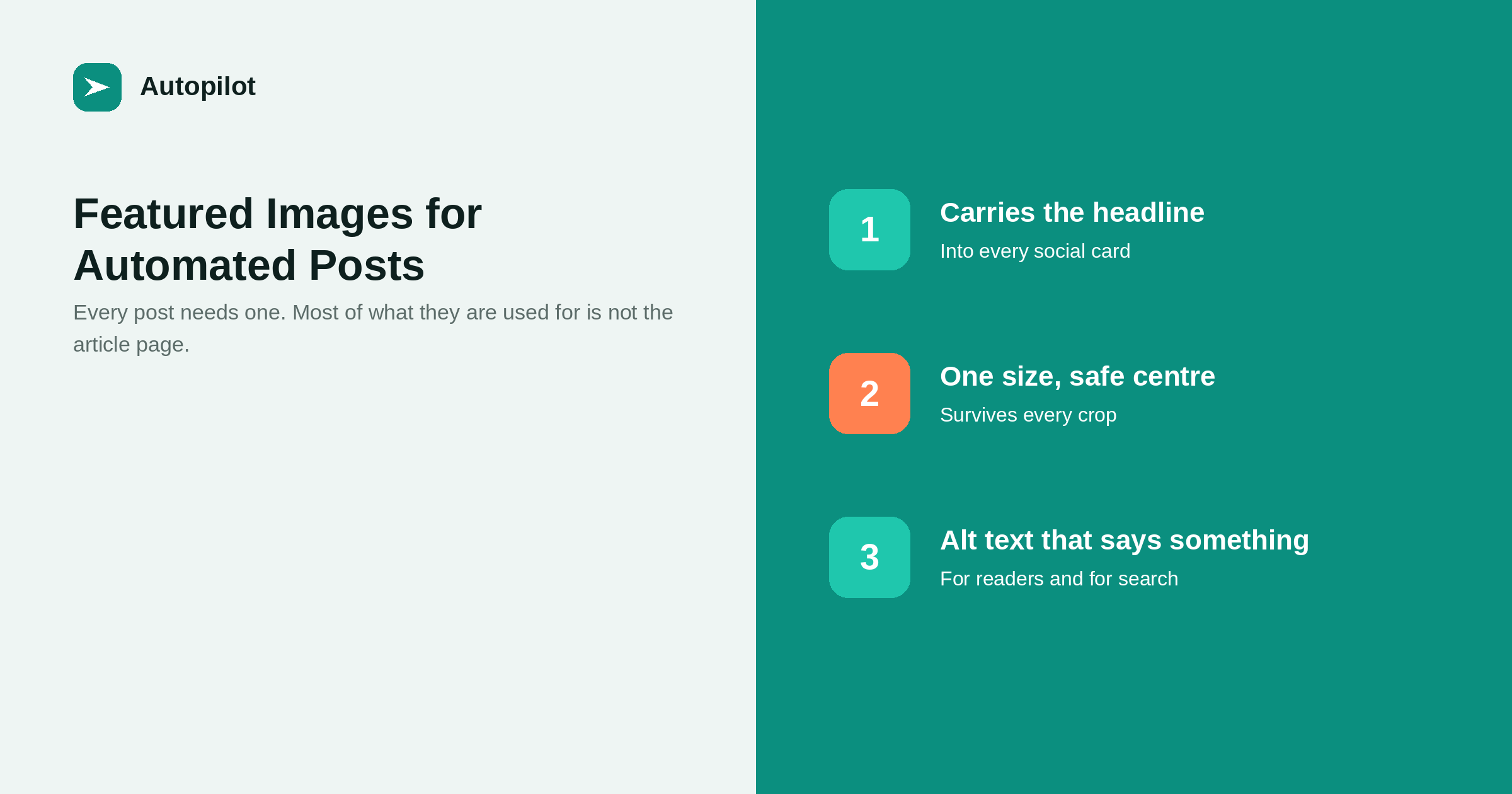
Short answer: give every post a featured image, produce it at a single size with the important content in the centre, and write alt text that describes what the image conveys. Most of an image’s work happens off the article page: in blog listings, in search results and in the card every social network builds when the link is shared. A post with no image produces a blank card, which is the cheapest avoidable loss in content marketing.
Featured images get treated as decoration, which is why so many automated blogs either skip them or use the same stock photograph forty times.
They are not decoration. They are the thumbnail in your blog listing, the image in the card every social network builds, and often the first thing anyone sees of the article at all.
Where the image actually appears
Listing the destinations makes the requirements obvious.
- Your blog listing. A grid of posts where one blank tile stands out.
- Social cards. Every network that renders a link preview uses it. Without one, the post is text and a grey box.
- Search, sometimes. Particularly on mobile, where a thumbnail often accompanies a result.
- Messaging apps. When someone shares the link privately, which is where a surprising amount of sharing happens.
Three of those four are outside your site. That is the argument for treating the image as distribution rather than layout.
Size, and why one size is enough
Aim for a wide landscape image, comfortably larger than the display size, with the important content near the centre.
Different destinations crop differently — some to a wide strip, some closer to a square — so anything critical in the corners will be lost somewhere. Keeping the headline and any mark in the middle two-thirds means one image works everywhere.
Two practical limits. Do not upload something enormous: WordPress will quietly resize it, and the result often looks softer than if you had produced the right size to begin with. And keep the file weight sensible, because a heavy image on every post adds up on a listing page.
What makes an automated blog look automated
Five image habits give it away immediately.
- The same template forty times. One layout with the title swapped is worse than no image, because it reads as a machine.
- Generic stock photography. Handshakes, laptops, arrows going up. They say nothing and everyone has seen them.
- Text cut off mid-word. A headline that does not fit the image was not checked.
- Invented interface screenshots. Fake dashboards and mocked-up buttons that do not correspond to anything real.
- Generator watermarks. Any mark identifying the tool that produced the image.
The fix for the first is variety in layout, not just in colour: different compositions, different arrangements, so a blog listing looks made rather than stamped.
Alt text: write it for a person
Alt text is read aloud by screen readers and used by search engines. Both want the same thing: a description of what the image conveys.
| Weak alt text | Useful alt text | |
|---|---|---|
| A headline image | blog image | Article title, as shown in the image |
| A diagram | diagram | What the diagram shows, in one clause |
| A photograph | photo of office | What is happening and why it is here |
| Decorative only | decoration | Empty alt, so it is skipped |
For a headline-style featured image, the article title is usually the right alt text, because that is genuinely what the image says. What does not help is keyword stuffing: alt text crammed with phrases is unpleasant to hear read aloud and has not helped rankings in years.
Consistency without sameness
The balance worth aiming for: a recognisable visual identity where individual images still differ.
Fix the things that make it recognisable — your palette, your mark, the typeface, the overall weight. Vary the things that stop it being repetitive — the composition, where the headline sits, whether there is a diagram, a list or a single large element.
A reader scrolling your blog should be able to tell the images belong together without being able to predict the next one.
Making it a rule, not a habit
The most reliable arrangement is a hard requirement: an article without a featured image does not publish. Habits fail on busy weeks; a check in the publishing step does not.
That is how Autopilot handles it — every article it publishes gets its own image, and the alt text is set from the article title rather than left empty. Whether or not you use a tool, the same rule is worth enforcing wherever your publishing step lives, because a blank social card is the one loss you can rule out entirely.
The distribution side matters here too: an image is what makes automatic sharing worth doing at all on the networks that show cards.
A note on file names
One small thing worth getting right from the first article: name the image file after the article rather than leaving whatever the generator produced. A library full of files called image-01 through image-400 is unusable the day you need to find one, and the file name is a weak but free signal about what the image shows. It costs nothing at publication and is tedious to repair later, which describes most of the habits worth forming early.
Related reading
If this was useful, these cover the questions that usually come next.
- Automatic sharing to social media — where the image does most of its work
- Titles and descriptions — the other half of what a search result shows
- Connecting WordPress safely — the upload permission an image needs
The bottom line
Treat the featured image as distribution rather than decoration: most of its work happens in listings, search results and social cards. Produce one size with the important content centred, write alt text that describes what the image says, vary the composition while keeping the palette fixed, and make it a rule that nothing publishes without one.
FAQ
Does every blog post need a featured image?
Practically, yes. Without one, blog listings show a gap and every shared link renders as a blank card, which costs attention on the networks where most sharing happens.
What size should a featured image be?
A wide landscape image larger than the display size, with the important content centred. One size works everywhere if the corners are not carrying anything essential.
Can I use stock photos?
You can, and generic ones actively hurt: they say nothing and appear on hundreds of other sites. A simple typographic image usually communicates more.
What should alt text say?
What the image conveys. For a headline image that is usually the article title. Avoid keyword lists; they are unpleasant read aloud and do not help rankings.
Do images affect page speed?
They can, particularly on listing pages showing many at once. Keeping file weight moderate and not uploading oversized originals handles most of it.
Should every image look the same?
Consistent, not identical. Fix the palette and the mark; vary the composition, so the blog looks designed rather than stamped.


