 ENEnglish
 LTLietuviškai
 DEDeutsch
 FRFrançais
 RUРусский
 ESEspañol
 PLPolski
 ITItaliano
 UKУкраїнська
 CSČeština
 PTPortuguês
 JA日本語
JA日本語 LVLatviešu valoda
 ETEesti
 HUMagyar
 IDBahasa Indonesia
 TRTürkçe
 HIहिन्दी
 ELΕλληνικά
 ARالعربية
 THไทย
THไทย VITiếng Việt
 RORomână
 MSBahasa Melayu
 BNবাংলা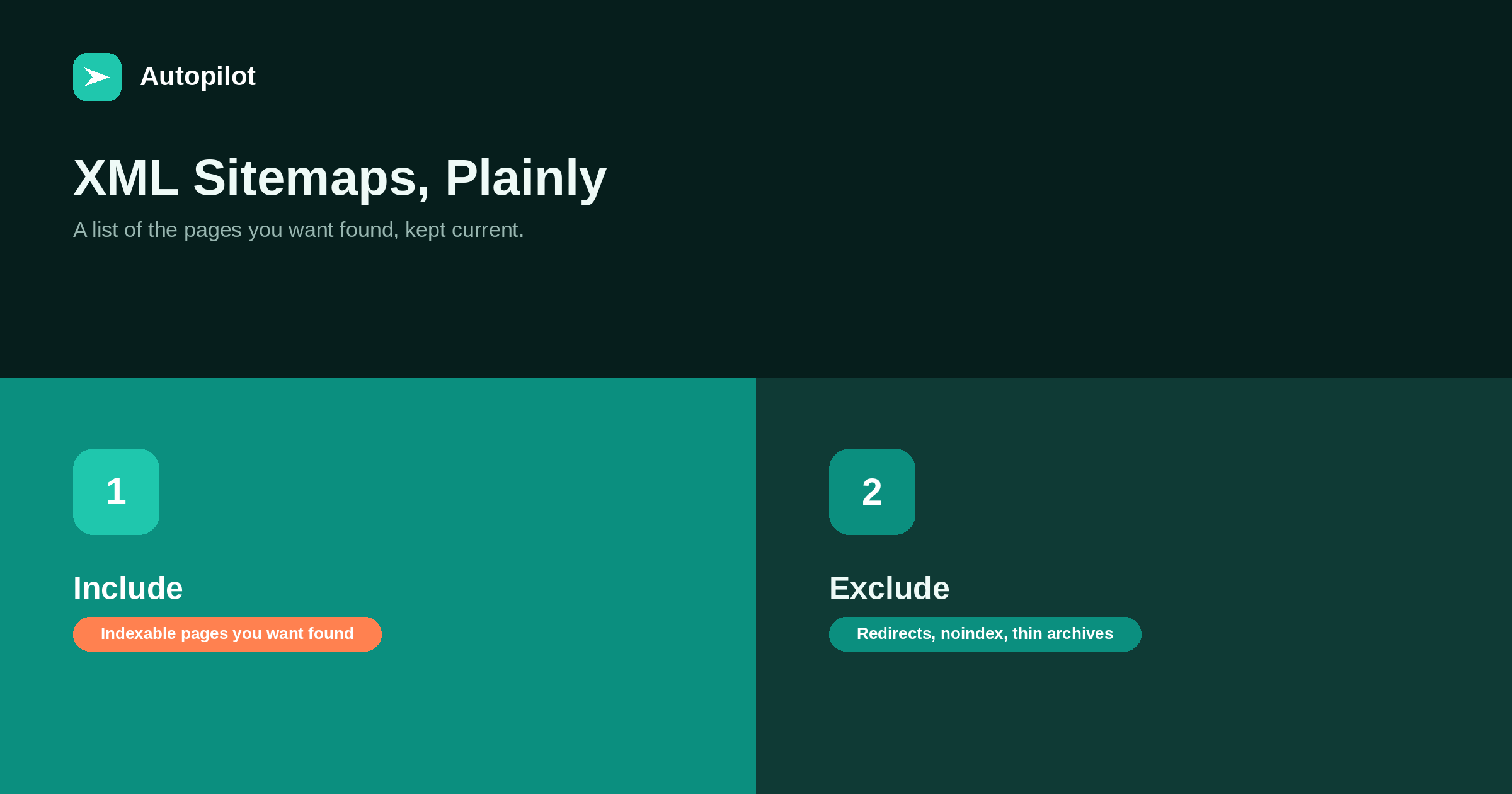
Short answer: an XML sitemap is a file listing the URLs you want search engines to discover, with optional information such as when each last changed. WordPress creates one automatically, and SEO plugins usually replace it with their own. It should contain only indexable pages you want found — no redirects, no noindexed pages, no thin archives. Submit it in Search Console and Bing Webmaster Tools, check occasionally that it reports success, and remember that a sitemap helps discovery but does not guarantee indexing or ranking.
A sitemap is one of the simplest pieces of technical SEO and one of the most useful for a site that publishes often. It gives search engines a list of the pages you want them to know about, so they do not have to find every one by following links.
Most sites already have one. The common problems are what it contains and whether anyone has checked that it works.
What a sitemap is
An XML sitemap is a structured file listing URLs, optionally with the date each was last modified. Large sites split it into several files, with an index file listing them.
Search engines read it as a hint about which pages exist and which have changed. It does not force anything to be crawled or indexed; it makes discovery easier and faster, especially for new pages that few links point to yet.
How WordPress handles it
WordPress generates a sitemap automatically, usually at /wp-sitemap.xml, covering posts, pages, categories, tags and authors.
Most SEO plugins disable that and generate their own, often at /sitemap_index.xml or similar, with more control over what is included. Check which one your site uses by opening both addresses; only one should be active, and that is the one to submit.
What belongs in it
A sitemap should list pages you want in search results, and only those.
| Include | Exclude |
|---|---|
| Published articles | Drafts and private pages |
| Important pages: services, pricing, about | Pages set to noindex |
| Category archives with descriptions | Thin tag archives and date archives |
| The canonical version of each URL | Redirected URLs and duplicates |
| Pages returning 200 | Pages returning 404 or errors |
A sitemap full of redirects, noindexed pages and errors sends mixed signals and wastes crawling. Most SEO plugins exclude noindexed content automatically, but it is worth checking.
Last-modified dates
The lastmod value tells search engines when a page last changed meaningfully. Used honestly, it helps them prioritise re-crawling updated pages.
Used dishonestly — updating the date without changing the content — it teaches search engines to ignore it. Only substantial edits should change the date, which is also the principle in refreshing old posts.
Submitting it
Submit the sitemap address in Google Search Console and Bing Webmaster Tools. You can also list it in robots.txt with a Sitemap line, which lets any crawler find it.
Submitting once is enough; the file updates automatically as you publish. You do not need to resubmit after every article.
Checking that it works
The sitemaps report in Search Console shows whether the file was read successfully and how many URLs were discovered. Check it occasionally, and after any change to plugins or site structure.
Warning signs: an error status, a sudden drop in discovered URLs, or a count far larger than the number of real pages, which usually means archives or parameters are being included. the Search Console reports that matter covers the report.
Sitemaps and new articles
For a site publishing frequently, the sitemap is one of the main ways new articles are discovered. Combined with internal links from existing pages and, for engines that support it, IndexNow, it shortens the time between publishing and discovery — IndexNow covers that.
how long a new post takes to rank explains why discovery is only the first stage, and why indexing and ranking take longer regardless.
Sitemaps for large or multilingual sites
A single sitemap file has limits on size and number of URLs, so large sites split it into several files grouped by type — posts, pages, categories — with a sitemap index listing them. Plugins do this automatically. The grouping also makes the Search Console report more useful, because you can see discovery and indexing by content type.
Multilingual sites can list language versions of each page in the sitemap using hreflang annotations, as an alternative to tags in each page’s head. Either method works; the important thing is consistency. If you publish in several languages, check that each language’s pages appear and that each points to its counterparts.
Images and video
Sitemaps can also list images and videos associated with each page, which can help them be discovered for image and video search. Most plugins include featured images automatically.
For a typical business blog this is a minor benefit, and not something to spend time on until the basics are right. Make sure the featured images themselves have meaningful file names and alt text, which matters more than whether they appear in the sitemap — writing alt text covers that.
Sitemaps are not a substitute for links
A page that appears only in the sitemap, with no internal links pointing to it, is technically discoverable but gives search engines little reason to treat it as important. Readers cannot find it either.
Every page worth listing should also be reachable through normal navigation and links from related articles. The sitemap is a safety net for discovery, not a replacement for a connected site — internal linking as you publish covers building those links.
Common mistakes
A few problems appear repeatedly.
- Two sitemaps active at once, from WordPress and a plugin.
- A staging or old domain in the sitemap URLs.
- http URLs in the sitemap of an https site.
- Sitemap blocked by robots.txt.
- Hundreds of thin tag archives included.
Each takes minutes to fix once noticed. None of them is visible unless someone opens the file.
Related reading
If this was useful, these cover the questions that usually come next.
- IndexNow — notifying engines the moment something changes
- How long a new post takes to rank — where discovery fits
- The Search Console reports that matter — checking the sitemap report
The bottom line
Use one sitemap, generated automatically, containing only indexable pages you want found. Keep lastmod honest, submit the sitemap to both search consoles and list it in robots.txt, and check the report after any site change. A sitemap speeds discovery; it does not guarantee indexing or ranking, and it works best alongside a site where every important page is also linked.
FAQ
What is an XML sitemap?
A file listing the URLs you want search engines to discover, optionally with the date each last changed.
Does WordPress create a sitemap automatically?
Yes, usually at /wp-sitemap.xml. Many SEO plugins replace it with their own; only one should be active.
What should not be in a sitemap?
Redirected URLs, noindexed pages, error pages, drafts, duplicates and thin archives.
Do I need to resubmit my sitemap after each post?
No. Submit once; the file updates automatically as you publish.
Does a sitemap guarantee indexing?
No. It helps search engines discover pages. Whether they are indexed and how they rank depends on other factors.
How do I check my sitemap is working?
Use the sitemaps report in Search Console, which shows whether it was read successfully and how many URLs were discovered.


