 ENEnglish
 LTLietuviškai
 DEDeutsch
 FRFrançais
 RUРусский
 ESEspañol
 PLPolski
 ITItaliano
 UKУкраїнська
 CSČeština
 PTPortuguês
 JA日本語
JA日本語 LVLatviešu valoda
 ETEesti
 HUMagyar
 IDBahasa Indonesia
 TRTürkçe
 HIहिन्दी
 ELΕλληνικά
 ARالعربية
 THไทย
THไทย VITiếng Việt
 RORomână
 MSBahasa Melayu
 BNবাংলা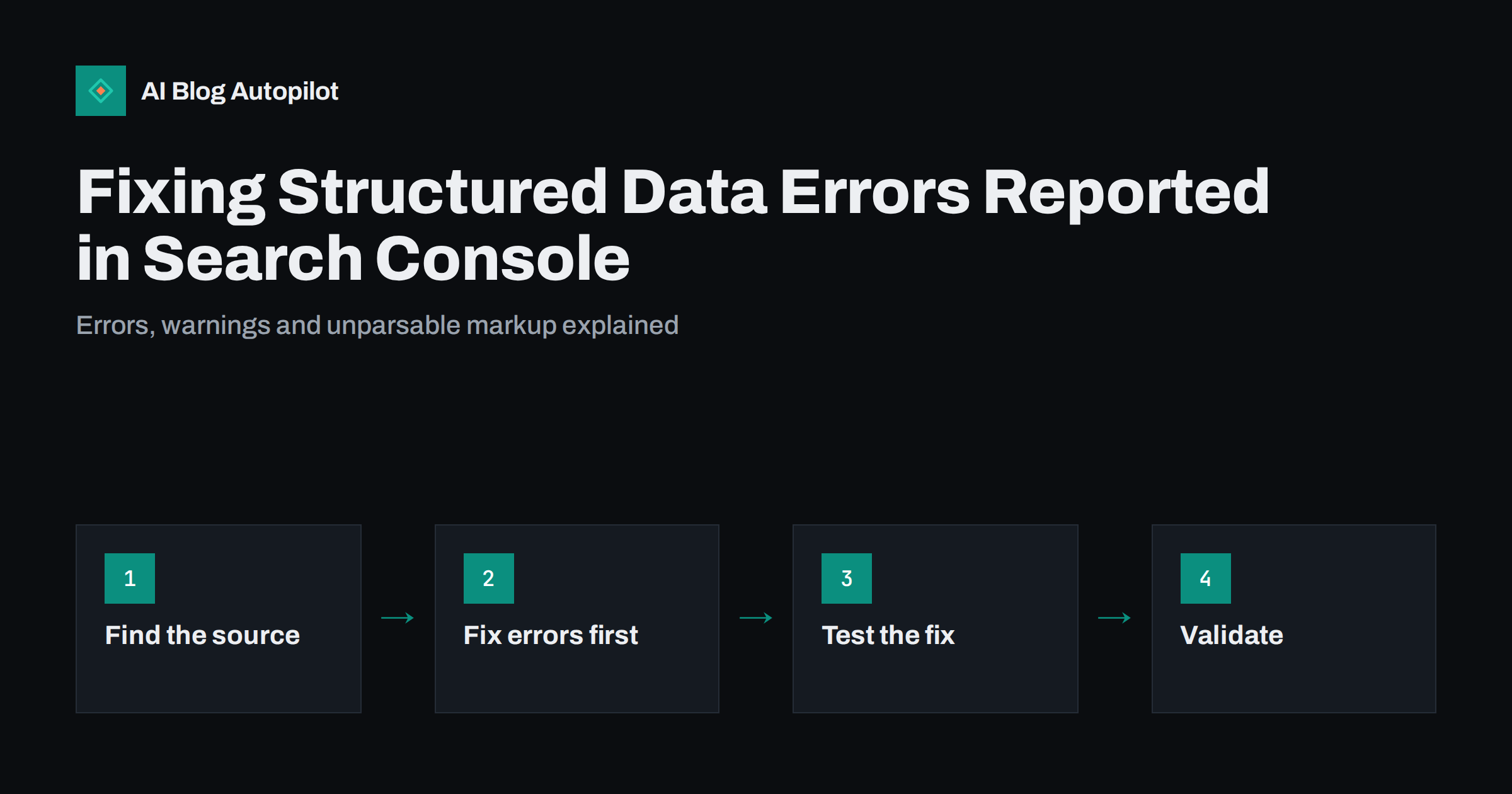
Short answer: Search Console reports structured data problems in its enhancement reports and in the “Unparsable structured data” report. Errors make an item invalid and ineligible for the related rich result, warnings only mean optional recommended properties are missing, and unparsable data means the markup has a syntax problem. Fix errors and syntax problems at their source, usually a theme or plugin, confirm the fix with the Rich Results Test, then click “Validate fix” and allow time for recrawling.
Structured data is code, usually JSON-LD, that describes a page in a standard vocabulary so that search engines can understand it and show enhanced results. On a blog it typically describes articles, breadcrumbs, the organisation or person behind the site, and sometimes FAQs, videos or products. Most of it is added automatically by themes and SEO plugins, which is why errors often appear suddenly after an update. This guide explains how to read the reports and fix the most common problems without making things worse.
Where Search Console shows structured data problems
Look in the left-hand menu for the enhancement sections. Which reports you see depends on what Google detects on your site: a blog with no product markup will not have a product report. Each supported rich result type that Google finds gets its own report, for example Breadcrumbs, Videos or Products. There is also a separate report for unparsable structured data, which appears when Google cannot read the markup at all.
Each report sorts items into groups:
- Invalid: items with at least one error. They are not eligible for the rich result.
- Valid with warnings: items that are eligible but missing recommended properties. Adding them may improve the result, but it is optional.
- Valid: items with no problems found.
Click an issue to see the affected URLs and an example. From there you can open the URL Inspection tool or a live test for any page.
Understanding errors versus warnings
The distinction matters because it tells you how urgent a problem is.
- Errors mean a required property is missing, a value has the wrong type or format, or the structure is broken. The page loses eligibility for that rich result type until the error is fixed.
- Warnings mean a recommended property is missing. For example, a product without a review count, or an item without an optional date. The page is still eligible.
Do not chase every warning. Add a recommended property only if you have real, accurate information for it. Filling fields with invented or generic values to silence a warning creates a bigger problem: structured data that does not match reality.
The most common errors on blogs and what causes them
- Unparsable structured data. A missing comma, an unescaped quotation mark or a broken bracket in JSON-LD. Often caused by hand-edited code blocks or by content with special characters inserted into a template without escaping.
- Missing field. A required property such as a name or an item URL is empty. Breadcrumbs often trigger this when a theme outputs an item without a link for the current page or a category with no name.
- Invalid value or type. A date in the wrong format, a price written as text with a currency symbol, or an object where a plain text value is expected.
- Invalid URL. Relative or broken URLs for images or items, often left behind after a domain change or migration.
- Duplicate or conflicting markup. Two plugins both output the same type with different values. This is not always reported as an error, but it causes confusion and should be cleaned up.
- Markup for content that is not on the page. For example, FAQ markup for questions that are not visible, or review markup with no reviews shown. Google’s structured data guidelines require markup to reflect visible content.
Finding where the markup comes from
Before fixing anything, find out what outputs the broken markup. On a WordPress blog it is usually one of these:
- The SEO plugin, which typically outputs article, breadcrumb, organisation and website markup.
- The theme, which may add its own article or breadcrumb markup, sometimes in addition to the plugin’s.
- Other plugins for reviews, recipes, events, products or FAQs.
- Code in the post content itself, such as a JSON-LD block added to an individual article.
View the page source and search for application/ld+json. Each block usually has a recognisable structure or a comment naming the plugin. If a block appears on every page, it comes from the theme or a plugin. If it appears on one post only, it is probably in that post’s content.
A step-by-step fix process
- Pick one issue type from the report and open an example URL.
- Test it with the Rich Results Test to see the exact error and the line concerned. For general schema.org validation, including types Google does not use for rich results, the Schema Markup Validator is also useful.
- Find the source as described above.
- Fix it at the source. Update the plugin, change its settings, fix the theme template or correct the block in the post. Avoid fixing one page by hand when the problem comes from a template used by hundreds.
- Retest the live page in the Rich Results Test or with a live URL test in Search Console.
- Click “Validate fix” in the report. Google then rechecks the affected URLs over the following days or weeks and reports progress.
If the same error keeps coming back after updates, check whether two components are fighting over the same markup, and disable the duplicate in one of them.
When to remove markup instead of fixing it
Sometimes the best fix is to remove structured data rather than complete it:
- Markup for a rich result type that does not fit your content, such as product markup on a blog post that only mentions a product.
- Duplicate blocks where another component already outputs correct markup.
- Types for which Google has reduced or stopped showing rich results, when the markup keeps generating errors and brings no benefit. Schema.org markup can still help search engines understand a page, but broken markup helps nobody.
- Markup that describes content hidden from readers.
Removing incorrect markup has no downside beyond losing eligibility you were not getting anyway.
There is one situation where removal is urgent rather than optional. If markup misrepresents the page, for example review stars that nobody gave or FAQ answers that are not on the page, Google can issue a manual action for spammy structured data. It appears in the Manual actions report in Search Console. The result is usually that rich results are no longer shown for the site. The fix is to remove or correct the misleading markup across the site and then submit a reconsideration request explaining what changed.
What structured data can and cannot do
Valid structured data makes a page eligible for rich results; it does not guarantee them. Google decides whether to show a rich result based on the query, the page and many other factors. Structured data is also not a direct ranking boost. Its value is in helping search engines understand the page precisely and in making certain result features possible.
That is also why a sudden drop in the number of valid items is not automatically a ranking emergency. Check first whether the number of pages changed, whether a plugin update changed the output, or whether Google changed which types it reports. The guide to structured data worth adding to a blog explains which types are worth maintaining.
Preventing new errors
- After theme or SEO plugin updates, test two or three typical pages in the Rich Results Test.
- Keep one component responsible for each markup type.
- Avoid pasting hand-written JSON-LD into many posts; if you must, validate each one before publishing.
- Check the enhancement reports monthly, or when Search Console emails you about a new issue.
- Keep markup consistent with what readers see: same title, same dates, same questions and answers.
If several people or tools publish on the blog, write down which component owns which markup. A one-line note such as “article and breadcrumb markup: SEO plugin; nothing in the theme” saves a lot of confusion when someone later installs a new plugin that promises “schema for everything”.
How AI Blog Autopilot fits in
AI Blog Autopilot publishes each article to WordPress with a title, meta description, tags and a visible FAQ section, and runs an automatic quality check on length, structure, keyword and meta before publishing. Site-wide structured data such as article and breadcrumb markup continues to come from your theme and SEO plugin, so the checks in this guide still apply to them. See how Autopilot works on the home page.
Related reading
- Article Structured Data: What Every Post Should Carry
- How to Write FAQ Sections That Rank (and Feed AI Answers)
- Google Search Console: The Five Reports That Matter
The bottom line
Treat errors and unparsable markup as real problems and warnings as optional improvements. Find where the markup comes from, fix it once at the source, confirm with the Rich Results Test and validate in Search Console. Where markup does not fit your content, removing it is a perfectly good fix.
FAQ
What is the difference between an error and a warning in Search Console structured data reports?
An error makes the item invalid and ineligible for the related rich result. A warning means a recommended property is missing; the item is still eligible. Fix errors first and add recommended properties only when you have accurate data for them.
What does unparsable structured data mean?
It means Google could not read the markup because of a syntax problem, such as a missing comma, bracket or unescaped quotation mark in JSON-LD. Test the page in the Rich Results Test to find the exact line.
How long does Validate fix take?
Google rechecks the affected pages as it recrawls them, which typically takes from several days to a few weeks depending on the number of pages. The report shows progress while validation runs.
Do structured data errors hurt my rankings?
Errors mainly cost eligibility for rich results; structured data is not a direct ranking factor. Markup that misrepresents a page can, however, lead to a manual action, so misleading markup should be removed.
Why did errors appear after I updated a plugin?
Updates can change the markup a theme or plugin outputs, or enable a second component that duplicates existing markup. Test a few pages after each update and keep one component responsible for each markup type.
Should I use the Rich Results Test or the Schema Markup Validator?
Use the Rich Results Test to check eligibility for Google’s rich results and see Google-specific errors. Use the Schema Markup Validator to check general schema.org syntax, including types Google does not use for rich results. Many site owners use both.


