 ENEnglish
 LTLietuviškai
 DEDeutsch
 FRFrançais
 RUРусский
 ESEspañol
 PLPolski
 ITItaliano
 UKУкраїнська
 CSČeština
 PTPortuguês
 JA日本語
JA日本語 LVLatviešu valoda
 ETEesti
 HUMagyar
 IDBahasa Indonesia
 TRTürkçe
 HIहिन्दी
 ELΕλληνικά
 ARالعربية
 THไทย
THไทย VITiếng Việt
 RORomână
 MSBahasa Melayu
 BNবাংলা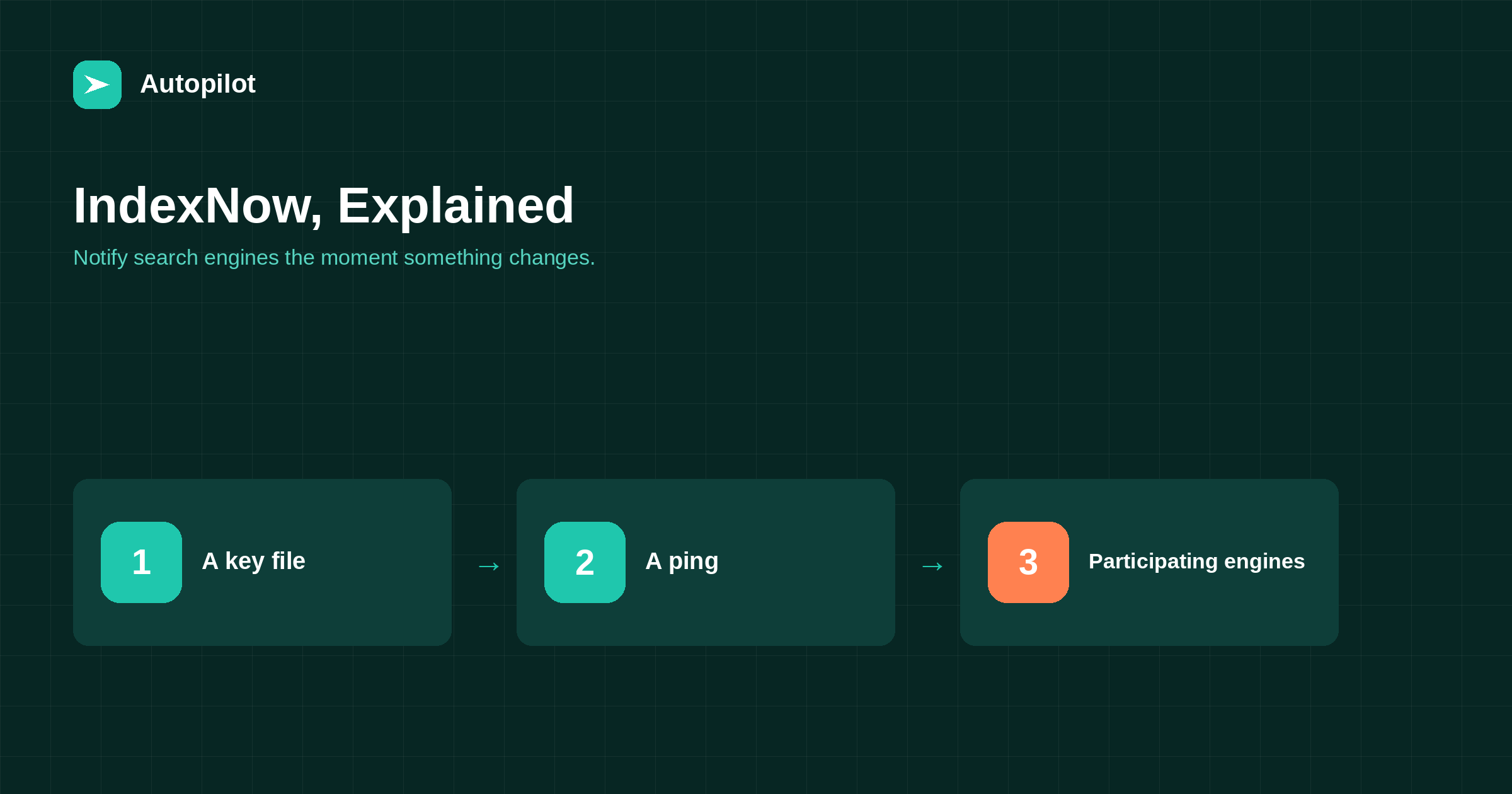
Short answer: IndexNow is an open protocol that lets a website notify participating search engines when a URL is added, updated or deleted, instead of waiting for them to re-crawl. You host a key file to prove ownership, then send the changed URLs to an IndexNow endpoint; participating engines share the notification. Several engines support it, including Bing; Google does not currently use it. Many WordPress plugins and hosts add it automatically. It speeds up discovery for participating engines; it does not guarantee indexing or ranking.
Traditionally, search engines find new and changed pages by crawling: following links and re-reading sitemaps on their own schedule. For a site that publishes often, that can mean a delay between publishing and discovery.
IndexNow reverses the direction. The site tells participating search engines as soon as something changes.
Comment ça marche
The protocol is deliberately simple.
- You generate a key — a random string — and host it as a text file on your site, which proves you control the domain.
- When a page is published, updated or deleted, your site sends the URL, with the key, to an IndexNow endpoint.
- The receiving engine checks the key file and shares the notification with other participating engines.
You can send one URL or a batch of many in a single request.
Which search engines use it
IndexNow is supported by several search engines, including Bing and Yandex, among others. Google has not adopted it; for Google, sitemaps and internal links remain the main discovery routes, and URL inspection can request crawling for individual important pages.
Because Bing’s index also feeds other search and answer services, faster discovery there can have wider reach than its own market share suggests.
Setting it up
For WordPress, the simplest route is a plugin or a host that supports IndexNow; many SEO plugins include it. They generate the key, host the file and send notifications on publish and update automatically.
| Step | What to check |
|---|---|
| Key file | Loads at the address the plugin shows |
| Notifications | Sent on publish, update and delete |
| Scope | Only public, indexable URLs are sent |
| Response | Success codes in the plugin’s log, if it keeps one |
Custom sites can call the endpoint directly with a simple HTTP request.
What to send
Send URLs that are new, meaningfully changed or deleted. Do not send unchanged URLs repeatedly; it adds nothing and may reduce the weight given to your notifications.
Useful moments include publishing an article, updating one substantially, merging pages and redirecting old URLs, and changing a category or tag archive’s content. After a large clean-up, a batch submission of the affected URLs is appropriate.
What it does not do
IndexNow speeds up discovery for participating engines. It does not guarantee that a page will be crawled immediately, indexed, or ranked; those decisions remain with the search engine.
It also does not replace a sitemap. Keep both: the sitemap is the complete list; IndexNow is the prompt when something changes. XML sitemaps covers the sitemap side.
IndexNow and content updates
Updating an existing article is exactly when IndexNow helps most, because engines might otherwise take a while to notice the change.
When you refresh an article with meaningful changes — the process in refreshing old posts — the notification means the updated version can be seen sooner by participating engines. Trivial edits do not need a notification.
On an automated blog
For a site publishing several articles a day, automatic IndexNow notifications on publish remove one more manual task. They pair naturally with automatic sitemap updates and social sharing.
Check once that notifications are actually being sent and accepted, then leave it running. Check again after changing plugins or hosting.
Checking it is working
Bing Webmaster Tools shows URLs received through IndexNow, which is the easiest way to confirm notifications are arriving. Plugins that implement IndexNow often keep a log of submissions and response codes as well.
A success response means the notification was received, not that the page was indexed. Check indexing separately, and do not resubmit the same URL repeatedly if it has not appeared yet; resubmission does not speed things up.
If notifications stop, the usual causes are a plugin change, a key file that no longer loads, or a security setting blocking outgoing requests.
Deleted and redirected pages
IndexNow is useful for removals as well as additions. When you delete a page or merge it into another with a redirect, notifying participating engines helps them drop the old URL and pick up the new one sooner, instead of continuing to show an address that no longer works.
This is especially helpful after a content clean-up, when many URLs change at once, as described in deleting, merging or redirecting.
Privacy and what gets shared
IndexNow notifications contain only the URLs you send and your key. They should include only public pages you want indexed. Make sure your setup does not send private, draft or administrative URLs, which some misconfigured plugins have done.
Because the key file is public by design, it is not a secret; it simply proves the notifications come from someone who controls the site. If you suspect misuse, generate a new key and replace the file.
How it fits with other discovery methods
Think of discovery as layered. Internal links from existing pages help every search engine find new content through normal crawling. The sitemap gives every engine a complete list. IndexNow gives participating engines an immediate signal. For one important page, URL inspection can request a crawl directly. Using all of them costs almost nothing once set up.
Keeping expectations right
Faster discovery is useful, particularly for timely content and updates. It is one small part of visibility; the page still needs to be worth indexing and ranking.
how long a new post takes to rank explains the stages after discovery, which take the same time whichever way a page was found.
Related reading
If this was useful, these cover the questions that usually come next.
- XML sitemaps — the slower, universal method
- How long a new post takes to rank — what faster discovery does and does not change
- Refreshing old posts — notifying engines about updates
The bottom line
IndexNow lets your site notify participating search engines immediately when pages are added, updated or deleted. Set it up through a plugin or host, send only meaningful changes, keep your sitemap as well, and treat it as faster discovery rather than a guarantee of indexing or ranking. Google does not currently use it. For Google, keep relying on sitemaps, internal links and occasional URL inspection for your most important pages.
FAQ
What is IndexNow?
An open protocol that lets websites notify participating search engines when URLs are added, updated or deleted, instead of waiting for them to be re-crawled.
Which search engines support IndexNow?
Several, including Bing and Yandex. Google does not currently use it.
How do I add IndexNow to WordPress?
Through a plugin or host that supports it; many SEO plugins include it. They handle the key file and notifications automatically.
Does IndexNow replace a sitemap?
No. Keep both: the sitemap lists all pages, IndexNow signals changes as they happen.
Should I submit every URL repeatedly?
No. Send only new, meaningfully changed or deleted URLs.
Does IndexNow guarantee indexing?
No. It speeds up discovery for participating engines. Indexing and ranking remain their decision.


