ENEnglish
 LTLietuviškai
 DEDeutsch
 FRFrançais
 RUРусский
 ESEspañol
 PLPolski
 ITItaliano
 UKУкраїнська
 CSČeština
 PTPortuguês
 JA日本語
 LVLatviešu valoda
 ETEesti
 HUMagyar
 IDBahasa Indonesia
 TRTürkçe
 HIहिन्दी
 ELΕλληνικά
 ARالعربية
 THไทย
 VITiếng Việt
 RORomână
 MSBahasa Melayu
 BNবাংলা
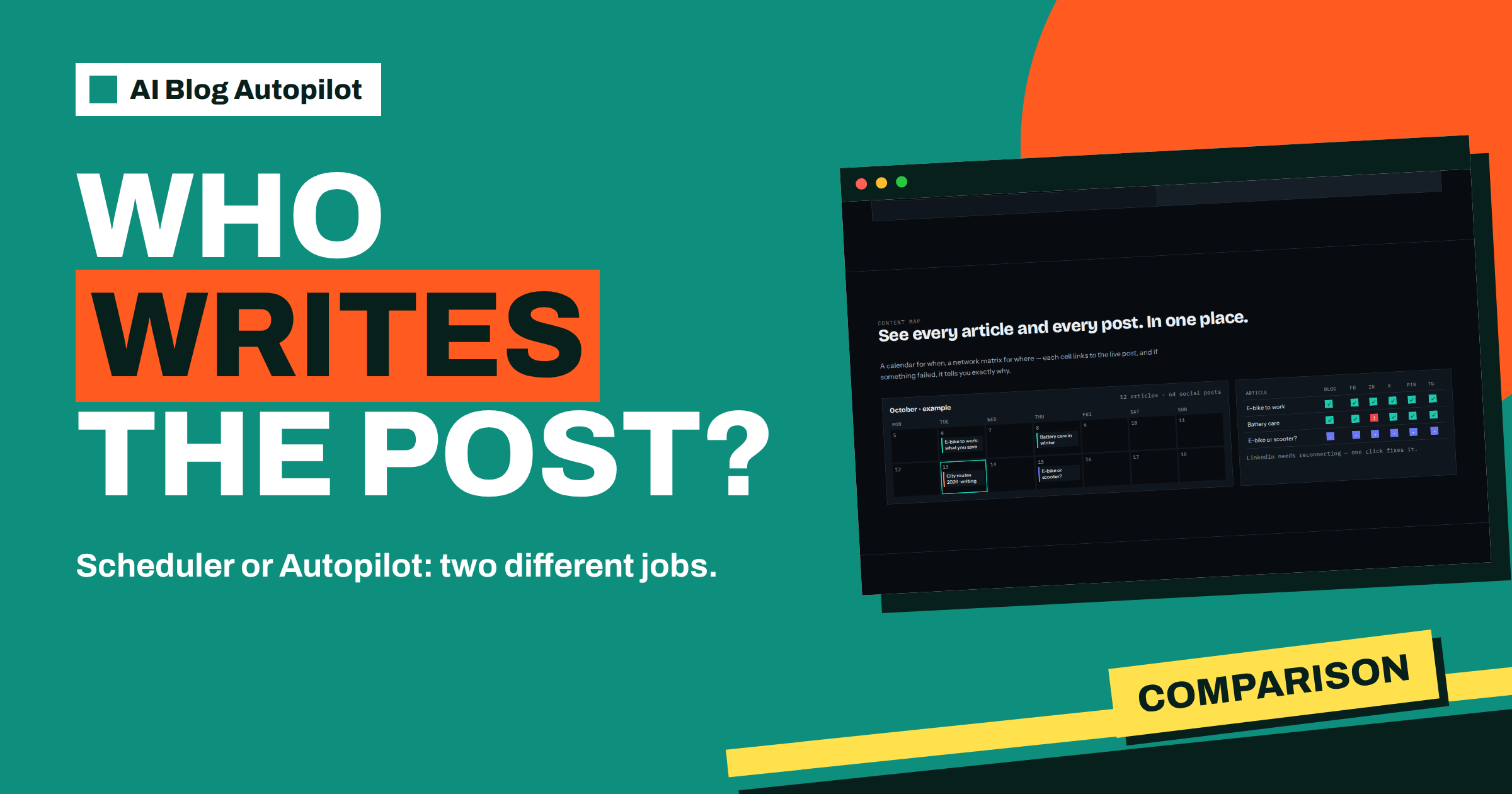
Short answer: A social media scheduler sends posts at set times, but you still write every one. AI Blog Autopilot writes a 2,000 to 3,000-word article, publishes it on your blog and then creates a separate native post for each connected network, with its own text, length and timing. Choose a scheduler to time posts you already have, and Autopilot to produce the content as well.
People often compare these tools as if they were the same kind of product, because both put posts on social networks at planned times. The difference is where the work happens. A scheduler is a calendar and a delivery service. Autopilot is a writing and publishing routine that includes the delivery.
This article compares the two jobs honestly, so you can decide which suits you, or whether you need both. Facts about Autopilot come from its home page and networks page. For any scheduler, check the current features on its own site, because they differ from one tool to another.
What a scheduler does well
A typical scheduler lets you write a post, attach an image, choose the networks and pick a time. It stores the post and sends it when the moment arrives. Many also show a calendar, suggest times, keep a library of saved posts and report on engagement. For a person who enjoys writing posts and wants control over every word, this is a good tool.
A scheduler is also flexible. You can post anything: a photo from today, a reply to a news item, a one-off announcement. Nothing needs to be an article. If your social presence is based on personal updates, images and quick reactions, a scheduler fits the way you work.
What a scheduler does not do is produce the content. The effort of thinking of topics, writing the text and adapting it for each network stays with you. Many teams find that the scheduler fills up for a few weeks and then empties, because writing is the hard part.
What Autopilot does differently
The home page describes four steps: connect your WordPress site or go social-only, tell Autopilot the topics, let the AI write full articles with FAQ, tags and SEO meta, and have everything published, with the blog at your chosen hour and each network with its own text and timing. The writing and the delivery are one routine.
The networks page says every new article on your blog becomes a native post on each network you connect, with its own text, length and timing for every audience. It gives examples: a short hook for X and Bluesky, a professional post for LinkedIn, a summary with bullet points for Telegram, and a headline and summary for team chats.
The social-only mode for people without a website creates native posts too: tips, how-tos, product posts, questions and seasonal moments. So even without a blog, Autopilot writes the posts, whereas a scheduler would need you to supply them.
Where the effort goes
Consider a week of content. With a scheduler, you decide on topics, write a draft for each network, find or create images, enter them, choose times and check the result. If you publish an article as well, you write that separately and then write the social posts about it. The effort is mostly writing.
With Autopilot, the effort moves to setup and review. You write the brief once: topics with weight, keywords, audience and tone. You review articles, or switch on AUTO, which the home page calls the default and the better choice. Each week you look at the content map to check that things went out. The writing happens on its own.
Neither route is free of work. A scheduler needs creative energy every week. Autopilot needs a good brief and sensible review. The question is which kind of work you prefer to do, and which you can sustain for a year.
Timing and networks
Schedulers let you choose any time for any post. That is powerful, and also demanding, since you must know when each audience is online. Autopilot sets the timing for you: the home page describes the blog at your hour, LinkedIn 30 minutes later, Facebook after two hours and Pinterest the next day, each audience when it is online.
Network coverage matters as well. The networks page lists 15 social networks, 11 messaging channels, 15 team chats, 14 blogs and publishing platforms and 3 read-later and automation targets. Check which of your channels are on the list. If you rely on a network that is not supported, a scheduler that covers it may be useful alongside. The article on auto timing across networks explains the delays.
Posting through your own account also matters. You connect each network once in your Autopilot account, according to the networks page, and no other tools are needed. That removes the need to keep a scheduler subscription just to deliver Autopilot’s posts.
Control and review
Some people worry that handing posts to a tool means losing control. With a scheduler, control is complete, because you wrote each word. With Autopilot, you choose how much control to keep. The home page says approval can be switched on at any time, so you can read every article and post before it goes out, and move to AUTO later.
A quality check also runs before anything goes live. The home page says length, structure, keyword and meta are checked automatically, and weak articles wait for you. The writer is instructed never to make up statistics, quotes or sources. You still read articles for your own facts, since only you know your prices and policies. The article on how Autopilot writes for each network shows what the posts look like.
Cost and credits
A scheduler is usually priced by the number of accounts, networks or posts. Autopilot is priced by plan, and the pricing page lists them: Social at 15 euros with 60 social posts a month, Starter at 19 euros with 8 articles, Growth at 49 euros with 30 articles, Pro at 99 euros with 70 articles and Agency at 249 euros with 200 articles. Credits reset every month and do not roll over.
When you compare cost, include your own time. A scheduler subscription may look cheaper, but if it costs you five hours a week of writing, the real price is higher. Autopilot’s price includes the writing, so compare it with the cost of a writer, a freelancer or your own hours.
When a scheduler is the better choice
Be fair to the alternative. A scheduler is better when your content is personal and spontaneous, when you already have a team that writes and designs posts, when you need networks that Autopilot does not list or when you want full manual control over timing. A photographer posting daily images, a shop announcing offers at specific times or a news desk reacting to events may prefer a scheduler.
It is also fine to use both. Autopilot can handle the steady stream of articles and their social posts, while a scheduler handles special announcements and spontaneous updates. The two do not conflict, provided you avoid posting the same thing twice on the same network at the same time.
Consider a short story. A bakery owner used a scheduler for a year. For the first two months she wrote posts every Sunday evening, then the habit faded. The scheduler was fine; the writing was the problem. She moved to Autopilot’s social-only mode, set her topics, tone and networks, and kept the scheduler for her weekend special offers, which she writes in a minute each. The steady posts now appear on their own, and the scheduler handles the moments she cares about.
The lesson is to match the tool to the job. A scheduler times what you write. Autopilot writes and times it. Many businesses need the second one for the routine and the first for the occasion.
A practical way to decide
Answer four questions honestly. First, who writes your posts today, and how often does the writing slip? If it slips often, the scheduler is not your bottleneck. Second, do you need long articles for search, or only short posts for followers? Articles point towards Autopilot, quick updates towards a scheduler. Third, how many networks do you need, and are they on the networks page? Fourth, how much review time can you give each week?
If the answers show that writing is the problem, try Autopilot with the three free articles before changing anything else. If they show that timing and control are the issue, a scheduler may be enough. If both matter, use each for what it does best, and keep a written rule for which content goes where, so that nothing is posted twice.
Write the decision down with the date, so that you can compare it later with what really happened. A note such as “writing slips, so we try Autopilot for 60 days” keeps the test honest and stops the choice from drifting.
Whatever you choose, review the result after a month. Count how many posts went out on time, how much of your time they took and which posts drew replies. The tool that gives you a steady output for the least effort is the right one for now, and you can revisit the choice when your business changes.
How AI Blog Autopilot helps
The product handles the writing, the blog and the native posts, with timing set for each network, so the content does not depend on a free Sunday evening. Try it with the three free articles on AI Blog Autopilot, no card needed, and compare the plans on the pricing page.
Related reading
- How Autopilot Writes for Each Network
- Auto Timing Across Networks: Why Each Post Waits
- How Often to Post on Social Media for a Business Blog
The bottom line
A scheduler delivers posts you write, while Autopilot writes the article and a native post for every network and times them too. Pick by where you want the effort to go, and use both if you need spontaneity as well as a steady stream.
FAQ
Is AI Blog Autopilot a social media scheduler?
Not exactly. It writes articles and native posts and publishes them at set times, so scheduling is part of a wider routine.
Do I need a scheduler as well?
Only if you want to post spontaneous or manually written updates. You connect each network once in Autopilot.
Can I review posts before they go out?
Yes. Approval can be switched on at any time, and AUTO is the default when you prefer no queue.
Does Autopilot work without a website?
Yes. Social-only mode creates native posts for each network, and you can add a blog later.
How does the timing work?
The blog goes out at your hour, then each network gets its post with its own delay, such as LinkedIn after 30 minutes.