 ENEnglish
 LTLietuviškai
 DEDeutsch
 FRFrançais
 RUРусский
 ESEspañol
 PLPolski
 ITItaliano
 UKУкраїнська
 CSČeština
 PTPortuguês
 JA日本語
JA日本語 LVLatviešu valoda
 ETEesti
 HUMagyar
 IDBahasa Indonesia
 TRTürkçe
 HIहिन्दी
 ELΕλληνικά
 ARالعربية
 THไทย
THไทย VITiếng Việt
 RORomână
 MSBahasa Melayu
 BNবাংলা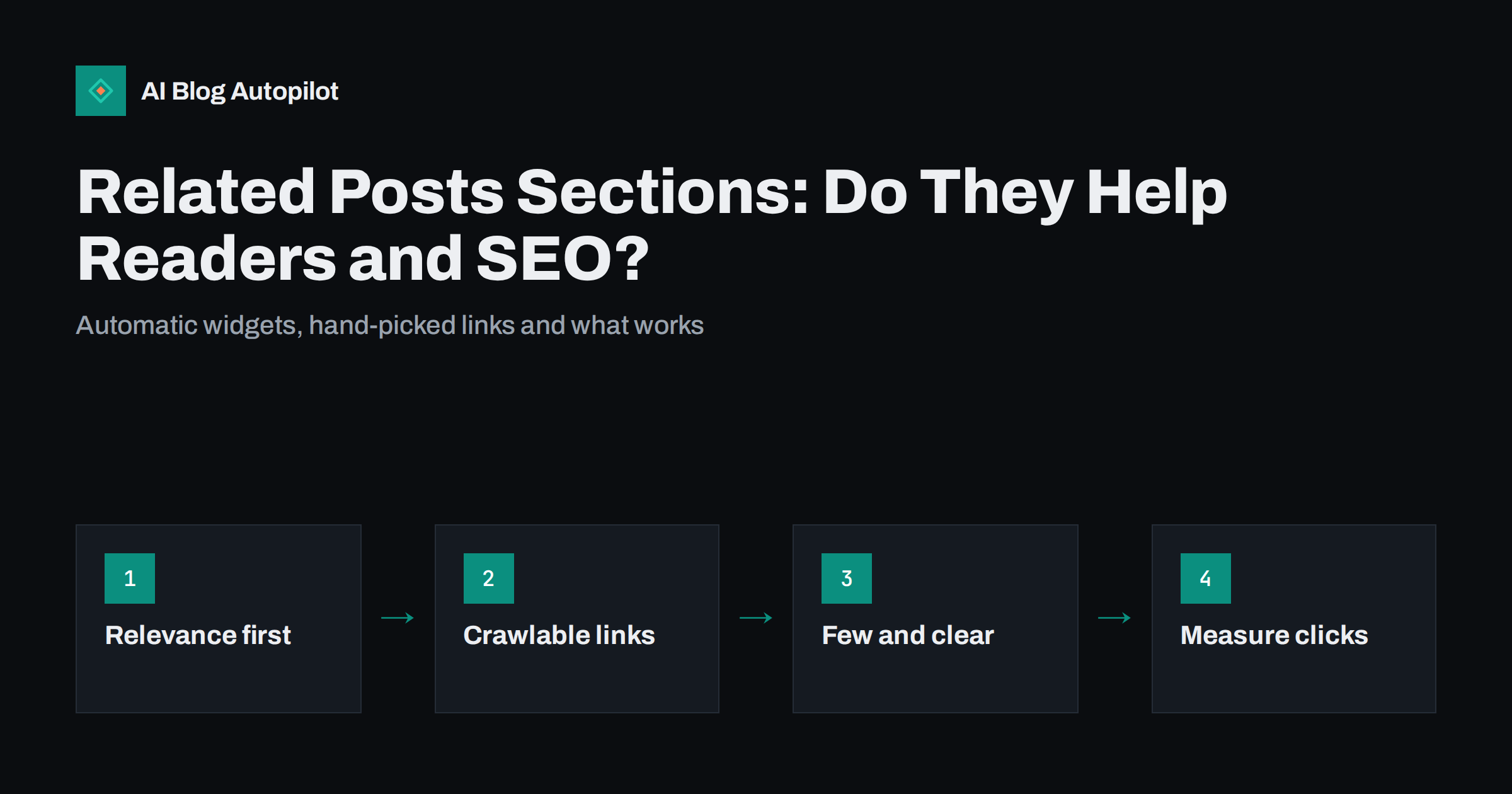
Short answer: a related posts section helps both readers and SEO when it shows a few genuinely relevant articles as plain, crawlable links. It gives readers an obvious next step and spreads internal links across your archive, which helps search engines discover and understand older posts. It stops helping when the suggestions are random, when the widget is loaded by scripts that crawlers may not see, or when it slows the page. Hand-picked links inside the article usually do more than any automatic block.
Almost every blog theme or plugin offers some version of “You might also like”. Some site owners switch it on and forget it. Others remove it to speed up the page. Both choices can be right, depending on how the block is built and what it shows. This article looks at what related posts sections actually do, the common ways they go wrong and how to set one up properly.
What a related posts section does
A related posts section is a short list of other articles shown at the end of a post, or sometimes in a sidebar or in the middle of the text. It has three jobs:
- Give the reader a next step. Someone who just finished an article about keyword research may well want the one about search intent. Without a suggestion, many readers simply leave.
- Create internal links. Every suggestion is a link from one of your pages to another. Internal links help search engines find pages, understand how topics connect and share value across the site.
- Surface older content. Articles that are no longer on your home page or first archive page get a second life when they are suggested from newer posts.
The first job is about readers and the other two are about search, but they depend on the same thing: whether the suggestions are relevant.
It is worth being clear about what a related block cannot do. It will not rescue weak articles, and it will not make a post rank for a query it does not answer. It works on the margins: helping good content get found and read, and helping a reader who liked one article find the next one without searching.
Automatic, manual or both
There are three ways to fill the section, each with trade-offs.
| Approach | How it chooses | Strengths | Weaknesses |
|---|---|---|---|
| Automatic by category or tag | Other posts sharing a category or tag | No effort, always filled | Broad categories give loose matches |
| Automatic by content similarity | Compares words in titles and text | Often closer matches | Some plugins run heavy database queries |
| Manual selection | You choose the posts | Best relevance, clear intent | Takes time, goes stale as you publish |
Many blogs use a hybrid: a short “Related reading” list written by hand inside the article, plus an automatic block below it that fills the gap for readers who scroll further. The hand-written list carries the most important connections, and the automatic block covers breadth.
How related posts affect SEO
Search engines follow links to discover pages and use the links between pages as one way to understand a site. A related posts section therefore affects SEO in a few concrete ways.
- Discovery. Posts that are only reachable through deep pagination may be crawled rarely. Links from newer posts give crawlers a shorter path.
- Context. A post about canonical tags that links to posts about duplicate content and redirects helps show that these belong to one topic area.
- Distribution of value. Pages that receive many internal links tend to be treated as more important within the site. If a related block keeps linking to the same few posts, those posts gain, and the rest do not.
- Orphan prevention. A post with no internal links pointing to it is hard for search engines and readers to find. A related block can reduce the number of such orphaned articles, though it should not be the only safeguard.
None of this makes a related posts widget a ranking trick. It is part of a healthy internal linking structure, which matters more as a blog grows past a few dozen posts.
Technical details that decide whether it works
Two related blocks can look identical to a reader and be completely different to a crawler. Check these points.
- Use real HTML links. Search engines reliably follow standard
<a href>links. Blocks that load suggestions with JavaScript after the page renders, or use click handlers instead of links, may not be seen or followed. Google’s guidance on crawlable links explains what works. - Avoid tracking parameters on internal links. Some widgets add parameters to every URL to measure clicks. That creates many URL variants of the same page. Measure clicks with your analytics event tracking instead.
- Watch performance. Similarity plugins that calculate matches on every page view can strain a small server. Prefer tools that cache results, or pre-compute them when a post is saved.
- Use descriptive anchor text. The post title is usually the best anchor. Avoid blocks that show only images with no text.
- Keep images light. Thumbnails are useful, but load them at the displayed size and lazily, below the fold.
- Exclude what should not be promoted. Drafts, noindexed posts, old announcements and thin pages should not appear in suggestions.
Placement and number of suggestions
Where you put the block changes how often it is used.
- End of the article is the natural place. The reader has finished and is deciding what to do next.
- Inside the text, a single “see also” line after a relevant section can work well, but more than one or two interrupts reading.
- Sidebar blocks are often ignored on desktop and pushed below everything on phones. They are a weak substitute for links in the content.
Three to five suggestions is usually enough. A long grid of twelve thumbnails looks like navigation and gets skimmed past. It also dilutes the signal, because every link carries less meaning when there are many of them.
Choosing relevant suggestions
Relevance is the whole point, and it is where automatic blocks most often fail. A broad category such as “Marketing” can pair a post about email subject lines with one about trade fair stands. Some practical rules:
- Keep categories reasonably specific, as explained in the guide to categories and tags. Automatic blocks are only as good as the taxonomy they read.
- Prefer the next logical step: a beginner explainer should suggest the practical how-to, and the how-to should suggest troubleshooting.
- Mix newer and older posts so that the archive keeps getting attention.
- Review suggestions on your most visited posts by hand. Those pages send the most readers onwards, so their suggestions matter most.
Common mistakes with related posts blocks
Most problems with related posts sections come from setting them up once and never looking again. These are the mistakes that appear most often on business blogs:
- Two or three blocks on one page. A theme block, a plugin block and a “popular posts” widget can all appear at once, often suggesting the same articles. Pick one automatic block and remove the rest.
- Suggesting the page itself or near-duplicates. Some setups show the current post, or three versions of the same topic, which looks careless and wastes the space.
- Always the same “popular” posts. Blocks based purely on page views keep promoting the posts that are already strong. That starves newer and older articles of links and attention.
- Outdated suggestions. Posts about discontinued products, finished events or old prices keep being recommended long after they stopped being useful. Exclude or update them.
- Hidden on mobile. Some themes hide related blocks on small screens to save space. Since most blog visits happen on phones, check what mobile readers actually see.
- Relying on the block for every internal link. Automatic suggestions are a safety net. Important connections, such as from a guide to its detailed how-to, deserve a link written into the text.
Measuring whether it helps
You do not need to guess. Track clicks on the related block as an analytics event and compare a few numbers before and after changes:
- The share of readers who view a second page after an article.
- Clicks on the related block per hundred article views.
- Whether older posts that are suggested often gain impressions in Search Console over the following months.
If almost nobody clicks, the suggestions are probably not relevant or the block is in the wrong place. If the page got noticeably slower after adding a plugin, weigh that against the clicks it brings.
How AI Blog Autopilot fits in
AI Blog Autopilot publishes complete articles to WordPress with tags and SEO meta, which gives theme and plugin related-post blocks consistent data to work with. It does not install or configure related posts plugins; that stays with your theme. Because it keeps publishing on a regular schedule across your topics, the pool of relevant articles to suggest grows month by month. You can read how Autopilot works on the home page.
Related reading
- Breadcrumbs and Navigation for a Growing Blog
- Content Clusters and Pillar Pages, Explained Simply
- Blog Design That Helps People Read
The bottom line
A related posts section is worth having when it shows a few relevant articles as plain links, loads quickly and is checked on your most important pages. It supports internal linking and keeps readers moving, but it works best alongside hand-picked links inside the text, not instead of them.
KKK
Do related posts plugins help SEO?
They can, because they add internal links that help search engines discover and connect your posts. The benefit depends on relevance and on the links being plain HTML that crawlers can follow. Random or script-loaded suggestions help much less.
How many related posts should I show?
Three to five is usually enough. More suggestions tend to be skimmed past and each link carries less meaning. Fewer, better choices get more clicks.
Should related posts be chosen by hand or automatically?
A mix often works best. Hand-picked links inside the article carry the most important connections, while an automatic block below it adds breadth without extra work.
Can a related posts plugin slow down my blog?
Yes, especially plugins that calculate content similarity on every page view. Choose one that caches results or computes them when a post is saved, and check page speed after installing it.
Do related posts replace internal links in the text?
No. Links inside the text are placed where they are most relevant and use descriptive anchors, which makes them more useful to readers and search engines. A related block is a complement, not a replacement.
Should related posts link to pages outside the blog?
Usually not. The block works best as a way to move readers through your own articles. Links to product or service pages fit better as a clear call to action inside or at the end of the article, where the context explains why the reader might want them.


