 ENEnglish
 LTLietuviškai
 DEDeutsch
 FRFrançais
 RUРусский
 ESEspañol
 PLPolski
 ITItaliano
 UKУкраїнська
 CSČeština
 PTPortuguês
 JA日本語
JA日本語 LVLatviešu valoda
 ETEesti
 HUMagyar
 IDBahasa Indonesia
 TRTürkçe
 HIहिन्दी
 ELΕλληνικά
 ARالعربية
 THไทย
THไทย VITiếng Việt
 RORomână
 MSBahasa Melayu
 BNবাংলা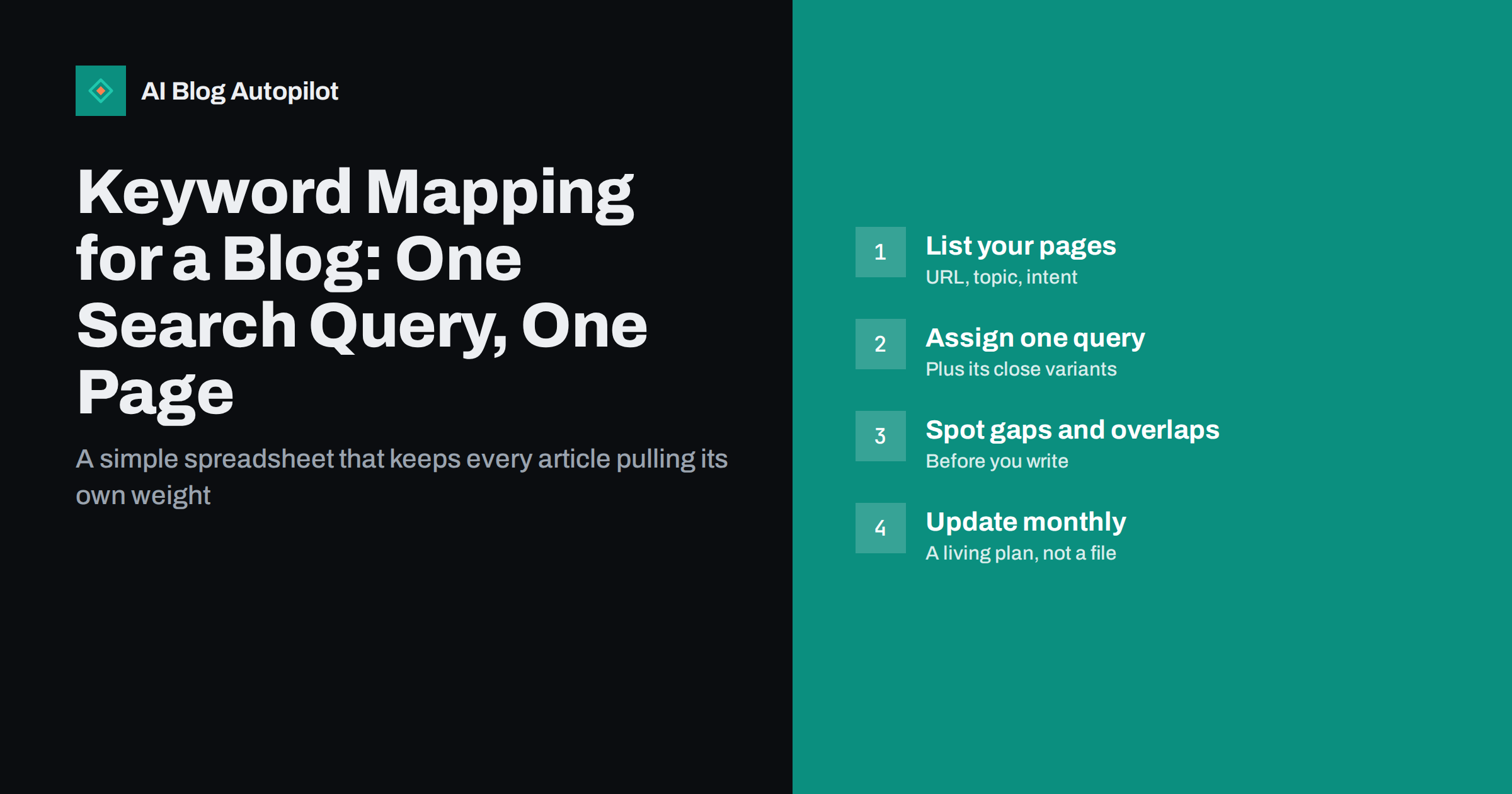
Short answer: keyword mapping is the practice of assigning each important search query, together with its close variations, to exactly one page on your site. A simple spreadsheet with columns for URL, main query, related queries, search intent and status is enough. The map prevents two posts from competing for the same query, shows which topics still have no page, and tells you where new internal links and updates should go. Build it from your existing posts first, then check it before every new article.
Most blogs grow without a plan for which page targets which search. Posts are written when ideas come up, and after a year or two nobody can say for sure which article is meant to rank for “content calendar template” or whether two of them are trying to.
A keyword map fixes that with very little effort. It is not a sophisticated SEO tool; it is a list that keeps everyone, including your future self, clear about what each page is for.
What a keyword map is
A keyword map is a table that connects search queries to pages. Each row is one page. Each page has one main query it is designed to answer, plus the related phrasings that share the same intent.
The principle is simple: one intent, one page. If two queries would be satisfied by the same article, they belong on the same row. If they need different articles, because a reader would want a different answer, they belong on different rows.
The map is useful for any site with more than a couple of dozen pages, and essential once several people or processes add content.
Why it matters for a blog
Keyword maps solve several problems at once:
- Cannibalisation. Before writing, you can see whether a page already targets the query. That prevents two posts from competing for the same search.
- Content gaps. Queries with no assigned page become obvious and can be planned.
- Internal linking. When a new post mentions a topic, the map tells you which page owns it and should receive the link.
- Updating. When you refresh old content, you know which query each page should be optimised for.
- Delegation. Anyone writing for the blog, a freelancer, a colleague or an automated tool, can be given a clear target without guesswork.
The columns you need
Keep the spreadsheet small enough to maintain. These columns cover most needs:
| Column | What goes in it |
|---|---|
| URL | The page’s address, or “planned” for articles not yet written |
| Main query | The single search the page is built to answer |
| Related queries | Variations with the same intent, separated by commas |
| Intent | Informational, commercial, transactional or navigational |
| Topic cluster | The broader subject the page belongs to |
| Page type | Guide, comparison, checklist, definition, product page |
| Status | Live, needs update, planned, merged |
| Last reviewed | Date you last checked the page and its performance |
Optional columns include estimated search volume, the page’s current average position from Search Console and notes on competitors. Add them only if you will actually use them.
Building the map from existing content
Start with what you already have. For a blog with fifty to two hundred posts this usually takes an afternoon.
- Export your URLs. Take them from the XML sitemap or your CMS. Leave out tag, date and paginated archives.
- Pull query data. In Search Console, the performance report shows which queries each page already receives impressions for. Export pages and queries for the last three to six months.
- Assign a main query to each page. Use the page’s title and the Search Console data. The best main query is usually the one that matches the page’s purpose and already brings impressions.
- Add related queries. List close variations the page already appears for, as long as they share the same intent.
- Mark the intent and cluster. This takes a few seconds per row and makes gaps visible later.
- Sort by main query and look for duplicates. Any query that appears on two rows is a potential conflict to resolve.
To make this concrete, here is how three rows might look for a small gardening blog:
- /prune-apple-trees/: main query “how to prune apple trees”; related “when to prune apple trees”, “apple tree pruning guide”; informational; cluster “fruit trees”; guide; live.
- /apple-tree-varieties-small-gardens/: main query “best apple trees for small gardens”; related “dwarf apple tree varieties”; commercial investigation; cluster “fruit trees”; comparison; needs update.
- planned: main query “apple tree diseases identification”; informational; cluster “fruit trees”; guide with photos; planned.
Three rows already tell you a lot: the cluster has a how-to page and a comparison, lacks a diagnostic guide, and one existing page is due for a refresh.
Do not aim for perfection on the first pass. A rough map that exists is far more useful than a perfect one that is never finished.
Deciding when queries belong together
The hardest part of keyword mapping is deciding whether two queries need one page or two. The search results are the best judge.
- Search both queries. If the first page of results is largely the same for both, search engines treat them as one intent, and one page should cover both.
- If the results differ substantially, for example one shows how-to guides and the other shows product comparisons, they need separate pages.
- Consider the reader. Would someone searching the first query be fully satisfied by an article written for the second? If not, separate them.
When in doubt, start with one page. It is easier to split a strong article into two later, once data shows two distinct audiences, than to merge two weak articles that have been competing for months.
Singular and plural forms, word order changes and minor phrasing differences almost always belong together. “Best”, “vs” and “how to” versions of a topic usually do not.
Using the map to plan new content
Once the map exists, it becomes the first stop for every content decision.
- Before writing a new article, search the map for its main query and close variants. If a page already owns the intent, update that page instead of writing a new one.
- When planning a cluster, list the broad pillar query and the specific supporting queries, assign each to a planned row and link them in the plan.
- When reviewing performance, compare each page’s actual top queries in Search Console with the mapped main query. A page ranking mostly for something else may need retitling or a different target.
- When adding internal links, use the map to find the owning page for each topic you mention.
Over time, the map also shows where your blog is strong and where it is thin. Clusters with many live rows and good positions are your areas of authority; clusters with one or two rows are where planned articles can make the biggest difference.
Keeping the map alive
A keyword map only helps if it stays current. A light routine is enough:
- Add a row for every new post at the time it is planned, not after it is published.
- Update the status when posts are merged, redirected or retired.
- Review monthly or quarterly: refresh positions from Search Console, check for new overlaps and mark pages that need updates.
- Keep one copy. A shared spreadsheet that everyone uses is better than several private versions that drift apart.
Mistakes to avoid
- Mapping keywords, not intents. Listing every phrasing as a separate target leads to many thin pages. Group by intent.
- Too many main queries per page. A page with five unrelated targets is a sign that it tries to do too much or that the map is confused.
- Forcing queries into pages that do not fit. If no existing page answers a query well, plan a new one rather than stuffing the phrase into an unrelated post.
- Ignoring the data. The map records intentions; Search Console shows reality. Compare the two regularly.
- Letting it go stale. A map last updated a year ago may cause the very overlaps it was meant to prevent.
How AI Blog Autopilot uses your topics
AI Blog Autopilot plans a month of articles from the topics you give it, with a weight for each topic, keywords, audience and tone, and writes each article around a real search query. A keyword map is a natural source for those inputs: it shows which topics have gaps and which are already covered. On the Pro and Agency plans, it can also import topics from Search Console. The pricing page lists what each plan includes.
Related reading
- Keyword Cannibalisation: When Your Own Posts Compete
- Building a Content Inventory You Will Actually Use
- How Many Keywords Should One Article Target?
- Content Clusters and Pillar Pages, Explained Simply
The bottom line
A keyword map is a spreadsheet that gives every important search query exactly one home on your site. Build it from your existing posts and Search Console data, group queries by intent rather than wording, check it before every new article and review it regularly. It is one of the cheapest ways to keep a growing blog focused, free of internal competition and clear about what to write next.
KKK
What is keyword mapping?
Keyword mapping is assigning each important search query, with its close variations, to one specific page on your website. It is usually kept in a spreadsheet and used to prevent pages from competing with each other and to plan new content.
How many keywords should be mapped to one page?
One main query plus any variations that share the same intent. That may be a handful of phrasings or dozens of long-tail versions. What matters is that they all describe the same need, not the exact count.
What tools do I need for keyword mapping?
A spreadsheet and Google Search Console are enough for most blogs. Search Console shows which queries each page already appears for, and the spreadsheet records the main query, related queries, intent and status for every page.
How do I know if two keywords need separate pages?
Search both and compare the results. If the first page of results is largely the same, one page can cover both. If the results show different kinds of pages, the intents differ and each query needs its own article.
How often should a keyword map be updated?
Add a row whenever a new post is planned, and review the whole map monthly or quarterly. Update statuses when posts are merged or retired, and compare mapped queries with actual Search Console data during each review.
Is a keyword map the same as a content calendar?
No. A keyword map records which query each page targets, while a content calendar records when articles will be published. They work well together: the map decides what to write next, and the calendar decides when.


