ENEnglish
 LTLietuviškai
 DEDeutsch
 FRFrançais
 RUРусский
 ESEspañol
 PLPolski
 ITItaliano
 UKУкраїнська
 CSČeština
 PTPortuguês
 JA日本語
 LVLatviešu valoda
 ETEesti
 HUMagyar
 IDBahasa Indonesia
 TRTürkçe
 HIहिन्दी
 ELΕλληνικά
 ARالعربية
 THไทย
 VITiếng Việt
 RORomână
 MSBahasa Melayu
 BNবাংলা
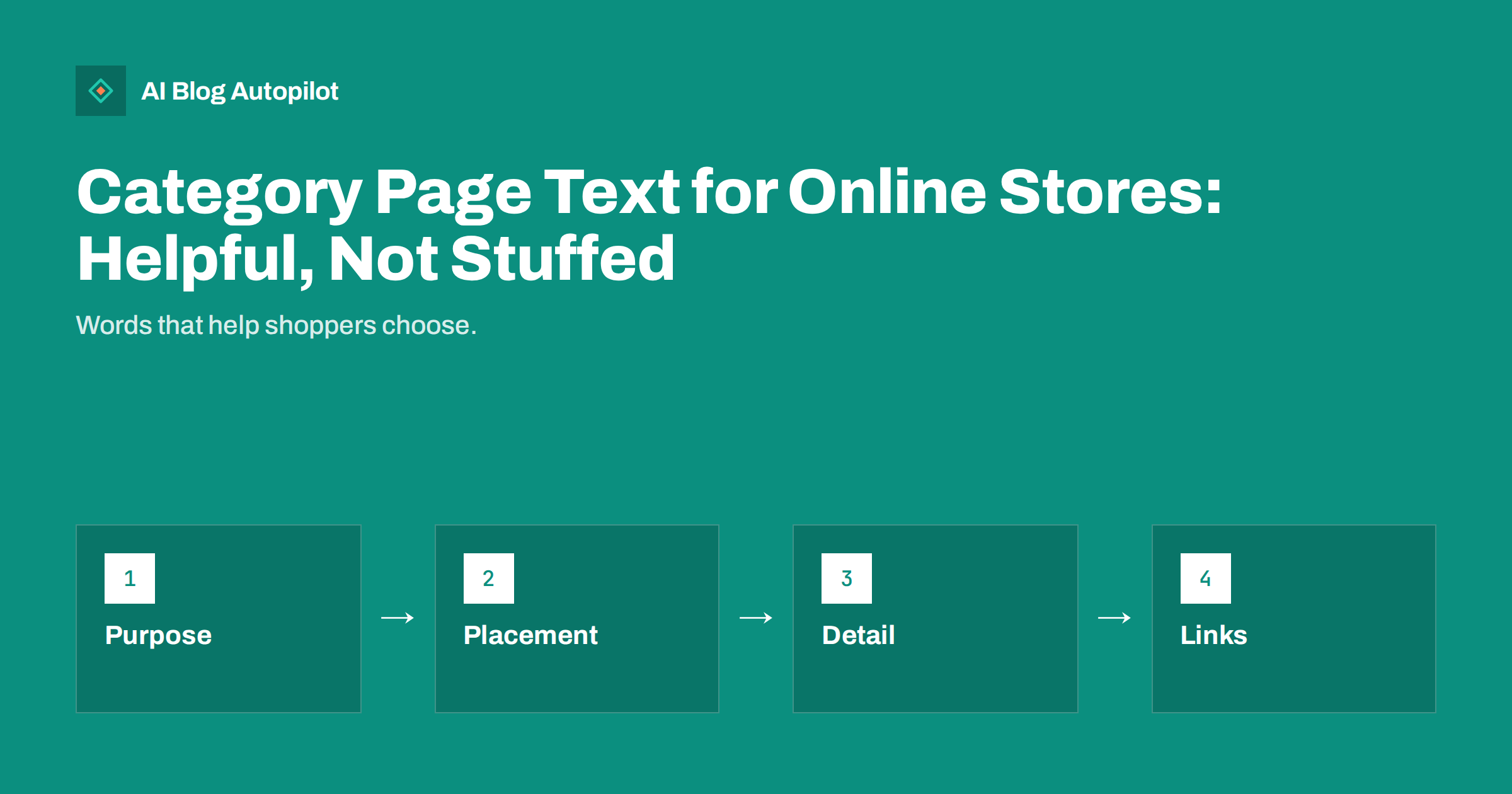
Short answer: category page text should help a shopper choose between the products on the page. Write a short introduction above the products that says what the category contains and who it suits, add a longer, well-structured guide below the products where it will not push them out of sight, link to subcategories and relevant guides and avoid repeating keywords or copying manufacturer text.
Category pages are among the most valuable pages of an online store. They collect the searches for a type of product, such as trail running shoes or desk lamps, and they are often the first page a visitor sees. Yet many of them are just a grid of products with a title, or worse, a block of text stuffed with the same phrase to please search engines.
This guide explains what category text is for, how long it should be, where it should go, what to include and how to keep it fresh. It suits small shops with a few categories and larger stores with hundreds, and it works for physical goods, digital products and services sold through categories.
Know what the text is for
A category page has two jobs. For shoppers, it must make browsing easy: clear filters, good images, honest prices and a few words that explain how the products differ. For search engines and AI assistants, it must show clearly what the page is about and how it differs from nearby pages. Text can help with both, but only if it is useful to a person first.
Think about the questions a shopper has at this point. They may ask what the differences are between types, how to choose a size, which material lasts longer, what is included or how much to spend. Text that answers those questions earns its place. Text that repeats the page title in longer words does not.
Different categories need different amounts of help. A category of simple, similar items, such as plain notebooks, may need two sentences. A category of complex products, such as mattresses or cameras, benefits from a guide. Decide the length from the shopper’s need, not from a rule that every page must have five hundred words.
Remember that many visitors never scroll to the bottom. If the page is only a grid, search engines may see little to distinguish it from similar pages. If the page is mostly text, shoppers may leave. Balance is the goal, with short text above the products and more detail below for those who want it.
Write a short introduction above the products
The introduction should be two to four sentences. State what the category contains, who it suits and the most useful distinction between the products, then point to the filters or the guide below. Keep it light, so that the first products remain visible on a phone without a long scroll.
Use the words shoppers use. If people call it a duvet and not a comforter, use their term, and mention alternatives once where natural. Check the search console, the search box on your site and customer emails for the phrases people use, and write as a helpful assistant would speak.
Mention what is special about your range without exaggerating. A claim such as all items are made in small batches is useful only if it is true and visible elsewhere on the site. Avoid vague praise like the best selection, which no one believes and which does not help anyone choose.
Write the title and meta description of the category page with the same care. The title should say what is on the page in a few words, and the description should give a reason to click, such as sizes, materials or delivery. These small texts appear in search results and often decide whether a shopper visits.
Add a helpful guide below the products
For larger categories, add a longer section after the product grid. Use headings and short paragraphs, not a wall of text. Cover how to choose, the main types and their differences, care and maintenance, common mistakes and a few related questions. Write it as you would explain it across the shop counter.
Keep the guide original. Do not copy supplier descriptions or text from other stores, since duplicated copy adds nothing and may weaken the page. Use your own experience: what customers ask, which products are returned and why, and what you recommend for different needs. Real knowledge is the hardest thing for competitors to copy.
Add a short list of questions and answers when the shopper typically has doubts, such as delivery times for large items or whether a product fits a standard size. If you use a question section, mark it up properly and make sure the answers appear on the page for visitors. The guide on FAQ pages and FAQ sections explains the options.
Avoid repeating the same keyword in every sentence. Write naturally and use related words such as types, sizes, materials and uses. Search engines understand them, and readers can feel when a text was written for a machine. If a sentence would sound strange read aloud in the shop, rewrite it.
Link to what comes next
Category text is a good place for internal links. Link to subcategories, to a buying guide, to a size chart and to a few key products, using descriptive words. A reader who is unsure about a choice can move to the guide, and one who knows what they want can go straight to a subcategory.
Connect categories with the blog. A guide such as how to choose a rug for a hallway can link to the category and the category can link to the guide. The guide on blog strategy for an online store explains how to plan these links so that each page supports the other.
Take care with similar categories. If two categories overlap, such as running shoes and trail shoes, explain the difference in the text and link them to each other. Otherwise visitors and search engines may not know which page to choose, and the pages may compete. Clear boundaries make both pages stronger.
Check the links regularly. When a product is removed or a subcategory is renamed, links in the text can break. A monthly check, or a report from a crawling tool, finds these quickly. A category page with several dead links gives a poor impression to shoppers and to search engines.
Look at the page on a phone before you finish. Most shoppers use one, and a long introduction can push the products far down the screen. Test the page with a real person who has not seen it, ask them to find a product for a given need and watch where they hesitate. Their hesitations show where the text should help.
Keep images and text in harmony. A description of colours, sizes or materials should match the pictures, and the alt text of the images should describe what is shown without repeating the category name. Accessibility and search benefit from the same care, and so do shoppers who use screen readers.
Handle filters, pages and duplicates
Online stores often create many versions of the same category through filters, sorting and pagination. Decide which versions should be found in search and which should not, and use canonical tags and noindex where appropriate. Put the main text on the main category page, and avoid copying it to every filtered version.
Think about pagination. If the category has many products over several pages, show the introduction only on the first page, or use a short version on later pages. Make sure later pages have unique titles that include the page number, and that links lead to them in a way crawlers can follow.
Take care with faceted navigation that creates thousands of combinations. Most of them will not deserve a page of their own. A few, such as red running shoes for women, may be worth a dedicated page with its own text if enough people search for them. Choose these deliberately and write for them with care.
If products are often out of stock, say how to find alternatives. A category page that is empty or filled with unavailable items disappoints shoppers. Keep the page live if the category will return, and show similar categories. If it is permanently gone, redirect to the closest relevant page.
Measure, update and keep it fresh
Review category text at least twice a year. New products, changed prices, seasonal buying and fresh questions from customers all call for updates. Check that sizes, materials and delivery information match the product pages, because mismatches cause returns and complaints.
Look at how the pages perform. Check search impressions and clicks, conversion rate, bounce and exit rates and the use of filters. If shoppers leave quickly, the text may be too long or too thin, or the products may not match the promise. Change one thing at a time so that you can see what helped.
Listen to customer service. Questions that arrive by email or chat show what the page failed to explain. Add the answers to the text, and note the date of the change. Over time, your category pages become a record of what customers need to know, and that is exactly what search engines and AI assistants prefer to cite.
Finally, give the work to someone who knows the products. A copywriter with no knowledge of the range will produce generic text, while a member of staff who handles returns can name the real differences in a few lines. Pair them if possible, and keep a style guide so that all categories sound like the same shop.
How AI Blog Autopilot helps
Your category pages work best when they connect to helpful guides. AI Blog Autopilot can write and publish articles on your chosen topics, with FAQ sections, tags and SEO meta, and share them to your social networks, giving your categories fresh content to link to. See the pricing page for plans and monthly credits.
Related reading
- Blog Strategy for an Online Store
- FAQ Pages and FAQ Sections: Which to Use
- Product Facts That AI Answers Can Use
The bottom line
Write short, useful text above the products and a deeper guide below, link to subcategories and guides, avoid repetition and review each page twice a year.
KKK
How long should category page text be?
As long as the shopper needs. Two to four sentences above the products, and a guide below for complex categories.
Should the text go above or below the products?
Put a short introduction above and any longer guide below, so that products stay visible on a phone.
Can I reuse supplier descriptions?
Avoid it. Copied text adds nothing, so write your own using what customers ask and what you know about the range.
What about filtered category pages?
Keep the main text on the main category page and use canonical tags or noindex for filter combinations that do not deserve a page.
How often should I update category text?
At least twice a year, and whenever products, prices or common customer questions change.