ENEnglish
 LTLietuviškai
 DEDeutsch
 FRFrançais
 RUРусский
 ESEspañol
 PLPolski
 ITItaliano
 UKУкраїнська
 CSČeština
 PTPortuguês
 JA日本語
JA日本語 LVLatviešu valoda
 ETEesti
 HUMagyar
 IDBahasa Indonesia
 TRTürkçe
 HIहिन्दी
 ELΕλληνικά
 ARالعربية
 THไทย
THไทย VITiếng Việt
 RORomână
 MSBahasa Melayu
 BNবাংলা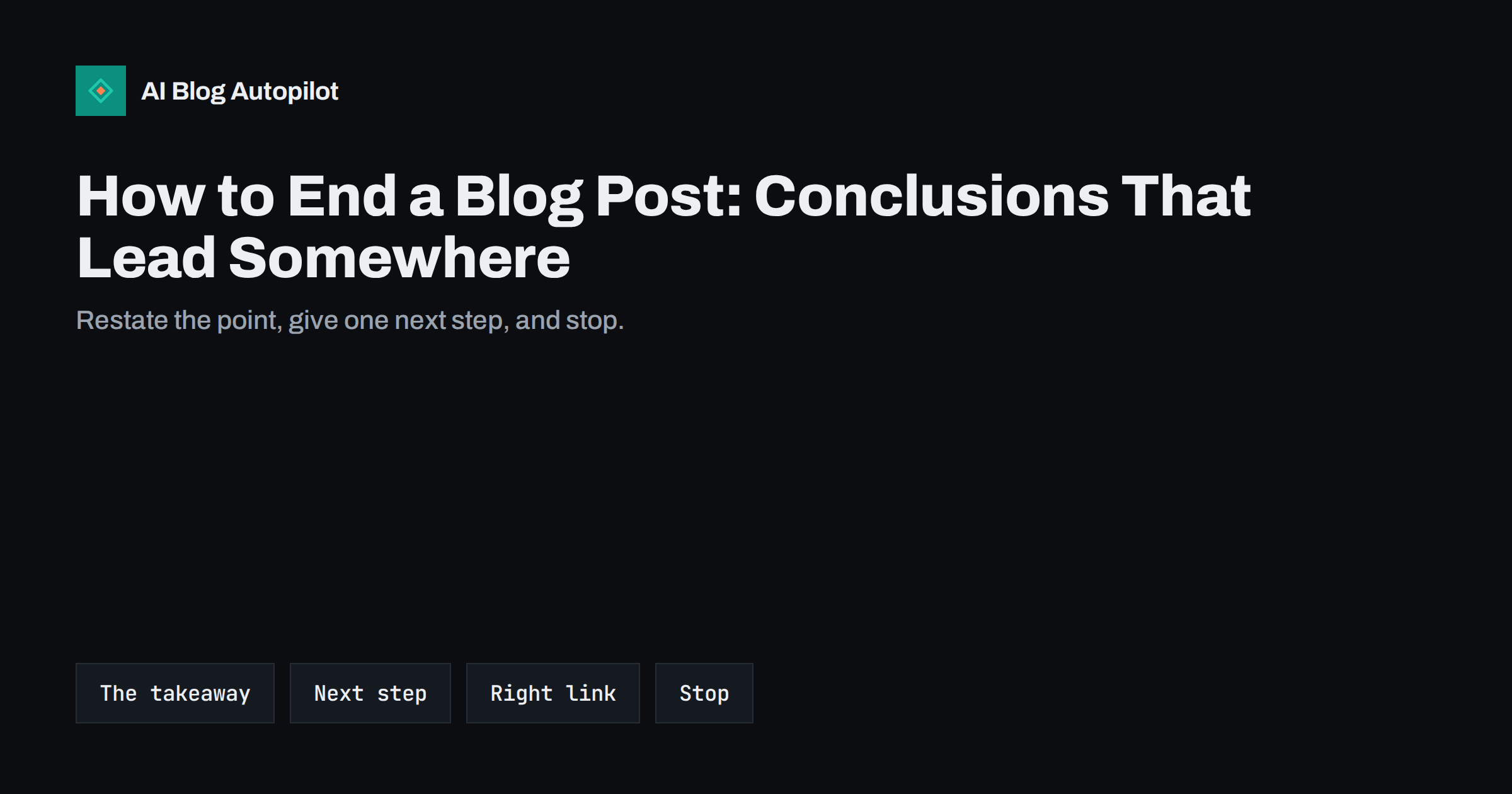
Short answer: a good blog post conclusion does three things in a few sentences: it restates the main takeaway in fresh words, tells the reader what to do next, and points to one relevant page, such as a related article, a tool, a newsletter or a product. It does not repeat every section, introduce new ideas or end with filler like “in conclusion”. Keep it short, make the summary specific enough to stand on its own, and match the call to action to what the reader came for.
Writers put most of their effort into headlines and introductions, and rightly so: they decide whether people start reading. Endings get much less attention. Many posts simply stop, or trail off with a vague paragraph that restates the title. Yet the conclusion is where readers decide what to do next: read another article, subscribe, get in touch, or close the tab. A good ending turns a finished read into a next step. This guide explains how to write one.
What a conclusion is for
A conclusion serves different readers in different ways:
- Readers who read everything get a clear statement of what they should remember and what to do with it.
- Readers who skimmed often jump to the end. For them, the conclusion is a summary that tells them whether the article answered their question.
- Search engines and AI answers sometimes draw on a well-written summary to understand or quote the article’s main point.
- Your business gets a natural place to guide readers to a relevant next page.
An ending that does all of this is short. Its value comes from focus, not length.
Readers also judge an article by how it ends. A focused, confident conclusion makes the whole piece feel well organised, even if some sections were long. A rambling or abrupt ending leaves the opposite impression, and it is often the last thing people remember when they decide whether to come back to your blog.
Restate the takeaway, do not repeat the article
The most common weak conclusion is a list of everything the article covered: “In this post we discussed X, Y and Z.” It tells readers what they just read, not what it means.
Instead, state the single most important takeaway in one or two sentences, in different words from the introduction:
- Weak: “In this article, we looked at several ways to improve page speed.”
- Better: “Most slow blogs are slow because of oversized images and a few heavy plugins. Fix those two first; everything else is fine-tuning.”
The better version gives a reader who skipped to the end something they can act on, and it reminds those who read everything what matters most. If you struggle to write this sentence, the article may lack a clear point, which is worth fixing before publishing.
Give one clear next step
After the takeaway, tell the reader what to do now. The step should follow naturally from the article and be easy to take:
- “Run the five checks above on your three most visited posts this week.”
- “Start with the free template linked below and fill in the first column.”
- “If you want to go deeper, read our guide to keyword mapping next.”
- “If you would rather not do this yourself, see how our service handles it.”
One step is better than several. A conclusion that offers a newsletter, three related posts, a free trial and a contact form gives the reader four choices and often leads to none. Choose the one that fits the article and the reader’s likely situation.
Match the call to action to the reader’s intent
The right next step depends on why the reader came:
| Type of article | Likely reader | Fitting next step |
|---|---|---|
| Beginner explainer | Learning the basics | A more practical guide or a newsletter |
| How-to guide | Doing a task now | A template, checklist, tool or the next step in the process |
| Comparison or review | Choosing between options | A trial, demo, pricing page or consultation |
| Troubleshooting post | Fixing a problem | A related fix or a contact option if it is still not solved |
| Opinion or industry piece | Following the topic | A newsletter, a reply or a related opinion piece |
A sales pitch at the end of a beginner explainer feels pushy; a newsletter suggestion at the end of a comparison article misses a reader who is ready to choose. Matching the step to the article respects the reader and converts better.
Write the next step in plain, concrete language. “Learn more” and “get started” are vague; “download the checklist”, “read the guide to choosing a theme” or “book a 20-minute call” tell readers exactly what happens when they click. Concrete wording also makes it easier to see later, in analytics, which endings lead people to act.
Link to the right page
The conclusion is one of the best places for an internal link, because readers who reach it have shown real interest. Choose the link carefully:
- The logical next article in a series or cluster, such as the more advanced guide after a beginner one.
- A pillar page that covers the wider topic, if the article was one part of it.
- A tool, template or resource that helps the reader apply what they learned.
- A product or service page, when the article naturally leads to it.
Use descriptive anchor text that says what the reader will find, not “click here”. A related reading list after the conclusion can offer further options without cluttering the conclusion itself.
What to leave out
Some habits weaken endings almost every time:
- “In conclusion” and similar phrases. A heading already says it is the end. Start with the point.
- New ideas or information. If something is important, it belongs in the body. A conclusion that introduces a new argument leaves readers unsure what the article was about.
- Empty encouragement. “Good luck on your journey” or “the possibilities are endless” add nothing.
- Exaggerated promises. Ending with “this will transform your business” undermines trust built by a careful article.
- Several competing calls to action. Pick one main step.
- Long recaps. If the conclusion is longer than a short paragraph or two, it is probably repeating the body.
Tone matters at the end as well. Keep the voice of the rest of the article: if the post was practical and direct, a sudden burst of enthusiasm at the end feels out of place. A calm, specific final sentence is usually more convincing than an exclamation mark.
Conclusions, summaries and FAQs
Many blog posts now start with a short answer or summary and end with a FAQ section. That raises a fair question: is a conclusion still needed?
Each part does a different job:
- The opening summary answers the main question quickly for readers who want the answer first.
- The conclusion closes the main argument, states the takeaway and gives the next step.
- The FAQ answers related questions that did not fit into the body.
Keep the opening summary and the conclusion different. The summary answers the question; the conclusion says what to do with the answer. If both say the same thing in the same words, rewrite one of them.
Examples of strong endings
A few patterns that work well, depending on the article:
- The priority list. “If you only do one thing, do X. If you have an hour, add Y and Z.” Good for long how-to articles.
- The decision rule. “Choose A if you need this; choose B if you need that.” Good for comparisons.
- The checklist reminder. “Before you publish your next post, run these three checks.” Good for process articles.
- The honest limit. “This approach works for most small blogs. If you have thousands of pages, you will need a more systematic method; here is where to start.” Good for building trust.
- The question to the reader. “Which of these problems does your blog have?” Good when you genuinely want replies and will answer them.
Editing your endings
When you review a draft, read the introduction and the conclusion one after the other. Together they should tell the whole story: what the problem is, what the answer is and what to do next. Then check:
- Does the conclusion state a specific takeaway rather than a list of topics?
- Is there exactly one main next step, and does it fit the reader?
- Does the link go to a relevant, working page with descriptive anchor text?
- Is it short, with no new ideas and no filler?
Old posts benefit from the same check. Updating the endings of your most visited articles with a better next step is one of the quickest ways to get more value from traffic you already have.
If you publish often, consider a few standard ending patterns in your style guide, one for each common type of article. Writers then spend less time on the last paragraph, and readers get consistent, useful endings across the blog.
How AI Blog Autopilot helps
AI Blog Autopilot writes full SEO articles with a clear structure, FAQ, tags and SEO meta, planned around a real search query, and publishes them to your WordPress blog. An automatic quality check reviews length, structure, keyword and meta before anything goes live, and you can switch on approval to edit endings and calls to action yourself. See the pricing page for plans.
Related reading
- Writing Introductions That Don’t Waste the Reader’s Time
- Calls to Action That Fit the Article They Sit In
- Blog Post Structure That Works for Readers and Search
- Key Takeaways Boxes: Do Summaries Help AI Answers?
The bottom line
A conclusion is where reading turns into action. Restate the main takeaway in a fresh, specific sentence, give one next step that fits the reader’s intent, and link to the page that helps them take it. Leave out recaps, new ideas, filler and exaggerated promises. Read your introduction and conclusion together when editing, and revisit the endings of your most visited posts to get more from readers you already have.
FAQ
How long should a blog post conclusion be?
Usually one or two short paragraphs. It should restate the main takeaway, give one next step and point to one relevant page. If it is longer, it is probably repeating the article.
Should I start a conclusion with in conclusion?
No. The heading or the position already tells readers it is the end. Start directly with the takeaway, which is more useful and reads more naturally.
Should every blog post end with a call to action?
Most should offer a next step, but it does not have to be a sales pitch. Match it to the article: a related guide, a template, a newsletter, or a product page when the reader is ready to choose.
Can I add new information in the conclusion?
It is better not to. Important points belong in the body. New ideas at the end make the article’s main message less clear.
Do I need a conclusion if my post has a summary and FAQ?
Yes, usually. The opening summary answers the question, the FAQ covers related questions, and the conclusion closes the argument and tells readers what to do next. Keep them in different words.