 ENEnglish
 LTLietuviškai
 DEDeutsch
 FRFrançais
 RUРусский
 ESEspañol
 PLPolski
 ITItaliano
 UKУкраїнська
 CSČeština
 PTPortuguês
 JA日本語
 LVLatviešu valoda
 ETEesti
 HUMagyar
 IDBahasa Indonesia
 TRTürkçe
 HIहिन्दी
 ELΕλληνικά
 ARالعربية
 THไทย
 VITiếng Việt
 RORomână
 MSBahasa Melayu
 BNবাংলা
#Publishing setup
Connecting a site so a tool can publish to it safely. We cover application passwords, which user role to use, what each permission actually allows, and how to revoke access without changing anyone’s real password. You will find the settings that matter before the first article and the ones that can wait. We also cover what to test first so a mistake shows up on one post rather than thirty. Everything here works on a standard WordPress installation without extra plugins.
 15 Νοε 2026 · 8 λεπτά ανάγνωσης
Choosing Your Blog Publishing Hour in AI Blog Autopilot
In AI Blog Autopilot you choose the hour the blog goes live and each network follows in order. Learn how to pick it from…
 14 Νοε 2026 · 8 λεπτά ανάγνωσης
When a Network Post Fails: What the Content Map Tells You
A post did not appear on one network. Here is how to use the AI Blog Autopilot content map to find the reason, reconnect…
 13 Νοε 2026 · 9 λεπτά ανάγνωσης
Connecting WordPress to AI Blog Autopilot in One Click
How the WordPress connection in AI Blog Autopilot works: the one-click route, the manual application password, what can block it and how to check…
 13 Νοε 2026 · 9 λεπτά ανάγνωσης
Your First 3 Free Articles in AI Blog Autopilot: A Walkthrough
Plan and judge your first three free articles in AI Blog Autopilot: what to prepare, what happens at each step and how to decide…
 1 Νοε 2026 · 9 λεπτά ανάγνωσης
Caching for a WordPress Blog: What It Does and Common Mistakes
Caching can make a WordPress blog much faster, but a bad setup shows old pages or breaks forms. Learn the types, the safe settings…
 27 Οκτ 2026 · 8 λεπτά ανάγνωσης
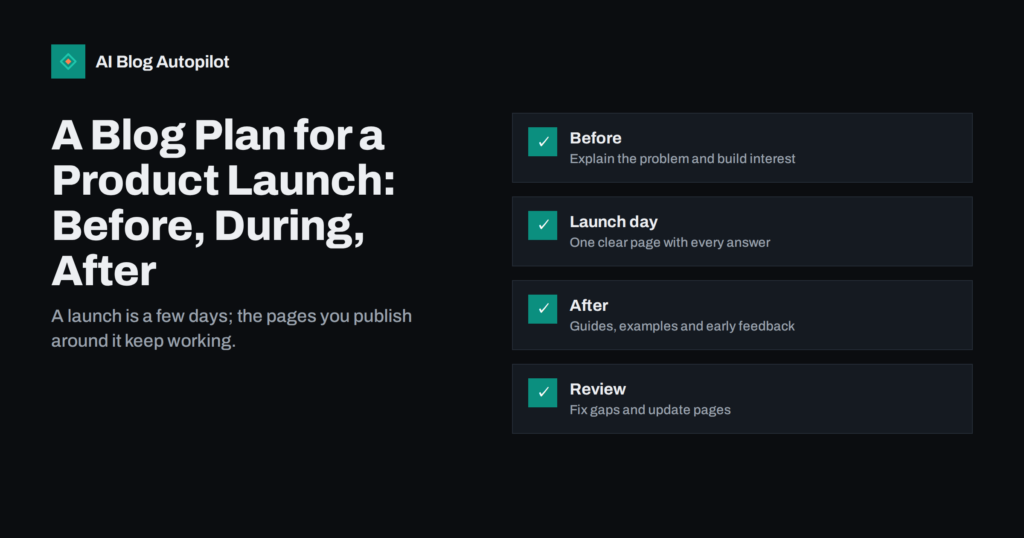
A Blog Plan for a Product Launch: Before, During, After
How to use a blog around a product launch: what to publish before, on and after launch day, how to keep pages stable and…
 23 Οκτ 2026 · 8 λεπτά ανάγνωσης
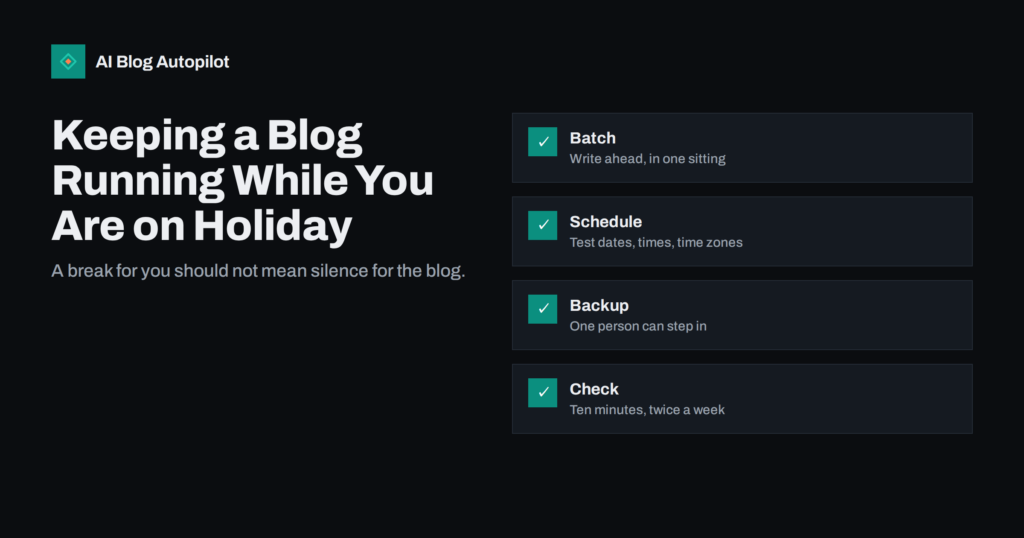
Keeping a Blog Running While You Are on Holiday
How to keep a business blog publishing during holidays: batch your writing, test scheduling, name a backup and check in without logging on every…
 19 Οκτ 2026 · 8 λεπτά ανάγνωσης
How to Pilot an AI Blog Tool: A 30-Day Test Plan
Before you commit to an AI blogging tool, run a short, honest pilot. This 30-day plan shows what to test, what to measure and…
 13 Οκτ 2026 · 8 λεπτά ανάγνωσης
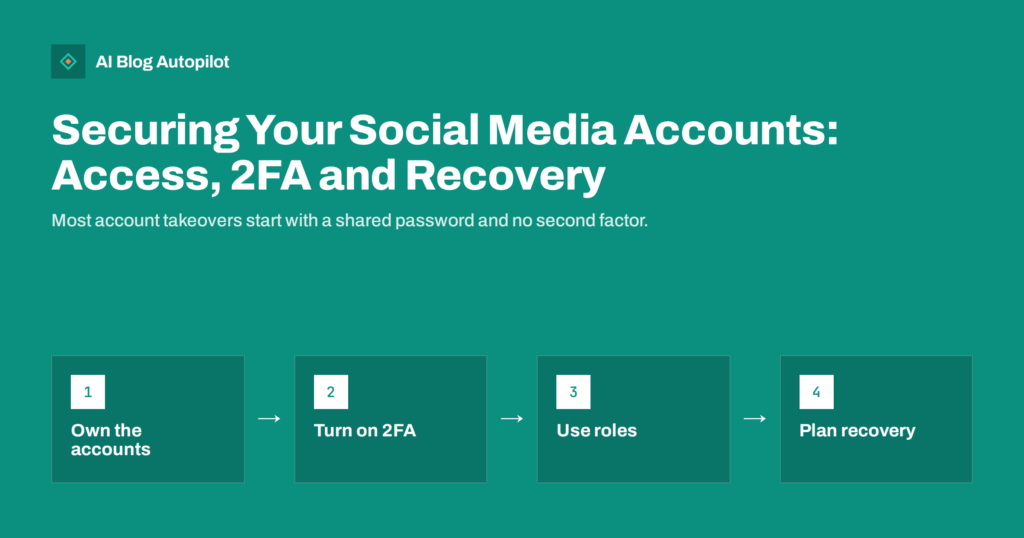
Securing Your Social Media Accounts: Access, 2FA and Recovery
How a small business secures its social media accounts: ownership, two-factor authentication, roles, connected apps, recovery and what to do if hacked.
 9 Οκτ 2026 · 8 λεπτά ανάγνωσης
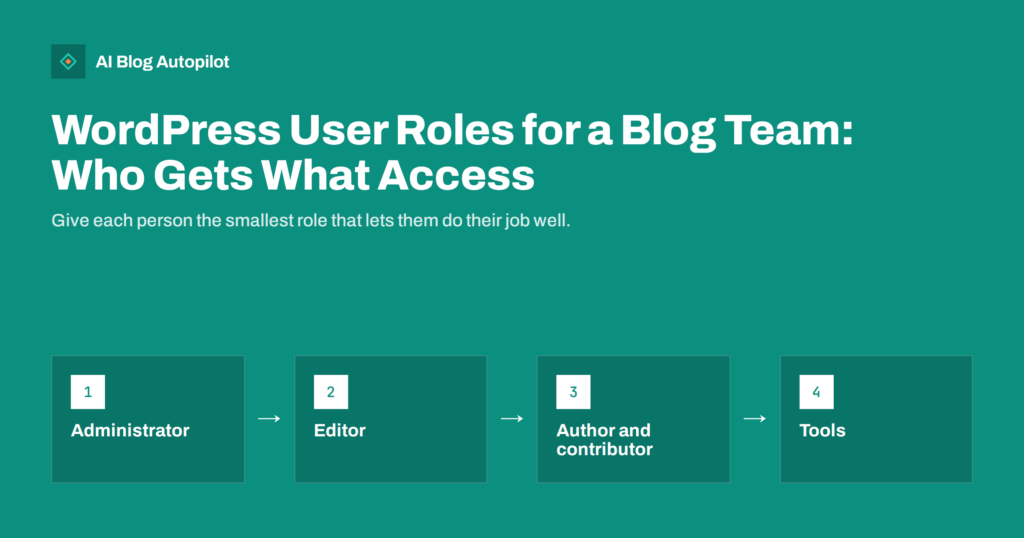
WordPress User Roles for a Blog Team: Who Gets What Access
Which WordPress user role to give writers, editors, freelancers, agencies and tools, how to keep admin access small, and how to tidy up accounts…
 8 Οκτ 2026 · 9 λεπτά ανάγνωσης
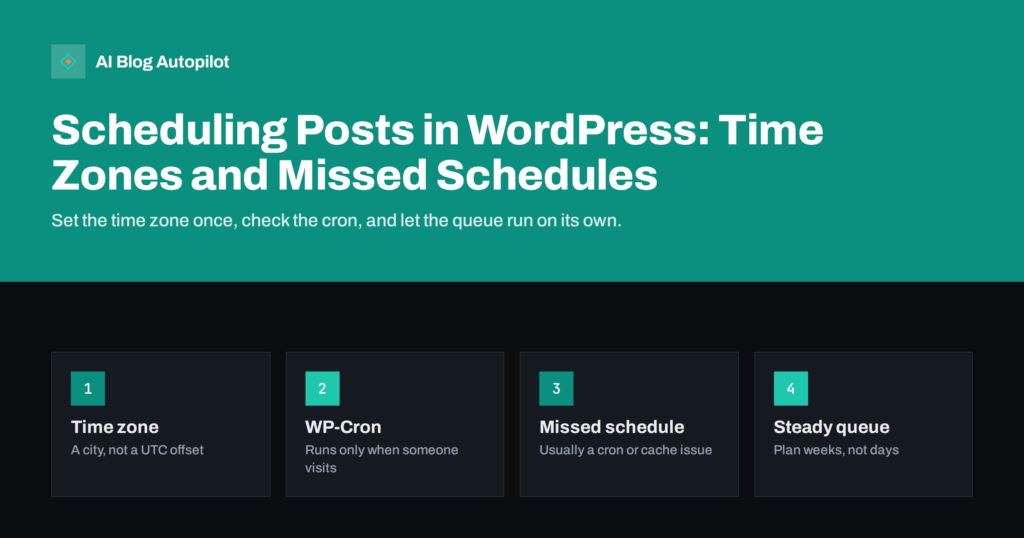
Scheduling Posts in WordPress: Time Zones and Missed Schedules
How scheduled posts work in WordPress, why they sometimes miss their time, how to set the right time zone and how to plan a…
 8 Σεπ 2026 · 6 λεπτά ανάγνωσης
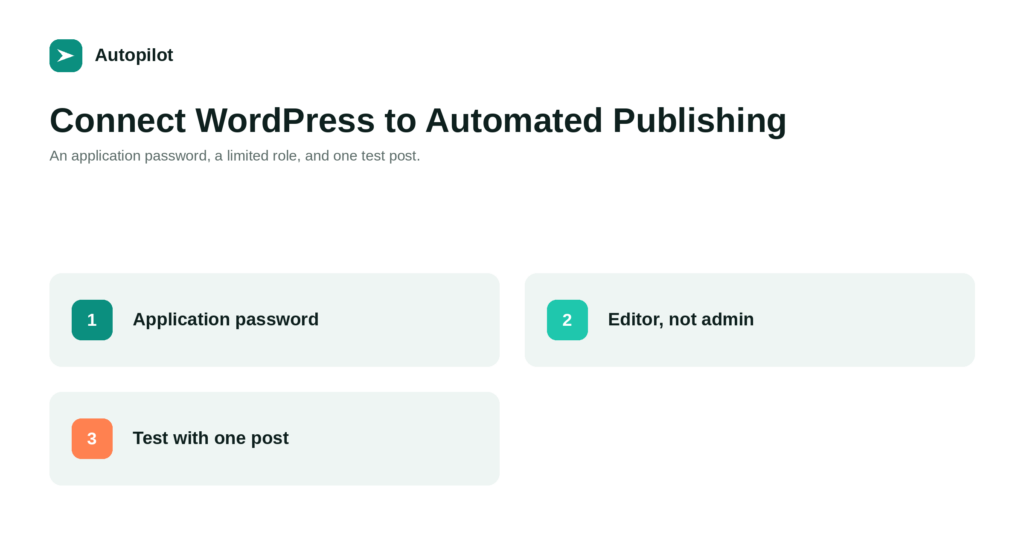
How to Connect WordPress to an Automated Publishing Tool, Safely
How to connect WordPress to a publishing tool without handing over your admin password: application passwords, the right user role, and what to test…