 ENEnglish
 LTLietuviškai
 DEDeutsch
 FRFrançais
 RUРусский
 ESEspañol
 PLPolski
 ITItaliano
 UKУкраїнська
 CSČeština
 PTPortuguês
 JA日本語
JA日本語 LVLatviešu valoda
 ETEesti
 HUMagyar
 IDBahasa Indonesia
 TRTürkçe
 HIहिन्दी
 ELΕλληνικά
 ARالعربية
 THไทย
THไทย VITiếng Việt
 RORomână
 MSBahasa Melayu
 BNবাংলা
#Blog setup
Setting up a blog so that the decisions made on day one do not become problems in year two. We cover permalinks, time zones, categories, the default settings worth changing and the ones you can leave. You will find what to decide before the first post, because changing it after the hundredth means redirects and cleanup. We also cover the technical basics that affect every page at once, such as HTTPS, a sitemap and making sure the site is actually indexable. Everything here applies to a standard WordPress installation.
 1 Οκτ 2026 · 8 λεπτά ανάγνωσης
WordPress SEO Plugin Settings That Actually Matter
SEO plugins have dozens of settings, but only a handful matter for a blog. Which ones to check, sensible defaults, and the settings that…
 1 Οκτ 2026 · 8 λεπτά ανάγνωσης
Core Web Vitals for Bloggers: LCP, INP and CLS Explained
Core Web Vitals measure loading, responsiveness and layout stability. What LCP, INP and CLS mean for a blog, the usual causes of poor scores,…
 29 Σεπ 2026 · 9 λεπτά ανάγνωσης
Domain or URL-Prefix Property: Setting Up Search Console
The difference between Domain and URL-prefix properties in Search Console, which to choose for a blog, how verification works and why many sites keep…
 29 Σεπ 2026 · 8 λεπτά ανάγνωσης
HTML Sitemap Pages: Does a Blog Still Need One?
What an HTML sitemap page does that an XML sitemap does not, when a blog benefits from one, and how to build one that…
 28 Σεπ 2026 · 8 λεπτά ανάγνωσης
Site Name and Favicon in Google Results: Getting Them Right
Google shows a site name and favicon beside every result. How it chooses them, how to state your preference, and how to fix a…
 28 Σεπ 2026 · 8 λεπτά ανάγνωσης
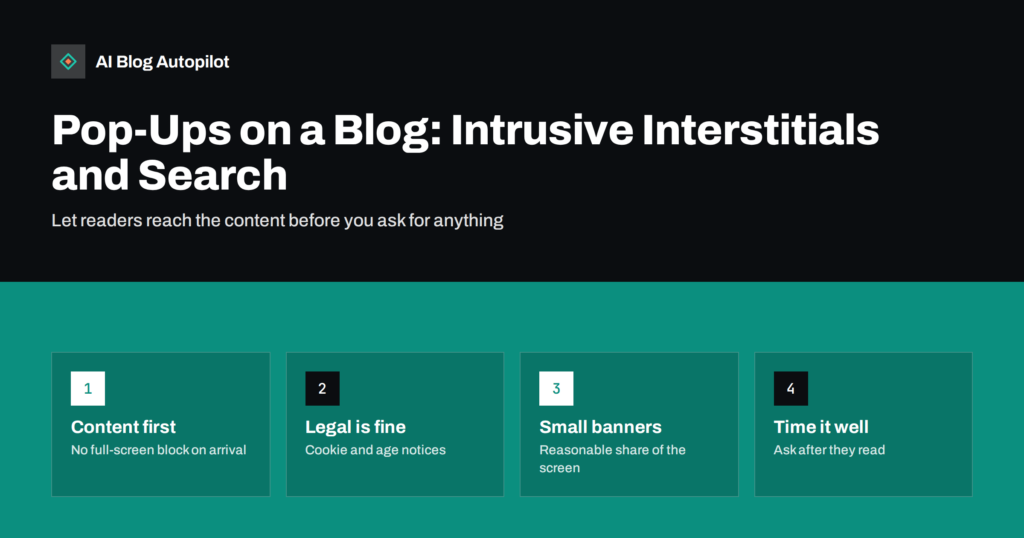
Pop-Ups on a Blog: Intrusive Interstitials and Search
Newsletter pop-ups and full-screen overlays can frustrate readers and count against page experience. Which pop-ups are fine on a blog and how to use…
 28 Σεπ 2026 · 8 λεπτά ανάγνωσης
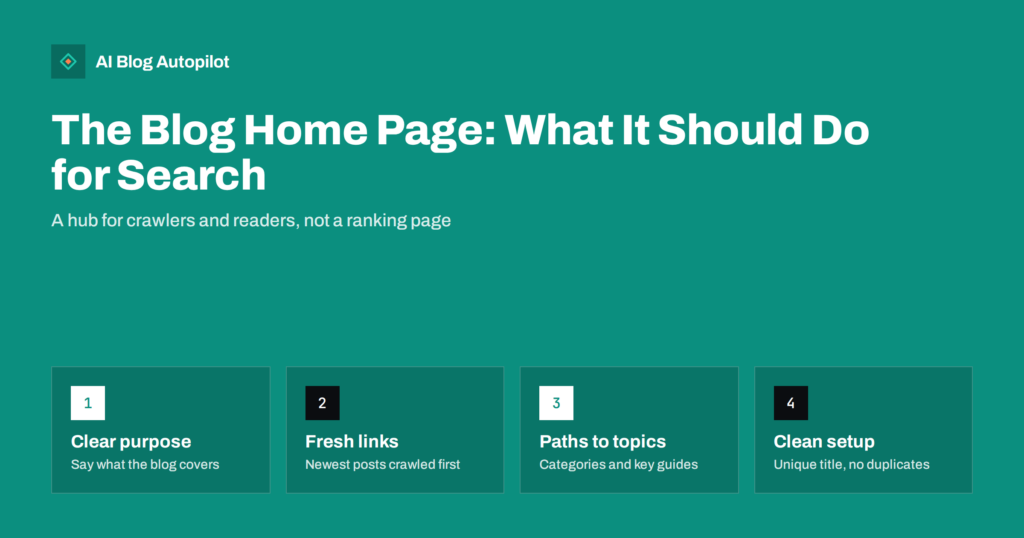
The Blog Home Page: What It Should Do for Search
A blog's main listing page is rarely meant to rank for much, but it shapes crawling, internal links and first impressions. How to set…
 28 Σεπ 2026 · 8 λεπτά ανάγνωσης
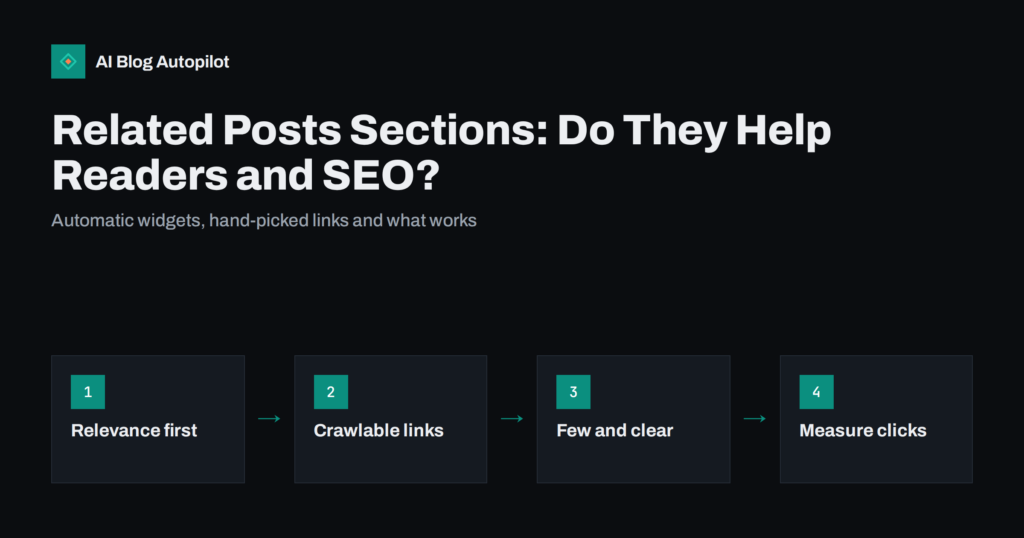
Related Posts Sections: Do They Help Readers and SEO?
Related posts blocks can keep readers moving and spread internal links, or add clutter and slow pages. How to choose, place and build them…
 27 Σεπ 2026 · 8 λεπτά ανάγνωσης
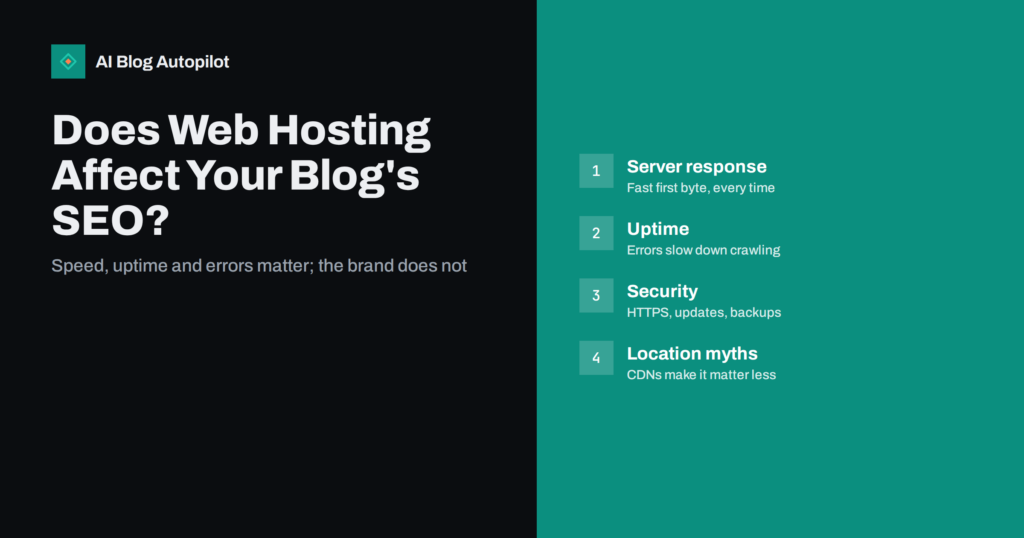
Does Web Hosting Affect SEO? What Matters for a Blog
Hosting affects SEO through speed, uptime, errors and security, not through the host's brand. What to look for in blog hosting and when it…
 27 Σεπ 2026 · 11 λεπτά ανάγνωσης
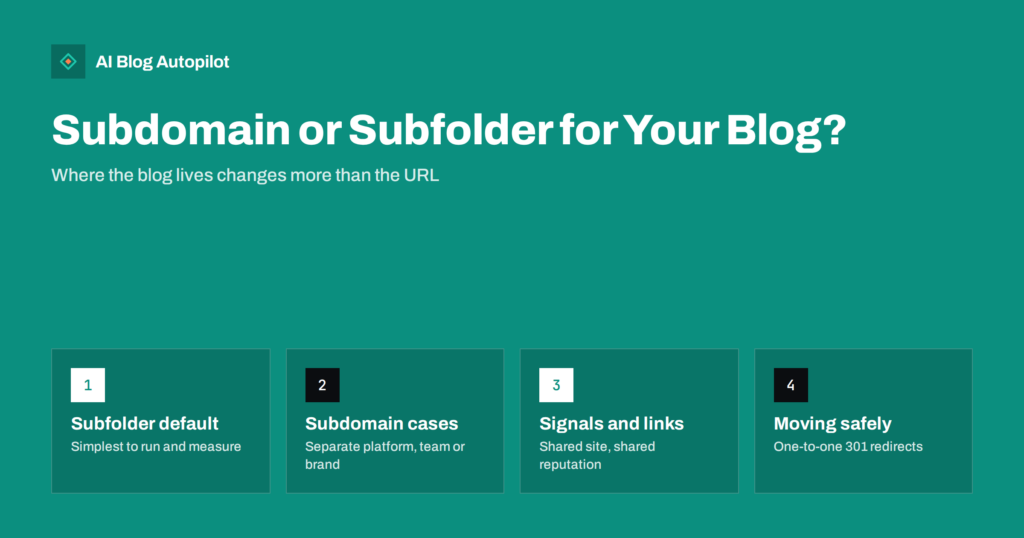
Subdomain or Subfolder: Where Should Your Blog Live?
blog.example.com or example.com/blog? How search engines treat each, when a subdomain makes sense, and how to move a blog between them without losing traffic.
 26 Σεπ 2026 · 8 λεπτά ανάγνωσης
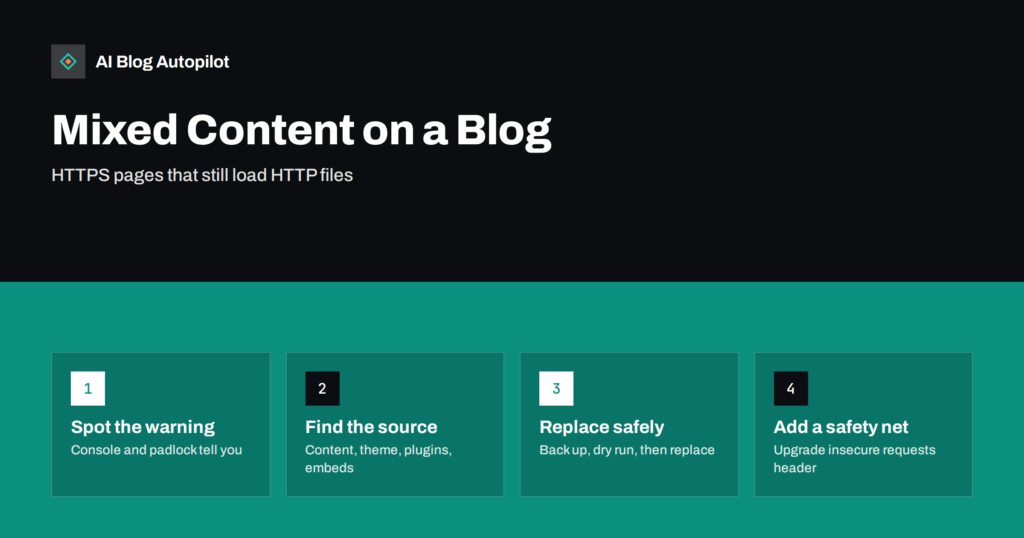
Mixed Content Warnings on a Blog: Finding and Fixing Them
Mixed content means an HTTPS page loads files over plain HTTP. Why browsers warn or block it, how to find the insecure links on…
 26 Σεπ 2026 · 9 λεπτά ανάγνωσης
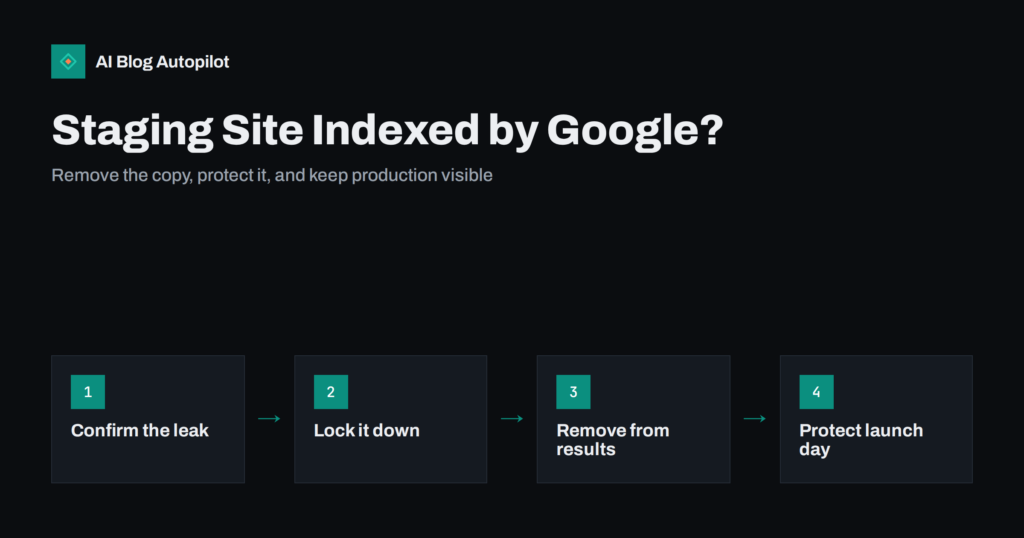
Staging Site Indexed by Google? How to Clean It Up
A staging or test copy of your blog showing up in search results causes duplicate content and confusion. How to remove it safely and…