ENEnglish
 LTLietuviškai
 DEDeutsch
 FRFrançais
 RUРусский
 ESEspañol
 PLPolski
 ITItaliano
 UKУкраїнська
 CSČeština
 PTPortuguês
 JA日本語
JA日本語 LVLatviešu valoda
 ETEesti
 HUMagyar
 IDBahasa Indonesia
 TRTürkçe
 HIहिन्दी
 ELΕλληνικά
 ARالعربية
 THไทย
THไทย VITiếng Việt
 RORomână
 MSBahasa Melayu
 BNবাংলা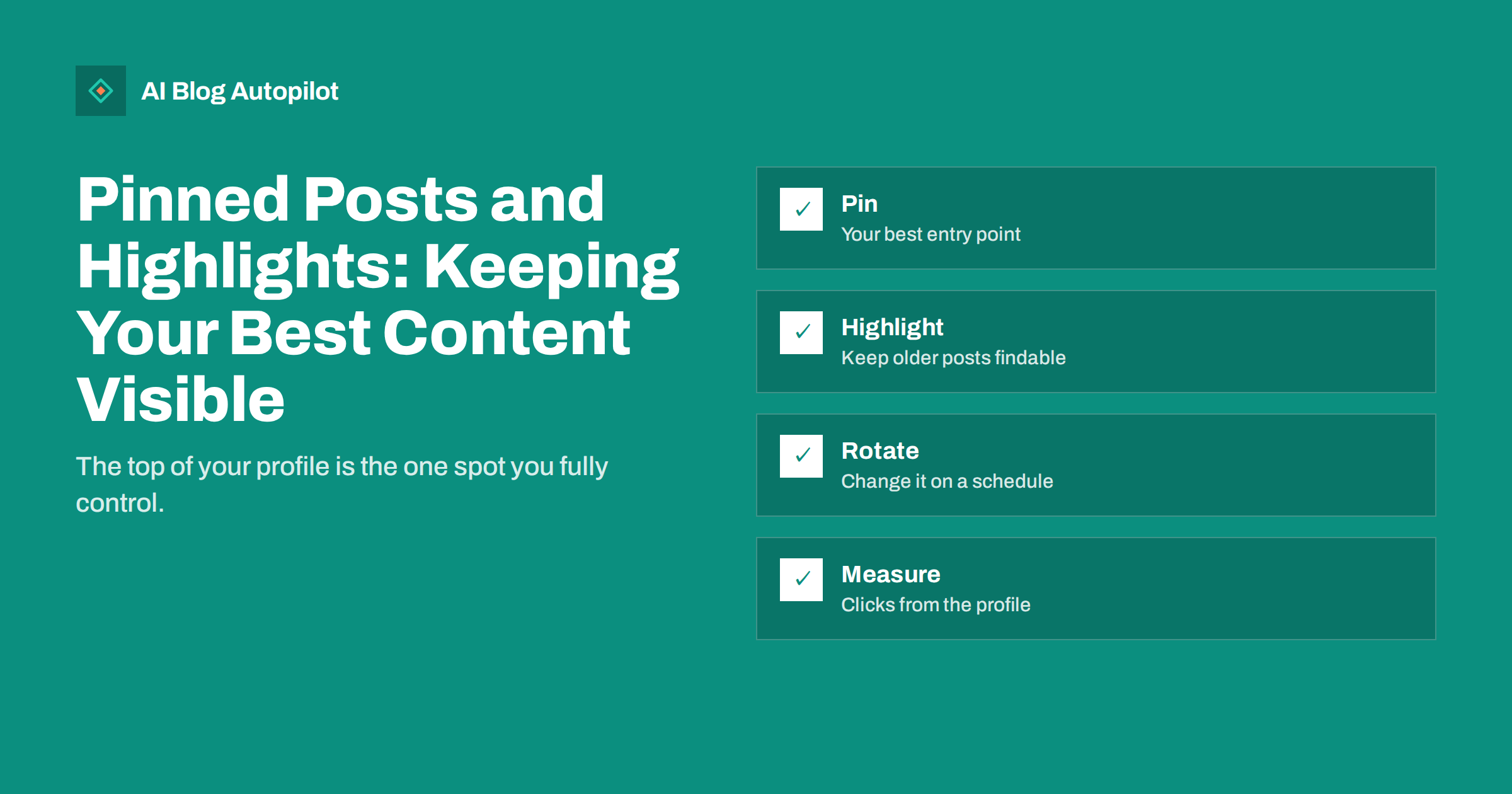
Short answer: a pinned post stays at the top of your profile regardless of what you publish afterwards, and highlights, featured sections and pinned boards keep selected older content visible below it. Together they turn a profile from a reverse-chronological stream into a small landing page. Pin the one thing a new visitor most needs: a plain introduction to what you do with a link to your best article or your site, or a current campaign. Use highlights for evergreen material grouped by topic. Review the pinned post on a fixed schedule, update it whenever a link or offer changes, and check in your analytics whether profile visits turn into clicks.
Most people who find your profile arrive from a single post, a mention or a search for your name, and they look at the profile for a few seconds to decide whether to follow or click through. The feed below is whatever you posted most recently, which may be a reply, a reshare or a minor update. The pinned area is the one part of that first impression you fully control, and on many business accounts it is empty or holds a post from two years ago. This article covers what each network offers, what to pin, how to use highlights and featured sections, and how to keep the whole thing current without it becoming another chore.
What each network lets you fix in place
The details change from time to time, so check the current settings, but the pattern across networks is consistent.
- X and Bluesky let you pin a single post to the top of your profile.
- Facebook pages can pin a post to the top of the page’s feed, and have a featured section for photos and other items.
- Instagram lets you pin a small number of posts to the top of the grid, and keeps Stories beyond their 24 hours in named highlights under the bio.
- Threads allows pinning posts to the profile.
- LinkedIn personal profiles have a featured section for posts, articles and links; company pages can pin a post to the top of their feed.
- TikTok lets you pin a few videos to the top of the profile.
- Pinterest lets you choose featured boards shown at the top of the profile.
- Telegram channels can pin a message that stays at the top for subscribers.
- YouTube has a channel trailer for new visitors and a featured video for returning subscribers, plus pinned comments under each video.
- Mastodon and similar networks allow several pinned posts.
Our article on choosing which social networks to use covers how to decide where to invest; the pinning habits below apply to whichever you keep.
What to pin
The pinned post should answer the question a new visitor has: what is this account, and why should I care? The best candidates are:
- An introduction post: who you are, who you help, what you post about and one link. This is the safe default for any business account, and it should read like a short welcome rather than a mission statement.
- Your best-performing article or guide, presented with a sentence on why it is worth the click. Choose something evergreen, not a news piece.
- A current campaign, launch or event, for the weeks it is live, swapped back to the introduction afterwards.
- A post that already performed well, which gives new visitors the social proof of existing replies and shares.
- A thread or carousel that summarises your main topic, which shows the quality of the account in one place.
Avoid pinning anything with a date or price that will go stale, anything that depends on a link that may change, and anything that is mainly a request to follow. The pinned post is also a good place for a short list of your most useful articles if the network allows long posts; on the networks that do not, link to a page on your site that lists them.
Using highlights and featured sections
Highlights and featured sections hold several items, which makes them suitable for evergreen material organised by topic. Think of them as a tiny menu.
- Group by what visitors want, not by date: “Pricing”, “How it works”, “Case studies”, “Guides”, “Behind the scenes”.
- Keep the first two or three items the most important, because many visitors never scroll past them.
- Give each highlight a clear title and a consistent cover, so that the row looks like one set rather than random thumbnails.
- Use the featured section on LinkedIn for your strongest articles and a link to your site or a specific landing page, and refresh it when you publish something better.
- On Pinterest, feature the boards that match the topics your blog covers, so that a new visitor sees the subject of the account immediately.
- Retire items that no longer reflect what you do, and check their links each time you review.
Highlights work especially well for content that answered a question once and keeps being asked: a short explainer of how your service works, an FAQ story, a tour of a product or a summary of a popular article. They are also the natural home for the social versions of your evergreen articles, which otherwise vanish down the feed within days.
Writing the pinned post
A pinned post is read by people who do not know you, so it should be plainer than your usual posts. State what you do in one sentence, who it is for in another, what visitors will find on the account in a third and one clear link. Use the network’s native format, such as an image or short video where that is what the network rewards, and make the link easy to tap. Do not pack it with hashtags; the post is for people who have already found you. Write it so that it still makes sense in six months, and include the name of your business in the text, since some networks show the pinned post in search and previews without the profile around it.
Keeping it current
Stale pinned content is common because nothing forces anyone to look at it. A simple routine prevents it.
- Put a review in the calendar every month or every quarter, depending on how often your offers change.
- Keep a list of every network, what is pinned there, what is in the highlights and the date it was last changed. A single sheet is enough.
- Swap the pin for campaigns with a start and an end date, and put the end date in the calendar so that the swap back happens.
- Check every link in pinned and highlighted content whenever your site changes URLs, prices or pages.
- Update the introduction post when your positioning, team or product changes, rather than leaving a description of what you did last year.
- Look at the profile as a stranger on a phone once in a while, since that is how most people see it.
Automated posting makes this more important, not less. When new posts go out every day, the feed below the pin changes constantly, and the pinned post is the only stable element; it is also what makes a busy automated feed look like a deliberate account. Our article on automated social posting mistakes covers the other signs that make accounts look unattended.
Measuring whether it works
Profile visits and clicks from the profile are the numbers to watch. Most networks report profile visits and link clicks in their analytics, and a tagged link in the pinned post lets you see those visits separately in your own analytics. Compare the weeks before and after a change of pinned post, and compare the click rate of different candidates over a few months. Follows per profile visit is a second useful measure, since a clear introduction post tends to improve it. Keep the measurement light; the point is to learn which kind of pin works for your audience, not to optimise it weekly. Our article on social media metrics explains which numbers are worth tracking.
Common mistakes
- Nothing pinned, so the profile leads with whatever was posted last.
- An old launch or event still pinned months after it ended.
- A pinned post with a broken link to a page that was moved.
- Highlights with no titles or with twelve items each, which nobody opens.
- Pinning a reply or a reshare that makes no sense out of context.
- Different messages on every network, so that visitors who check two profiles get two descriptions of the business.
- Treating the pin as an advert rather than a welcome, which lowers the follow rate.
How AI Blog Autopilot helps
AI Blog Autopilot shares every article it publishes on your WordPress blog to your connected social networks, with its own text and timing for each network, so the feed below your pinned post keeps filling with real content without manual work. On the Growth plan and above it can also reshare evergreen articles, which is the same material that belongs in your highlights and featured sections. Setting and updating the pinned content itself is done on each network. Compare plans on the pricing page.
Related reading
- Which Social Networks Should a Business Blog Use? A Method
- Resharing Old Blog Posts on Social Media Without Spamming
- Social Media Content Mix: What to Post Between Articles
- Social Media Metrics for Bloggers: What Is Worth Measuring
The bottom line
The pinned post and the highlights are the only parts of a social profile that do not scroll away, so they should carry the introduction, the best evergreen content and any current campaign. Pin a plain welcome with one link as the default, use highlights and featured sections as a small menu organised by topic, keep a list of what is pinned where, review it on a schedule, fix links when the site changes and measure clicks from the profile. A stable, current pin is also what makes a busy automated feed look like a deliberate account.
FAQ
What should a business pin on its social profiles?
By default, a short introduction post saying what you do, who it is for and what the account posts, with one link. Swap in a campaign or launch while it is live, then swap back.
How often should the pinned post change?
Review it monthly or quarterly, and immediately when a link, price or offer in it changes. It does not need to change often if it is evergreen.
What belongs in Instagram highlights?
Evergreen Stories grouped by what visitors want: how it works, pricing, guides, case studies and behind the scenes, with the most important first and clear titles.
Should the pinned post include hashtags?
Few or none. It is read by people who have already found your profile, so clarity and a clear link matter more than discovery tags.
How do I know if the pinned post works?
Watch profile visits, link clicks from the profile and follows per visit in the network’s analytics, and tag the link so that your own analytics show the visits separately.