 ENEnglish
 LTLietuviškai
 DEDeutsch
 FRFrançais
 RUРусский
 ESEspañol
 PLPolski
 ITItaliano
 UKУкраїнська
 CSČeština
 PTPortuguês
 JA日本語
JA日本語 LVLatviešu valoda
 ETEesti
 HUMagyar
 IDBahasa Indonesia
 TRTürkçe
 HIहिन्दी
 ELΕλληνικά
 ARالعربية
 THไทย
THไทย VITiếng Việt
 RORomână
 MSBahasa Melayu
 BNবাংলা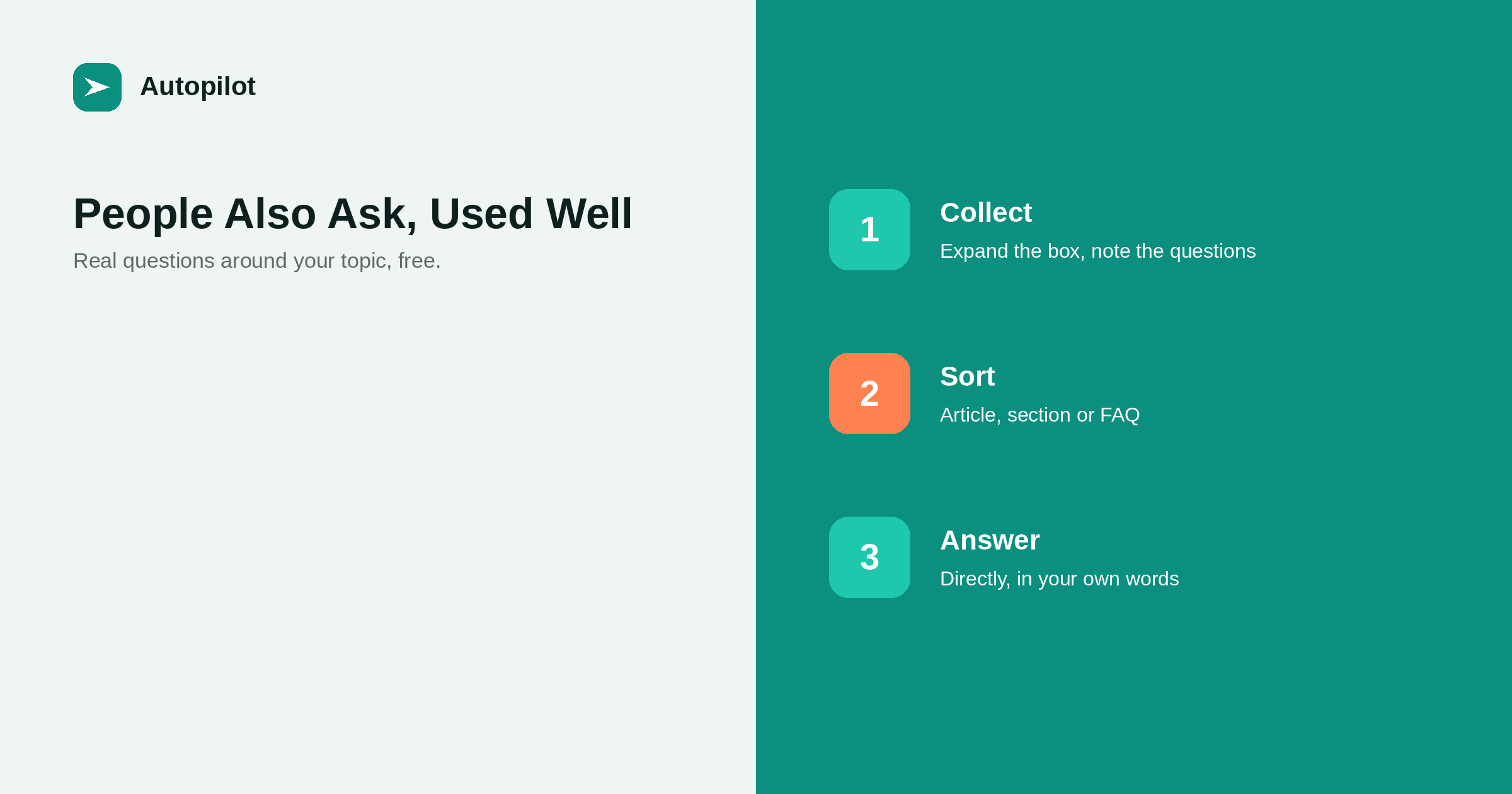
Short answer: the People also ask box shows questions that people searching your topic also search. Expanding an answer usually reveals more questions, so a few minutes can produce a list of dozens. Sort them: questions big enough for their own article, questions that belong as a section of an existing article, and short questions that fit in an FAQ. Answer them directly in your own words, drawing on your experience, and do not copy the answers shown in the box. It is one of the easiest free sources of real questions.
Most topic research tools cost money and report estimates. The People also ask box costs nothing and shows questions that real people search, grouped around whatever you just searched for.
Used properly, it is one of the best sources of article ideas and FAQ questions available, especially for specific topics that tools report little data on.
Collecting the questions
Search your main topic, find the box, and expand a few questions. Each expansion usually adds more questions to the list, drifting outwards into related subjects.
Note each question exactly as written, and the search that produced it. Ten minutes on one topic can produce thirty or forty questions. Repeat for each of your main subjects, and for variations — different wordings, related terms, the problem rather than the solution.
Results differ by country, language and device, so collect from the market you write for.
Sorting them
Not every question deserves the same treatment.
| Question | Treatment | Example |
|---|---|---|
| Needs explanation, several parts | Own article | How do I choose a content strategy? |
| Part of a subject you already cover | Section in that article | How long should an intro be? |
| Short, factual, one answer | FAQ entry | Should the year be in the URL? |
| Outside your subject | Ignore | Unrelated drift |
Questions that duplicate each other in different words count as one — how many keywords one article should target explains why.
Questions as articles
A question big enough to need its own article becomes the article’s title or close to it, with the direct answer at the top. These are usually specific, long-tail questions with real demand and manageable competition — the kind long-tail keywords recommends for newer sites.
Check what currently answers the question. If the answers shown are thin or generic, a thorough answer from experience has a reasonable chance of being useful where others are not.
Questions as FAQ entries
Short questions that people genuinely ask make good FAQ entries on the article they relate to. Each answer should stand alone, in a few sentences.
The visible FAQ and any FAQPage structured data should say exactly the same thing. writing FAQ sections covers writing FAQ answers that are genuinely useful rather than padding.
Answer in your own words
The box shows answers taken from other pages. Do not copy or paraphrase them; that produces an article that says what is already there, which gives nobody a reason to choose yours.
Answer from your own knowledge and experience, check facts against primary sources, and add what the existing answers lack — a specific example, a number of your own, a caveat that matters. adding something original covers where that material comes from.
Watching how questions change
The questions shown shift over time as people’s concerns change. Revisiting your main topics every few months shows new questions appearing — often a sign of a change in the market or a new product in the space.
New questions are candidates for new articles or for additions to existing FAQs. refreshing old posts covers adding them when you revisit an article.
Combining with your own questions
The box shows what the wider public searches. Your inbox shows what your customers ask. The best topic lists combine both: questions that appear in both are especially valuable, because they have public demand and come from people close to your offer.
finding the gaps in your blog covers building that combined list.
A worked example
Searching how to start a business blog might show questions such as how much does it cost to start a blog, how often should a business blog post, what should my first blog post be, and do blogs still work for business.
Sorted: the cost question deserves its own article; the frequency question already has one and becomes a link; the first-post question becomes a section of the starter guide; the does it still work question is a good FAQ entry with a direct, honest answer. Four minutes of collecting has produced one new article, one section and one FAQ entry, all based on real searches.
Expanding the cost question would then reveal another layer, such as whether hosting is included or what a writer charges, each of which can be sorted the same way.
Keeping a question bank
Store collected questions in one shared list with four columns: the question as written, where it came from, the treatment you chose, and the article that now answers it. The list prevents the same question being collected and written twice, shows at a glance which questions are still unanswered, and becomes the most reliable input for next month’s topic plan.
Using it at volume
For an automated blog, a list of real questions is an excellent input for topic planning. Each question, sorted and deduplicated, becomes a candidate article or FAQ entry with a clear intent.
Review the list before approving topics, remove drift and duplicates, and make sure each article answers one distinct question. No source of topics guarantees traffic; real questions simply make it more likely that someone is looking for the answer.
Related reading
If this was useful, these cover the questions that usually come next.
- Writing FAQ sections — where many of these questions belong
- Picking topics worth writing — the wider topic process
- Finding the gaps in your blog — another source of questions
The bottom line
Search your main topics, expand the People also ask box, and note the questions exactly. Sort them into articles, sections and FAQ entries, merge duplicates, and answer in your own words with your own experience rather than repeating the answers shown. Revisit every few months and combine the list with your customers’ own questions.
FAQ
What is the People also ask box?
A panel in search results showing questions related to your search, each expandable to show an answer from a web page. Expanding one usually reveals more.
How do I use People also ask for content ideas?
Search your topics, expand the box, note the questions, then sort them into articles, sections of existing articles, and FAQ entries.
Can I copy the answers shown?
No. Answer in your own words from your own knowledge, and add what the existing answers lack.
Do People also ask questions vary?
Yes, by country, language, device and over time. Collect from the market you write for and revisit periodically.
Should every question become an article?
No. Only questions needing substantial explanation. Many belong as a section of an existing article or an FAQ entry.
Is this better than keyword tools?
It complements them. It shows real questions, including specific ones tools report little on, but gives no volume estimates.


