 ENEnglish
 LTLietuviškai
 DEDeutsch
 FRFrançais
 RUРусский
 ESEspañol
 PLPolski
 ITItaliano
 UKУкраїнська
 CSČeština
 PTPortuguês
 JA日本語
JA日本語 LVLatviešu valoda
 ETEesti
 HUMagyar
 IDBahasa Indonesia
 TRTürkçe
 HIहिन्दी
 ELΕλληνικά
 ARالعربية
 THไทย
THไทย VITiếng Việt
 RORomână
 MSBahasa Melayu
 BNবাংলা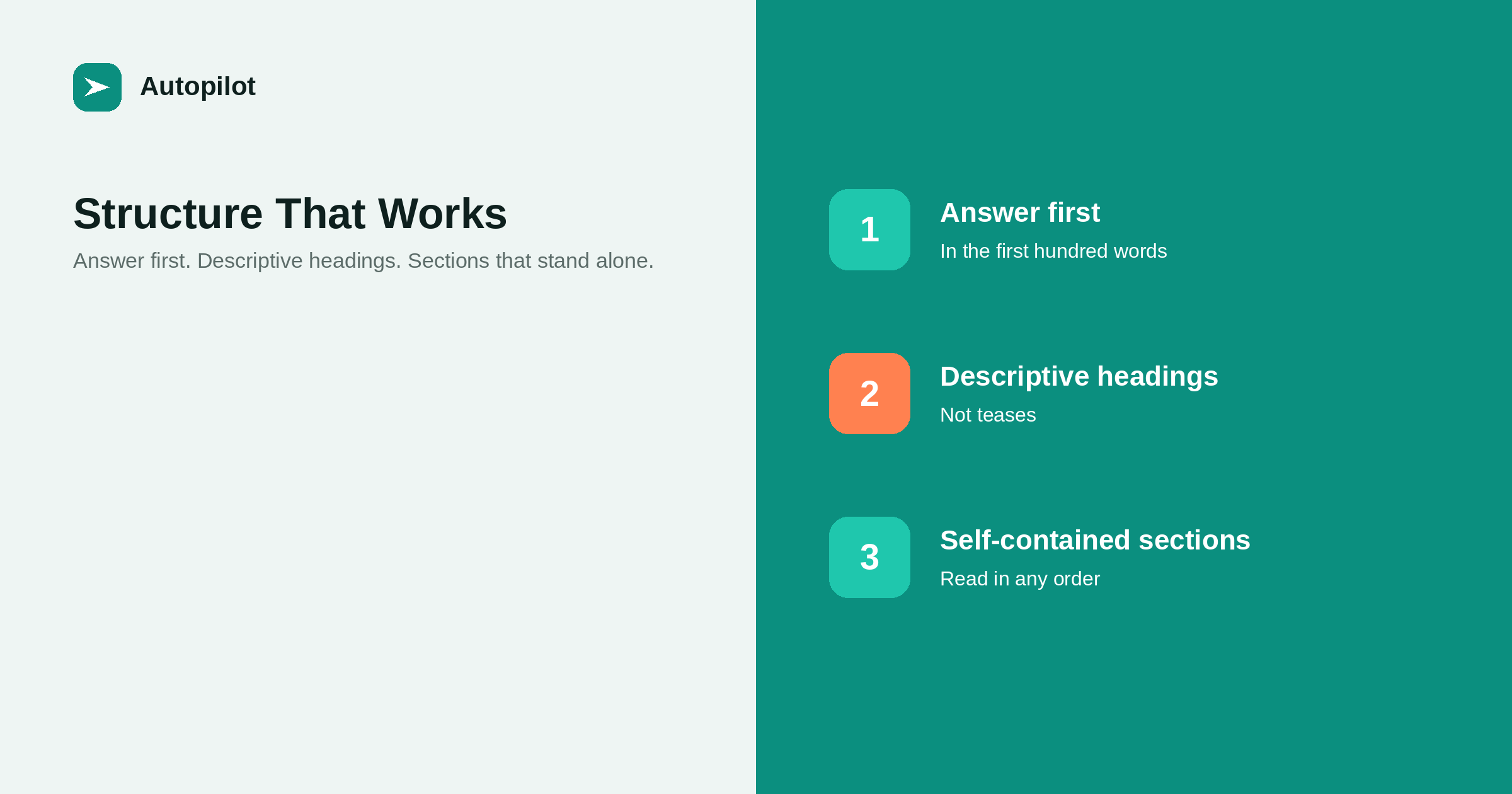
Short answer: put the answer in the first hundred words, use headings that describe what the section contains rather than teasing it, keep each section able to be read on its own, and vary the form within the article — prose, a table, a numbered process — according to what each part is doing. Sections of roughly 150 to 300 words are easy to scan; anything longer needs a subheading. Close with a conclusion that contains a decision, or close with nothing. This shape suits a reader who skims and a search engine that reads passages, which are the same requirement expressed twice.
Structure is the part of writing that most affects whether an article gets read, and the part writers think about least. A well-structured mediocre article outperforms a beautifully written shapeless one, because almost nobody reads from the top in order.
The good news is that the shape a skimming reader needs and the shape that works in search are the same shape.
The answer goes first
Whatever the title promises, deliver it in the first hundred words. Not a summary of what the article will cover — the actual answer.
This feels wrong to anyone trained to build an argument, and it is the single highest-return change most blogs can make. A reader arriving from a search result has one question and a low tolerance for preamble. Give them the answer, and the ones who need the detail will read on; the ones who do not will leave satisfied rather than leave annoyed.
It also matters for how modern results are assembled. Systems that quote passages need a passage worth quoting: a self-contained, specific answer near the top. That is most of what being cited by AI search comes down to.
Headings that describe, not tease
Headings are navigation. A reader scans them to decide where to stop, and a search engine uses them to understand what the page covers.
| Teasing heading | Descriptive heading |
|---|---|
| The surprising truth about length | How long a blog post should be |
| Getting started | Setting up WordPress for automated publishing |
| What nobody tells you | The three costs that never appear on an invoice |
| Let us dig deeper | How to check whether a page is indexed |
| Final thoughts | What to do first |
Use one H1, which is the title. Use H2 for sections and H3 for subdivisions within them. Do not skip from H2 to H4 for visual reasons, and do not use a heading purely to make a page look broken up.
Sections that stand on their own
Write each section as though it might be the only part somebody reads, because it often is.
Practically that means: do not open a section with as we saw above; do not rely on a pronoun whose referent is three sections back; and if a section needs something from an earlier one, restate it in six words rather than assuming.
Aim for 150 to 300 words per section. Below that it is usually a paragraph pretending to be a section; above 400 it needs a subheading or splitting. This is also what makes an article easy to update later, because you can replace one section without rereading the whole thing — a point refreshing old posts depends on.
Vary the form according to the job
An article that is fifteen paragraphs of the same shape is tiring regardless of quality. Match the form to what each section is doing.
- Prose for explanation, argument and anything with nuance.
- A numbered list only when order matters, which is rarer than its usage suggests.
- A bulleted list for parallel items that need no order.
- A table when you are comparing things across the same attributes.
- A short quote or example when a specific beats a description.
when a table beats three paragraphs goes into where each form earns its place, including the common mistake of turning an argument into bullet points and losing the argument.
Length follows the question
Structure and length are related: a well-structured article is as long as its sections need to be, which is why a target word count distorts both.
A question with one answer needs a short page. A question with a decision behind it needs the options, the trade-offs and a recommendation. A process needs every step, including the ones that go wrong. Count the questions a reader will have and write a section for each; the length is then whatever it is.
how long a post should be deals with this properly, including why the published averages you have read are correlations rather than instructions.
Where FAQ sections belong
An FAQ at the foot of an article is useful when it catches the genuine leftovers: short, specific questions that do not deserve a section but that people really ask.
It is not a place to put the important material, and it is not a way to lengthen a thin article. If a question needs three paragraphs, it is a section. If an answer only makes sense after reading the article, it is not an FAQ answer.
Five or six questions is a reasonable ceiling. writing FAQ sections covers how to write the answers so they stand alone, and why the visible text and any structured data must say exactly the same thing.
Conclusions, and when to skip them
Most conclusions restate the introduction, which trains readers to stop before them.
A conclusion earns its place when it contains a decision: here is what to do first, here is the trade-off if your situation is different, here is the one thing that matters if you remember nothing else. If you cannot write that, end after the last real section.
The other thing worth putting near the end is a small number of links to the articles a reader would sensibly want next. Done honestly, that is useful navigation rather than filler, and it is how internal linking as you publish gets built as you publish instead of in an audit a year later.
Related reading
If this was useful, these cover the questions that usually come next.
- Introductions that do not waste time — the first hundred words in detail
- When a table beats three paragraphs — choosing the right form for a section
- Writing FAQ sections — the questions that do not deserve a section
The bottom line
Answer the title in the first hundred words. Make headings describe. Write sections that survive being read alone, at 150 to 300 words each. Change form when the job changes. Keep the FAQ for genuine leftovers, and end with a decision or end without a conclusion at all.
FAQ
Where should the answer to the title go?
In the first hundred words, stated directly rather than promised. Readers arriving from a search result have one question, and passage-based systems need a self-contained answer near the top to quote.
How long should a section be?
Roughly 150 to 300 words. Much shorter and it is a paragraph pretending to be a section; much longer and it needs a subheading or should be split.
Should headings contain keywords?
They should describe the section accurately, which usually means the natural words for the subject appear anyway. Writing headings to hold phrases rather than to guide a reader makes the page harder to use and does not help.
Do I need an FAQ section on every article?
No. Add one when there are genuine short leftover questions that do not deserve sections. An FAQ used to pad a thin article is obvious and adds nothing.
Is a conclusion necessary?
Only if it contains a decision or a next step. A conclusion that restates the introduction trains readers to stop reading before the end, so it is better to finish after the last real section.
How many headings should an article have?
As many as it has distinct questions to answer, which for a 1,500-word article is usually six to eight. Adding headings to break up text visually, with nothing new under them, makes the page look structured without being it.


