ENEnglish
 LTLietuviškai
 DEDeutsch
 FRFrançais
 RUРусский
 ESEspañol
 PLPolski
 ITItaliano
 UKУкраїнська
 CSČeština
 PTPortuguês
 JA日本語
JA日本語 LVLatviešu valoda
 ETEesti
 HUMagyar
 IDBahasa Indonesia
 TRTürkçe
 HIहिन्दी
 ELΕλληνικά
 ARالعربية
 THไทย
THไทย VITiếng Việt
 RORomână
 MSBahasa Melayu
 BNবাংলা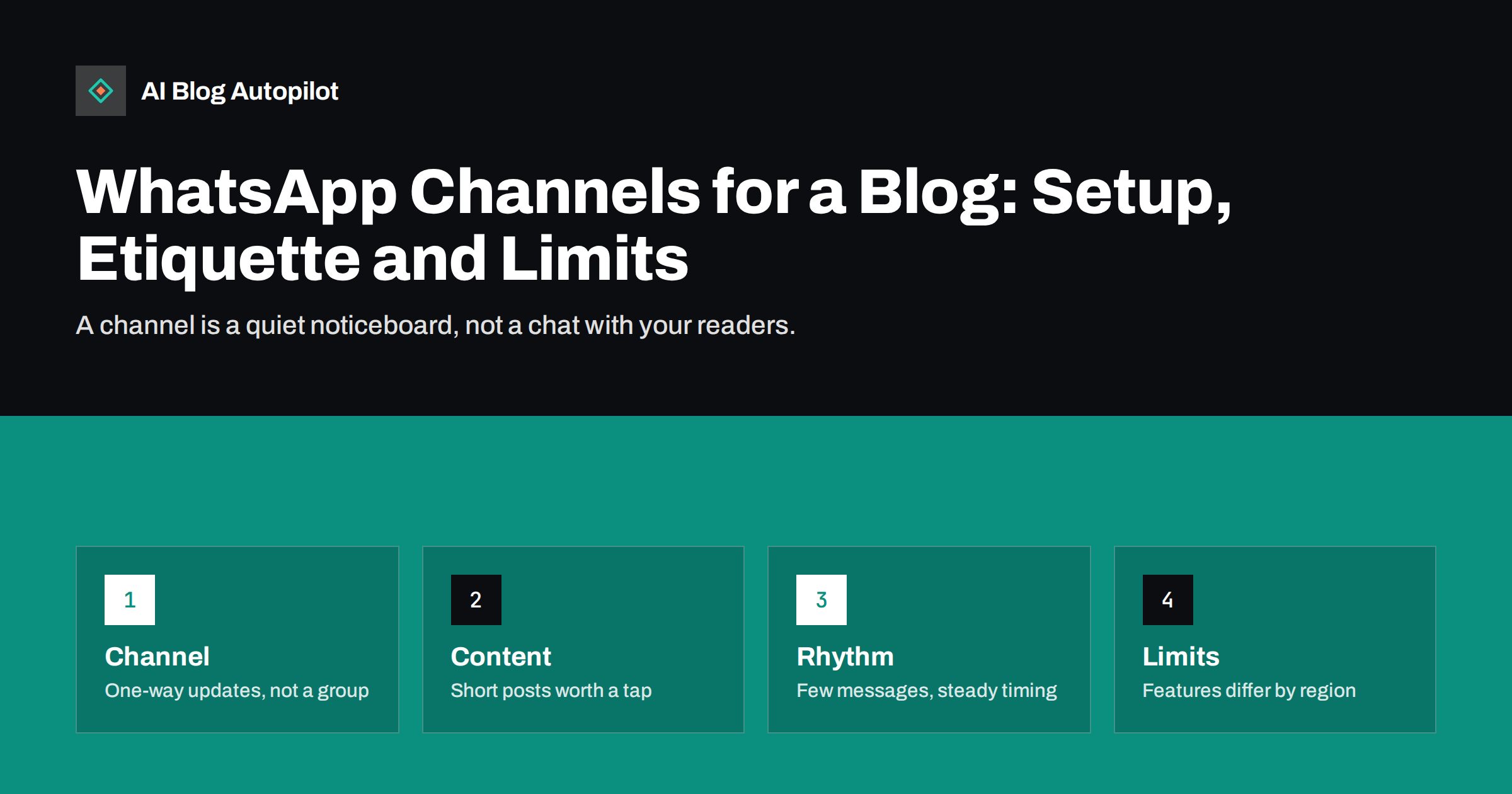
Short answer: a WhatsApp channel can be a simple, low-effort way to tell readers about new posts, because they follow it inside an app they already use. It suits blogs with a loyal local or mobile audience and a steady publishing rhythm. Treat it as a one-way noticeboard, post rarely and clearly, link to the full article and do not depend on it as your only channel.
Many people spend more time in messaging apps than on any social network. WhatsApp channels, a broadcast feature separate from ordinary chats and groups, let an organisation or person publish updates that followers can read without sharing their phone number with the publisher or other followers. For a blog, that means a place where readers can follow new posts with one tap. Whether it is worth setting up depends on your audience, your country and your patience for a young and changing feature.
How a channel differs from a group and a broadcast list
It helps to be clear about the three tools. A group is a conversation among members who can all post and see each other. A broadcast list sends a message to contacts who have saved your number, and arrives as a private message. A channel is a public or semi-public feed that people choose to follow, where the administrators post and followers can read, react and share but do not hold a conversation in the channel itself.
That last point matters for a blog. A channel is a notice board rather than a community space, and it does not replace comments, email or social media where readers can talk back. If you want discussion, you need another place for it. If you want a quiet, reliable way to say that something new has appeared, a channel fits. Features, limits and availability change from time to time and differ between countries and app versions, so check the current help pages before you plan around any detail.
Decide whether your readers are there
Before you create anything, ask whether your audience uses the app and how. In some countries and age groups it is the default way to communicate. In others it is rarely used outside family and work. Look at how readers contact you now, what they ask for in surveys and which channels already bring traffic, using the method in our guide to choosing social networks for a business blog.
A small test is enough. Mention the channel in a post and in your newsletter, count how many people follow it after a month and compare the visits it sends with other sources. If the numbers are small but the readers who follow are engaged, it may still be worthwhile. If nobody follows, move on without regret, because the cost of trying is only a little time.
Set it up with care
Creating a channel takes a few minutes in the app, and the main decisions are the name, the picture and the description. Choose a name that matches your blog, so that readers recognise it, and use the same logo as elsewhere. Write a short description that says what you post and how often, for example “New guides from our blog, about once a week”. Do not promise more than you will deliver.
Think about who administers the channel. If the account is tied to a personal phone, you may have trouble if the person leaves or loses the device. Use a work account where possible, record who has access and follow the security advice in our guide to securing your social media accounts, including two-step verification. Add a link to the channel on your site and in your email signature so that readers can find it.
Decide what to post
Channel posts should be short and worth a tap. A new article is the obvious case: a title, one sentence on why it matters and the link. You can add a picture if it helps, but avoid long text, because the point is to send people to the full page. Occasionally add something that suits the format, such as a quick tip, a poll or a behind-the-scenes photograph, as long as it feels useful.
Write as you would speak to one reader. Avoid shouting, pressure and a stream of exclamation marks. Keep the wording consistent with your blog, and apply the lessons from our guide to the first line of a social post, because the first words decide whether a follower reads on. Do not repeat the same message every day and do not post content that readers would not expect from you.
Keep the rhythm gentle
Messaging apps feel personal, so over-posting is punished quickly. Followers can mute a channel or leave it, and many will do so if the messages feel like noise. Decide on a limit, such as one or two posts a week, and keep it. Our guide to how often to post on each social network offers a way to set a sensible pace, and the advice on the best time to share blog posts helps with timing.
Avoid sending messages at night in the reader’s time zone, and be careful around holidays. If your audience is spread across countries, consider the middle of the working day or the early evening. Review the numbers every few weeks and adjust, but do not chase small changes.
Plan a few formats you can repeat without effort, so that the channel does not depend on inspiration. A “new this week” post for each article, a monthly roundup of the most read guides and a short answer to a reader question are enough for most blogs. Write the messages when you write the article, while the key point is fresh, and schedule them if the tools you use allow it. This keeps the habit light and the tone consistent.
Measure what the channel sends
Add tagged links to every post so that you can see how many visits come from the channel, using the method in our guide to UTM tags for social shares. Compare those visits with email and other social sources, looking at the time spent on the page and what visitors do next. A short link can look tidy in a message, but check that it does not hide the destination, and read our notes on short links in social posts before you choose one.
Also note the number of followers and how it changes after each post. A sudden drop after a particular message tells you something. Keep your expectations realistic: a channel is unlikely to be your largest source of traffic, but it may be one of the most loyal.
Keep a simple log of what the channel has sent, with the date, the link and the number of views. After a quarter, this log shows which kinds of message readers actually open and which they ignore. Use it to drop the weak formats and repeat the strong ones, rather than relying on impressions, and share the findings with anyone else who helps to run the account so that everyone follows the same approach.
Respect privacy and the platform rules
A channel is public in many ways, so avoid posting anything you would not put on your website. Do not share personal data of readers or customers, and do not reproduce private conversations. Follow the app’s terms and community guidelines, which cover spam, misleading content and the use of the service for promotion, and check them again from time to time because they change.
If you collect any information from followers, for example through a form that you link to, explain what you collect and why, as described in our guide to privacy and analytics on a business blog. Make it easy to leave the channel and respect the choice. Never add people to groups or lists without their agreement, and never buy followers.
Combine it with other channels
A channel works best as one part of a small set of ways to reach readers. Email gives you an audience you own and room for more detail. A feed serves those who like to collect updates. A channel on a messaging app serves readers who prefer a quick note on their phone. See our guides to building a newsletter from your blog posts and the similar Telegram channel for a blog to compare the options.
Avoid sending the same message to every channel at the same moment. Vary the wording slightly, space the posts and give each channel a reason to exist. Readers who follow several of your channels will notice repetition, and may leave all of them.
A channel is a commitment, and it is fine to stop if it is not working. If few people follow, if the visits are negligible or if the time needed is more than you can spare, close it politely, tell followers where else to find you and remove the links on your site. A neglected channel with no posts for months makes a brand look careless. A short, honest farewell message, or a pointer to your newsletter, is enough.
Equally, do not rush to abandon it at the first quiet month. Give a test at least a quarter, with a steady rhythm, before you decide. The best reason to keep a channel is that your readers use it and tell you so.
How AI Blog Autopilot helps
AI Blog Autopilot writes full SEO articles for your WordPress blog from the topics, keywords, audience and tone you set, with FAQ sections, tags and SEO meta included, and it shares each one to your social networks. A steady flow of well-structured articles gives any announcement channel, including one you run yourself, something worth announcing. Approval mode lets you read each article first. See the pricing page for plans.
Related reading
- A Telegram Channel for Your Blog: Setup and Posting
- Building a Newsletter From Your Blog Posts
- How Often to Post on Each Social Network Without Overdoing It
- UTM Tags for Social Shares: See Which Posts Bring Readers
The bottom line
A WhatsApp channel is a quiet noticeboard for readers who already live in the app. Check that your audience is there, set it up with a work account, post short and rarely, track the visits, respect privacy and keep email as your base. Stop politely if it does not earn its place.
FAQ
Is a WhatsApp channel the same as a group?
No. A channel is a one-way feed that people follow, while a group is a conversation where members can all post.
Can followers see each other’s phone numbers?
Channels are designed so that followers are not exposed to each other, but features change, so check the current help pages.
How often should a blog post in a channel?
One or two posts a week is a sensible limit for most blogs. Messaging apps feel personal, so over-posting leads to muting.
Should a channel replace my newsletter?
No. Email gives you an audience you own and room for detail. A channel is a useful extra for readers who prefer the app.
How do I track visits from a channel?
Add tagged links to every post and compare the visits with your other sources in your analytics.