 ENEnglish
 LTLietuviškai
 DEDeutsch
 FRFrançais
 RUРусский
 ESEspañol
 PLPolski
 ITItaliano
 UKУкраїнська
 CSČeština
 PTPortuguês
 JA日本語
JA日本語 LVLatviešu valoda
 ETEesti
 HUMagyar
 IDBahasa Indonesia
 TRTürkçe
 HIहिन्दी
 ELΕλληνικά
 ARالعربية
 THไทย
THไทย VITiếng Việt
 RORomână
 MSBahasa Melayu
 BNবাংলা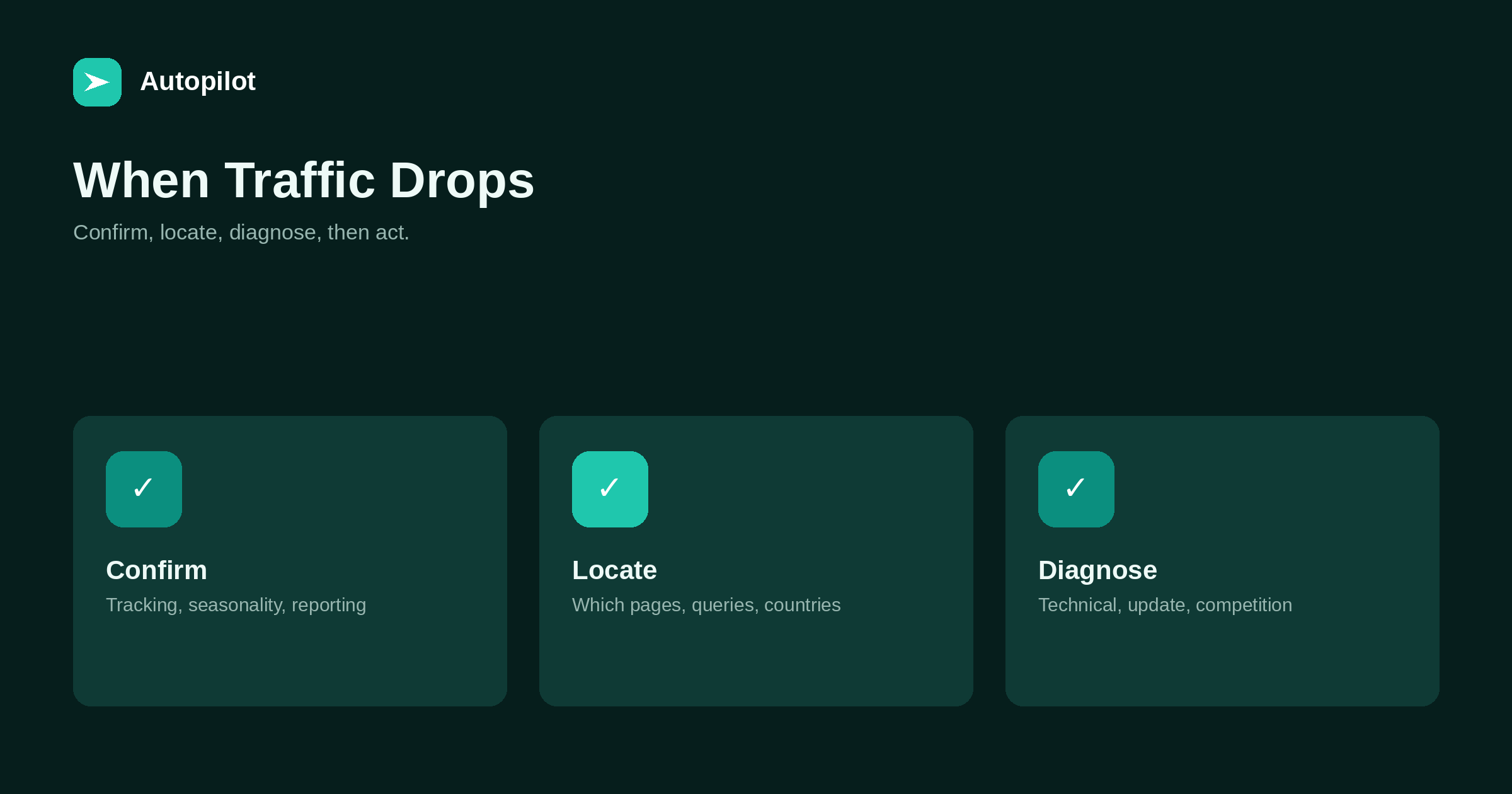
Short answer: first confirm the drop is real: check that tracking still works, compare with the same period last year to rule out seasonality, and compare analytics with Search Console. Then locate it: which pages, queries, countries and devices fell. Then diagnose: a technical problem such as accidental noindex or a broken redirect, a search algorithm update, stronger competitors, or changed search behaviour. Fix technical problems immediately; for the rest, make genuine improvements rather than hasty changes, and give them time.
A chart that suddenly falls is alarming, and the natural reaction is to change something quickly. Hasty changes often make things worse, or make it impossible to tell what happened.
A calm, ordered diagnosis usually finds the cause, and in many cases the fix is simpler than feared.
Step one: confirm it is real
Many apparent drops are not drops in real traffic.
| Check | What it rules out |
|---|---|
| Is the analytics tag still on every page? | A tracking failure after a site change |
| Did consent settings change? | Fewer visitors counted, not fewer visitors |
| Same period last year? | Seasonal dips |
| Does Search Console show the same drop? | Analytics-only problems |
| Was there a holiday or event? | Temporary behaviour changes |
If Search Console clicks are stable while analytics fell, the problem is measurement, not visibility.
Step two: locate it
A drop is rarely spread evenly. Find where it happened.
- Pages: one page, one category, or the whole site?
- Queries: particular topics or all of them?
- Countries and devices: one market, mobile only?
- Search type: web, images, news?
A whole-site drop on one date points to a technical problem or an algorithm update. A drop in a few pages points to those pages or their competition.
Step three: rule out technical causes
Technical problems are the most urgent because they are often severe and quick to fix.
Check for accidental noindex tags, robots.txt blocking, broken redirects after a change, canonical errors, server errors, and a site accidentally set to discourage search engines. Search Console’s page indexing report and URL inspection show most of these. why posts do not rank has the checklist.
Ask what changed on the site around the date: a plugin update, a theme change, a migration.
Step four: check for an update
Search engines announce some significant updates. If the drop coincides with one, it may be the cause, especially if it affected many pages at once.
Updates do not mean a penalty, and the response is not a quick fix. algorithm updates covers what they are and how to respond.
Step five: look at the results
For affected queries, search them and see what ranks now. New competitors, different formats, or search features answering the query directly can all explain losses.
If the results changed type, the intent may have shifted. If new pages are simply better, the answer is to improve yours. If summaries now answer the question, clicks may not return — zero-click searches covers that.
Acting
Fix technical problems immediately and request recrawling of important affected pages.
For everything else, make genuine improvements to affected pages: update, deepen, restructure, merge overlaps. Change one group of pages at a time and record what you did, so you can see what helped.
Avoid sweeping changes across the whole site in the first days. They rarely help and make diagnosis impossible.
Recovery takes time
Technical fixes can show results within days or weeks, as pages are recrawled. Recovery from quality or competition issues is slower, often months, and sometimes only partial.
Nobody can promise a recovery date. Keep publishing and improving; a site that keeps getting better is in the strongest position whatever caused the drop.
Communicating a drop
If you report to a manager or client, explain what you know and what you are checking as soon as the drop is confirmed, rather than waiting for a full answer. A short note saying traffic fell on a particular date, here is what we have ruled out, here is what we are checking next, prevents speculation and hasty instructions.
Follow up with the diagnosis and the plan, and set expectations about recovery time honestly. Promising a quick return that does not happen damages trust more than the drop itself.
Drops that are not problems
Some drops need no fix. Traffic to a seasonal article falls after the season. A news-related article fades as the news passes. A page that ranked briefly for an unrelated query loses it and returns to its normal level. A reporting change in a tool shifts how numbers are counted.
Recognising these saves effort for the drops that matter. The locate step usually makes them obvious: the loss is limited to pages or queries where it makes sense.
Outcomes matter more than visits
Check whether enquiries or sales fell alongside traffic. Sometimes a drop removes low-value visitors while enquiries hold steady, in which case the business impact is small. Sometimes a small traffic drop on a few key pages hurts outcomes badly. Judge urgency by outcomes, not by the size of the traffic line.
A quick diagnostic sequence
In practice the whole diagnosis often takes under an hour. Open Search Console and analytics side by side and compare the same dates. Filter by page to see where the loss is concentrated. Inspect one affected URL for indexing status and canonical. Check the change log for anything done around the date. Search two or three affected queries to see what ranks now. Most drops are explained by one of these steps, and knowing which one tells you what to do next.
Write the findings down as you go. If the cause is not obvious, the notes are what an outside adviser will need.
Preventing surprises
Monitoring catches problems early: a monthly look at Search Console, alerts for indexing errors, and a check after every significant site change.
Keeping a log of site changes — plugins, themes, redirects, major edits — makes future diagnosis much faster.
Related reading
If this was useful, these cover the questions that usually come next.
- Algorithm updates — when an update is the cause
- Content decay — when the decline is gradual
- Why posts do not rank — the technical checklist
The bottom line
Confirm the drop is real, locate it by page, query, country and device, then diagnose: technical problems first, then updates, then competition and changed behaviour. Fix technical issues at once; for the rest, make genuine improvements one group at a time, record them, and allow months for recovery.
FAQ
Why did my blog traffic suddenly drop?
Common causes are tracking problems, seasonality, technical errors such as accidental noindex, algorithm updates, stronger competitors, and changes in search behaviour.
How do I know if the drop is real?
Check tracking, compare with the same period last year, and compare analytics with Search Console clicks.
What should I check first?
Technical causes: noindex, robots.txt, redirects, canonicals, server errors and recent site changes.
Should I change lots of pages quickly?
No. Hasty sitewide changes rarely help and make diagnosis impossible. Improve affected pages deliberately.
How long does recovery take?
Technical fixes can show within weeks; quality and competition issues often take months. Nothing guarantees recovery.
How can I catch drops early?
Review Search Console monthly, set alerts for indexing errors, and check after every significant site change.


