 ENEnglish
 LTLietuviškai
 DEDeutsch
 FRFrançais
 RUРусский
 ESEspañol
 PLPolski
 ITItaliano
 UKУкраїнська
 CSČeština
 PTPortuguês
 JA日本語
JA日本語 LVLatviešu valoda
 ETEesti
 HUMagyar
 IDBahasa Indonesia
 TRTürkçe
 HIहिन्दी
 ELΕλληνικά
 ARالعربية
 THไทย
THไทย VITiếng Việt
 RORomână
 MSBahasa Melayu
 BNবাংলা
#Technical seo
The technical side of content sites, explained for people who publish rather than people who build servers. We cover canonical tags, duplicate content, page speed, mobile layout, sitemaps and the settings that quietly stop pages being indexed. You will find which issues genuinely affect a blog and which are theoretical concerns that audit tools exaggerate. We also explain how to check each one yourself with free tools. The aim is a site where good articles are not held back by something fixable.
 26.09.2026 · 9 Min. Lesezeit
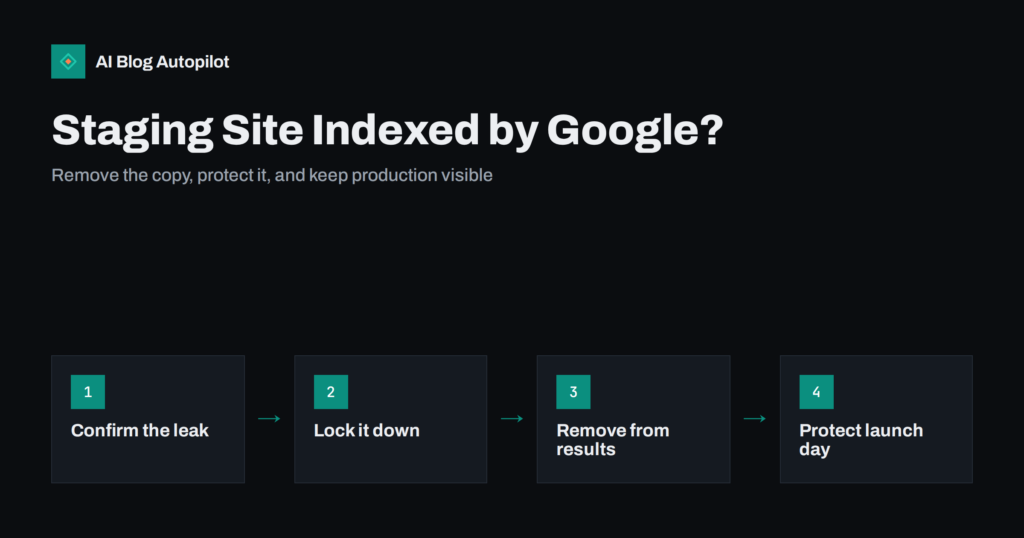
Staging Site Indexed by Google? How to Clean It Up
A staging or test copy of your blog showing up in search results causes duplicate content and confusion. How to remove it safely and…
 25.09.2026 · 6 Min. Lesezeit
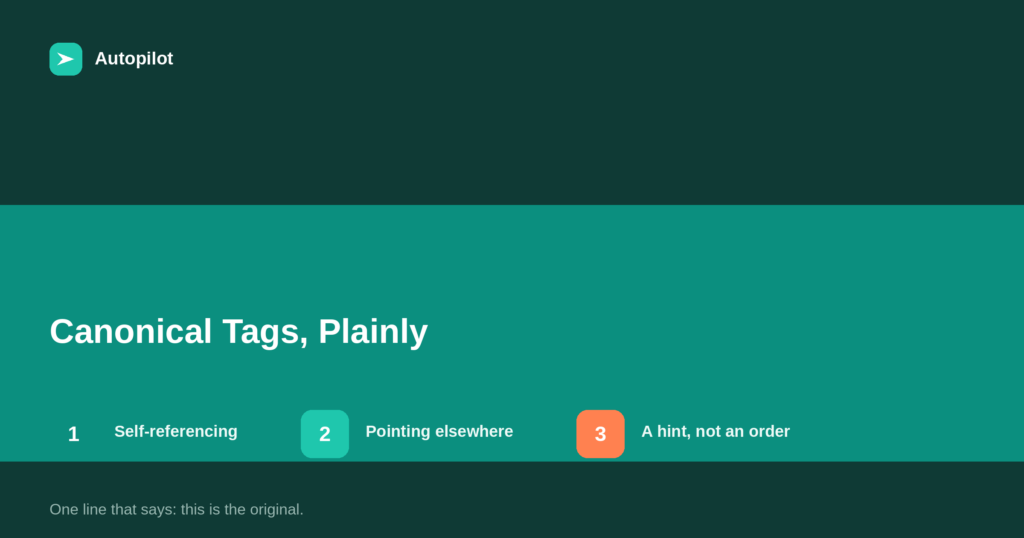
Canonical Tags Explained Without the Jargon
A canonical tag tells search engines which URL is the original when several show the same content. How it works, when to use it,…
 25.09.2026 · 6 Min. Lesezeit
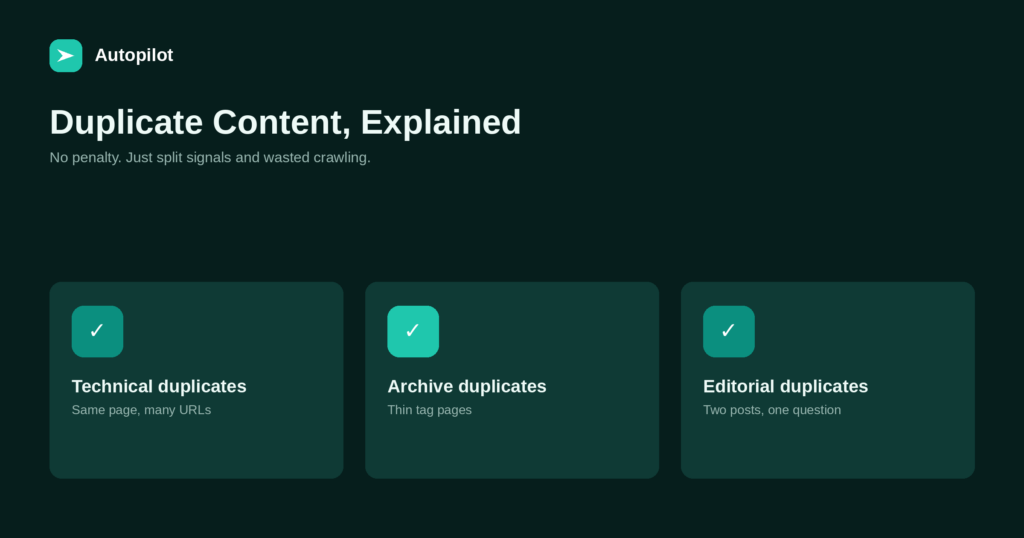
Duplicate Content: What Counts and What Doesn’t
There is no duplicate content penalty in the way people fear. What actually happens, the five causes on a typical blog, and how to…
 24.09.2026 · 5 Min. Lesezeit
Reading a Blog on a Phone: What to Fix First
Most blog visits happen on a phone, and search engines index the mobile version. The seven problems that make a post hard to read…
 24.09.2026 · 6 Min. Lesezeit
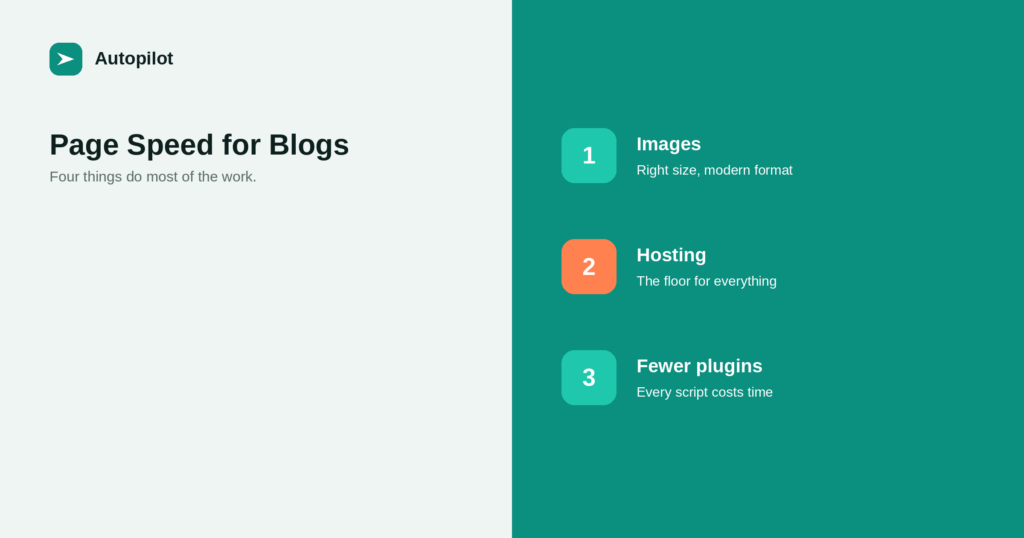
Page Speed on a Content Site: What Actually Helps
Most speed advice is written for complex applications. On a blog, four things do most of the work: images, hosting, fewer plugins, and a…
 23.09.2026 · 6 Min. Lesezeit
Alt Text: How to Write It and Why It Matters
Alt text is for people who cannot see the image. What to write, how long it should be, when to leave it empty, and…
 23.09.2026 · 5 Min. Lesezeit
How to Write a URL Slug That Still Makes Sense in Two Years
A good slug is short, readable, lowercase, hyphenated and free of dates. Why it rarely needs to match the title, and why changing it…
 22.09.2026 · 6 Min. Lesezeit
Categories or Tags: How to Organise a Blog
Categories are the sections of your blog; tags are the index at the back. How many of each, when archives should be indexed, and…
 20.09.2026 · 6 Min. Lesezeit
Why Your Blog Posts Aren’t Ranking: Eight Real Causes
Eight causes, checked in the order that finds problems fastest: technical blocks first, then intent mismatch, overlap, thin pages, and finally competition.
 28.08.2026 · 6 Min. Lesezeit
Tables of Contents for Long Articles
A table of contents helps readers of long articles find the part they need. When to add one, how to build it from headings,…
 23.08.2026 · 6 Min. Lesezeit
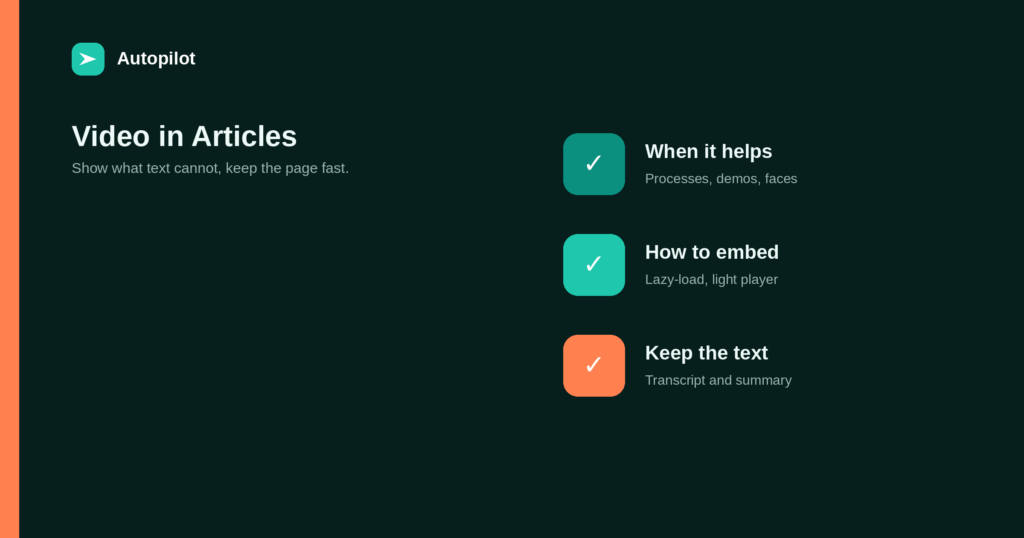
Embedding Video in Blog Posts: When It Helps
A short video can show a process better than a paragraph. When video genuinely helps an article, how to embed it without slowing the…
 20.08.2026 · 6 Min. Lesezeit
Headless CMS for a Content Site: When It Makes Sense
A headless CMS separates content from presentation. What that gives a content team, what it costs, and the SEO basics that must be rebuilt…