 ENEnglish
 LTLietuviškai
 DEDeutsch
 FRFrançais
 RUРусский
 ESEspañol
 PLPolski
 ITItaliano
 UKУкраїнська
 CSČeština
 PTPortuguês
 JA日本語
JA日本語 LVLatviešu valoda
 ETEesti
 HUMagyar
 IDBahasa Indonesia
 TRTürkçe
 HIहिन्दी
 ELΕλληνικά
 ARالعربية
 THไทย
THไทย VITiếng Việt
 RORomână
 MSBahasa Melayu
 BNবাংলা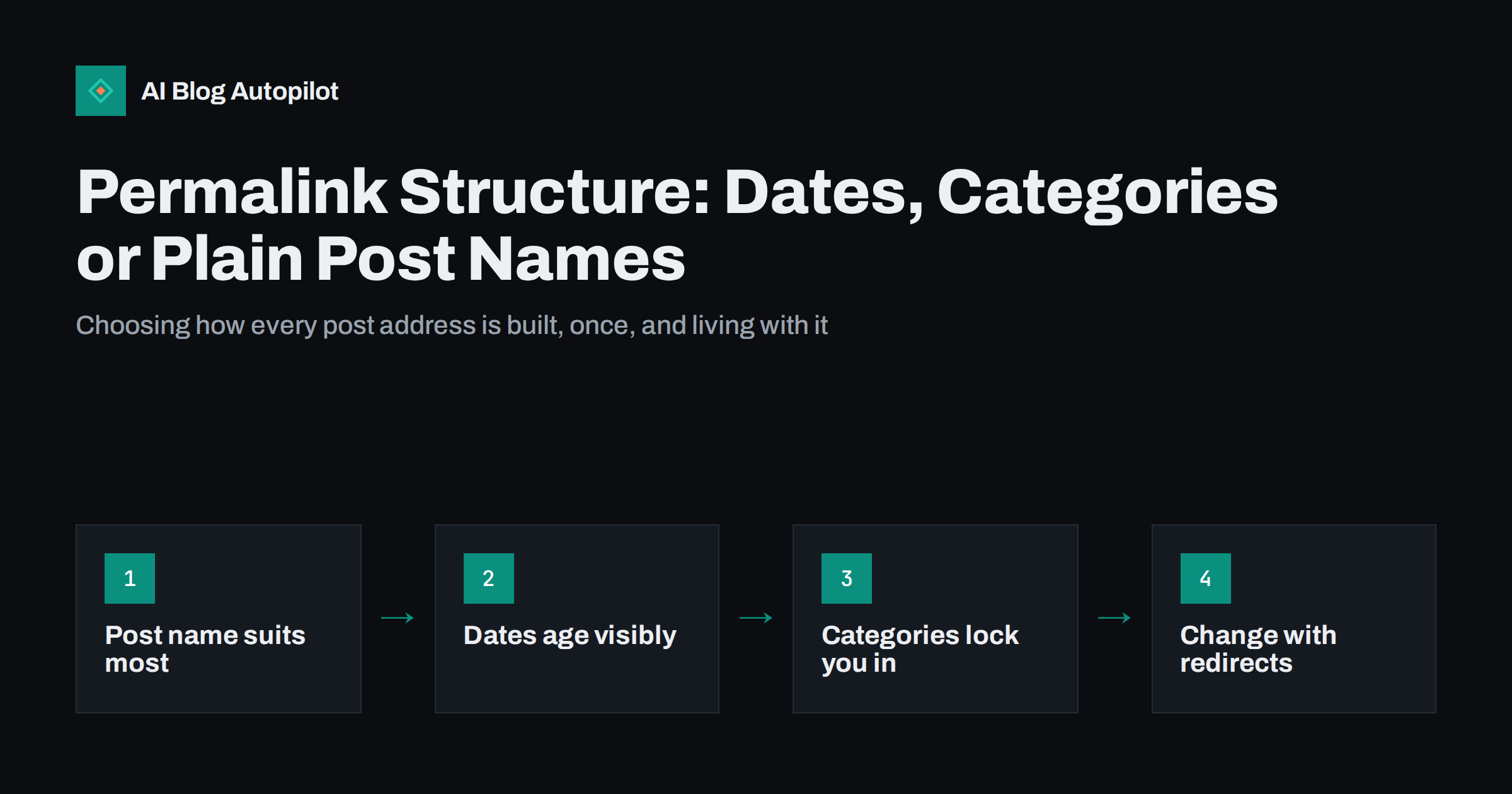
Short answer: for most business blogs, a permalink structure that uses only the post name, such as /post-name/, is the best choice. It produces short, readable addresses that do not age and do not change when you reorganise categories. Date-based structures suit news sites where the publish date is part of the meaning, and category-based structures work only if your categories are stable. Whatever you choose, choose early, because changing structure later means redirecting every existing post.
A permalink is the permanent address of a post. The permalink structure is the pattern your blog uses to build those addresses automatically. It is one of the few settings that affects every single page on the blog, and one of the few that is genuinely painful to change once hundreds of posts exist.
This guide uses WordPress terminology because it is the most common blogging platform, but the same trade-offs apply to any system that lets you choose how URLs are built.
The options WordPress offers
In WordPress, the setting lives under Settings, then Permalinks. It offers several common patterns and a custom option.
- Plain:
/?p=123. The post ID as a query parameter. Functional, but meaningless to readers. - Day and name:
/2026/09/29/post-name/. Full date plus slug. - Month and name:
/2026/09/post-name/. Year and month plus slug. - Numeric:
/archives/123. The post ID in a path. - Post name:
/post-name/. The slug alone. - Custom structure: any combination of tags such as
%category%,%year%,%monthnum%,%post_id%and%postname%.
Search engines can crawl and rank any of these. The differences are about readability, longevity and how much freedom you keep to reorganise later.
Post name: the default choice for most blogs
A post-name structure gives each article an address made only of its slug. It has several advantages that matter more over years than over weeks.
- Short and readable. The address says what the page is about, which helps people decide to click when they see it in results, messages or social posts.
- Timeless. Nothing in the address reveals when the post was written, so an evergreen guide you update every year does not look old.
- Independent of organisation. Moving a post to a different category does not change its URL.
- Easy to share and remember. Shorter addresses survive being pasted into emails and chats without breaking across lines.
The main thing to watch is slug uniqueness. With no date or category in the path, two posts cannot share a slug. WordPress handles this automatically by adding a number, but it is better to choose distinct slugs yourself so you do not end up with /email-tips-2/.
Date-based structures: when the date is the point
Including the year, month or day in URLs made sense when blogs were mostly diaries and news feeds. It still makes sense in some cases.
- News and announcements. If a post reports what happened on a given day, the date in the address is useful context, and the content will not be updated to stay current.
- Very high volumes of similar titles. Sites publishing many posts with overlapping slugs, such as daily reports, can use dates to keep addresses unique.
For most business blogs, though, date-based URLs have clear downsides.
- They make content look old. A reader who sees a year several years back in the address may skip a guide that you have since fully updated.
- They are longer. Adding
/2026/09/29/puts eleven characters of information in front of the part that describes the article. - Updating does not change them. The address keeps the original date even after a complete rewrite, so the signal it sends is wrong.
If your blog already uses dates and ranks well, that is not a reason to panic. Search engines rank date-based URLs perfectly well. It is a reason to think carefully about whether a change is worth the redirect work.
Category-based structures: useful but fragile
A structure such as /%category%/%postname%/ produces addresses like /marketing/email-tips/. This looks organised and can help readers understand where they are on the site.
The weakness is that categories change. Blogs grow, topics get merged or split, and a post that started in “Marketing” may belong better in “Email”. With a category-based structure, every such move changes the URL, which means another redirect and a short period in which search engines treat the post as moved.
There are also practical wrinkles. A post assigned to several categories gets only one in its URL, usually the one with the lowest ID, which may not be the one you would choose. Some themes and plugins let you pick a primary category, but that is another setting to maintain for every post.
Category-based URLs work best on sites where the categories are stable, clearly distinct and unlikely to change, such as documentation split by product or a shop blog split by department. For a general business blog, breadcrumbs can give the same sense of location without tying the URL to the category.
IDs and plain URLs
Plain ?p=123 URLs and numeric /archives/123 URLs are stable and unique, but they tell readers nothing. When someone sees your link in a search result, a chat or a social post, a descriptive address gives them a hint about the content. An ID gives none.
Some large publishers combine an ID with a slug, for example /123/post-name/, so that the slug can change without breaking the address. This is a reasonable engineering choice for newsrooms, but most blogs do not need it.
How to change structure without losing traffic
If you decide that your current structure is holding you back, a change is possible. It needs to be treated as a small migration, not a settings tweak.
- Export a list of every current URL. Your XML sitemap is a good source. Save it before you change anything.
- Decide the new pattern and test it on a staging copy. Check posts, pages, categories and any custom post types.
- Prepare redirects from every old address to the new one. For a structure change, a pattern-based rule often works: for example, redirect
/2026/09/post-name/to/post-name/. Test the rule against a sample of real URLs, including old posts. - Use permanent 301 redirects. They tell search engines the move is permanent and that signals should transfer.
- Change the setting and save. In WordPress, saving the permalink settings also refreshes the rewrite rules.
- Update internal links. Links inside posts that point to old addresses still work through redirects, but replacing them with direct links is cleaner and faster for readers.
- Submit the new sitemap and monitor. Watch Search Console for spikes in “not found” errors over the following weeks and fix any addresses the redirect rule missed.
WordPress can sometimes guess the right post when an old address no longer matches, but that behaviour is a safety net, not a migration plan. Explicit redirects are predictable and testable.
Expect some fluctuation for a few weeks while search engines recrawl. A clean change with complete redirects usually settles; an incomplete one leaves a trail of broken links and lost signals.
Should you change at all?
Before starting a structure change, weigh the gain against the work and risk. A few questions help.
- How many posts are there? Changing ten posts is an afternoon. Changing five hundred is a project with many edge cases.
- How many external links point to old addresses? Redirects pass most of their value, but every link now depends on a rule that must keep working for years.
- Is the current structure actually causing a problem? Dated URLs on evergreen guides and category URLs that keep changing are real problems. A preference for a shorter look usually is not enough on its own.
- Is another migration coming? If you plan a domain move or platform change, combine the permalink change with it so search engines relearn the site once rather than twice.
Details worth deciding at the same time
- Trailing slash. A structure ending in
/%postname%/produces addresses with a trailing slash. Keep it consistent with the rest of the site. - Category base. WordPress puts
/category/in front of category archive addresses by default. You can change the base, but removing it entirely can create conflicts between page and category slugs. - Slug style. Whatever the structure, write short, lower-case, hyphenated slugs with the main topic first. Stop words such as “the” and “a” can usually go.
- Language folders. On multilingual blogs, a language prefix such as
/de/usually sits before the rest of the structure. Plan it together with the permalink pattern.
How AI Blog Autopilot fits in
AI Blog Autopilot writes SEO articles and publishes them to your WordPress blog through a standard connection, then shares each one to your social networks. It creates posts inside WordPress, so each new article’s address follows the permalink structure you have set, and each post gets its own slug. That makes the permalink decision worth getting right before you start publishing at a steady pace. You can see how the publishing side works on the AI Blog Autopilot home page.
Related reading
- How to Write a URL Slug That Still Makes Sense in Two Years
- Migrating a Blog Without Losing Its Traffic
- Categories or Tags: How to Organise a Blog
- Breadcrumbs and Navigation for a Growing Blog
The bottom line
Use the post name alone unless you have a specific reason not to. Dates suit genuine news, categories suit stable taxonomies, and IDs suit newsrooms. Decide before the blog grows, because every later change means redirecting every post. If you must change, treat it as a migration: map every old address, redirect permanently, update internal links and watch the error reports.
FAQ
What is the best permalink structure for SEO?
For most blogs, the post name alone, such as /post-name/, is the most practical choice. It is short, descriptive and does not change when you update or recategorise a post. Search engines can rank other structures too, so the choice is mainly about readability and long-term flexibility.
Should I include dates in my blog URLs?
Only if the date is part of what the post means, as with news or event reports. For evergreen guides, dates in the URL make updated content look old and add length without helping readers.
Will changing my permalink structure hurt my rankings?
It can cause temporary fluctuation while search engines recrawl. With permanent redirects from every old address to its new one, updated internal links and a fresh sitemap, rankings usually settle. Missing redirects are what cause lasting losses.
Is it a good idea to put categories in URLs?
Only when your categories are stable. If you reorganise categories, every affected post changes address and needs a redirect. Breadcrumbs can show readers where a post sits without tying the URL to a category.
Does WordPress redirect old permalinks automatically?
WordPress redirects a post when you change its slug and can sometimes guess the right post for an unmatched address. It does not reliably redirect every old address after a structure change, so explicit 301 redirects are the safe approach.


