 ENEnglish
 LTLietuviškai
 DEDeutsch
 FRFrançais
 RUРусский
 ESEspañol
 PLPolski
 ITItaliano
 UKУкраїнська
 CSČeština
 PTPortuguês
 JA日本語
JA日本語 LVLatviešu valoda
 ETEesti
 HUMagyar
 IDBahasa Indonesia
 TRTürkçe
 HIहिन्दी
 ELΕλληνικά
 ARالعربية
 THไทย
THไทย VITiếng Việt
 RORomână
 MSBahasa Melayu
 BNবাংলা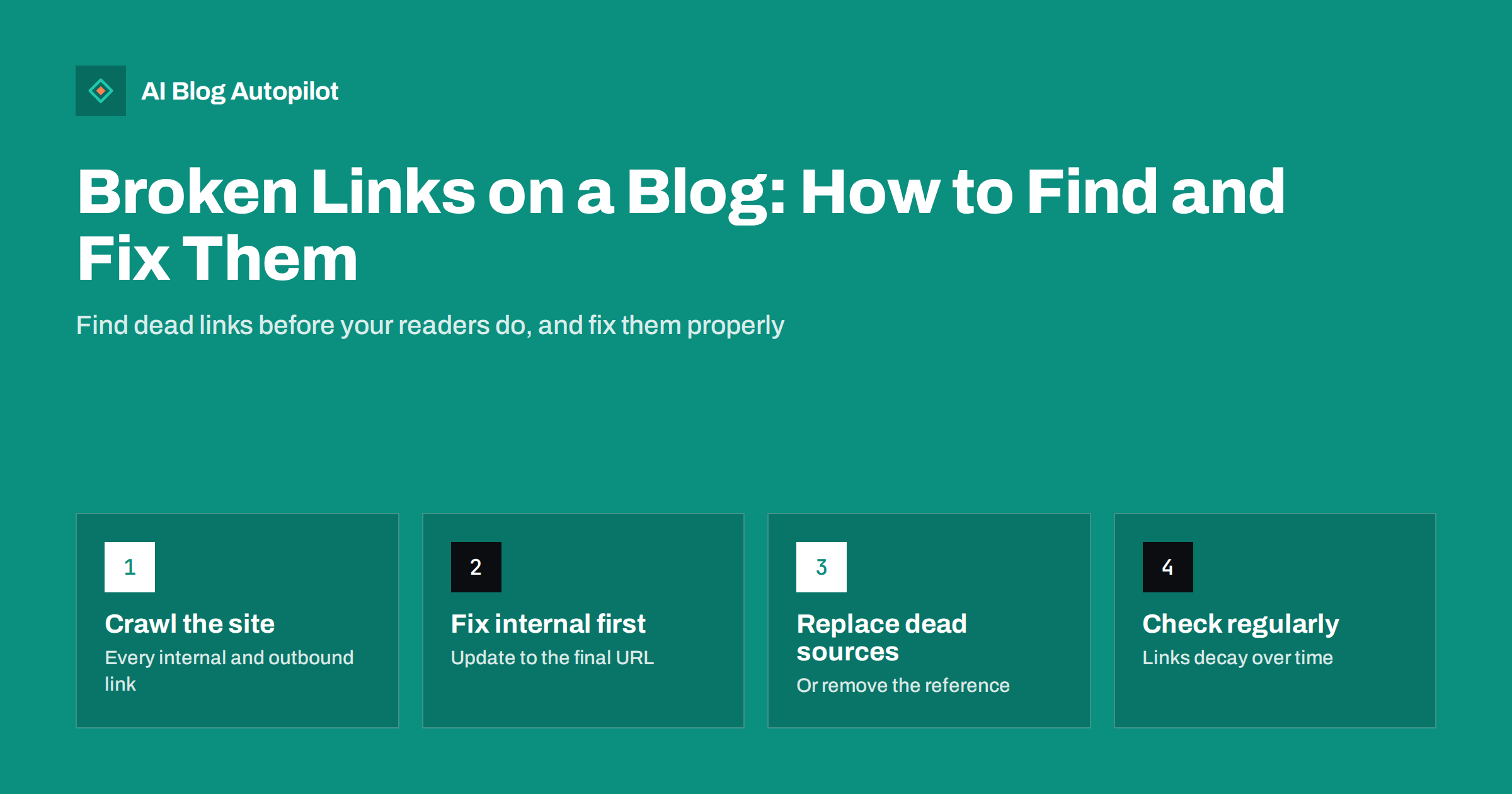
Short answer: a broken link points to a page that no longer works, usually returning a 404 error. On a blog, broken internal links come from changed slugs, deleted posts and migrations, while broken external links come from other sites moving or removing pages. Find them with a site crawler, Search Console’s pages report or a link-checking plugin. Fix internal links by pointing them straight at the correct URL, add redirects for old URLs that other sites link to, and replace or remove dead external links. A check every few months keeps the problem small.
Every blog accumulates broken links. Nobody breaks them on purpose: a slug gets tidied, a post is merged, a source you cited three years ago reorganises its website. One day a reader clicks a link in your most popular article and lands on an error page.
A few broken links will not sink a blog, but they erode trust, waste the value of your internal linking and make old content feel neglected. The good news is that they are easy to find and usually quick to fix.
Why broken links matter
Broken links cost you in three ways:
- Readers. A link is a promise of more useful information. A dead end breaks that promise and makes the rest of the article feel less reliable.
- Internal link value. Internal links help search engines discover pages and understand which ones matter. A link to a page that no longer exists passes that value nowhere.
- Crawling. Crawlers spend time requesting URLs that fail. On a small blog this is rarely significant, but on large sites with many dead links it adds up.
It is worth keeping perspective. Search engines expect some broken links on the web, and a handful of dead outbound links is not a ranking penalty. The main reason to fix them is the reader’s experience, with a secondary benefit for your internal link structure.
Where broken links come from
Knowing the causes helps you prevent them as well as fix them.
Internal links
- Changed slugs. A post URL is shortened or corrected, and older posts still link to the previous address.
- Deleted or merged posts. The content is gone or has moved, and the links pointing at it were not updated.
- Permalink or domain changes. A new URL structure or a domain move changes every address on the site at once.
- Typos. A mistyped slug in a manually written link, such as a missing letter or an extra slash.
- Removed categories and tags. Links to archive pages that no longer exist.
External links
- Sources that moved. The site you cited reorganised its URLs without redirects.
- Sources that disappeared. The page, product or whole website no longer exists.
- Changed domains. A company rebranded, and old links now fail or lead to an unrelated site.
- Links that now redirect somewhere irrelevant, such as a homepage or a parked domain. These are technically working but broken in every way that matters.
How to find broken links
You do not need expensive software. Three approaches cover most blogs, and using two of them together is thorough.
A site crawler
A desktop or online crawler starts from your homepage, follows every link and records the status code of each URL it finds. Filter for 404 and other 4xx and 5xx codes, then use the report of “inlinks” to see which pages contain each broken link. Most crawlers can also check outbound links if you enable that option.
Search Console
The pages report lists URLs Google found that return “Not found (404)”. Open one and inspect it to see where Google discovered it, which may be a link on your site or on another site. This is especially useful for finding old URLs that other websites still link to.
A link-checking plugin
WordPress plugins can scan posts for broken links and show them in the dashboard. They are convenient but can be resource-heavy on shared hosting if they check constantly. Run them periodically, or use a crawler instead, and switch them off between checks if your host is slow.
Whatever the tool, export the results to a spreadsheet with three columns: the page containing the link, the broken URL and the status code. That list becomes your to-do list.
How to fix broken internal links
For each broken internal link, find where the content lives now and update the link directly.
- If the post moved, change the link to the new URL. Do not rely on a redirect for your own links; point them straight at the destination.
- If the post was merged, link to the post that now covers the topic, and adjust the anchor text if needed.
- If the post was deleted with no replacement, either link to the most relevant alternative or remove the link and rewrite the sentence so it still reads well.
- If it was a typo, correct it.
Then look at the broken URL itself. If other websites link to it, or if it used to get search traffic, add a 301 redirect from the old address to the best current page. That recovers visitors from links you cannot edit.
How to fix broken external links
External links need a little more judgement, because you cannot fix the other site.
- Search for the new location. Many “broken” sources simply moved. A search for the page title or a key phrase often finds the new URL.
- Use an equivalent source. If the original is gone, link to another authoritative page that supports the same point, ideally an official or primary source.
- Consider archived versions carefully. A web archive copy can preserve a citation, but make sure the information is still accurate before relying on it.
- Remove the link if no suitable replacement exists, and check whether the sentence still stands without it. If the claim depended entirely on that source, rewrite or remove the claim too.
Also look at links that redirect to something irrelevant. They will not show as 404s in most reports, so a quick manual click on important outbound links is worth doing when you update a post.
Prioritising a long list
The first crawl of an older blog can return dozens or even hundreds of broken links. Fixing them in random order wastes time. Work through them in this order instead:
- Links in navigation, menus and templates. One broken link in a sidebar or footer appears on every page, so fixing it once removes hundreds of broken instances.
- Links on your most visited posts. Sort the affected pages by traffic from your analytics. A dead link in an article read by thousands matters more than one in a forgotten post.
- Links on pages that lead to enquiries or sales. Anything on the path to contacting you or buying from you comes next.
- Old URLs with external links. Search Console shows which missing URLs other sites still link to. Redirecting those recovers visitors you would otherwise lose.
- Everything else, in batches, during regular content updates.
Group the fixes by broken URL rather than by page. If twenty posts link to the same deleted article, deciding once where that link should now point and applying it everywhere is far quicker than twenty separate decisions.
Custom 404 pages: the safety net
Even with regular checks, some visitors will reach missing pages, often through old links on other sites. A helpful 404 page reduces the damage:
- Say clearly that the page was not found, in plain language.
- Offer a search box and links to your main categories or most useful posts.
- Keep the site’s normal header and navigation so the visitor can continue.
- Make sure it returns a real 404 status code. A “not found” page that returns 200 is a soft 404 and confuses search engines.
The 404 page is not a fix, but it turns a dead end into a detour.
Preventing broken links
A few habits stop most broken links from appearing in the first place:
- Choose slugs carefully at publication and avoid changing them afterwards unless there is a strong reason.
- Update links when you merge or delete. Before removing a post, search the site for its URL and fix every link to it.
- Add redirects for every URL change, and keep a simple list of old and new URLs.
- Prefer stable external sources, such as official documentation, standards bodies and well-maintained reference sites, which tend to keep their URLs.
- Schedule a check. A crawl every three to six months is enough for most blogs; larger sites benefit from monthly checks.
How AI Blog Autopilot fits in
AI Blog Autopilot writes and publishes new SEO articles to your WordPress blog and shares each one to your social networks. As a blog grows, so does the number of links between posts and out to sources, which makes the periodic crawl described above part of normal maintenance. Its content map shows every article and every social post in one place, and if a social post fails it tells you why. You can see how it works on the AI Blog Autopilot home page.
Related reading
- 301 or 302 Redirect? Choosing the Right One for a Blog
- How to Audit a Blog in a Week
- Orphan Pages: Finding Blog Posts Nothing Links To
- Migrating a Blog Without Losing Its Traffic
The bottom line
Broken links are a normal part of running a blog, not a crisis. Crawl the site every few months, fix internal links by pointing them straight at the right page, redirect old URLs that others still link to, and replace or remove dead external sources. Pair that with a helpful 404 page and careful slug choices, and broken links stay a small, routine task.
FAQ
Do broken links hurt SEO?
A few broken outbound links do not cause a penalty, but broken internal links waste link value and make pages harder to discover. The bigger cost is to readers, who lose trust when links lead nowhere. Fixing them is quick and worthwhile.
How do I find broken links on my blog for free?
Use a free site crawler to check every internal and outbound link and filter for 404 errors, and review the Not found (404) entries in Search Console’s pages report. A link-checking plugin for WordPress is another option if run occasionally.
Should I redirect or update a broken internal link?
Update the link so it points directly at the correct page. Add a redirect as well if the old URL has links from other sites or used to get search traffic, so visitors arriving from outside still reach the right content.
What should I do when an external source no longer exists?
Search for the page’s new location first. If it is gone, link to another reliable source that supports the same point, or remove the link and check that the sentence still holds without it.
How often should I check a blog for broken links?
Every three to six months is enough for most blogs, plus a check after any migration, permalink change or large content cleanup. Busy sites that publish many posts a month may prefer monthly checks.


