ENEnglish
 LTLietuviškai
 DEDeutsch
 FRFrançais
 RUРусский
 ESEspañol
 PLPolski
 ITItaliano
 UKУкраїнська
 CSČeština
 PTPortuguês
 JA日本語
JA日本語 LVLatviešu valoda
 ETEesti
 HUMagyar
 IDBahasa Indonesia
 TRTürkçe
 HIहिन्दी
 ELΕλληνικά
 ARالعربية
 THไทย
THไทย VITiếng Việt
 RORomână
 MSBahasa Melayu
 BNবাংলা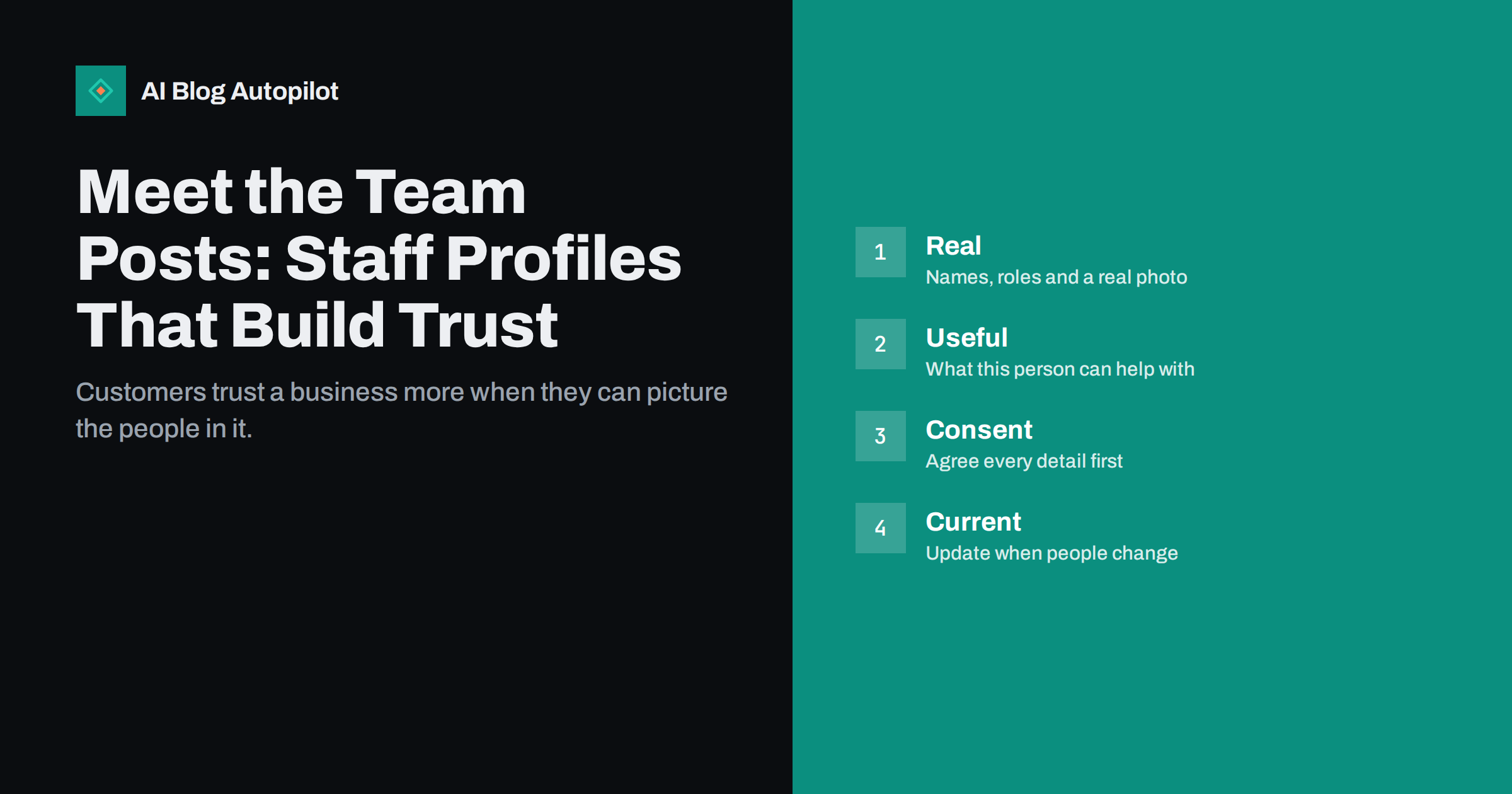
Short answer: a good meet-the-team post introduces a real person, says what they do and how they can help the reader, gives one or two specific details that make them memorable and shows a clear, recent photograph. Agree every detail with the person first, keep the tone factual rather than gushing, and update or remove profiles when people change roles or leave.
Visitors judge a business partly by whether they can tell who is behind it. A page of anonymous marketing copy invites doubt, while a few honest profiles of the people who answer the phone, make the product or give the advice show that the company is made of actual people. Profiles also support the signals of experience and expertise that readers and search engines look for. Done carelessly, however, they become a list of empty compliments that nobody reads.
Know what a profile is for
Start with the reader’s question: who will I be dealing with, and can I trust them? A profile answers that by showing a person’s role, experience and manner. It is not a place for a long career history or a list of hobbies unrelated to the work. Decide which of three purposes matters most: reassurance for customers, credibility for expert advice or attraction for future colleagues. Each leads to a different emphasis.
For a service business, the profile might say which clients the person works with and what they can help with. For a shop, it might show who chooses the stock and what they would recommend. For an agency or consultancy, it should state qualifications and areas of expertise that can be verified. Whatever the purpose, put the useful information first and the charm second.
Choose what to include
A solid profile has a few standard elements: a name, a role, a recent photograph, a short paragraph on what the person does and for whom, relevant experience or qualifications, and a way to contact them or their team. Add one or two details that show character, such as the work they are proud of or a hobby that connects to their job. The aim is a person the reader can picture, not a full biography.
Keep the length modest: around a hundred words is enough for most profiles, and a longer piece should earn its length with real stories. Use the same structure for everyone so that the page looks consistent and so that nobody feels left out. If someone prefers to share less, respect that and write a shorter entry rather than inventing detail.
Be accurate with credentials. State only qualifications, memberships and awards that can be checked, with the correct names. A mistake here damages trust far more than a modest profile would help, and in regulated fields it can have legal consequences. If in doubt, ask the person to confirm the wording.
Ask permission and respect privacy
Never publish a profile without the person’s agreement. Explain what you will share, where it will appear and how long it will stay, and let them see the final text and photograph. Some people have good reasons to keep their image or location private, for example because of a past stalker or a sensitive job, and they should be able to decline without pressure.
Think carefully about personal details. A first name and a role may be enough for a frontline worker, and full names should be shared only when the person agrees and the role requires it. Do not include family details, home areas or social media accounts unless the person asks for it. Check your local data protection rules, because photographs and personal information are personal data, and our guide to privacy and analytics on a business blog covers the general principles.
Take a good photograph
A clear, recent, friendly photograph does more than any description. Take the pictures in the same place, with similar light and background, so that the page looks coherent. Natural light, a relaxed expression and a tidy background are enough, and a phone camera works if it is held steady. A picture of the person at work is often better than a stiff portrait, as long as it is sharp and the face is visible.
Write meaningful alt text, such as the person’s name and what they are doing, and add a caption when it helps. Our guides to image captions in blog posts and accessible posts explain why these small details matter for readers who use screen readers. Compress the files so that the page loads quickly on a phone, and replace pictures when appearances change.
Write in a human voice
The biggest mistake in staff profiles is empty praise: “a passionate, dedicated professional with a love of excellence”. Such sentences say nothing, and readers skim past them. Replace them with specifics: the kind of problem the person solves, a recent project, a habit that clients appreciate. “Maria has answered our customers’ wiring questions for twelve years and keeps a drawer of the odd adapters nobody else stocks” tells more than a paragraph of adjectives.
Write in the third person for a formal page and in the first person for a more personal one, but be consistent. Ask each person a few simple questions and use their words: what do you do all day, what do customers ask you most, what is the best part of the job. Our guide to storytelling in business blog posts shows how to keep that kind of material lively without inflating it.
Show experience and expertise
Profiles can support the signals of experience, expertise and trust that search engines and readers look for. If a person writes advice on your blog, link their name on each article to their profile, and make the profile state their relevant background. Our guides to bylines and author bios and E-E-A-T on a blog that publishes automatically explain how these pieces fit together.
Be honest about the limits of expertise. A person who runs the shop floor is not a medical expert, and a developer is not necessarily a lawyer. State who is responsible for which kind of content, and say when an article has been reviewed by someone with the relevant qualification. This is more convincing than a general claim of authority and protects readers and the business.
Link each profile to something practical: a contact form, an email address or a booking link, and the topics the person can help with. A reader who has just read that a colleague specialises in older houses can click to ask a question straight away. Add links to the person’s articles or projects so that the profile is a hub, not a dead end.
Think about the page layout. A grid of photographs with names and roles, each linking to a full profile, works well for larger teams. For a small team, a single page with all profiles in sequence may be enough. Check the page on a phone, where long grids can become tiresome, and make sure the text is large enough to read.
It also helps to include a short line on how the person works with others: who they hand a job to, who covers when they are away and how quickly a reader can expect an answer. Clients often worry about what happens when their contact is unavailable, and a profile that mentions the team behind the person is reassuring. Keep it factual and avoid promising response times that you cannot guarantee.
Write posts, not just pages
A team page is static, but a series of short meet-the-team posts can bring fresh content to the blog and introduce people one at a time. Publish one a month, with a short interview and a photograph, and link it to the team page. Ask the same questions each time, so that readers can compare, and add one surprise. Publish a post when a new person joins, which also helps newcomers feel welcome.
Keep each post short and modest, and avoid ranking people or comparing them. Review the posts with the person before publishing and give them the right to correct any detail. A warm, honest interview can reach readers who would never read a corporate team page.
Plan the first version to be easy to maintain. Use a template with fixed fields, store the photographs in one folder with consistent names and keep a simple record of when each profile was last checked and who approved it. If the site has several authors, make one person responsible for the page. A small routine like this takes minutes each quarter and prevents the slow decay that makes team pages untrustworthy.
Keep the page current
Outdated profiles damage trust. A photograph of someone who left two years ago, or a role that no longer exists, tells the reader that nobody looks after the site. Add a reminder to review the team page every quarter, and make updating it part of the process when someone joins, changes role or leaves. When a person leaves, remove their profile promptly or, if they wrote articles, replace the profile with a neutral note and keep the articles under the correct name.
If you publish a page of former colleagues, ask permission first. Keep dates and roles accurate, and do not leave a departed person’s contact details on the site. A short, tidy page that is always correct is better than a long one that is partly wrong.
How AI Blog Autopilot helps
AI Blog Autopilot writes full SEO articles for your WordPress blog from the topics, keywords, audience and tone you set, with FAQ sections, tags and SEO meta included, and it shares each one to your social networks. It can keep the practical articles around your team flowing while you write the personal profiles yourself, which only the people involved can do well. Approval mode lets you read each article first. See the pricing page for plans.
Related reading
- The About Page a Business Blog Needs
- Bylines and Author Bios: Who Signs an Automated Post
- E-E-A-T on a Blog That Publishes Automatically
- Storytelling in Business Blog Posts Without the Fluff
The bottom line
Staff profiles build trust when they introduce real people with specific, accurate details and a clear photograph. Ask permission, avoid empty praise, show expertise honestly, link each profile to something useful and keep the page current.
FAQ
What should a staff profile include?
A name, a role, a recent photograph, a short paragraph on what the person does and for whom, verified credentials and a way to make contact.
Do I need permission to publish staff photographs?
Yes. Agree the photograph and text with each person, and check your local data protection rules.
How long should a profile be?
About a hundred words is enough for most profiles. Longer pieces should be justified by real stories or useful expertise.
Do team pages help SEO?
They support trust and expertise signals, especially when authors link to profiles, but they work best as part of useful content.
What should I do when someone leaves?
Remove or replace the profile promptly, and keep any articles they wrote under their correct name with a neutral note.