ENEnglish
 LTLietuviškai
 DEDeutsch
 FRFrançais
 RUРусский
 ESEspañol
 PLPolski
 ITItaliano
 UKУкраїнська
 CSČeština
 PTPortuguês
 JA日本語
 LVLatviešu valoda
 ETEesti
 HUMagyar
 IDBahasa Indonesia
 TRTürkçe
 HIहिन्दी
 ELΕλληνικά
 ARالعربية
 THไทย
 VITiếng Việt
 RORomână
 MSBahasa Melayu
 BNবাংলা
Short answer: AI Blog Autopilot does not paste the same link everywhere. According to its networks page, it writes a separate text for every network you connect: a short hook for X and Bluesky, a professional post for LinkedIn, a summary with bullet points for Telegram, and a headline and summary for team chats. Each post also goes out with its own delay after the article is live.
Posting the same message to every network is the quickest way to look careless. Readers on a professional network expect a different tone from readers on a chat channel, and each place has its own habits for length, links and format. Writing a fresh post for each one by hand takes time that most small businesses do not have, which is why so many accounts either stay silent or repeat one line everywhere.
This guide explains what the product does for each network, what you can control, and how to review the posts so that your accounts sound like you. It draws only on the product’s home page and networks page. The sample wording below is an illustration of the idea, not a quotation from the product.
What a native post means
The networks page opens with a clear statement: every new article on your blog becomes a native post on each network you connect, with its own text, length and timing for every audience. The word native matters. A native post is written for the place where it appears, rather than being a bare link with the article title. The home page makes the same point for social-only users, describing native posts for every network and not just links.
In practice, this means the article is the source and the posts are separate pieces of writing. The post for one network may open with a question, another with a statement, and a third with a short list. The link to your article is still there, since the aim is to bring readers to your blog, but the words around it change.
You connect each network once in your account, and the networks page says that no other tools are needed. That removes a common source of mistakes: a separate scheduler with its own text, its own times and its own login that nobody remembers to check.
How the text changes by network
The networks page gives four examples. For X and Bluesky, the product writes a short hook, because those places reward brevity and a clear first line. For LinkedIn it writes a professional post, with a measured tone and a point of view suitable for colleagues and clients. For Telegram it writes a summary with bullet points, because channel readers like to scan. For team chats it writes a headline and a summary, which fits the way messages appear in a workspace.
To picture the difference, imagine an article on choosing a bicycle helmet. A short-form post might ask which mistake riders make most often and point to the answer. A professional post might explain why a shop’s advice on fitting matters for safety and invite comments from other retailers. A channel summary might list three points from the article. A team chat message might give the headline and one sentence on why colleagues should read it. This is only an illustration, but it shows why one text cannot do all four jobs.
The product does the writing for you, so your task is to check that the results sound right for your business. The guide to social media character limits is a useful reference for why length matters in each place.
Why one text for everything fails
A single message fails for three reasons. The first is length: a long post is cut off or ignored on a short-form network, while a one-line post looks thin on a professional one. The second is tone: jokes that work in a community server can look odd on a business network, and formal wording can look stiff in a chat channel. The third is format: bullet points, line breaks, headings and hashtags behave differently from place to place.
There is also a trust effect. Followers who see the same words on three networks learn that one of them is redundant and stop following it. When each network offers something slightly different, following several of them makes sense. The article on automated social posting mistakes lists other ways automation can make an account look robotic.
Timing: each network at its own hour
The home page describes timing as a separate decision for each network. In its example, the blog goes live at the hour you choose, LinkedIn follows 30 minutes later, Facebook after two hours and Pinterest the next day. The networks page adds that after the article goes live, each network gets its post with its own delay, so every audience sees it when it is most active.
The delays are part of the product’s design, so you do not need to build a spreadsheet of hours. Your main choice is the hour at which the blog article is published. Pick a time that suits your readers, and the networks follow in order. If your audience is in several time zones, the article on scheduling social posts for readers in other time zones explains how to think about it.
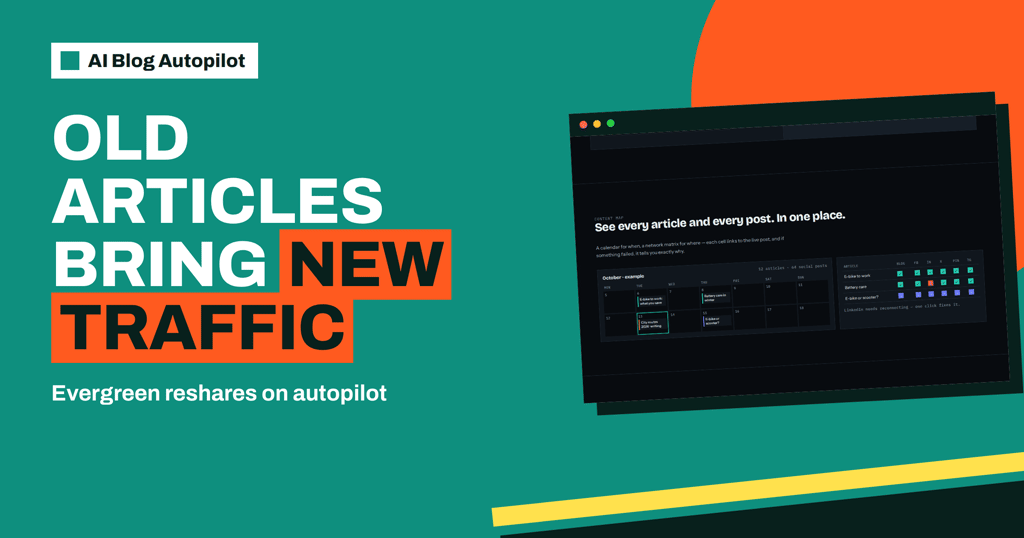
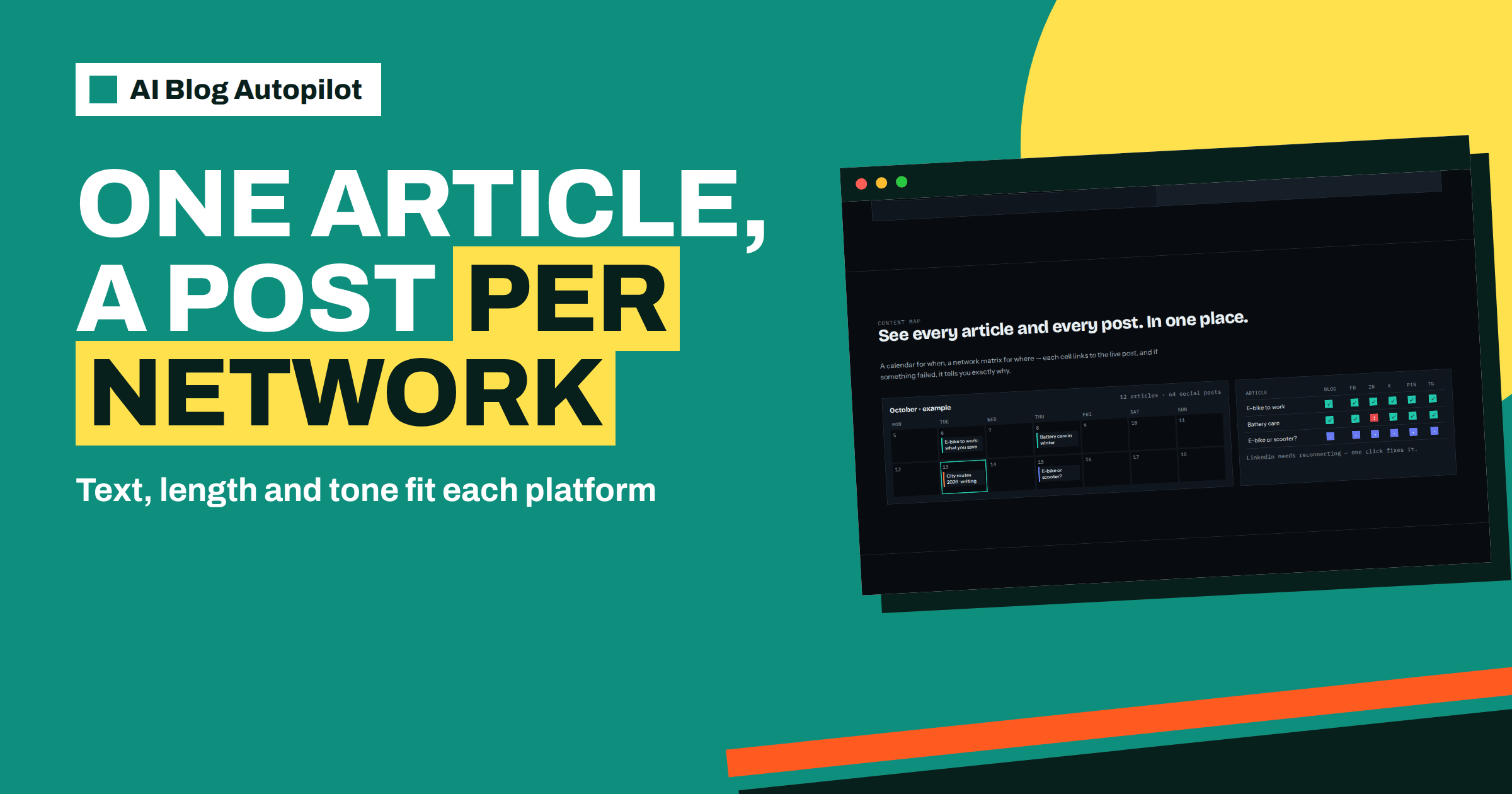
You can see what happened on the content map, which shows a calendar of when and a network matrix of where, with each cell linked to the live post. That is the place to confirm that every network received its post at a sensible time.
What you can and cannot control
You control which networks you connect and how many. A smaller number connected well is better than a long list nobody reads. You also control the topics, including their tone, audience and keywords, which shape the articles and therefore the posts. If your topic settings describe a friendly, plain tone, the posts should reflect it.
You do not write each network’s text yourself, and the product does not promise that every post will match what you would have written. That is why reviewing matters. Start with approval switched on if you want to see articles first, and look at a sample of the posts on the content map during the first weeks.
The number of networks also depends on the plan. The pricing page lists 5 social networks on the Social and Starter plans and all 60 on Growth, Pro and Agency. Choose the plan according to how many places you actually intend to use, not how many exist.
Think about what happens when something goes wrong. A network connection can expire, which is normal on any platform. The home page shows an example in which the content map warns that LinkedIn needs reconnecting and says one click fixes it. Make it a habit to open the content map once a week, scan for warnings and reconnect anything that needs it, so that a missing connection does not silently remove a network from your routine for a month.
Finally, keep your profiles in good order. A native post sends readers to your profile as well as to your blog, so the name, description and link on each network should be current and consistent. The guide to consistent social profiles lists what to check.
A review checklist for network posts
When you read the posts for the first time, ask six questions. Is the first line clear enough to stop a scrolling reader? Does the post say something specific from the article, not a vague promise? Is the tone suitable for that network? Is the length right, with nothing cut off awkwardly? Does the link lead to the correct article? Would you be comfortable if a customer, a competitor and a journalist all read it?
Check the facts again as well. A post is a short summary, and short summaries sometimes lose a condition or a number. If a post states a price, a date or a claim, confirm it against the article and against your own records. The home page says the writer is instructed never to make up statistics, quotes or sources, but a human check of anything specific is still sensible.
Note patterns, not single posts. If every LinkedIn post feels too salesy, your topic tone may need adjusting. If the Telegram summaries are too long, you may want to shorten the articles’ main points. Fix the settings that create the pattern.
Which networks to connect first
The networks page groups the list by type: social networks, messaging channels, team chats, blogs and publishing platforms, and read-later and automation tools. It shows 58 networks in all, while the home page speaks of 60, so check the page for the current list when you decide. You will not use most of them, and that is fine.
Start with the places where your customers already are. A local trade business might begin with Facebook and a messaging channel for regular customers. A professional services firm might choose LinkedIn first. A craft shop might begin with Pinterest, since the product’s example shows Pinterest posting the next day. The guide to choosing social networks for a blog offers a method for deciding.
Add one network at a time and watch it for two weeks before adding another. If a network does not bring readers, or you cannot respond to comments there, remove it from your plan without guilt. Conversations on social networks need a person, even when the posting is automatic.
How AI Blog Autopilot helps
The product writes the separate texts, applies the timing and shows the results on a content map, so you can spend your time on the review and the replies. Look at AI Blog Autopilot to see the networks and how it works, and compare plans on the pricing page. The first three articles are free.
Related reading
- AUTO Timing: How One Article Reaches Each Network at Its Hour
- Which Social Networks Should a Business Blog Use?
- Social Media Character Limits
The bottom line
Connect only the networks you will actually watch, let the product write each one’s own text and timing, and review the first weeks of posts for tone, accuracy and fit.
FAQ
Does AI Blog Autopilot post the same text to every network?
No. The networks page says it writes a separate text for every network, with its own length and timing.
What kind of text does each network get?
The networks page names a short hook for X and Bluesky, a professional post for LinkedIn, a summary with bullet points for Telegram and a headline and summary for team chats.
Do I need another scheduling tool?
No. The networks page says you connect each network once in your Autopilot account and that no other tools are needed.
How many networks can I use?
It depends on the plan. The pricing page lists 5 networks on Social and Starter, and all 60 on Growth, Pro and Agency.
Where can I check what was posted?
On the content map, where each cell in the network matrix links to the live post and failures show a reason.