ENEnglish
 LTLietuviškai
 DEDeutsch
 FRFrançais
 RUРусский
 ESEspañol
 PLPolski
 ITItaliano
 UKУкраїнська
 CSČeština
 PTPortuguês
 JA日本語
JA日本語 LVLatviešu valoda
 ETEesti
 HUMagyar
 IDBahasa Indonesia
 TRTürkçe
 HIहिन्दी
 ELΕλληνικά
 ARالعربية
 THไทย
THไทย VITiếng Việt
 RORomână
 MSBahasa Melayu
 BNবাংলা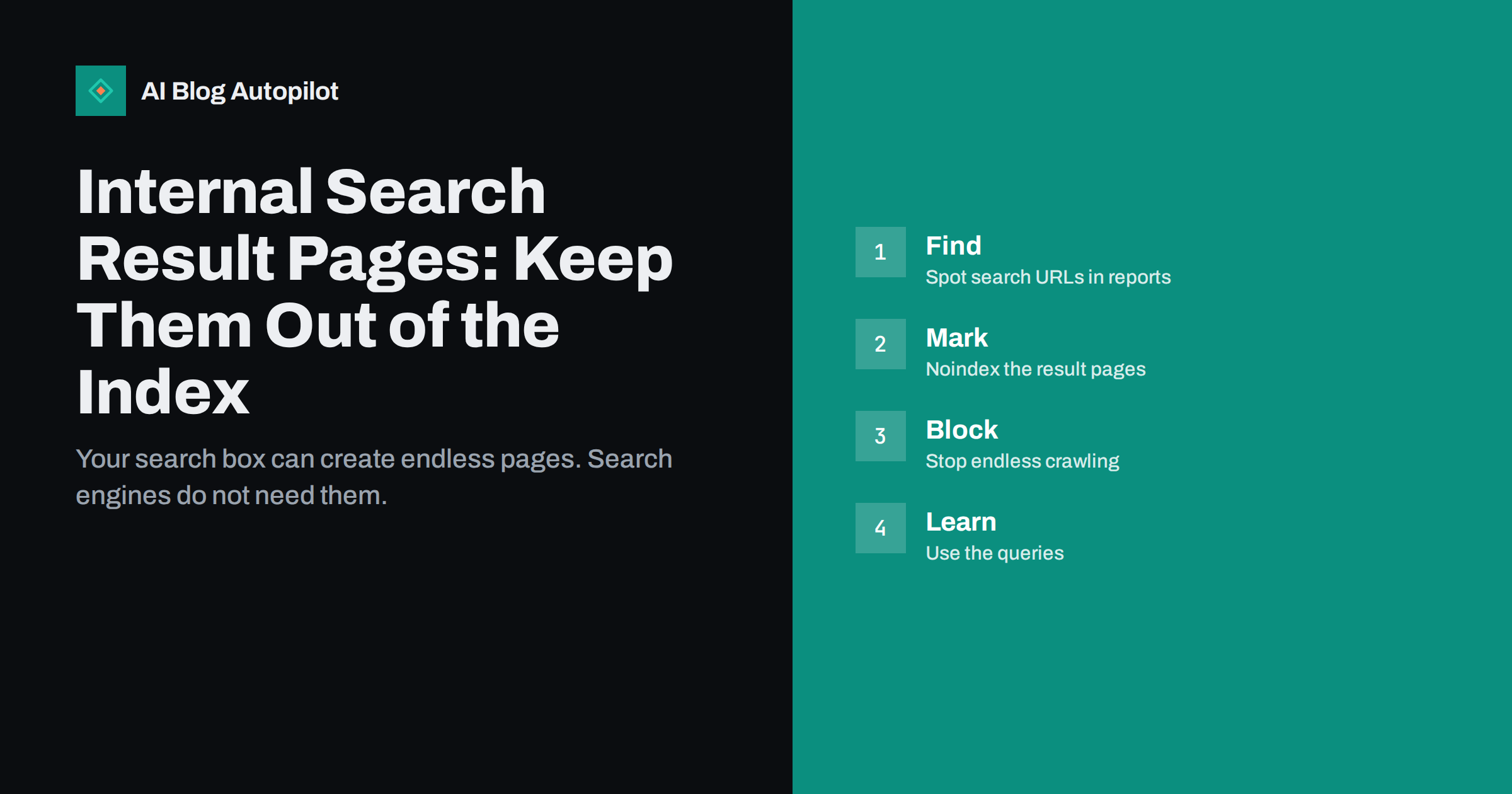
Short answer: the result pages that your own site search creates should normally stay out of the search index. They can multiply without limit, they are thin and they can be abused to publish spam. Mark them noindex, make sure they are not linked from your pages or sitemap, and use the search queries themselves as a source of ideas for new content instead.
A search box feels like a harmless feature, yet every search creates a page. If a visitor types a word, the site builds a list of matching posts at an address that includes that word. Search engines can discover those addresses through links, through history in browsers or through other sites. This article explains why they are a problem, how to find them and how to deal with them in a way that does not harm the pages that matter.
How internal search pages appear
Every query gets its own address. On a typical WordPress site the address contains a short parameter with the search word, so the words “pricing”, “pricing plans” and “price” each make a different page. The page shows a heading such as “search results for” followed by the word, and a list of posts that match. A site with thousands of possible words has thousands of possible pages.
Search engines normally find these pages when something links to them. Links can come from your own site, for example a “popular searches” list or a tag cloud that points to search addresses, from visitors who share a result, or from other sites. Spammers have also used the search feature of some sites to create pages that carry their own text in the heading, which is a risk that we cover below.
You can see whether this is happening by looking at your Search Console reports for addresses that contain the search parameter. If they are listed as discovered, crawled or indexed, search engines already know about your result pages.
Why they do not deserve to rank
Result pages are thin by nature. They contain a list of titles and excerpts that exist elsewhere. They have no unique text, no clear purpose beyond the moment of search and no stable content, because the list changes when you publish a new post. A page that offers nothing of its own adds little for people who find it through a search engine.
They also add noise. If hundreds of near-identical addresses are crawled, your reports fill up with pages that you did not mean to publish, and crawlers spend time that could be used on real articles. The issue is related to the points in crawl budget for small sites and URL parameters on blogs.
Finally, they do not give a good first experience. A visitor who lands on a list of loosely matching posts, instead of a page that answers their question, is likely to leave. Google’s guidance has long advised against letting search result pages be indexed for these reasons.
The spam risk
Some sites display the search word on the result page, in a heading or a message such as “no results for”. If an attacker links to your search address with a long phrase or a promotional message, a crawler may see that text on a page of your domain. Over time this can create indexed pages that carry content you never wrote, and sometimes links to other sites.
This is more than a cosmetic issue. It can make your site look like a host for spam, and it can appear in searches for odd phrases. If you ever see unusual search addresses in your reports, such as ones with foreign words or adverts, treat it as a warning and act quickly. If the problem looks bigger, our guide to a hacked blog spam cleanup covers what to check.
The simplest defence is to prevent such pages from being indexed and to limit what the page prints. Avoid showing arbitrary text from the address in a way that creates a link, and show a plain message for empty results.
Noindex or robots.txt?
There are two tools, and they do different jobs. A noindex rule is a tag or header on the page that tells search engines not to keep it in their index. The crawler must be allowed to fetch the page in order to see it. A robots.txt rule tells crawlers not to fetch certain addresses at all. If you block an address in robots.txt, the crawler cannot read a noindex tag on it.
For most blogs, noindex is the cleaner first step because it removes pages from results and lets crawlers learn that they are not needed. After the pages have dropped out, some owners add a robots.txt rule for the search path to reduce crawling. Do this only after the noindex has been processed, or the old addresses may remain in results with no description. See noindex pages on a blog and robots.txt for blogs for details.
Many SEO plugins have a switch for search result pages that adds the noindex tag. Look for a setting about search pages in the section on titles, meta or search appearance. Core WordPress does not add the tag by itself in every theme, so verify it on your own site.
If your site uses a search plugin or an external search service, check that too. Some services create their own result pages on a separate address or inside a frame, and each has its own way of handling indexing. Ask the provider, or test the pages directly, instead of assuming that the settings of your main plugin cover them.
How to check and fix your site
Start with a test. Type a nonsense word in your search box and open the result page. View the page source and look for a robots tag with noindex. If it is missing, turn on the plugin option or add the tag in your theme. Check also the response code: a search with no results should still return a normal page, or a proper not found response, but it should not create a flood of different errors. For error types see soft 404 errors.
Next, look at links. Remove any links to search addresses from your site, such as lists of popular searches, and make sure the sitemap lists none of them. A sitemap tells search engines which pages you want indexed, so a search address in it sends a mixed signal.
Then check Search Console. Look at the pages report and filter for the search parameter. Over a few weeks, the addresses should move to the excluded group with a reason that refers to the noindex tag. If a large number remain indexed, the tag may not be present on all of them.
Also watch for pagination inside result pages. If a search returns many matches, the list may be split across several pages, each with its own address. Those pages should carry the same noindex rule as the first one, so that no part of the result set slips into the index through a back door.
Make the search page useful for readers
Keeping search results out of the index does not mean that the search itself is unimportant. Readers use it to find what they need, and a good result page helps them. Show the number of results, list the best matches first and offer a helpful message when nothing is found, with links to popular posts or categories. A good no-result page keeps visitors on the site, as described in a custom 404 page for blogs.
Check the quality of the matching as well. If a search for your own product name returns old posts first, tune the relevance or add the product page to the results. Small improvements make a visible difference for people who already want something from you.
Make the search box easy to find, especially on mobile devices. A reader who cannot find the box may give up, while a reader who finds it may reach a page that turns a visit into a sale.
Keep privacy in mind. People sometimes type personal details into a search box by mistake, such as a name or an email address. Do not publish raw query lists, and follow your privacy notice when you store them. Aggregated themes are enough for planning content.
Use search queries as a source of ideas
The words that visitors type into your search box are a direct list of what they want. If many people search for a topic that you have not written about, that is a content gap. If they search for something that you have covered but they cannot find, the post may need a clearer title or better links. Our article on what readers type into internal search shows how to collect and use this data.
Review the list once a month. Group similar words, note the ones that return no results and decide which of them deserve a new post or a page. Doing this turns a technical task into a stream of topics that readers have asked for.
You can also learn the language that people use. If they say “price list” while your pages say “rates”, add the visitor’s wording to the page. Matching vocabulary helps both the site search and the search engines.
How AI Blog Autopilot helps
AI Blog Autopilot writes full SEO articles for your WordPress blog from the topics, keywords, audience and tone you set, with FAQ sections, tags and SEO meta included, and it shares each one to your social networks. The questions that readers type into your site search make strong topics, and you can add them to your topic list and use approval mode to read each article first. See the pricing page for plans.
Related reading
The bottom line
Internal search result pages are thin, endless and open to abuse, so mark them noindex, keep them out of the sitemap and remove links to them. Then mine the queries for content ideas.
FAQ
Should internal search pages be indexed?
Normally no. They are thin, change often and can multiply without limit, so most blogs keep them out of the index.
Can I block search pages in robots.txt?
You can, but a blocked page cannot be read for a noindex tag. Use noindex first and add a block later if needed.
Can spammers misuse my search page?
They can try, by linking to addresses that print their text. Noindex the pages and avoid showing raw search text as a link.
How do I find search URLs in Search Console?
In the pages report, filter by the search parameter used by your site, for example the letter s in the address.
Is the site search worth keeping?
Yes. It helps readers, and the queries show topics they want. Only the result pages should stay out of the index.