 ENEnglish
 LTLietuviškai
 DEDeutsch
 FRFrançais
 RUРусский
 ESEspañol
 PLPolski
 ITItaliano
 UKУкраїнська
 CSČeština
 PTPortuguês
 JA日本語
JA日本語 LVLatviešu valoda
 ETEesti
 HUMagyar
 IDBahasa Indonesia
 TRTürkçe
 HIहिन्दी
 ELΕλληνικά
 ARالعربية
 THไทย
THไทย VITiếng Việt
 RORomână
 MSBahasa Melayu
 BNবাংলা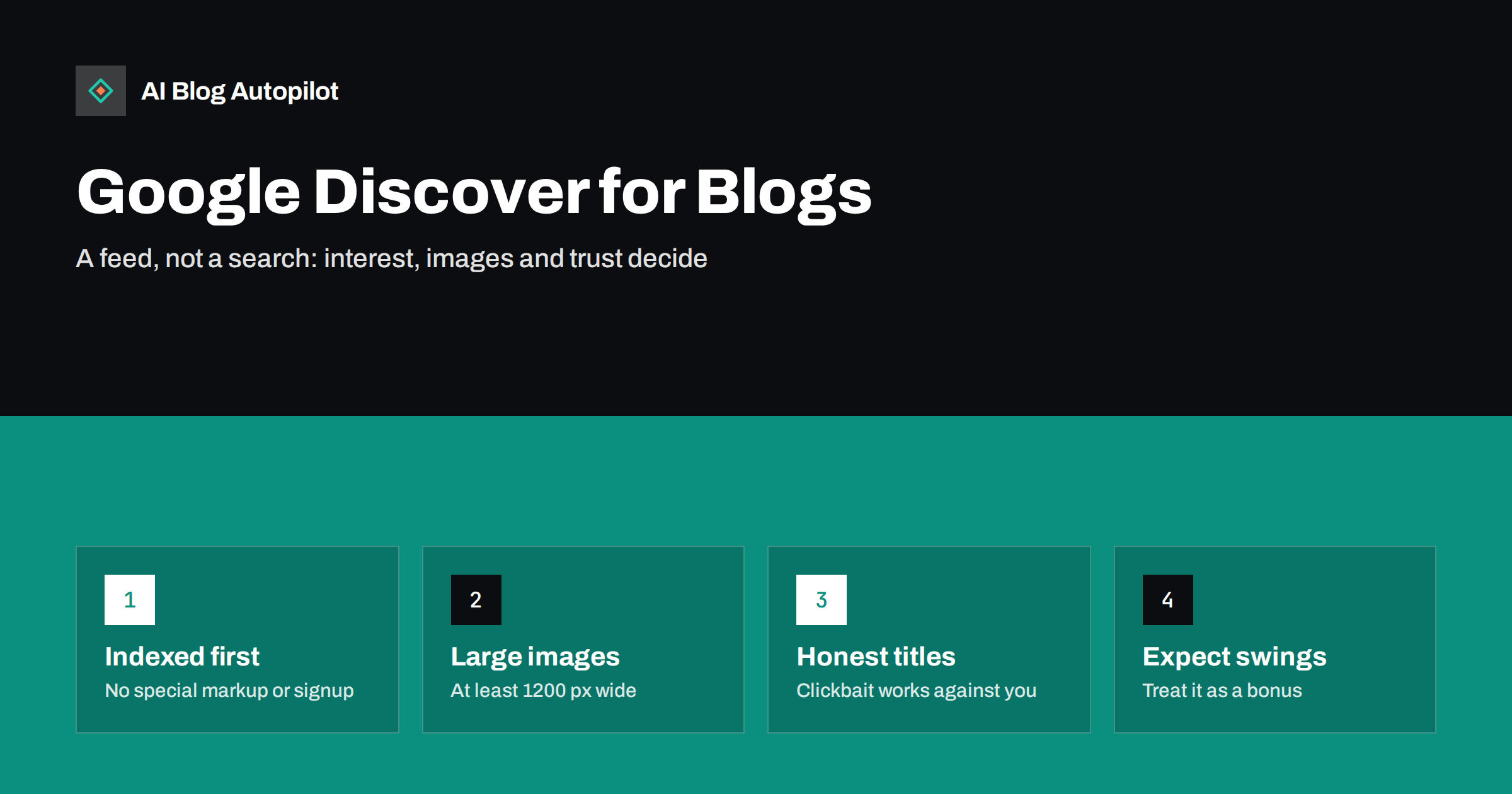
Short answer: Google Discover is a personalised feed of articles shown on mobile devices without the user typing a search. Any indexed page that follows Google’s content policies can appear; there is no special markup or sign-up. What helps is content that matches readers’ interests, large high-quality images (at least 1200 pixels wide, with large image previews allowed), honest titles and a site people trust. Discover traffic is unpredictable, so treat it as a welcome bonus rather than a channel to plan a business around.
Many blog owners first notice Discover when a Search Console report suddenly shows a spike: thousands of impressions for an article that barely registers in search. A few days later the spike is gone. Understanding why that happens, and what you can influence, saves a lot of guesswork.
What Google Discover is
Discover is a feed that appears in the Google app and on the mobile Google home page in many regions. Instead of answering a query, it suggests articles, videos and other content based on what Google understands about a user’s interests, from their activity and the topics they follow. Users can follow topics, hide sources and tell the feed they want more or less of something.
That makes Discover fundamentally different from search:
- There is no query. You cannot target a keyword in the usual sense. You are matching an interest, not a question.
- It is push, not pull. The reader did not ask for your article. It has to earn a tap in a scrolling feed, much like a social media post.
- It favours freshness and relevance to interests. New articles on topics people follow appear often, but evergreen content can appear too when it matches someone’s interests.
Eligibility: what a page needs
The requirements are simple on paper. A page must be indexed by Google and must meet Google Search’s content policies and Discover’s own content policies. No structured data or registration is required. Google describes the basics in its Discover documentation.
Being eligible does not mean being shown. Discover is selective, and most pages on most sites never appear. The factors below influence whether yours do.
Images matter more than anywhere else in search
Discover is a visual feed. Cards with large images are typically more prominent than small thumbnails, and Google’s guidance specifically recommends large images.
- Use large, high-quality featured images. Google recommends images at least 1200 pixels wide.
- Allow large previews. Pages need the
max-image-preview:largerobots setting (or equivalent) so Google may show large images. Many SEO plugins for WordPress set this by default, but it is worth checking the page source. - Avoid using your logo as the image. A generic logo tells the reader nothing about the article.
- Make the image relevant. The picture should reflect the article, not just look attractive. A misleading image is a quick way to lose trust.
- Mind the crop. Feeds crop images to different aspect ratios. Keep important elements, especially any text, away from the edges.
If your featured images are small, missing or generic, fixing that is the most concrete Discover improvement you can make.
Titles: compelling, not clickbait
Because Discover is a feed, the title has to earn attention. But Google’s guidance warns against tactics that manipulate appeal: misleading or exaggerated titles, withholding crucial information to force a click, and sensationalism. Those may work briefly and then work against you, because Discover learns from how people react, including users choosing to hide a source.
Good Discover titles tend to:
- State clearly what the article offers.
- Include the specific subject, not a vague teaser.
- Promise only what the article delivers.
- Read naturally, without keyword stuffing.
A title such as “Why your sourdough collapses in the oven, and three fixes” is specific and appealing. “You won’t believe what ruins your bread” is the kind Discover’s guidelines discourage.
It also helps to think about the title and image as one unit. In a feed, readers see both at once and decide in a fraction of a second. A precise title paired with an image that shows the actual subject, a finished dish, a real screen, the product in use, tells the reader exactly what they will get. A vague title next to a generic stock photo gives them no reason to stop scrolling. When you review an article before publishing, look at the title and featured image together on a phone-sized screen and ask whether a stranger would understand what the article is about without reading anything else.
Topics and timing
Discover is driven by interests, so articles that match what many people follow have more chances to be shown. A few practical observations:
- Timely articles often get a burst. Content tied to something happening now, a season, a release, a change in rules, frequently appears soon after publishing and then fades.
- Evergreen content can resurface. Useful guides can appear months after publication when they match someone’s interests, which is why some old posts suddenly show Discover impressions.
- Niche depth helps. A site that consistently covers a topic well is more likely to be associated with that interest than a site that publishes on everything.
- Personal experience and original angles stand out. Discover shows many articles on the same subjects; something distinctive has a better chance of being tapped.
You cannot schedule your way into Discover, but a steady publishing rhythm on a focused set of topics gives it more material to work with.
Trust and quality signals
Because Discover recommends content people did not ask for, quality and trust signals matter a great deal. Google’s broader guidance on helpful, people-first content applies here. In practical terms for a blog:
- Clear authorship with a real byline and an about page.
- Accurate content with sources for factual claims.
- Dates that are honest: do not change the date without meaningful updates.
- A page experience that does not bury the article under ads and pop-ups.
- Consistency between the title, image and what the article actually says.
Sites that frequently publish misleading or low-quality articles tend to see their Discover presence fade even if individual posts do well at first.
Measuring Discover traffic
Search Console includes a Discover performance report, but only once a property reaches a minimum threshold of Discover impressions. If you do not see the report, it usually means your site has not appeared enough yet, not that something is broken.
When you do have data, look at:
- Which articles appear. Look for patterns in topic, format and image style.
- Click-through rate by article. A low rate with many impressions often points to an unappealing image or a weak title.
- The shape of the traffic. Spikes followed by drops are normal. Judge Discover on a quarterly view, not day to day.
In analytics, Discover visits are often reported differently from search, and some may be classified as direct or referral depending on the device and app. Search Console is the more reliable view of Discover specifically.
A useful exercise is to list your ten best Discover articles and your ten best search articles side by side. The overlap is often small. Discover winners tend to be timely, visual or opinion-led; search winners tend to be practical answers to specific questions. Knowing which of your articles fall into which group helps you set expectations: a post written to answer a precise query is unlikely to be a Discover hit, and that is fine. It also helps you avoid a common trap, which is rewriting good search articles with catchier titles in the hope of Discover traffic and losing search clicks in the process.
Why Discover traffic is volatile
Discover traffic swings for reasons that have little to do with mistakes on your side. Interests shift, news cycles move on, the feed tests different content for different users, and Google regularly adjusts its systems. Core updates can also affect Discover visibility.
That volatility is the main argument for not building a content strategy primarily around Discover. A blog that depends on it can see traffic fall sharply with no clear cause. A blog that earns search traffic from useful, well-targeted articles, and treats Discover as extra reach, is on firmer ground.
A short Discover checklist for bloggers
- Every post has a relevant, high-quality featured image at least 1200 pixels wide.
- Large image previews are allowed in the page’s robots settings.
- Titles are specific and honest, with no manufactured suspense.
- Articles show a real author and accurate, sourced facts.
- The page loads well on mobile, without intrusive interstitials.
- You publish regularly on a focused set of topics.
- You check the Discover report, once available, for patterns rather than chasing individual spikes.
How AI Blog Autopilot helps
AI Blog Autopilot publishes long-form articles to your WordPress blog on a steady schedule, each with a title, SEO meta, tags and FAQ, and shares them to your social networks. A regular rhythm of focused, useful articles is exactly the raw material Discover and search both draw on. Images, authorship and your site’s page experience remain part of your own setup, so check them against the list above. Learn more about how Autopilot publishes articles for you.
Related reading
- Featured Images for Automated Posts: What Works and What to Avoid
- How to Write a Headline People Actually Click
- Evergreen or News Content: What a Business Blog Should Publish
- Search Console vs Analytics: Why the Numbers Never Match
The bottom line
Google Discover recommends articles to people based on their interests, so it rewards relevant topics, large and honest images, clear titles and a trustworthy site. You cannot target it like a keyword, and its traffic comes in unpredictable waves. Get the basics right, publish consistently on topics you know well, and enjoy Discover as a bonus on top of search.
FAQ
How do I get my blog into Google Discover?
There is no application or special markup. Your pages need to be indexed and follow Google’s content policies. Beyond that, relevant topics, large high-quality images, honest titles and a trustworthy site improve the chances of being shown.
What image size does Google Discover need?
Google recommends large images at least 1200 pixels wide, and the page must allow large image previews, typically through the max-image-preview:large robots setting. Avoid using a site logo as the main image.
Why don’t I see a Discover report in Search Console?
The report only appears once a property has reached a minimum number of Discover impressions. If it is missing, your site has most likely not appeared in Discover often enough yet.
Why did my Discover traffic suddenly drop?
Discover traffic is naturally volatile. Interests change, timely topics fade and the feed constantly tests content. Drops are common and not necessarily caused by a problem on your site, although misleading titles or low-quality content can reduce visibility over time.
Do I need AMP for Google Discover?
No. AMP is not required. Standard pages are eligible as long as they are indexed, meet the content policies and allow large image previews.


