 ENEnglish
 LTLietuviškai
 DEDeutsch
 FRFrançais
 RUРусский
 ESEspañol
 PLPolski
 ITItaliano
 UKУкраїнська
 CSČeština
 PTPortuguês
 JA日本語
JA日本語 LVLatviešu valoda
 ETEesti
 HUMagyar
 IDBahasa Indonesia
 TRTürkçe
 HIहिन्दी
 ELΕλληνικά
 ARالعربية
 THไทย
THไทย VITiếng Việt
 RORomână
 MSBahasa Melayu
 BNবাংলা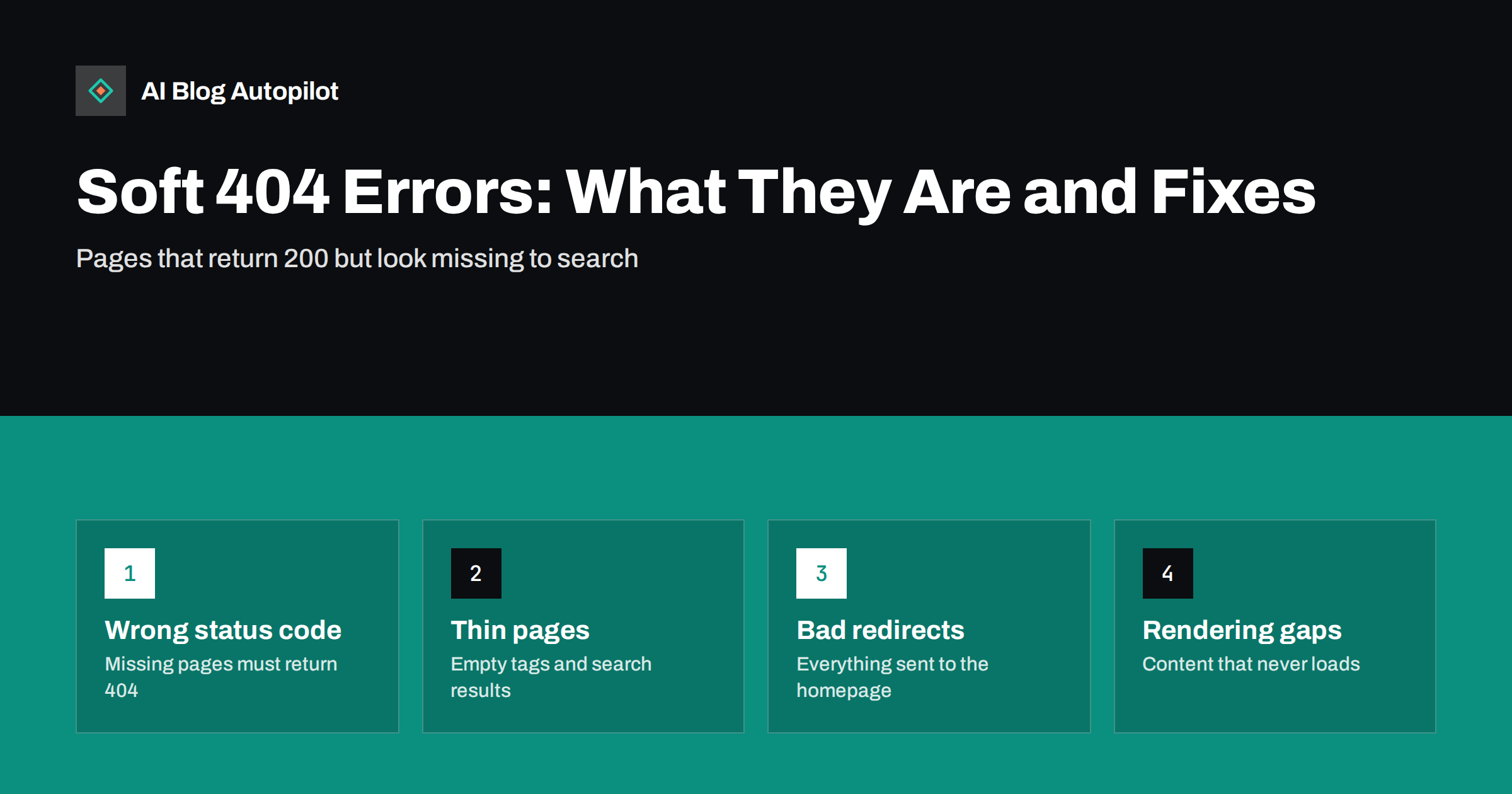
Short answer: a soft 404 is a page that tells browsers and search engines it loaded successfully, with an HTTP 200 status, but whose content looks like an error page, an empty page or a page with almost nothing useful on it. Search engines treat it as missing and usually drop it from the index. Fix it by returning a real 404 or 410 for pages that no longer exist, redirecting moved pages to a genuinely equivalent URL, and adding real content to pages that should stay.
Soft 404s are one of the more confusing reports in Search Console. The page opens fine in your browser, nothing is obviously broken, and yet search engines say it is effectively not there. The name does not help: it sounds like a minor version of a normal error, when in fact it describes a mismatch between what the server says and what the page shows.
This guide explains how soft 404s arise, why they matter, the causes that are typical on blogs and content sites, and a practical way to work through them.
Real 404s versus soft 404s
Every time a browser or crawler requests a page, the server replies with a status code before sending any content. The common ones are:
- 200 OK: the page exists and here it is.
- 301 or 308: the page has permanently moved to another URL.
- 404 Not Found: there is no page at this address.
- 410 Gone: the page existed but has been deliberately removed.
A real 404 is honest: the page does not exist and the server says so. That is normal and healthy. Every site has URLs that do not exist, and search engines simply drop them.
A soft 404 is a contradiction. The server says 200, everything is fine, but the content is an error message such as “Page not found”, a blank template, or so little that the page is useless. Search engines detect this by looking at the content itself, decide that the page is effectively missing, and treat it that way despite the status code. Google documents this in its page on HTTP status codes and network errors.
Why soft 404s matter
A handful of soft 404s on a large blog is rarely a crisis. But they are worth understanding, because they point at real problems:
- Pages you want indexed may be dropped. If a real article is flagged as a soft 404 because its content fails to load or looks empty, it will not appear in search.
- Crawling is wasted. Search engines keep revisiting URLs that return 200, so a large number of empty pages can soak up crawling that would be better spent on real content.
- Visitors hit dead ends. A page that says “not found” but looks like a normal page is confusing, and it often lacks the navigation a proper 404 page provides.
- Analytics become misleading. Error pages that return 200 are counted as normal page views, hiding how many visitors actually reach missing content.
Common causes on blogs and content sites
Most soft 404s fall into a small number of patterns. Identifying which one you have usually points straight to the fix.
1. The “not found” page returns 200
Some themes, page builders or custom setups show a “page not found” template but forget to send the 404 status code. Every mistyped or deleted URL then looks like a live page with error content. This is the classic soft 404 and affects the whole site at once.
2. Empty tag, category and archive pages
A tag with no posts, a category that was emptied, or an author archive for a user who never published produces a page with a heading and nothing else. Search engines see an empty list and flag it.
3. Internal search result pages
If your site search results pages are crawlable, a search for something with no results produces a “no results found” page with a 200 status. These should not be indexed at all.
4. Redirects to irrelevant pages
When deleted posts are all redirected to the home page or a generic blog page, search engines often treat those redirects as soft 404s, because the destination does not replace what the old URL was about.
5. Content that fails to render
If an article’s main text is loaded by JavaScript that fails for crawlers, or is blocked by robots.txt rules on the scripts it needs, the rendered page may look empty even though it works in your browser.
6. Very thin pages
Placeholder pages, “coming soon” posts, attachment pages showing a single image and product or listing pages with no description can look like errors because there is almost no main content.
How to find soft 404s on your site
Start with Search Console. In the page indexing report, soft 404s are listed as a reason why pages are not indexed. Open the list and look for patterns in the URLs: are they all tags, all old posts, all search pages or a random mix?
Then check a few examples directly:
- Check the status code. Use your browser’s developer tools (the Network tab) or a command-line request to see what status the URL returns. If a “not found” page shows 200, you have found cause one.
- Use the URL inspection tool. In Search Console, inspect the URL and view the tested page. This shows what the crawler rendered, which reveals rendering problems that look fine in your browser.
- Test a nonsense URL. Visit something like /this-page-does-not-exist-123/. If it returns 200 rather than 404, your whole site has the problem.
- Crawl the site. An SEO crawler can list every URL with its status code and word count, making empty archives and thin pages easy to spot.
Fixing each type of soft 404
The right fix depends on whether the page should exist.
If the page should not exist, make it return a real 404 or 410. Fix the theme or server configuration so that missing URLs send the correct status code together with your normal “not found” template. A helpful 404 page with search and links is good for visitors; it just needs the right status underneath.
If the page has moved, redirect it with a 301 to the closest genuine equivalent: the updated version of the article, a merged article that covers the same topic, or the most relevant category. If nothing equivalent exists, a 404 or 410 is more honest than a redirect to the home page.
If the page is empty but should exist, add real content. A category page can have a short introduction explaining the topic and link to its best articles. An important tag can get a description. If it will stay empty, remove it or mark it noindex until it has posts.
If the page is a search result or utility page, keep it out of the index. Add noindex to internal search results and avoid linking to them in ways crawlers follow.
If the content fails to render, make sure the main text is present in the HTML or renders reliably, and that robots.txt does not block the scripts and styles needed to display it. After fixing, check the rendered page again in the URL inspection tool.
Once fixed, use the validation option in Search Console’s indexing report to ask for the affected URLs to be rechecked. Expect the numbers to change over days or weeks, not immediately.
When a soft 404 report is wrong
Occasionally a genuinely useful page is flagged. This tends to happen with pages that have little text but real value, such as a short contact page, a calculator or a page whose main content is an image gallery. Look at the page as a crawler would: is there enough visible, meaningful text to show what it is and why it is useful?
Adding a clear heading, a sentence or two explaining the purpose of the page and relevant internal links usually resolves false positives. Avoid adding filler text just to make the page longer; aim to make its purpose obvious. If the page still looks right and is rendered correctly, it may simply take a recrawl for the status to clear.
Preventing soft 404s in the future
- Test your 404 status once after any theme change, migration or major plugin update.
- When you delete or merge posts, decide deliberately between a relevant redirect and a 404 or 410, rather than defaulting to the home page.
- Keep tags under control: avoid creating tags that will only ever hold one post, and clean up empty ones.
- Keep internal search results out of the index.
- Do not publish placeholder or “coming soon” posts. Publish when the content is ready.
- Review the page indexing report monthly, so new patterns are caught early.
How AI Blog Autopilot helps avoid thin pages
AI Blog Autopilot publishes complete, long-form articles to your WordPress blog rather than drafts or placeholders, and an automatic quality check looks at length, structure, keywords and meta before an article goes live. Articles that fail the check wait for you instead of being published. Tags are assigned as part of each article, which helps avoid the empty archive pages that commonly cause soft 404s. See how AI Blog Autopilot works.
Related reading
- Google Search Console: The Five Reports That Matter
- Content Pruning: When to Delete, Merge or Redirect a Blog Post
- Categories or Tags: How to Organise a Blog
- Migrating a Blog Without Losing Its Traffic
The bottom line
A soft 404 means the server says a page is fine while its content says it is missing or empty. The fix is to make the two agree: real 404 or 410 for pages that are gone, relevant 301 redirects for pages that moved, real content for pages that should stay, and noindex for utility pages such as search results. Check your status codes after every major change, and the report will stay short.
FAQ
What is a soft 404 error?
A soft 404 is a page that returns a success status code but whose content looks like an error, an empty page or a page with almost nothing on it. Search engines treat it as missing and usually do not index it.
Are soft 404s bad for SEO?
A few are not a problem in themselves, but they can signal real issues such as a broken 404 setup, empty archives or content that fails to render. If important pages are flagged, they will not appear in search until the cause is fixed.
Should I redirect deleted posts to the home page?
Generally no. Search engines often treat redirects to unrelated pages as soft 404s. Redirect to a genuinely equivalent page if one exists, and otherwise let the URL return a 404 or 410.
What is the difference between 404 and 410?
Both tell search engines the page is not available. A 404 means not found, while a 410 states that the page was deliberately removed. Search engines may drop a 410 slightly faster, but either is acceptable for deleted content.
How long does it take for fixed soft 404s to clear?
It depends on how often the affected URLs are recrawled. After fixing, use the validation option in Search Console. Many sites see the report update over several days to a few weeks.


